
1. Introduction
This manual provides comprehensive instructions for the installation, operation, and maintenance of your Junsun Car Radio, designed for Dodge Ram 1500, 2500, and 3500 models from 2013 to 2019. This unit features a 9-inch HD IPS display, Android 13 operating system, wireless/wired CarPlay and Android Auto, GPS navigation, Bluetooth 5.0, and FM/AM stereo functionality.
2. Safety Information
Always prioritize safety during installation and operation. Disconnect the vehicle's battery before beginning installation to prevent electrical shorts. Ensure all connections are secure and properly insulated. Do not attempt to operate the unit in a manner that distracts from driving. Consult a professional if you are unsure about any installation steps.
3. Package Contents
Verify that all components are present before beginning installation:
- Head Unit
- Frame
- Wire Cables
- Crowbar (for panel removal)
- RCA Cable
- Power Cable
- Screwdriver
- Can Bus Decoder
- Reversing Line
- Antenna
- Antenna Adapter Cable
- USB Cables (x2)
- Speaker
- Microphone
- GPS Module

Figure 3.1: All components included in the Junsun Car Radio package.
4. Installation Guide
This section outlines the general steps for installing your Junsun Car Radio. For detailed visual instructions, please refer to the official installation video provided below.
4.1. Removing the Original Unit
- Carefully remove the top dashboard panel above the radio using a pry tool (crowbar). This panel is typically held by clips.
- Locate and remove any screws securing the top part of the radio bezel.
- Gently pull the entire radio bezel assembly to detach it from the dashboard. It is secured by clips.
- Once the bezel is removed, you will see the existing radio unit. Unscrew the four larger bolts securing the original radio to the car's frame.
- Carefully disconnect all wiring harnesses from the back of the original radio.

Figure 4.1: Comparison of the Dodge Ram dashboard before and after installing the Junsun Car Radio.
4.2. Installing the New Junsun Unit
- Connect the new Junsun head unit to the provided wiring harnesses. Most connections are plug-and-play.
- Secure the new head unit into the dashboard using the four large bolts.
- Carefully reattach the radio bezel, ensuring all clips snap into place.
- Reinstall the top dashboard panel and any screws removed earlier.
Video 4.1: Detailed installation instructions for the Junsun Car Radio in a Dodge Ram 2013-2019 model. This video demonstrates the removal of the factory radio and the connection of the new unit's wiring harnesses.
5. Wiring Instructions
The Junsun Car Radio is designed for plug-and-play installation with your Dodge Ram. The main wiring harness connects directly to the vehicle's existing connectors. Additional connections are provided for specific functionalities.
5.1. Key Connections
- Main Power Harness: Connects to the vehicle's primary power and speaker wiring.
- CANBUS Decoder: This module eliminates error codes and ensures compatibility with vehicle features. Connect it as instructed.
- USB Cables: Two USB cables (6-pin and 4-pin) are provided. You can route these to a convenient location, such as the glove compartment or a custom-drilled hole in a storage pocket, for connecting devices.
- Bluetooth Antenna: Connect the Bluetooth antenna for optimal wireless performance.
- GPS Module: Connect the GPS module and place it in a location with a clear view of the sky for accurate navigation.
- Reverse Trigger Line & Video In: For OEM reversing camera functionality, connect the reverse trigger line and video input to the designated 10-pin connector on the head unit. If an external speaker is not connected, the turn signal warning tone may be affected.

Figure 5.1: OEM Reversing Camera Wiring Diagram.
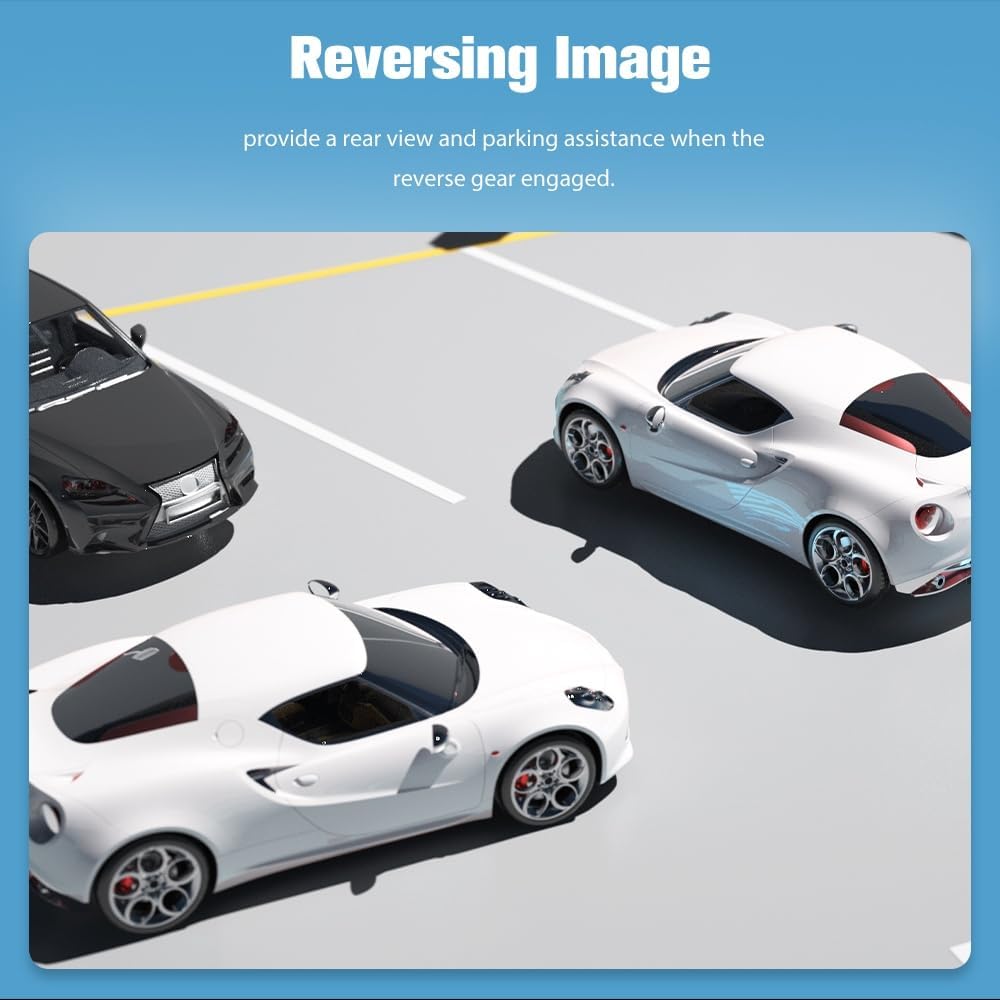
Figure 5.2: Overview of the Junsun Android Screen connections and comparison with the factory radio.
6. Operating Instructions
6.1. Display and User Interface
The unit features a 9-inch IPS HD touchscreen with 1280x720 resolution. Navigate through menus and applications by touching the screen. Three personalized UI themes are available for customization.
6.2. Smartphone Integration (CarPlay & Android Auto)
Connect your iPhone or Android device for seamless integration:
- Wireless Apple CarPlay: Connect via Bluetooth for convenient access to iPhone features.
- Android Auto: Compatible with both Bluetooth and USB connections.
- Screen Mirroring: Project your phone's content onto the large screen.

Figure 6.1: Apple CarPlay and Android Auto interfaces on the Junsun Car Radio.
6.3. Navigation
The unit supports built-in offline North American GPS navigation. You can also connect to WiFi to use online map applications or download preferred navigation apps from the App Store.

Figure 6.2: GPS Navigation display on the Junsun Car Radio.
6.4. Bluetooth 5.0
The upgraded Bluetooth 5.0 system supports hands-free calling, contact synchronization, and audio streaming. An external microphone is included for optimal call clarity.
6.5. FM/AM Radio
Stay connected with the premium FM/AM radio, providing access to the latest news and traffic updates.
6.6. Steering Wheel Controls
The system supports original steering wheel controls, allowing you to manage music and calls without taking your hands off the wheel. This feature requires proper CANBUS configuration during installation.

Figure 6.3: Steering Wheel Control interface for customization.
6.7. Rearview Camera
When the vehicle is in reverse gear, the rearview image will automatically display on the screen, providing parking assistance. The system supports both OEM and aftermarket cameras (e.g., HS19, not included).
Figure 6.4: Rearview camera display with parking assistance.
7. Maintenance
Keep the screen clean using a soft, lint-free cloth. Avoid abrasive cleaners. Ensure all cables remain securely connected. Periodically check for software updates to maintain optimal performance and security.
8. Troubleshooting
- Q: What are the CANBUS car type options?
A: Go to Car Settings >> Factory >> Code 000000 >> SimpleSoft >> Chrysler/Jeep >> JEEP_XP04 Jeep Grand Cherokee/ 2018 Jeep Wrangler. (Note: Specific settings may vary; consult the unit's interface for exact options.)
- Q: Why does Android Auto show loading but can't connect?
A: Please check if your phone's WiFi is on. This issue can also occur if your phone's Android version is higher than what the head unit currently supports, preventing a match. Contact customer support for update methods if necessary.
- Q: OEM Backup Camera not working after installation.
A: Adjust the settings for the OEM backup camera within the unit's system settings. Ensure the reverse trigger line and video input are correctly connected to the 10-pin connector.
- Q: Turn signal warning tone is missing.
A: If the external speaker is not connected, it may cause the turn signal warning tone to disappear. Ensure the external speaker is properly connected.
9. Specifications
| Feature | Detail |
|---|---|
| Model Number | JS-US-XT892SCRAM319-FXX |
| Operating System | Android 13 |
| RAM | 2GB |
| Internal Storage | 64GB |
| Display Size | 9 Inches |
| Display Resolution | 1280x720 (HD IPS) |
| Bluetooth Version | 5.0 |
| WiFi Connectivity | 5G WiFi |
| Special Features | Wireless/Wired CarPlay, Android Auto, GPS, DSP, RDS, Touchscreen, Steering Wheel Control Support |
| Vehicle Service Type | Truck (Dodge Ram 1500/2500/3500, 2013-2019) |
| Mounting Type | Dashboard Mount |
| Item Weight | 3.78 pounds |
| Package Dimensions | 11.81 x 11.06 x 4.88 inches |
10. Warranty & Support
Warranty: This Junsun Car Radio comes with a 1-year manufacturer's warranty from the date of purchase.
Customer Support: Our dedicated professional after-sales support team is available 24/7 to assist you with any inquiries or issues. For technical assistance or warranty claims, please contact Junsun Car Electronics directly through their official channels or the seller platform.
You can visit the Junsun Store on Amazon for more information and support.


