
Product Overview
The REOLINK Elite Pro Floodlight PoE is a 16MP dual-lens security camera designed for outdoor surveillance. It offers a 180° panoramic view, local AI video search capabilities, full-color and infrared night vision, smart detection features, and 24/7 recording options. This manual provides detailed instructions for setting up, operating, and maintaining your device.
Setup and Installation
Package Contents
The package includes the REOLINK Elite Pro Floodlight PoE camera and an Ethernet cable. A power adapter is not included as the camera is powered via Power over Ethernet (PoE).
- REOLINK Elite Pro Floodlight PoE Camera
- Ethernet Cable
- Mounting hardware (screws, anchors, mounting plate, mounting bar)
- Waterproof lid for Ethernet port
- Wrench for adjustment
PoE Easy Installation, Plug & Play
PoE cameras require only one Ethernet cable to connect to a PoE NVR/switch. This single cable provides both power and network connectivity, simplifying installation. Ensure your Reolink NVR (models RLN8-410:N7MB01, RLN16-410:N6MB01, RLN36:N5MB01) supports 16MP display. The recommended PoE Switch for use is 802.3at, with a single port power of more than 25W.

Image: Diagram illustrating the connection of the PoE camera to a router via an Ethernet cable and PoE injector.
Flexible Installation Options
The camera supports both wall and ceiling installation. The design allows for manual adjustment of the camera angle (up to 255° vertically and 240° horizontally for the floodlights, and 360° for the camera module) to achieve optimal coverage. The device has an IP66 waterproof rating, ensuring rugged durability for outdoor use.

Image: Visual representation of the camera's dual lenses capturing a wide 180° field of view with 16MP clarity.
Components Overview
Familiarize yourself with the main components of the floodlight camera:
- Floodlight: Provides illumination.
- IR LEDs: Infrared LEDs for night vision.
- Mic: Built-in microphone for audio input.
- microSD Card Slot: For local storage (up to 512GB, SD card not included).
- Reset Button: To reset the device.
- Speaker: For two-way audio output and siren.
- Network Cable (back): For PoE connection.
Note: This model does not have an external power supply port. Please use with a PoE Injector/Switch/Reolink NVR (not included).

Image: Annotated diagram showing the various parts of the camera.
Initial Setup Steps
- Turn on the camera by connecting it to a PoE NVR/switch using an Ethernet cable.
- Complete the initial setup by scanning the QR code with the Reolink app/client or accessing the camera directly via the NVR interface.
- If the hardware version is Hw_H3MB18, Hw_N3MB01, or Hw_N2MB02, you must update the firmware to the latest version.
- We recommend setting the main resolution to 4096*1536 in Preview mode.
- If the main resolution is set to 7680*2160, the image will not be displayed successfully.
- Compatibility with third-party NVRs/software is not guaranteed.
Official Installation Video
Video: An unboxing and installation guide for the Reolink Elite Pro PoE camera, demonstrating the setup process.
Operating Instructions
High Pixel and Dual Lens
Experience 16MP ultra-high definition picture quality. The dual-lens system provides a 180° panoramic view without blind spots, seamlessly stitched by two 8MP pixel lenses. Digital zoom allows for clearer detail capture.
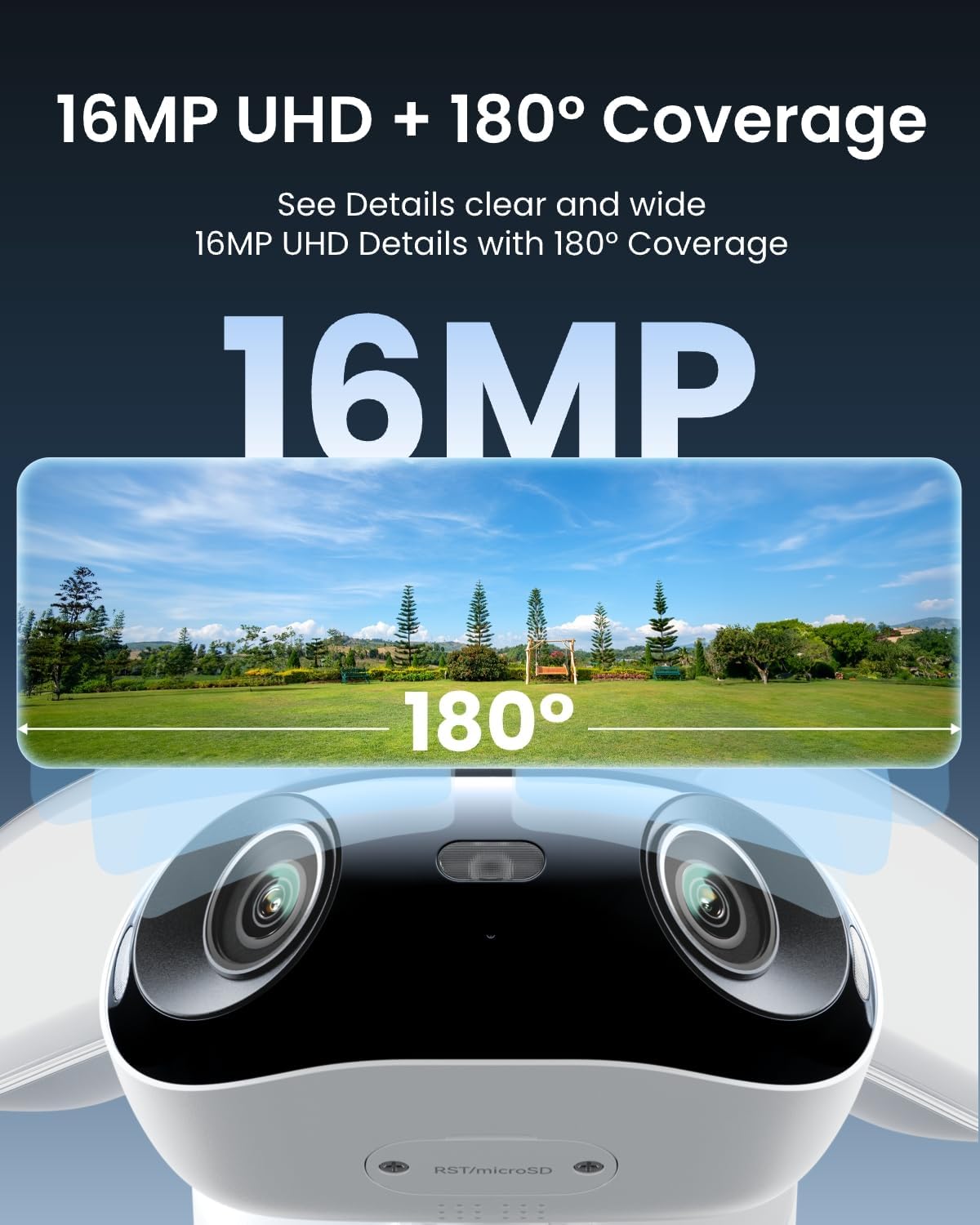
Image: The camera's dual lenses capturing a wide 180° field of view with 16MP clarity.
Color Night Vision and Infrared Night Vision
Equipped with a 2800 lumens ultra-bright floodlight, the camera can deter intruders and capture full-color details even in low-light conditions. It supports both full-color and infrared night vision for clear viewing in various environments. Custom lighting modes allow adjustment of brightness, color temperature, and floodlight angle.
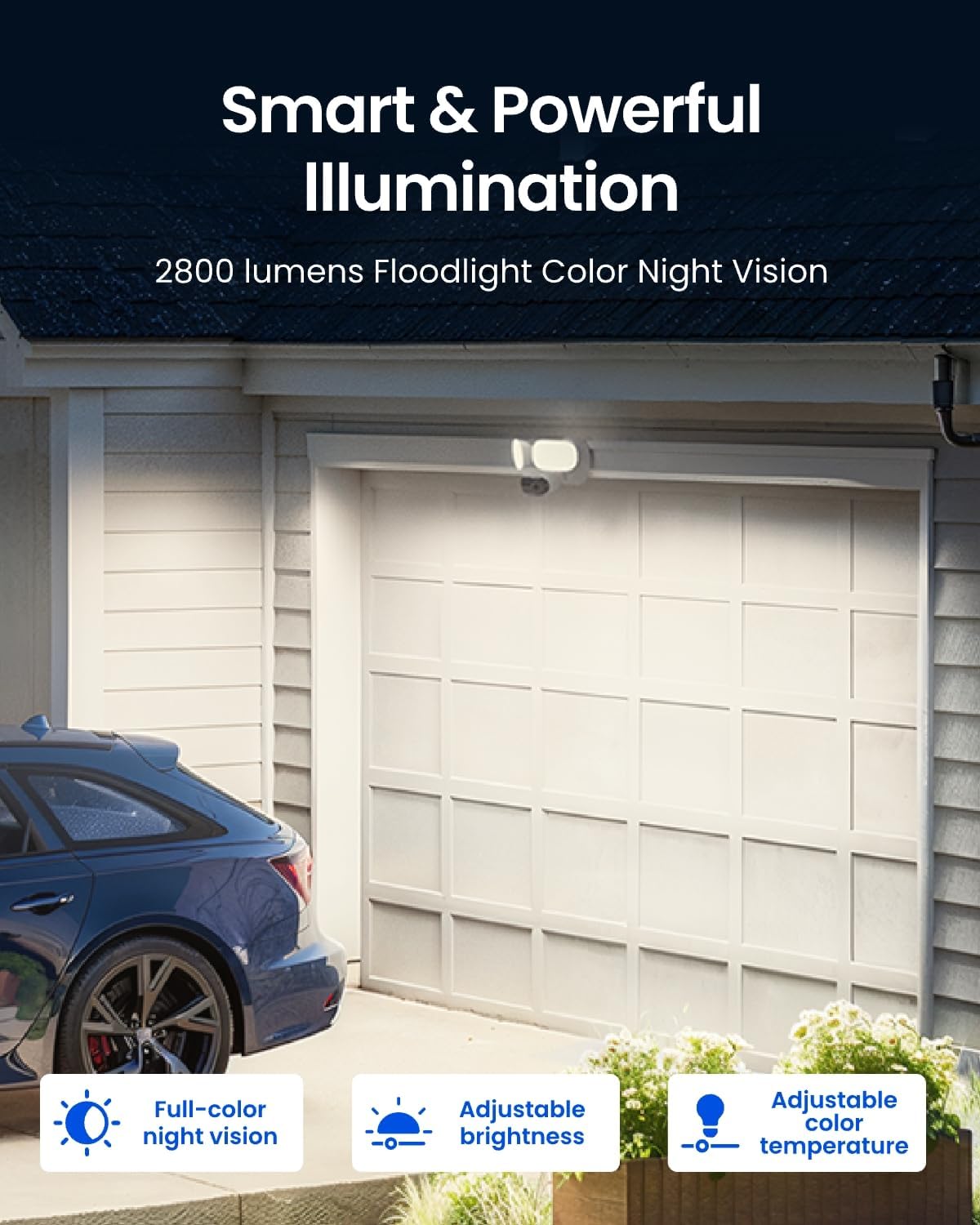
Image: The floodlight camera providing powerful illumination with customizable settings for night vision.
Intelligent Detection and Two-Way Talk
The camera features intelligent detection for humans, vehicles, and animals. Upon detecting movement, the floodlight instantly illuminates, and a 105dB siren or user-entered voice alert can be triggered. Real-time two-way voice communication and push alarm notifications are also supported. The trigger alarm brightness and duration are adjustable.
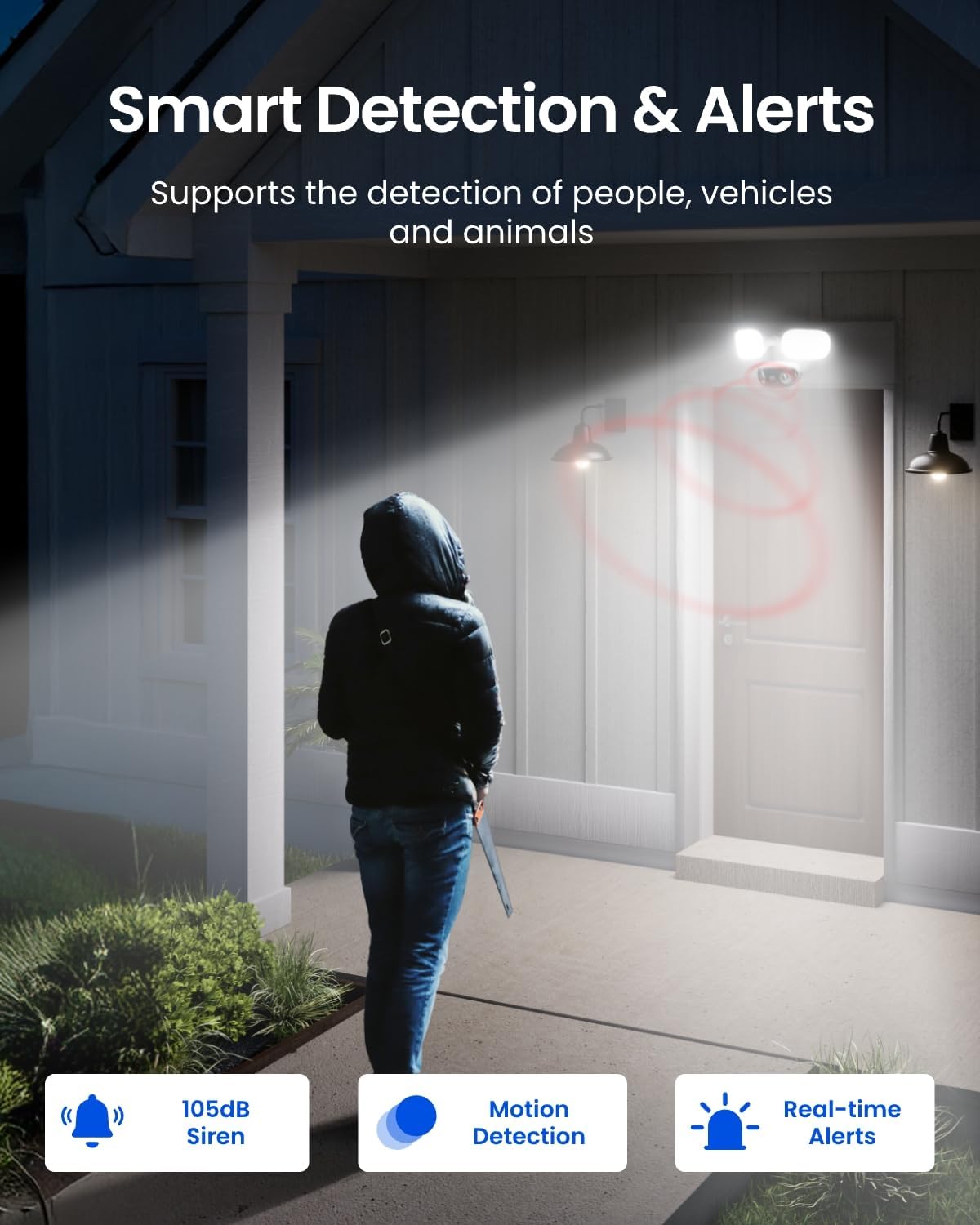
Image: The camera's smart detection and alert features in action, including floodlight activation and siren.
Local AI Video Search
Utilize local AI video search without any subscription fees. This feature allows for intelligent playback and searching for specific events (e.g., "Child wearing blue jeans") within your recorded footage. Ensure your Reolink App/Client is updated to the latest version for optimal functionality. This feature is only available when the camera is used standalone (not connected to NVR).

Image: The Reolink app's AI video search interface, showing search results for specific criteria.
Motion Track
The Motion Track feature allows you to view movement trajectories in a single image, accessible via the app or email, without needing to download videos. This provides a quick overview of activity in the monitored area.
Custom Motion Zones and Perimeter Protection
Customize motion zones and alarm delays to minimize false alerts. Advanced perimeter protection features include Line Crossing Alerts, Zone Intrusion Alerts, and Zone Loitering Alerts, providing comprehensive security without extra fees.
Multiple Platforms and Storage Methods
The camera supports multi-platform and multi-user access, allowing up to 20 users to view and 12 users to access the channel remotely simultaneously. Recordings can be stored on a microSD card (up to 512GB, not included), Reolink NVR, FTP, or NAS, offering flexible, subscription-free storage options.

Image: Visual representation of the camera's flexible storage solutions.
Video Compression
The camera supports H.264/H.265 high-efficiency video compression encoding, ensuring efficient storage and transmission of high-quality video footage.
Specifications
| Feature | Detail |
|---|---|
| Recommended Uses | Outdoor Security |
| Brand | REOLINK |
| Model Name | Elite Pro Floodlight PoE |
| Connectivity Technology | Ethernet |
| Special Feature | Frame Rate, HD Resolution, Night Vision |
| Indoor/Outdoor Usage | Outdoor |
| Compatible Devices | Reolink NVR |
| Mount Type | Ceiling Mount |
| Color | White |
| Effective Still Resolution | 16 MP |
| Video Capture Resolution | 16MP |
| Zoom Type | Digital Zoom |
| Item Dimensions | 6.85 x 7.24 x 11.61 inches |
| Power Source | Corded Electric |
| Night Vision | Night Color |
Warranty and Support
Warranty Information
The REOLINK Elite Pro Floodlight PoE typically comes with a 2-year warranty. For detailed terms and conditions, please refer to the warranty information provided with your product packaging or visit the official REOLINK website.
Customer Support
For further assistance, troubleshooting, or product inquiries, please visit the official REOLINK support website or contact their customer service team. You can often find FAQs, firmware updates, and detailed guides online.
Official REOLINK Website: reolink.com