
UGREEN Nexode 100W GaN USB C Retractable Charger
Contents
UGREEN Nexode 100W GaN USB C Retractable Charger User Manual
Model: Nexode 100W GaN USB C Retractable Charger
1. Introduction and Overview
This manual provides detailed instructions for the safe and efficient use of your UGREEN Nexode 100W GaN USB C Retractable Charger. This advanced wall adapter is designed for fast charging multiple devices simultaneously, featuring a convenient retractable cable and GaN technology for high efficiency in a compact form factor.

Figure 1.1: UGREEN Nexode 100W GaN USB C Retractable Charger. This image shows the compact charger with its integrated retractable USB-C cable and multiple output ports (USB-C1, USB-C2, USB-A).
2. Key Features
- 100W Ultra-Fast Charging & Tangle-Free Design: Delivers up to 100W output via USB-C ports (single-device), enabling rapid charging for compatible devices. The integrated 75cm retractable coiled cable minimizes clutter and enhances portability.
- GaNInfinity Technology for Superior Efficiency: Utilizes advanced Gallium Nitride (GaN) chips, resulting in a 3x higher power density and 95% conversion efficiency. This technology allows for a compact and lightweight design.
- Simultaneous 4-Device Charging with Smart Power Allocation: Equipped with two USB-C ports and one USB-A port, allowing for simultaneous charging of up to four devices. The charger's intelligent power allocation system will distribute the total available power (100W max) efficiently among the connected devices.
- 8-Layer Safety Protection & Active Thermal Guard: Features a comprehensive multi-protection system against overvoltage, overcurrent, short-circuit, undervoltage, interference, temperature, overpower, and manual restart. An active thermal guard ensures real-time temperature detection and efficient heat dissipation.
- Universal Compatibility & Travel-Ready: Compatible with a wide range of devices including laptops (MacBook/Dell XPS), phones (iPhone/Android), tablets, and more. Its compact, all-in-one design makes it ideal for travel.

Figure 2.1: Illustration of the 75cm full-length coiled retractable cable, demonstrating its convenience and tangle-free design.
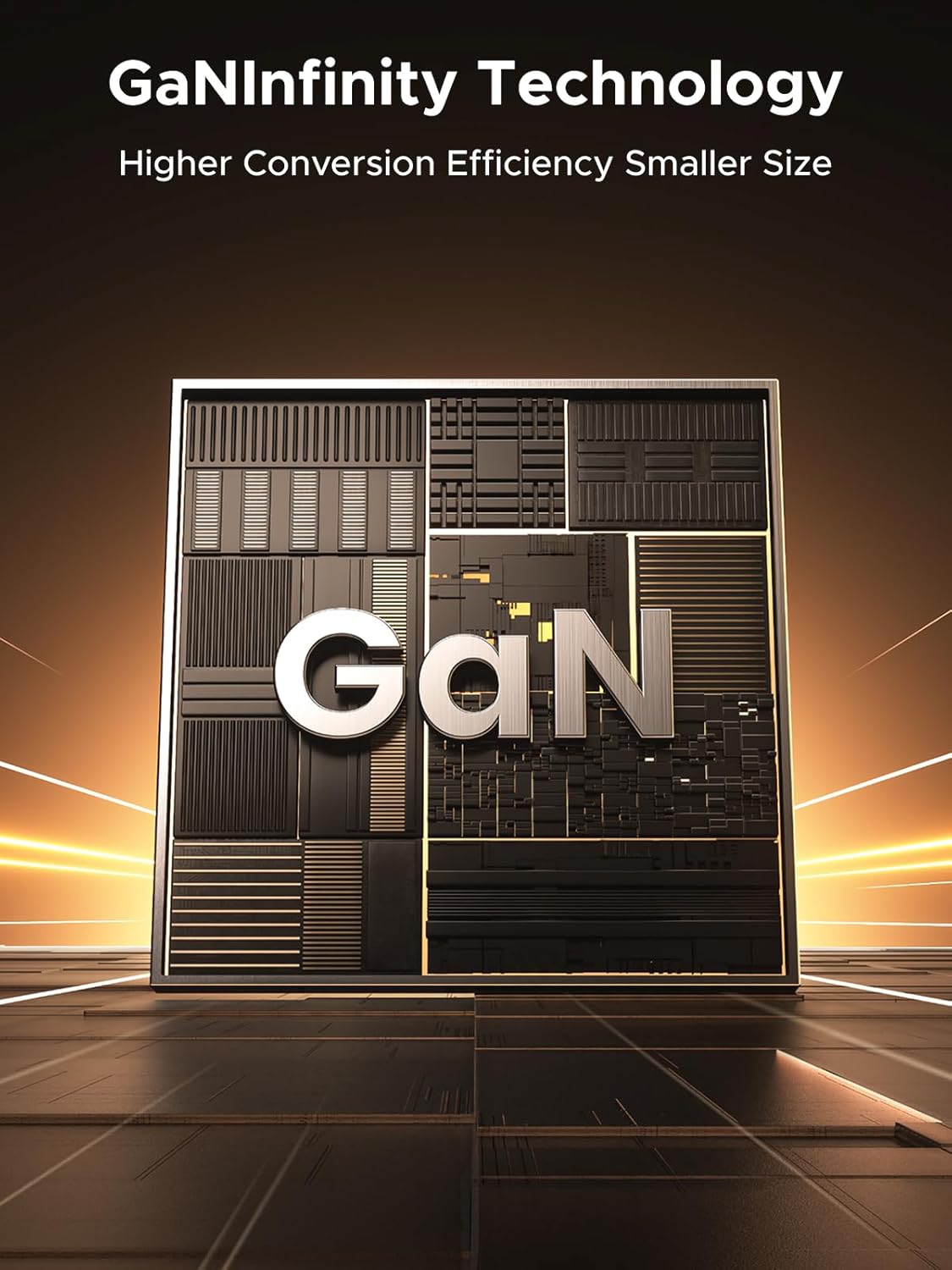
Figure 2.2: Visual representation of GaNInfinity Technology, highlighting the advanced GaN chip for higher conversion efficiency and smaller size.

Figure 2.3: A user charging multiple devices (laptop, phone, earbuds, tablet) simultaneously with the UGREEN Nexode charger, illustrating its multi-device capability.
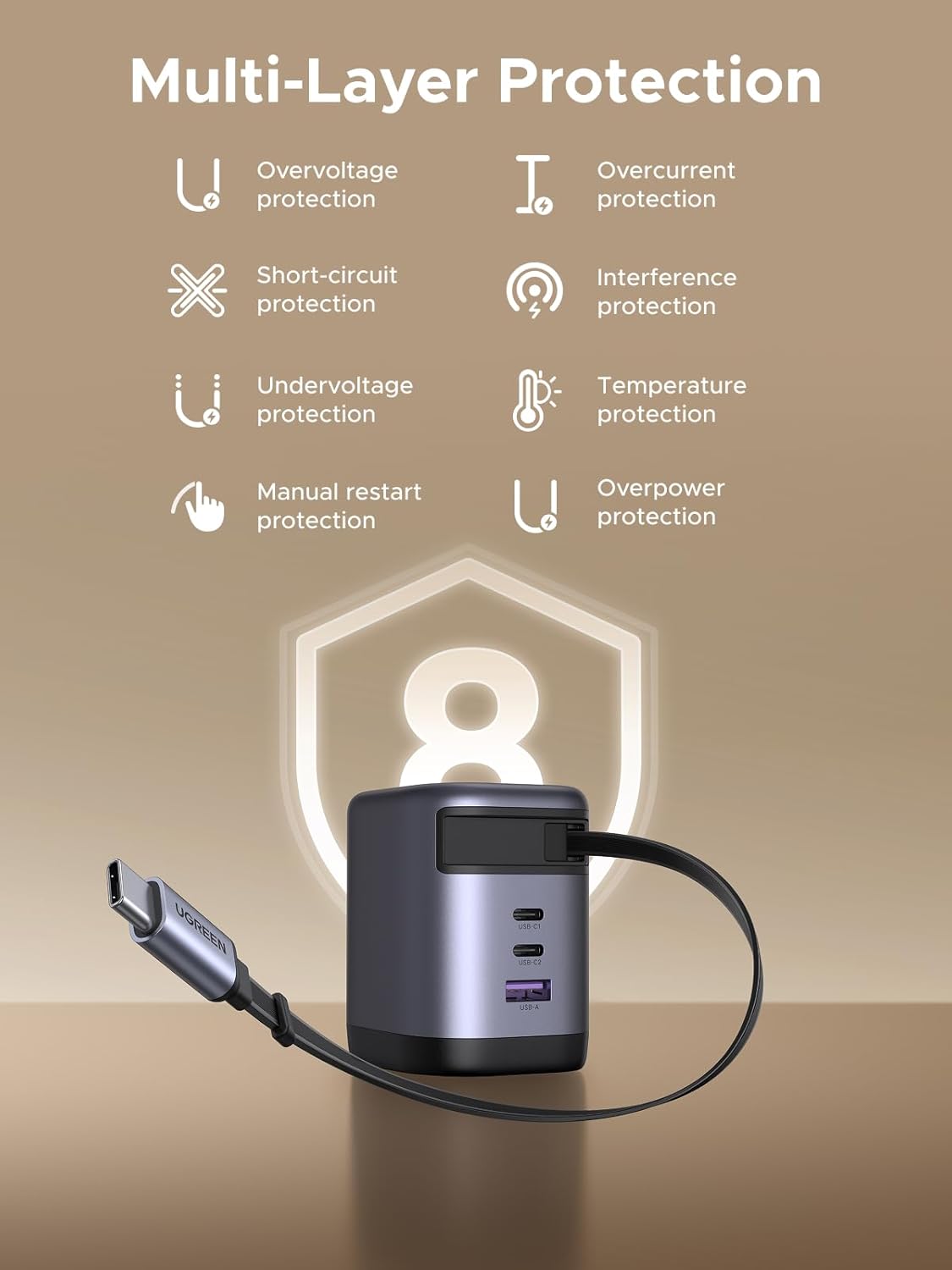
Figure 2.4: Diagram illustrating the 8-layer safety protection features, including overvoltage, overcurrent, short-circuit, and temperature protection.
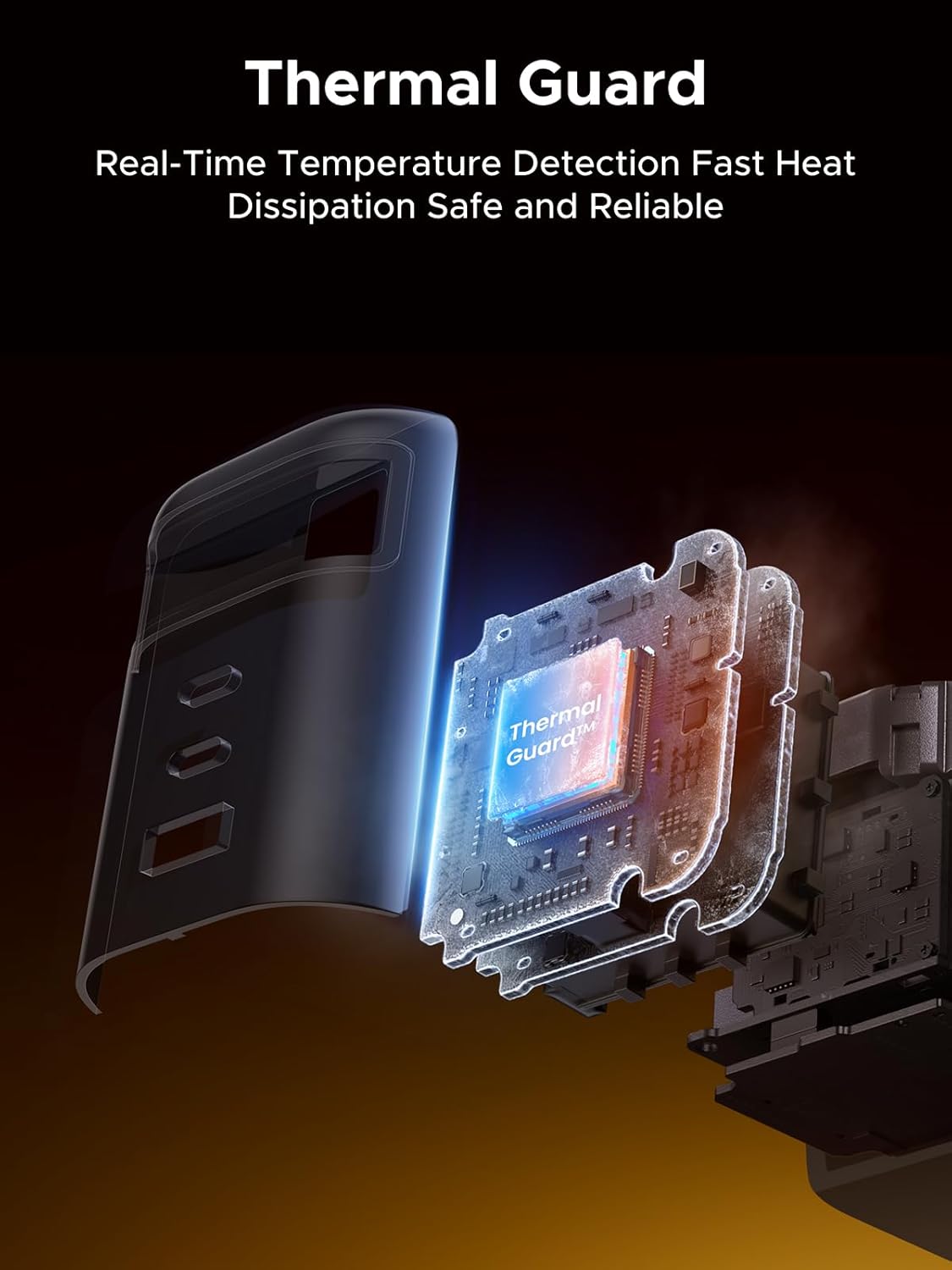
Figure 2.5: An exploded view showing the internal components and the "Thermal Guard" chip, emphasizing real-time temperature detection and fast heat dissipation.
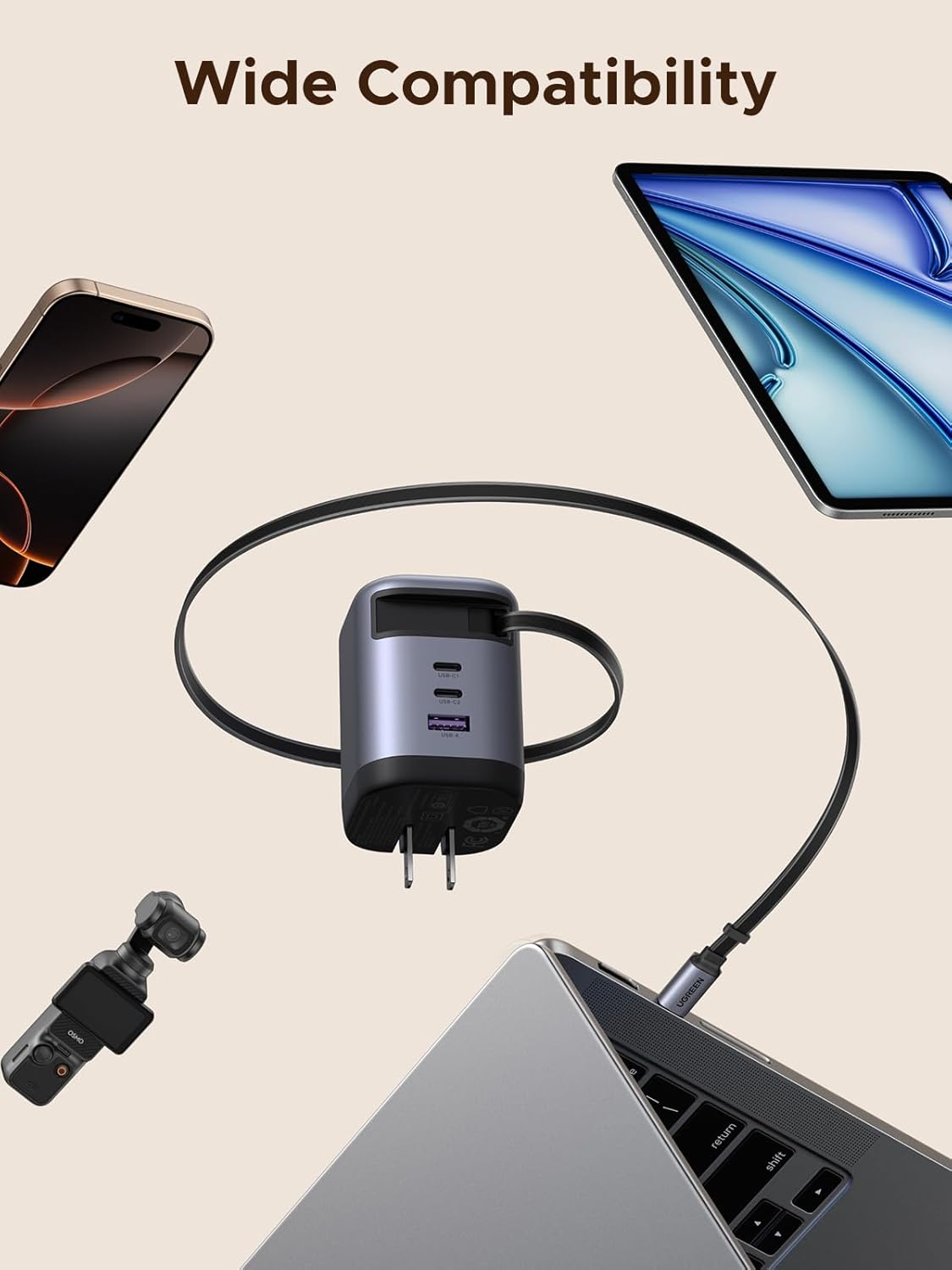
Figure 2.6: An image showcasing the charger's compatibility with various devices such as laptops, smartphones, tablets, and drones.
3. Setup
- Unpack the Charger: Carefully remove the UGREEN Nexode charger from its packaging.
- Extend the Retractable Cable: Gently pull the integrated USB-C cable from both ends until it reaches the desired length (up to 75cm). Do not pull from only one side to avoid damage to the retraction mechanism.
- Plug into Power Outlet: Insert the charger's AC prongs into a standard wall power outlet (120 Volts).
- Connect Your Device:
- For devices compatible with the built-in USB-C cable, connect the cable directly to your device's USB-C port.
- For other devices, use your own USB-C to USB-C cable or USB-A to compatible cable and connect it to the available USB-C1, USB-C2, or USB-A ports on the charger.
- Verify Charging: Once connected, your device should indicate that it is charging.
4. Operating Instructions
The UGREEN Nexode 100W GaN USB C Retractable Charger is designed for intuitive operation. Follow these guidelines for optimal performance:
- Single Device Charging: For maximum charging speed (up to 100W), connect a single high-power device (e.g., laptop) to either the built-in USB-C cable or one of the USB-C ports (USB-C1 or USB-C2).
- Multi-Device Charging: You can charge up to four devices simultaneously using the two USB-C ports, one USB-A port, and the integrated USB-C cable. The charger's intelligent power allocation system will distribute the total available power (100W max) efficiently among the connected devices.
- Retracting the Cable: To retract the built-in cable, gently pull both ends of the cable slightly further out, then release. The cable will automatically retract into the charger. Ensure the cable is not twisted or kinked during retraction.
- Safety Features: The charger incorporates 8 layers of safety protection. If an issue such as overvoltage or short-circuit is detected, the charger may temporarily stop charging to protect your devices. Disconnect and reconnect your devices if this occurs.
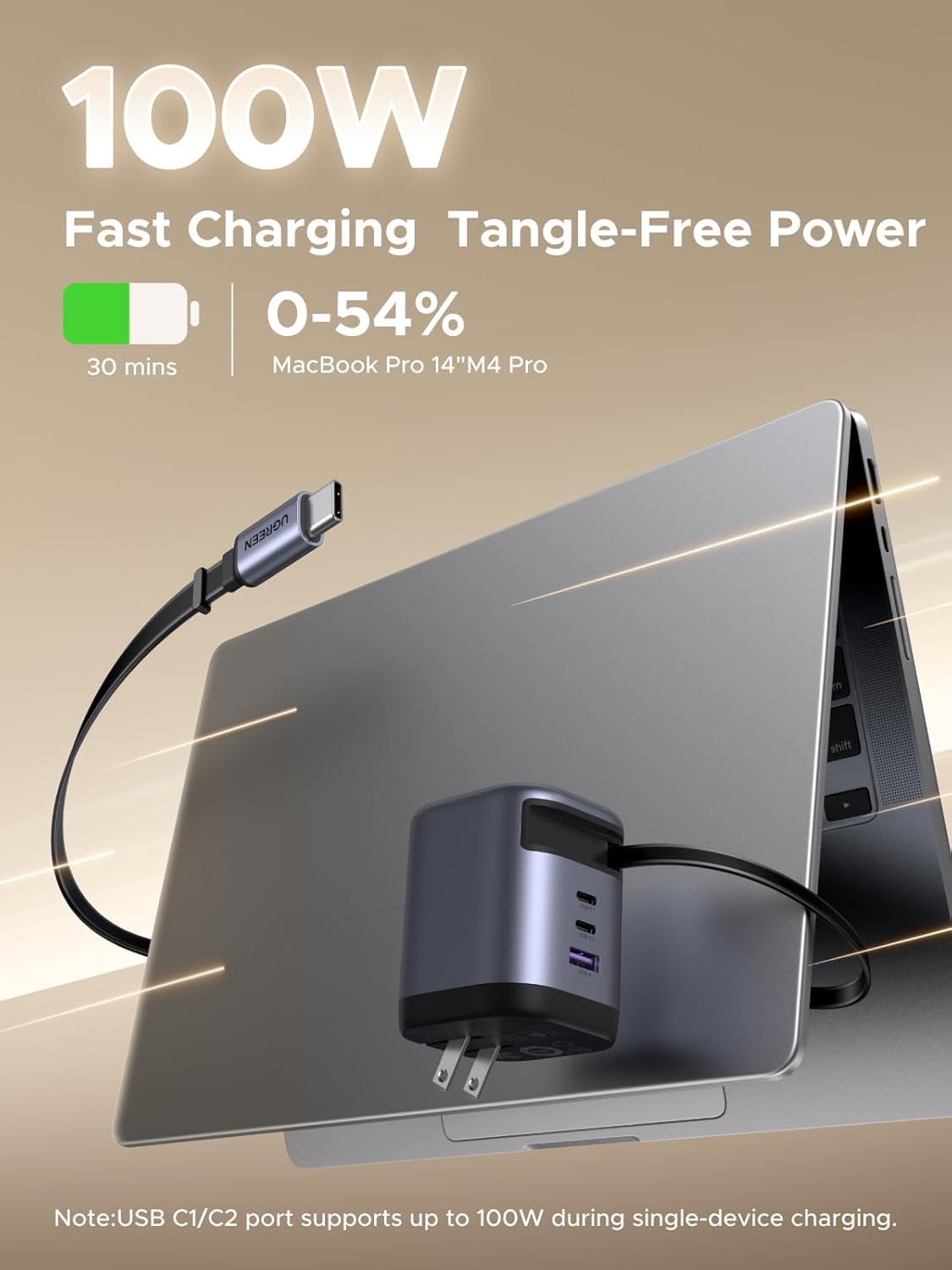
Figure 4.1: An image demonstrating the 100W fast charging capability, showing a MacBook Pro charging from 0-54% in 30 minutes via a USB-C port.
5. Maintenance
Proper maintenance ensures the longevity and optimal performance of your UGREEN Nexode charger.
- Cleaning: Disconnect the charger from the power outlet and all devices before cleaning. Use a soft, dry cloth to wipe the surface. Do not use liquid cleaners or aerosols.
- Storage: When not in use, store the charger in a cool, dry place away from direct sunlight and extreme temperatures. Ensure the retractable cable is fully retracted to prevent damage.
- Cable Care: Avoid excessive pulling or bending of the retractable cable. Do not force the cable if it resists retraction.
- Avoid Drops and Impacts: Protect the charger from physical shocks, as internal components can be damaged.
6. Troubleshooting
| Problem | Possible Cause | Solution |
|---|---|---|
| Charger not providing power. | No power from outlet; loose connection; charger fault. | Check if the power outlet is active. Ensure the charger is firmly plugged in. Try a different outlet. If the issue persists, contact support. |
| Device charging slowly. | Multiple devices connected; device not supporting fast charging; cable issue. | Disconnect other devices to allow maximum power to a single device. Ensure your device supports the charger's fast charging protocols. Use a high-quality cable. |
| Retractable cable not retracting smoothly. | Cable twisted or jammed; mechanism issue. | Gently pull the cable out slightly further, then release. Ensure the cable is not twisted. Do not force retraction. |
| Charger feels warm during use. | Normal operation; heavy load. | It is normal for the charger to feel warm during heavy use, especially when charging multiple devices or high-power devices. If it becomes excessively hot or emits smoke/smell, disconnect immediately and contact support. |
7. Specifications
| Feature | Detail |
|---|---|
| Brand | UGREEN |
| Model | Nexode 100W GaN USB C Retractable Charger |
| Connectivity Technology | USB |
| Connector Type | USB Type A, USB Type C (2x USB-C, 1x USB-A, 1x Integrated USB-C) |
| Compatible Devices | Laptops (e.g., MacBook/Dell XPS), Phones (e.g., iPhone 16, Android), Tablets (e.g., iPad, MatePad), DJI Drones, and more. |
| Special Feature | Multi Device Charging, Retractable Built-in Cable, GaNInfinity Technology, 8-Layer Safety Protection, Active Thermal Guard |
| Input Voltage | 120 Volts (AC) |
| Total USB Ports | 4 (2x USB-C, 1x USB-A, 1x Integrated USB-C) |
| Wattage | 100 watts (Max total output) |
| Built-in Cable Length | 75cm (full length) |
8. Warranty and Support
UGREEN products are designed and manufactured to the highest quality standards. For warranty information and customer support, please refer to the official UGREEN website or contact their customer service directly.
For further assistance, visit the UGREEN Store on Amazon or the official UGREEN support channels.
Ask a question about this manual
Ask about setup, troubleshooting, compatibility, parts, safety, or missing instructions. Manuals+ will review the question and use this page’s manual context to help answer it.