
HONOR fa657f70-5f14-4b8b-9fed-9a77e6ef5a06
HONOR CHOICE Watch 2i User Manual
Bluetooth Calling Smart Watch with 1.85-inch AMOLED Display
1. Introduction
Welcome to the user manual for your new HONOR CHOICE Watch 2i. This guide provides essential information on setting up, operating, maintaining, and troubleshooting your smartwatch. Please read this manual carefully to ensure proper use and to maximize the features of your device.

Figure 1.1: The HONOR CHOICE Watch 2i, a sleek black smartwatch with a vibrant display.
2. What's in the Box
Your HONOR CHOICE Watch 2i package should contain the following items:
- HONOR CHOICE Watch 2i (1 unit)
- Charging Cable (1 unit)
- Instruction Manual (1 unit)
3. Setup
3.1 Initial Charging
Before first use, fully charge your HONOR CHOICE Watch 2i. Connect the magnetic charging cable to the charging port on the back of the watch and plug the USB end into a power adapter (not included) or a computer's USB port.
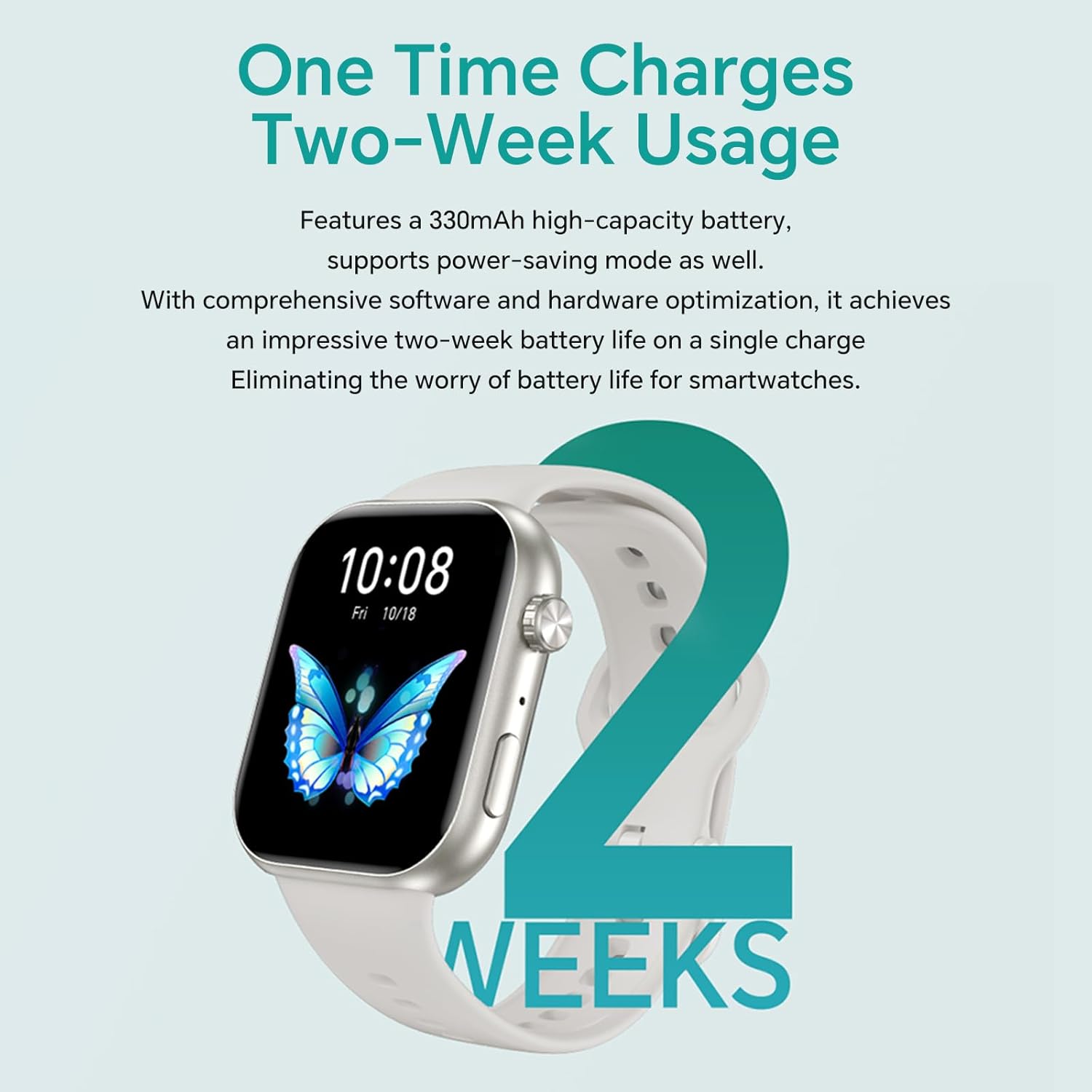
Figure 3.1: The HONOR CHOICE Watch 2i being charged, highlighting its extended battery life.
3.2 App Installation and Pairing
- Download the HONOR Health App from your smartphone's app store (compatible with Android and iOS).
- Open the app and follow the on-screen instructions to create an account or log in.
- Navigate to the device pairing section within the app and select your HONOR CHOICE Watch 2i from the list of available devices.
- Confirm the pairing request on both your smartphone and the watch.
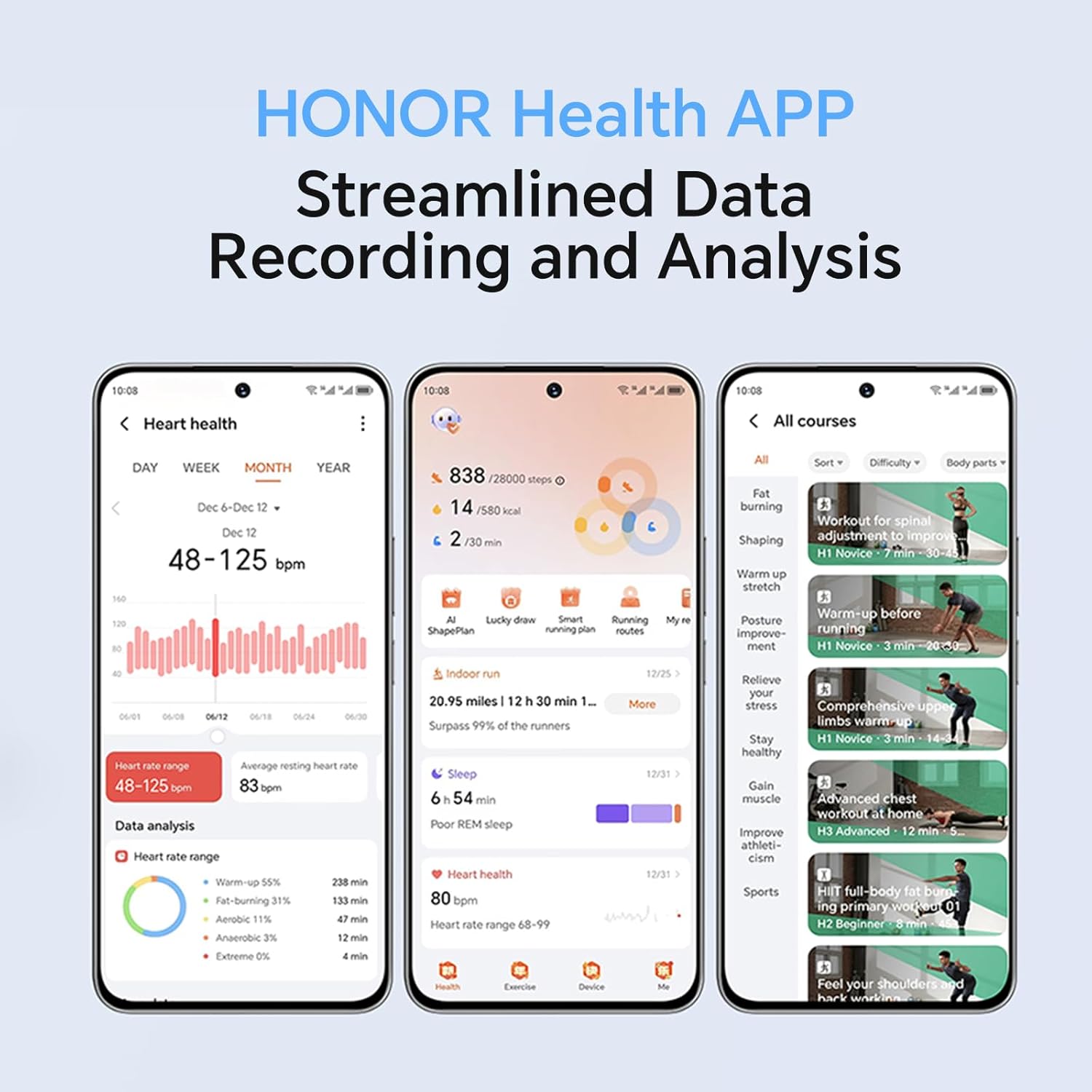
Figure 3.2: The HONOR Health App interface, demonstrating its data recording and analysis capabilities.
3.3 Initial Configuration
Once paired, the app will guide you through initial settings such as personal information, notification preferences, and watch face selection. You can customize watch faces from a variety of options, including dynamic and gallery faces.

Figure 3.3: Customizable watch faces on the HONOR CHOICE Watch 2i.
4. Operating the Watch
4.1 Basic Navigation
The HONOR CHOICE Watch 2i features a 1.85-inch AMOLED touchscreen and a physical crown/button for navigation. Swipe left/right, up/down to access different functions and menus. Press the crown to return to the home screen or access the app list.

Figure 4.1: Detail of the watch's metallic texture and independent crown/buttons.
4.2 Bluetooth Calling
When connected to your smartphone via Bluetooth, you can make and receive calls directly from your watch. The watch supports quick answering and easy dialing.
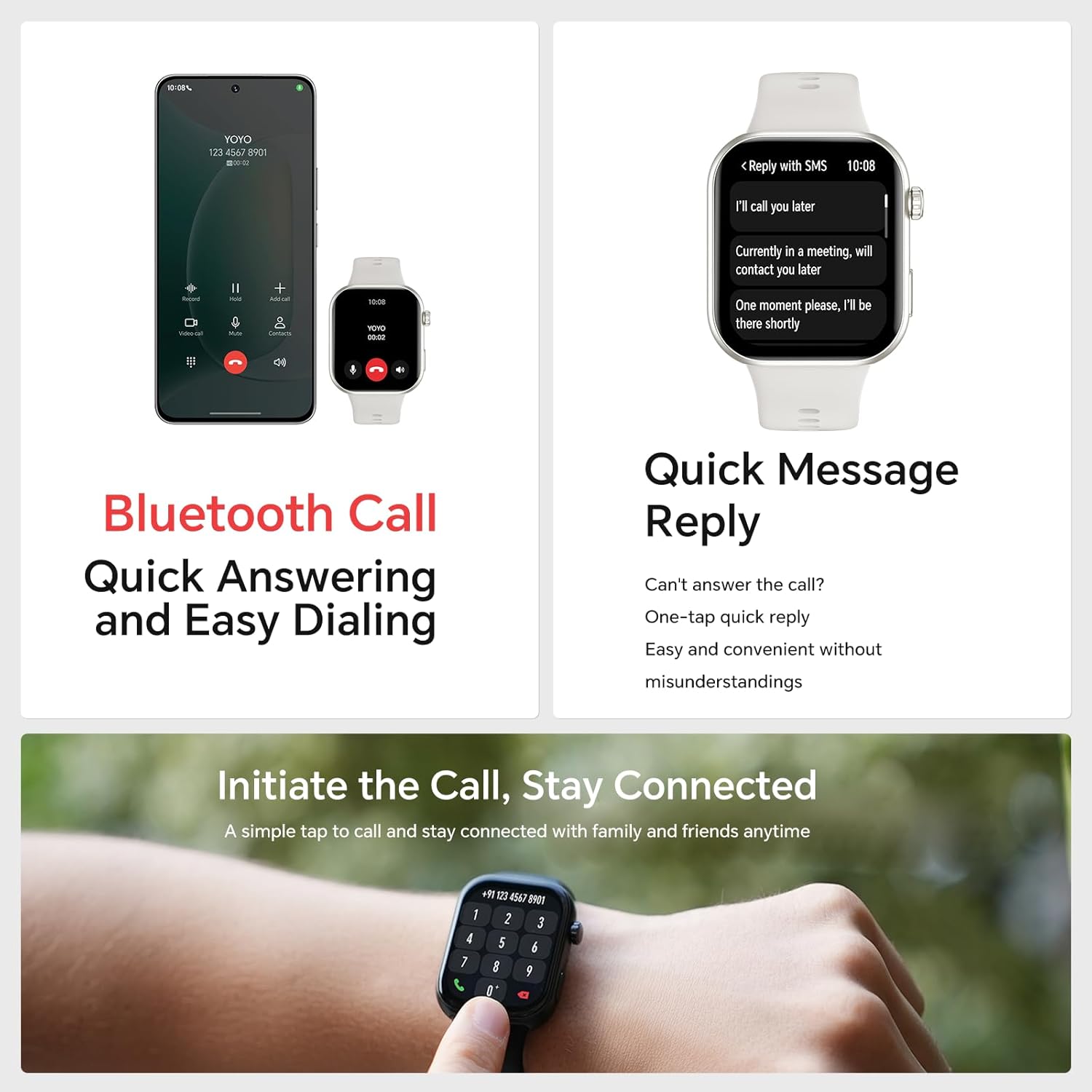
Figure 4.2: Bluetooth call functionality on the HONOR CHOICE Watch 2i.
4.3 Health Monitoring
The watch continuously monitors various health metrics:
- Heart Rate: 24-hour heart rate tracking.
- SpO2: Blood oxygen saturation monitoring.
- Sleep Tracking: Analyzes sleep quality and stages (light, deep, REM).
- Stress Levels: Monitors stress and provides breathing exercises.
- Menstrual Cycle Tracking: For female users.
Abnormal readings will trigger alerts. Detailed data can be viewed in the HONOR Health App.
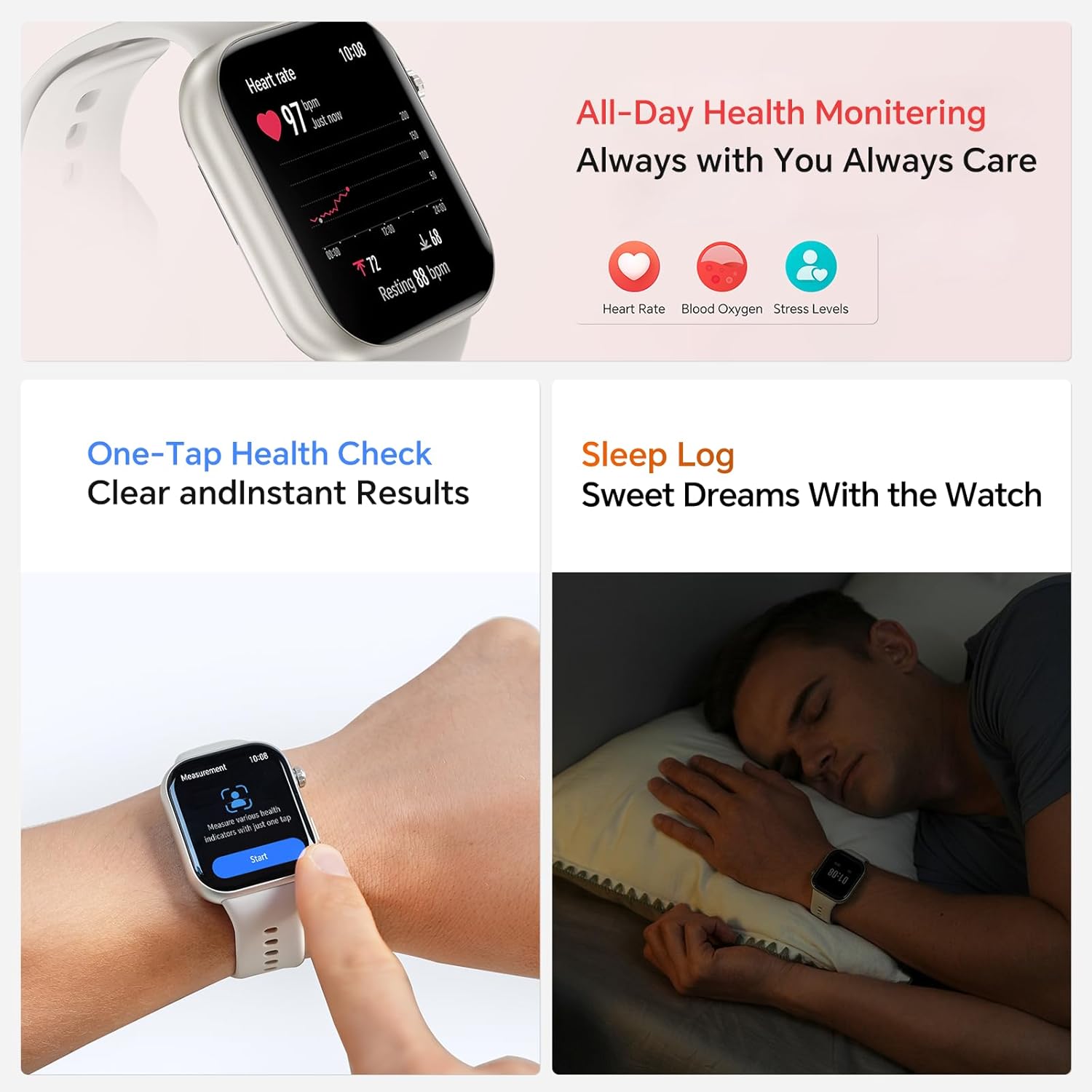
Figure 4.3: All-day health monitoring features.
4.4 Workout Modes
The watch supports over 109 workout modes, including running, cycling, hiking, and more. It can automatically recognize 5 types of exercises. For outdoor activities, the app can record and map your movement trajectories using your smartphone's GPS.
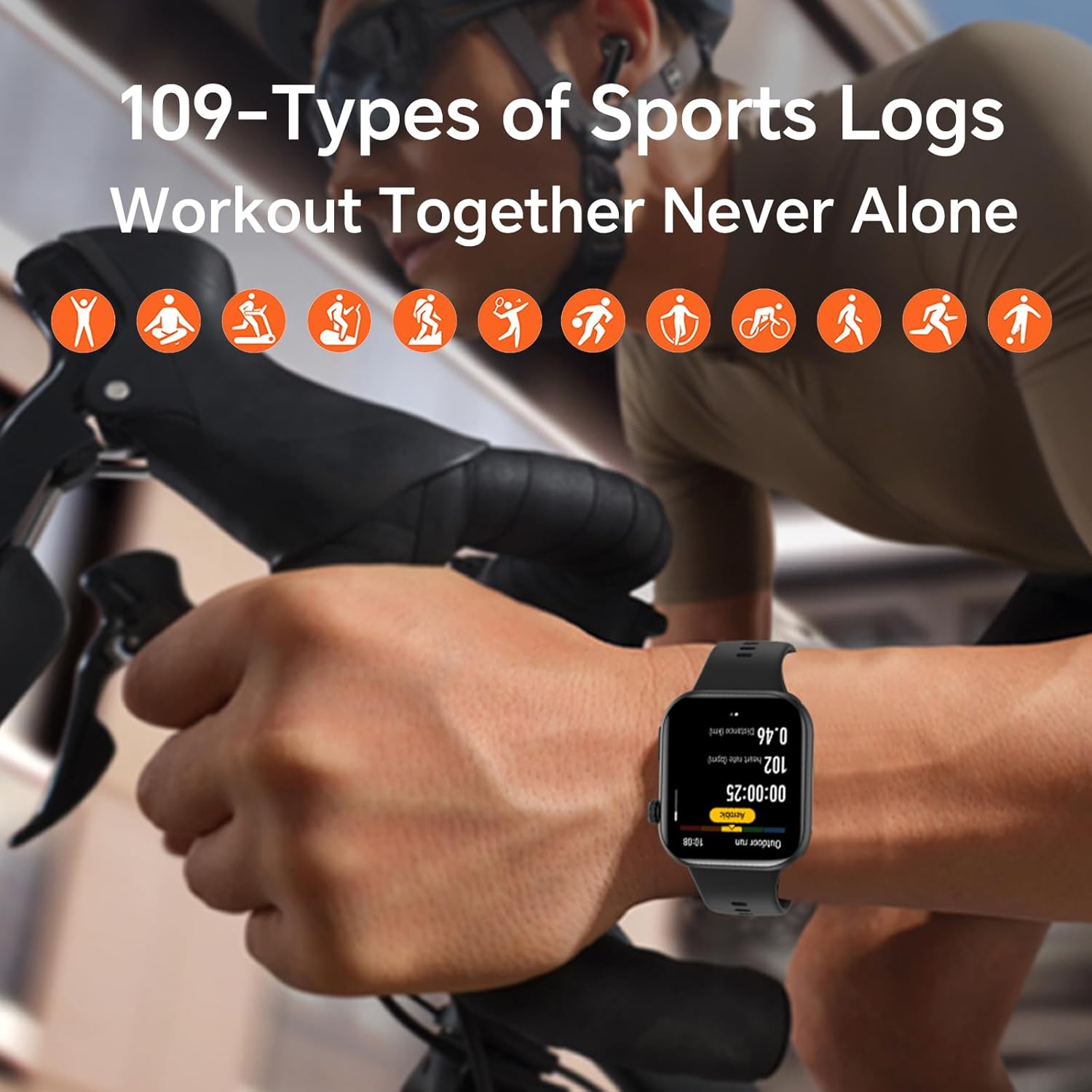
Figure 4.4: The watch tracking a cycling workout, demonstrating its 109+ sports modes.
4.5 Smart Features
The HONOR CHOICE Watch 2i offers additional smart functionalities:
- Notifications: Receive alerts for calls, messages, and app notifications.
- Quick Message Reply: Send pre-set quick replies to messages.
- Music Control: Control music playback on your paired smartphone.
- Camera Control: Remotely control your smartphone's camera.
- Do Not Disturb Mode: Silence notifications during specific times.
- SOS One-Tap Assistance: For emergency contacts.
- Portable Calendar: Effortless planning.

Figure 4.5: Overview of smart features on the watch.
5. Maintenance
5.1 Charging
To maintain optimal battery life, charge your watch regularly. The 330 mAh battery provides up to 14 days of usage on a single charge. Use the provided magnetic charging cable.
5.2 Cleaning
Wipe the watch and strap regularly with a soft, dry cloth. If necessary, use a slightly damp cloth and then dry thoroughly. Avoid using harsh chemicals or abrasive materials.
5.3 Water Resistance
The HONOR CHOICE Watch 2i is rated 1ATM and IP68, meaning it is resistant to dust and can withstand immersion in water up to 1 meter for 30 minutes. It is suitable for daily use and light water activities, but not for diving or high-pressure water activities.
5.4 Strap Replacement
The watch features a quick-release strap mechanism, allowing for easy replacement. Simply slide the pin on the strap to detach it and attach a new one.

Figure 5.1: Quick-release strap for easy customization.
6. Troubleshooting
If you encounter issues with your HONOR CHOICE Watch 2i, try the following common solutions:
- Watch not turning on: Ensure the watch is fully charged.
- Cannot pair with phone: Ensure Bluetooth is enabled on both devices. Restart both the watch and phone. Check if the HONOR Health App is updated.
- Inaccurate health data: Ensure the watch is worn snugly on your wrist, not too tight or too loose. Clean the sensors on the back of the watch.
- Notifications not appearing: Check notification settings in the HONOR Health App and your phone's system settings to ensure the app has necessary permissions.
- Short battery life: Reduce screen brightness, disable unnecessary features like always-on display, and limit background app refresh.
For more detailed troubleshooting, refer to the help section within the HONOR Health App or visit the official HONOR support website.
7. Specifications
| Feature | Specification |
|---|---|
| Brand | HONOR |
| Model | fa657f70-5f14-4b8b-9fed-9a77e6ef5a06 |
| Display | 1.85-inch AMOLED Touchscreen |
| Operating System | Android 9.0 (compatible with Android and iOS) |
| Connectivity | Bluetooth |
| Battery Life | Up to 14 days (typical usage) |
| Water Resistance | 1ATM, IP68 |
| Weight | 100 g |
| Dimensions | 10.3 x 10.2 x 5 cm |
| Additional Features | Bluetooth Call, Health Monitoring (Heart Rate, SpO2, Sleep, Stress), 109+ Workout Modes |
8. Warranty and Support
For warranty information and customer support, please refer to the warranty card included with your product or visit the official HONOR support website. Keep your purchase receipt as proof of purchase for warranty claims.
For further assistance, you can also visit the HONOR Store on Amazon.
Related documentsfa657f70-5f14-4b8b-9fed-9a77e6ef5a06


Ask a question about this manual
Ask about setup, troubleshooting, compatibility, parts, safety, or missing instructions. Manuals+ will review the question and use this page’s manual context to help answer it.