Introduction
This manual provides essential information for setting up, operating, maintaining, and troubleshooting your Truely M16 Pro Mini 3G Smartphone. Please read this guide thoroughly to ensure proper use and to maximize the performance of your device.
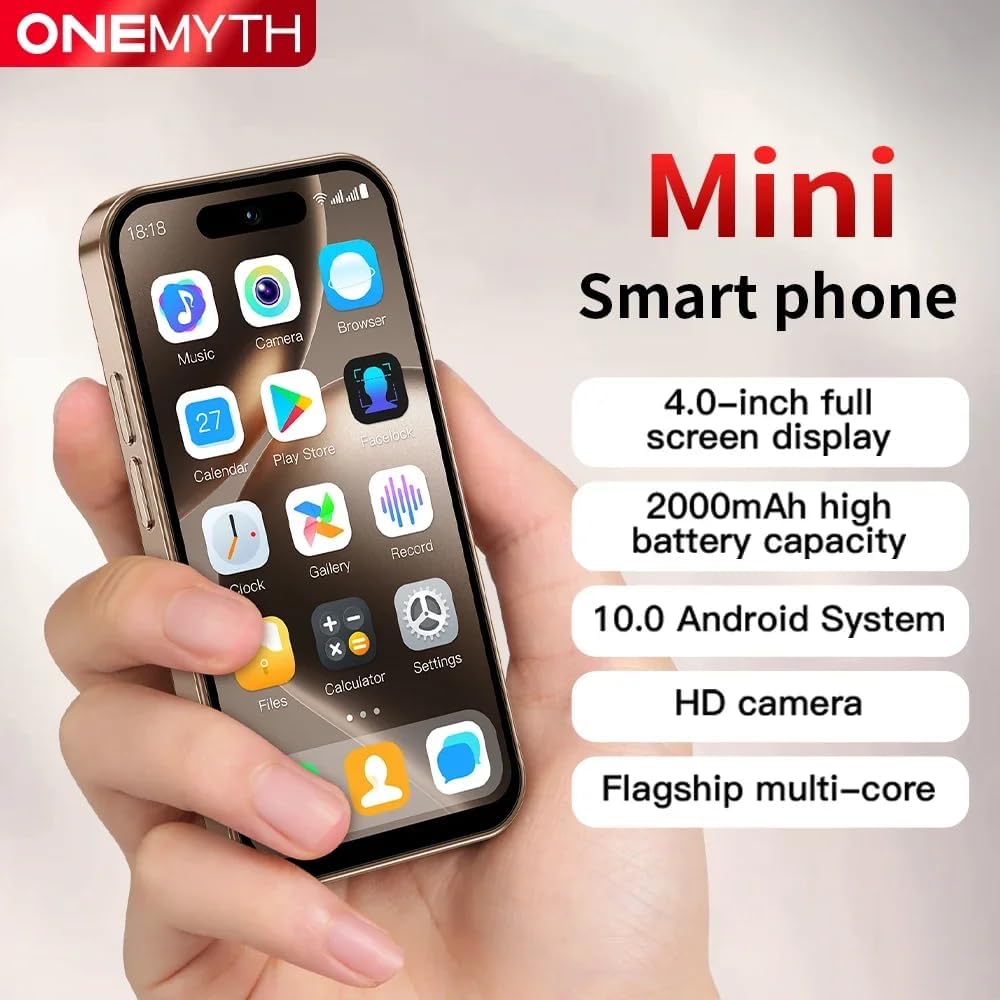
The Truely M16 Pro Mini Smartphone, designed for portability and essential functions.
Setup
1. Unboxing and Package Contents
Before starting, ensure all items are present in the package:
- Truely M16 Pro Mini Smartphone
- USB Type-C Charging Cable
- User Manual (this document)
- Phone Case
- Phone Screen Protector
- SIM Tray Ejector
2. SIM Card and External Memory Card Installation
The Truely M16 Pro supports dual SIM cards and an external memory card for expanded storage.
- Locate the SIM card tray on the side of the phone.
- Insert the SIM tray ejector tool into the small hole next to the tray and press gently until the tray pops out.
- Carefully place your Nano SIM card(s) and/or Micro SD card into the designated slots on the tray. Refer to the diagram below for correct orientation.
- Gently push the tray back into the phone until it clicks into place.

Illustration of the dual SIM and Micro SD card tray for the M16 Pro.
3. Initial Power On and Basic Setup
- Press and hold the power button (usually on the right side) until the Truely logo appears.
- Follow the on-screen prompts to select your language, connect to a Wi-Fi network, and set up your Google account.
- You will be guided through setting up security features like pattern, PIN, or password unlock.
Operating Your Smartphone
1. Navigation and Display
The M16 Pro features a 4.0-inch HD display. Navigate by tapping, swiping, and pinching. The Android 10.0 operating system provides an intuitive user interface.

The 4.0-inch HD display offers clear visuals for daily use.
2. Making Calls and Sending Messages
- Calls: Tap the Phone icon, enter the number, and tap the call button. For dual SIM, you may be prompted to choose which SIM to use.
- Messages: Tap the Messages icon, start a new conversation, enter the recipient's number or select from contacts, and type your message.
3. Camera Functions
The phone is equipped with a 5MP rear camera and a 2MP front camera. Open the Camera app to take photos or record videos.
- Tap to focus on a subject.
- Use the flash in low-light conditions (rear camera only).
- Switch between front and rear cameras using the icon on the screen.
This video demonstrates the compact size, camera functionality, and media playback capabilities of the Truely M16 Pro Mini Smartphone.
4. Connectivity
- 3G Network: The phone supports WCDMA (B1/B2/B4/B5/B8) and GSM (850/900/1800/1900) bands for cellular data and calls.
- Bluetooth: Connect to Bluetooth devices like headphones or speakers via the Settings menu.
- Wi-Fi: Connect to wireless networks for internet access.
5. Security Features
Protect your device and data using various unlock methods:
- Pattern Unlock: Draw a specific pattern on the screen.
- Face Unlock: Use facial recognition for quick and secure access.
- Password/PIN Unlock: Enter a numerical PIN or alphanumeric password.

The M16 Pro offers facial recognition for enhanced security.
6. Battery Management
The M16 Pro is equipped with a 2000mAh battery and supports Type-C fast charging.
- To charge, connect the USB Type-C cable to the phone's charging port and a compatible power adapter.
- To optimize battery life, adjust screen brightness, close unused apps, and enable power-saving modes in Settings.
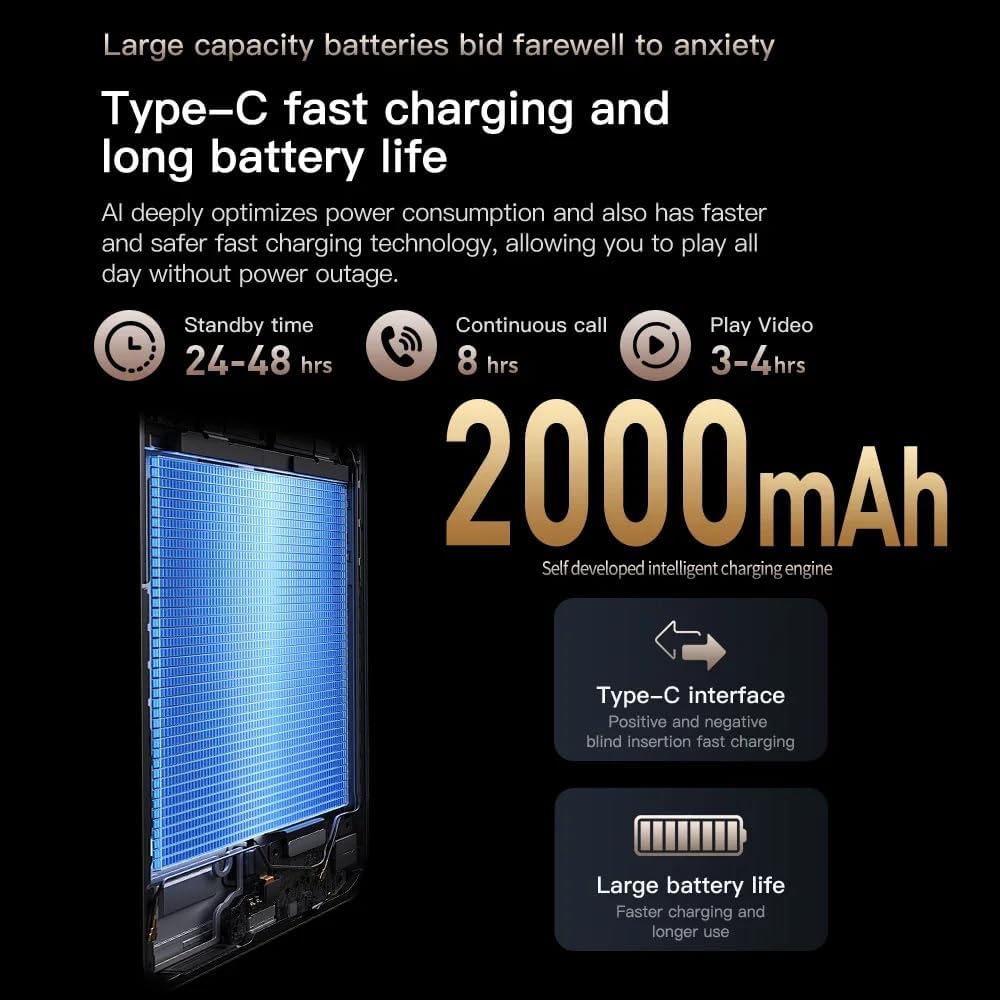
Details on the 2000mAh battery and Type-C fast charging capabilities.
7. Storage
The phone comes with 16GB of internal storage, expandable via a Micro SD card. Manage your storage through the Settings app to view usage and free up space.
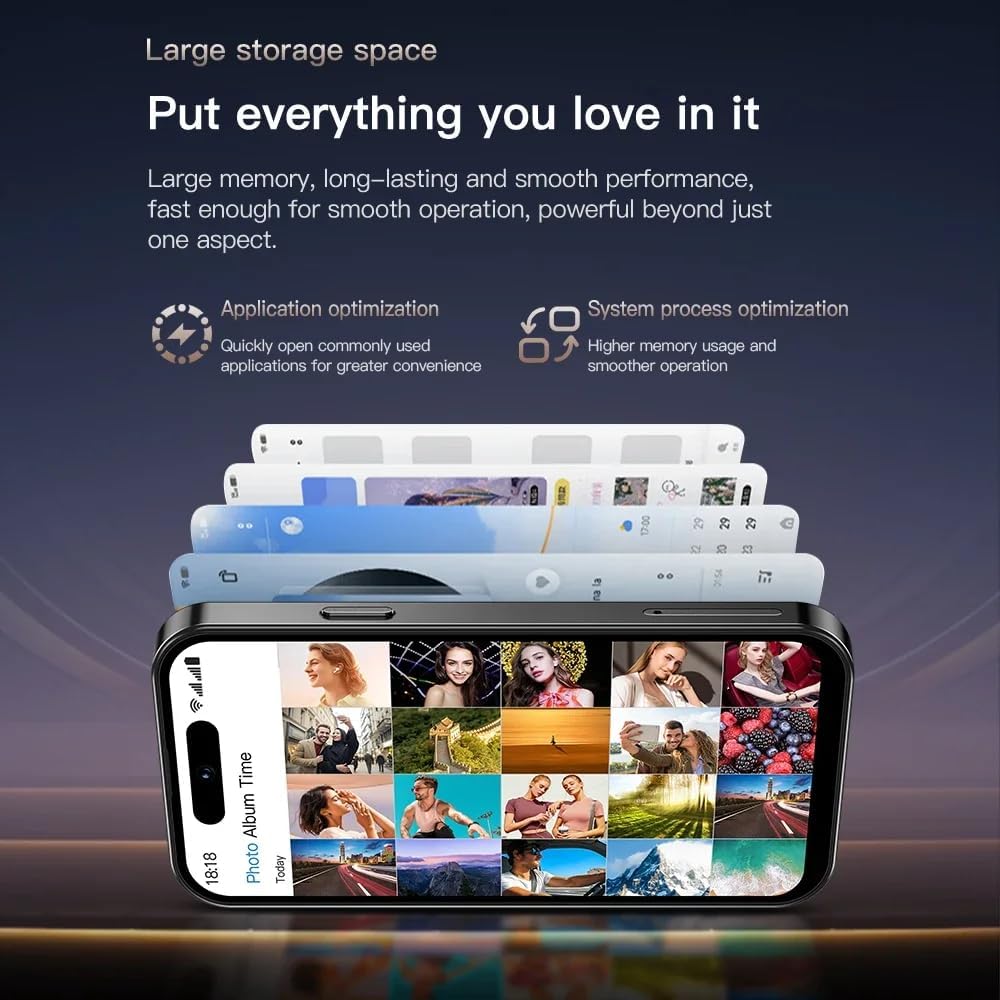
The M16 Pro offers ample storage for applications and media, expandable with a Micro SD card.
Maintenance
- Cleaning: Use a soft, lint-free cloth to clean the screen and body. Avoid harsh chemicals.
- Software Updates: Regularly check for and install system updates to ensure optimal performance and security. Go to Settings > System > System update.
- Battery Care: Avoid extreme temperatures. Do not let the battery fully drain frequently.
- Protection: Use the provided phone case and screen protector to prevent physical damage.
Troubleshooting
| Problem | Solution |
|---|---|
| Phone does not turn on | Ensure the battery is charged. Connect to a charger for at least 30 minutes, then try powering on again. |
| Cannot connect to Wi-Fi | Check if Wi-Fi is enabled in Settings. Restart your router and phone. Forget the network and reconnect. |
| Poor call quality | Check your network signal strength. Move to an area with better reception. Ensure SIM card is properly inserted. |
| Apps are crashing or freezing | Close and reopen the app. Clear the app's cache (Settings > Apps > [App Name] > Storage > Clear cache). Restart the phone. |
| Battery drains quickly | Reduce screen brightness, disable unused features (Bluetooth, GPS), close background apps, and check battery usage in Settings. |
Specifications
| Feature | Detail |
|---|---|
| Model Name | M16 Pro |
| Operating System | Android 10.0 |
| Screen Size | 4.0 Inches |
| RAM | 2 GB |
| Internal Storage | 16 GB |
| Expandable Storage | Yes (Micro SD) |
| Cellular Technology | 3G (WCDMA B1/B2/B4/B5/B8, GSM 850/900/1800/1900) |
| Dual SIM | Yes |
| Rear Camera | 5 MP |
| Front Camera | 2 MP |
| Battery Capacity | 2000 mAh |
| Charging Port | USB Type-C |
| Connectivity | Bluetooth, Wi-Fi |
| Special Features | Dual SIM, External Memory Card Support, Face Unlock |
Warranty and Support
Your Truely M16 Pro Mini 3G Smartphone comes with a standard manufacturer's warranty. Please refer to the warranty card included in your package for specific terms and conditions. For technical support or service inquiries, please contact Truely customer service through the contact information provided on the product packaging or official website.


