
1. Introduction
This manual provides detailed instructions for the assembly, operation, and maintenance of your Pemberly Row Home Office Corner Computer Desk, Model PR-4753-1987068. Please read this manual thoroughly before beginning assembly or use to ensure proper setup and safe operation. Keep this manual for future reference.

Image 1.1: The Pemberly Row Home Office Corner Computer Desk, featuring a reclaimed wood brown finish and black metal frame, designed for corner placement.
2. Safety Information
To prevent injury and damage to the product, observe the following safety precautions:
- Always assemble the desk on a soft, clean surface to prevent scratches.
- Ensure all screws and fasteners are securely tightened before use. Periodically check and re-tighten as necessary.
- Do not exceed the maximum weight capacity of 150 lbs (68 kg) for the desktop.
- Keep small parts and packaging materials away from children and pets.
- Do not stand or sit on the desk.
- Use caution when moving the desk to avoid injury or damage. It is recommended to have two people move the desk.
- Avoid placing hot items directly on the desk surface without protection.
3. Package Contents
Before beginning assembly, verify that all components listed below are present and undamaged. If any parts are missing or damaged, do not proceed with assembly. Contact customer support for assistance.
The package includes the following main components:
- Desktop Panel (Reclaimed Wood Brown)
- Metal Frame Legs (Black)
- Drawer Components (Front, Sides, Back, Bottom)
- Drawer Glides
- Bottom Shelf Panel
- Hardware Pack (Screws, bolts, cam locks, dowels, handles, Allen wrench)
- Assembly Instructions (this manual)

Image 3.1: Detailed dimensional drawing of the desk, showing overall measurements and individual component sizes for assembly reference.
4. Setup and Assembly
Assembly requires basic tools, typically an Allen wrench (included) and a Phillips head screwdriver (not included). It is recommended to have two people for assembly.
4.1 Preparation
- Clear a spacious area for assembly.
- Lay out all components on a soft, clean surface (e.g., a blanket or cardboard) to prevent scratches.
- Separate and identify all hardware components.
4.2 Assembly Steps
- Attach Drawer Glides to Desktop: Secure the drawer glides to the underside of the desktop panel using the provided screws. Ensure they are aligned correctly.
- Assemble Drawer Box: Connect the drawer sides, back, and front panels using cam locks and dowels. Slide the drawer bottom into the grooves.
- Install Drawer Glides to Drawer Box: Attach the corresponding drawer glides to the assembled drawer box.
- Insert Drawer: Carefully slide the assembled drawer into the glides attached to the desktop.
- Attach Handles to Drawer: Secure the minimalist black handles to the front of the drawer.
- Assemble Metal Frame: Connect the vertical and horizontal sections of the black metal frame.
- Attach Metal Frame to Desktop: Secure the assembled metal frame to the underside of the desktop using the provided bolts. Ensure the desk is stable.
- Install Bottom Shelf: Place the bottom shelf panel onto the designated supports on the metal frame. Secure it with screws if applicable.
Refer to the included diagram for visual guidance during each step. Do not overtighten screws.

Image 4.1: Close-up of the desk's corner design, highlighting the bottom shelf and the sturdy black metal frame connection points.
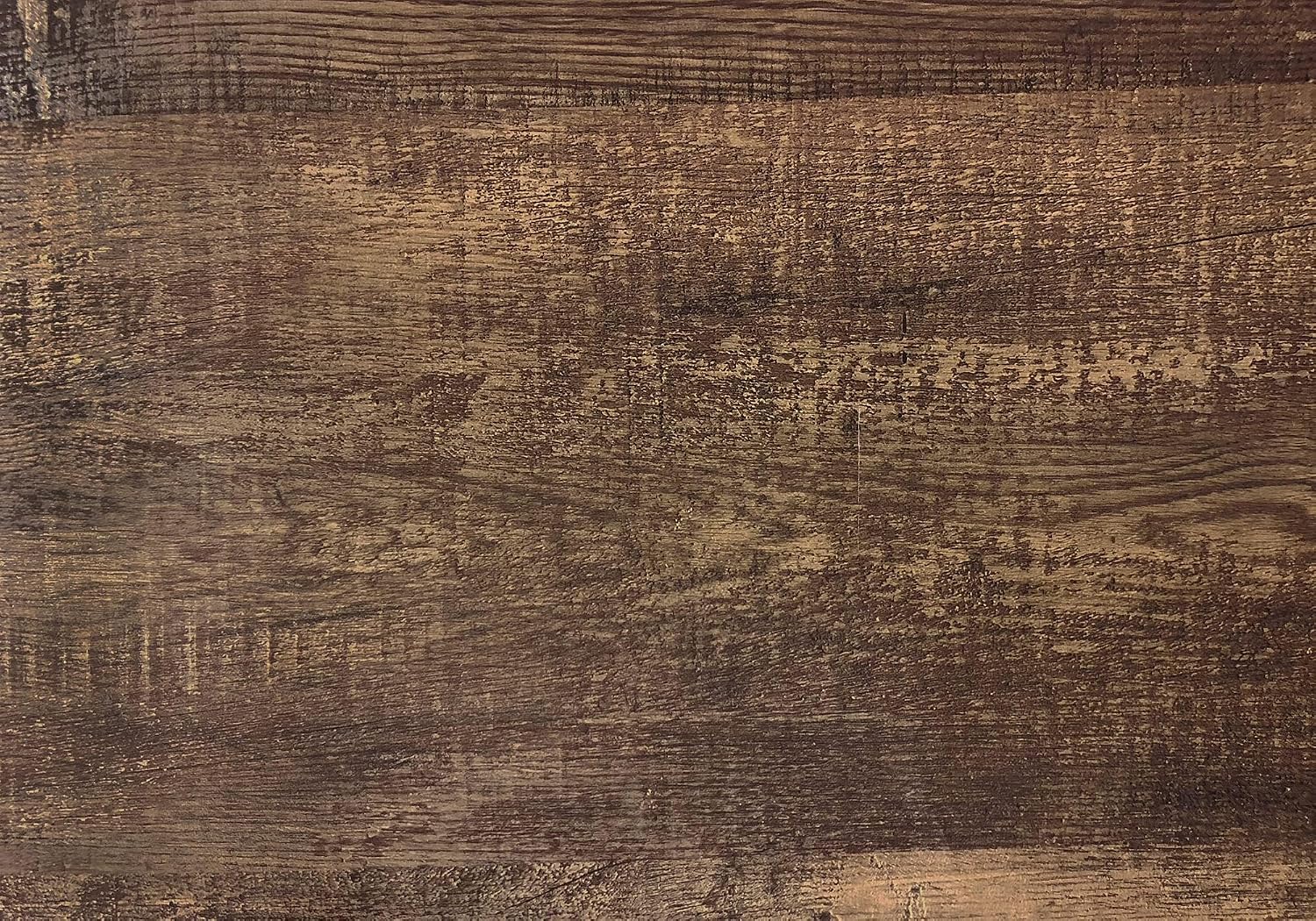
Image 4.2: Detailed view of the reclaimed wood brown finish, showing its texture and color variations.
5. Operating Instructions
The Pemberly Row Home Office Corner Computer Desk is designed for general home office use. Its corner design maximizes space efficiency.
5.1 Desktop Use
- Place your laptop, monitor, and other office essentials on the spacious desktop.
- Ensure the total weight on the desktop does not exceed 150 lbs (68 kg).
5.2 Drawer Use
- The single long drawer provides concealed storage for pens, notebooks, and other small office supplies.
- Open and close the drawer smoothly using the handles. Avoid forcing the drawer.
5.3 Bottom Shelf Use
- The open bottom shelf offers additional storage or display space for books, decorative items, or a small printer.
- Distribute weight evenly on the shelf.
6. Maintenance
Proper care will extend the life and appearance of your desk.
6.1 Cleaning
- Wipe surfaces with a soft, damp cloth.
- Avoid using harsh chemicals, abrasive cleaners, or polishes that may damage the finish.
- Promptly wipe up spills to prevent staining.
6.2 General Care
- Periodically check all screws and fasteners and re-tighten them as needed to maintain stability.
- Avoid direct sunlight exposure for prolonged periods to prevent fading or warping.
- Keep the desk away from excessive moisture or extreme temperature changes.
7. Troubleshooting
If you encounter any issues with your desk, refer to the following common problems and solutions:
| Problem | Possible Cause | Solution |
|---|---|---|
| Desk is wobbly. | Loose fasteners or uneven floor. | Check and tighten all screws and bolts. Ensure the desk is on a level surface; use shims if necessary. |
| Drawer does not slide smoothly. | Drawer glides misaligned or debris in glides. | Ensure drawer glides are correctly installed and aligned. Clean glides of any dust or obstructions. |
| Parts do not fit during assembly. | Incorrect orientation or wrong parts. | Review the assembly diagrams carefully. Ensure you are using the correct parts for each step. Do not force parts. |
8. Specifications
| Feature | Detail |
|---|---|
| Model Number | PR-4753-1987068 |
| Dimensions (Overall) | 42" D x 42" W x 30" H (106.7 cm D x 106.7 cm W x 76.2 cm H) |
| Desktop Thickness | 1 inch (2.54 cm) |
| Drawer Dimensions | 4.25" H x 31" W x 11.25" D (10.8 cm H x 78.7 cm W x 28.6 cm D) |
| Weight Capacity (Desktop) | 150 lbs (68 kg) |
| Materials | Particle board, hollow-core, laminate, MDF, metal |
| Finish | Reclaimed Wood Brown (desktop), Black (metal frame) |
| Number of Drawers | 1 |
| Number of Shelves | 1 (bottom shelf) |
| Item Weight | 64 pounds (29 kg) |
9. Warranty Information
This Pemberly Row product comes with a limited warranty. For specific details regarding the warranty coverage, duration, and terms, please refer to the product description on the retailer's website or contact Pemberly Row customer support directly. Proof of purchase may be required for warranty claims.
10. Customer Support
If you have any questions, require assistance with assembly, or need to report missing/damaged parts, please contact Pemberly Row customer support. Have your model number (PR-4753-1987068) and proof of purchase ready when contacting support.
For the most current contact information, please visit the official Pemberly Row website or the retailer's product page where you purchased the item.