
ZEBRONICS 121
ZEBRONICS Zeb PODS 121 Wireless Earbuds User Manual
Model: ZEB-PODS 121
1. Introduction
Thank you for purchasing the ZEBRONICS Zeb PODS 121 Wireless Earbuds. These earbuds are designed to provide a high-quality wireless audio experience with features like touch control, voice assistant support, and splash proof design. Please read this manual carefully before using the product to ensure proper operation and to maximize its lifespan.
2. Package Contents
The ZEBRONICS Zeb PODS 121 package includes the following items:
- Earbuds: 2 Units (Left and Right)
- Charging Case: 1 Unit
- Eartips: 4 Units (Additional pairs for different ear sizes)
- Charging Cable: 1 Unit (Type-C)
- QR Code Guide: 1 Unit
3. Product Overview
Familiarize yourself with the components and features of your Zeb PODS 121 earbuds.
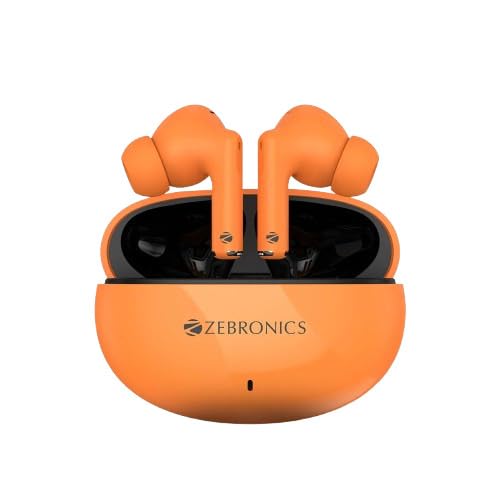
Figure 3.1: The ZEBRONICS Zeb PODS 121 earbuds in their orange charging case. The earbuds are visible, showcasing their in-ear design and the compact nature of the charging case.
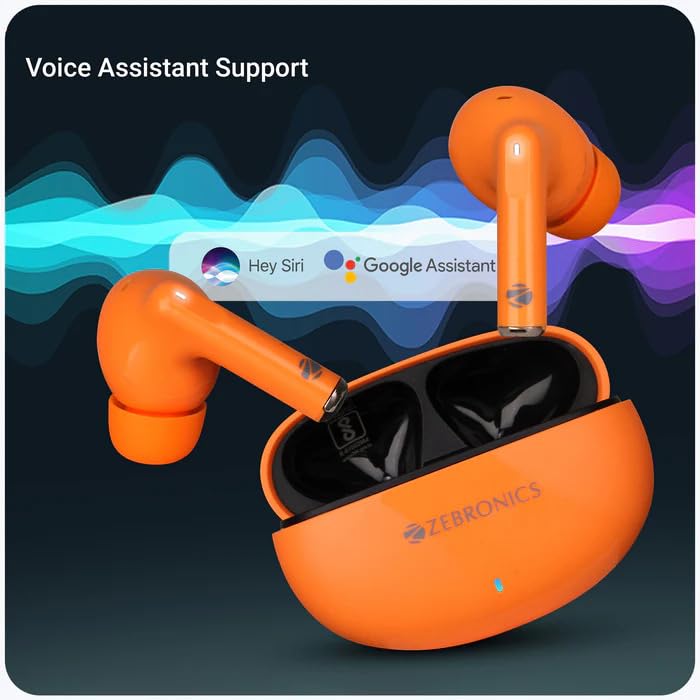
Figure 3.2: This image illustrates the voice assistant support feature of the Zeb PODS 121. The earbuds are shown next to a graphic indicating compatibility with popular voice assistants like Hey Siri and Google Assistant, highlighting the ease of hands-free control.
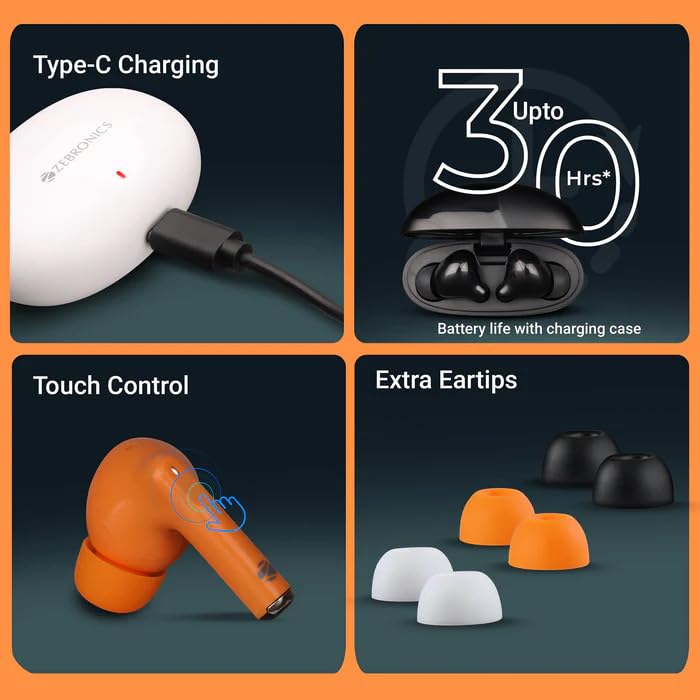
Figure 3.3: A composite image detailing key features. It shows the Type-C charging port in use, an icon indicating up to 30 hours of battery life with the charging case, a visual representation of the touch control functionality on the earbud, and the inclusion of extra eartips for a customized fit.
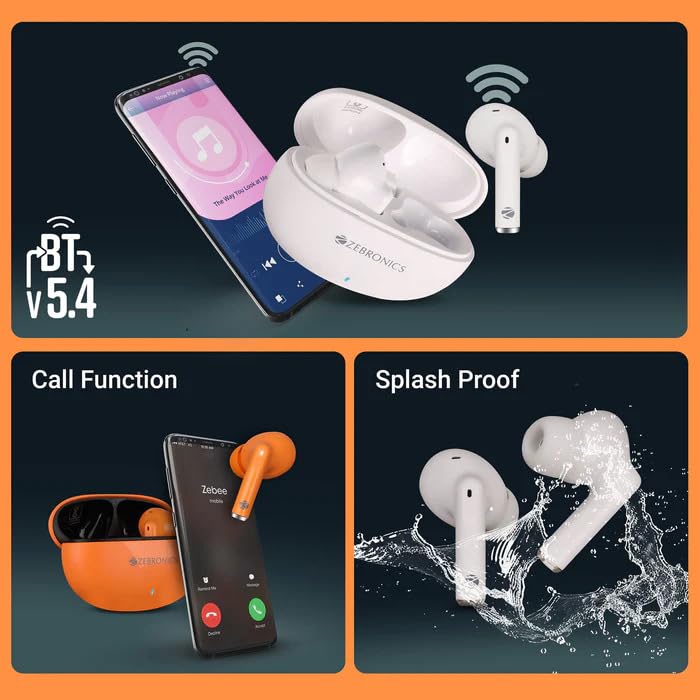
Figure 3.4: This image highlights three important aspects: Bluetooth v5.4 connectivity shown with a smartphone, the call function capability with an earbud near a phone screen displaying a call, and the splash-proof design depicted by earbuds being splashed with water.
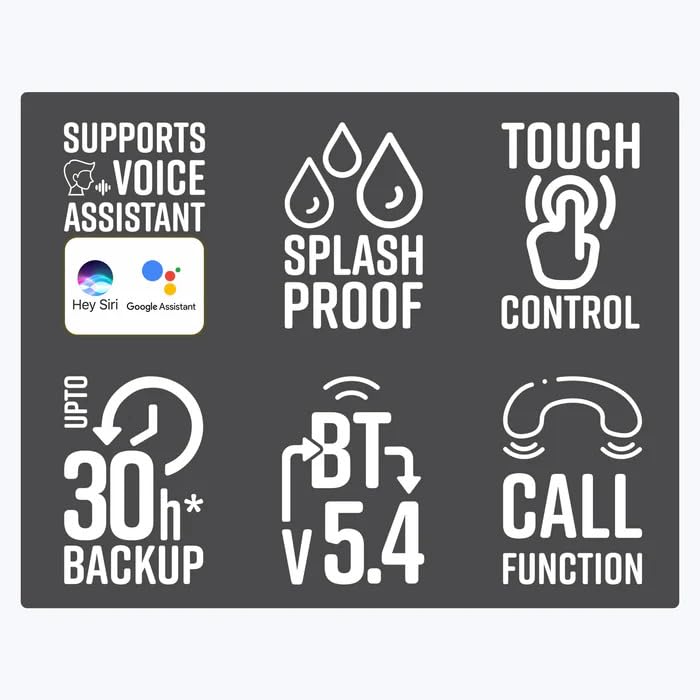
Figure 3.5: A graphic displaying six key feature icons: Voice Assistant Support, Splash Proof, Touch Control, Up to 30 hours of Battery Backup, Bluetooth v5.4, and Call Function. This provides a quick visual summary of the product's main capabilities.
4. Setup
4.1 Charging the Earbuds and Case
Before first use, fully charge the earbuds and the charging case. The charging case provides additional battery life for the earbuds, extending playback time up to 30 hours.
- Connect the provided Type-C charging cable to the charging port on the case and to a USB power source (e.g., wall adapter, computer USB port).
- The indicator light on the charging case will show charging status.
- Charging Time:
- Earbuds: Approximately 1.5 hours
- Charging Case: Approximately 1.5 hours
- Once fully charged, disconnect the charging cable.
4.2 Bluetooth Pairing
Follow these steps to pair your Zeb PODS 121 with your device:
- Ensure the charging case is charged and the earbuds are inside the case.
- Open the charging case lid. The earbuds will automatically enter pairing mode.
- On your smartphone or Bluetooth-enabled device, go to the Bluetooth settings.
- Search for new devices. You should see "ZEB-PODS 121" in the list of available devices.
- Select "ZEB-PODS 121" to connect.
- Once connected, you will hear a confirmation tone, and the earbuds will be ready for use.
- The earbuds will automatically reconnect to the last paired device when taken out of the case, if Bluetooth is enabled on the device.
5. Operating Instructions
5.1 Touch Controls
The Zeb PODS 121 features intuitive touch controls on each earbud. The specific functions may vary slightly based on the device and application.
- Play/Pause: Single tap on either earbud.
- Next Track: Double tap on the right earbud.
- Previous Track: Double tap on the left earbud.
- Answer/End Call: Single tap on either earbud during an incoming call.
- Reject Call: Press and hold on either earbud for 2 seconds during an incoming call.
- Activate Voice Assistant: Triple tap on either earbud.
5.2 Call Function
Manage your calls hands-free with the built-in microphone.
- Answering Calls: Tap either earbud once when a call comes in.
- Ending Calls: Tap either earbud once during an active call.
- Rejecting Calls: Press and hold either earbud for approximately 2 seconds when a call comes in.
5.3 Voice Assistant Support
Access your device's voice assistant (e.g., Siri, Google Assistant) directly from your earbuds.
- Activation: Triple tap on either earbud to activate the voice assistant.
- Once activated, you can issue commands such as "What's the weather?", "Play music", or "Call [contact name]".
6. Maintenance
Proper care will ensure the longevity and optimal performance of your Zeb PODS 121 earbuds.
- Cleaning: Use a soft, dry, lint-free cloth to clean the earbuds and charging case. Do not use harsh chemicals or abrasive materials.
- Eartips: Regularly remove and clean the eartips with a damp cloth. Ensure they are completely dry before reattaching.
- Storage: When not in use, always store the earbuds in their charging case to protect them from dust and damage.
- Water Resistance: The earbuds are splash proof. Avoid submerging them in water or exposing them to heavy rain. Dry them thoroughly if they get wet.
- Temperature: Avoid exposing the earbuds to extreme temperatures (hot or cold) or high humidity.
7. Troubleshooting
If you encounter any issues with your Zeb PODS 121, please refer to the following common solutions:
| Problem | Possible Cause | Solution |
|---|---|---|
| Earbuds not turning on. | Low battery. | Place earbuds in the charging case and charge the case fully. |
| Earbuds not pairing. | Bluetooth is off on device; earbuds not in pairing mode; interference. |
|
| No sound from earbuds. | Volume too low; not connected; wrong audio output selected. |
|
| One earbud not working. | Low battery on one earbud; connection issue. |
|
8. Specifications
Detailed technical specifications for the ZEBRONICS Zeb PODS 121:
| Model Name | ZEB-PODS 121 |
| Connectivity Technology | Wireless (Bluetooth) |
| Bluetooth Version | v5.4 |
| Supported BT Profile | HSP / SPP / A2DP / AVRCP |
| Driver Size | 13mm |
| Speaker Impedance | 32Ω |
| Playback Time | Up to 6 hours (earbuds), Up to 30 hours (with charging case) *at 50% volume level |
| Charging Time (Earphone) | 1.5 hours |
| Charging Time (Case) | 1.5 hours |
| Talk Time | 5 hours |
| Standby Time | 60 hours |
| Control Method | Touch, Voice |
| Water Resistance Level | Splash Proof |
| Case Dimensions (L x W x H) | 6.3 x 2.6 x 4.5 cm |
| Net Weight | 32g |
| Material | Plastic |
| Country of Origin | India |
9. Warranty and Support
ZEBRONICS products are designed for reliability and performance. This product comes with a standard manufacturer's warranty against defects in materials and workmanship.
- For warranty claims or technical support, please contact ZEBRONICS customer service.
- Keep your purchase receipt as proof of purchase for warranty purposes.
- Manufacturer: Zebronics India Pvt Ltd
- Address: Survey no.508/2, 200 ft. inner ring road, Madhavaram, Chennai, Tamil Nadu
- Customer Service Contact: 044-4000-0004
- You can also visit the official ZEBRONICS website for more information and support resources.
Related documents121

Ask a question about this manual
Ask about setup, troubleshooting, compatibility, parts, safety, or missing instructions. Manuals+ will review the question and use this page’s manual context to help answer it.