
Introduction
Thank you for choosing the ODK 53 Inch L-Shaped Desk. This manual provides detailed instructions for the assembly, operation, maintenance, and troubleshooting of your new desk. Please read this manual thoroughly before assembly and use to ensure proper function and longevity of the product.
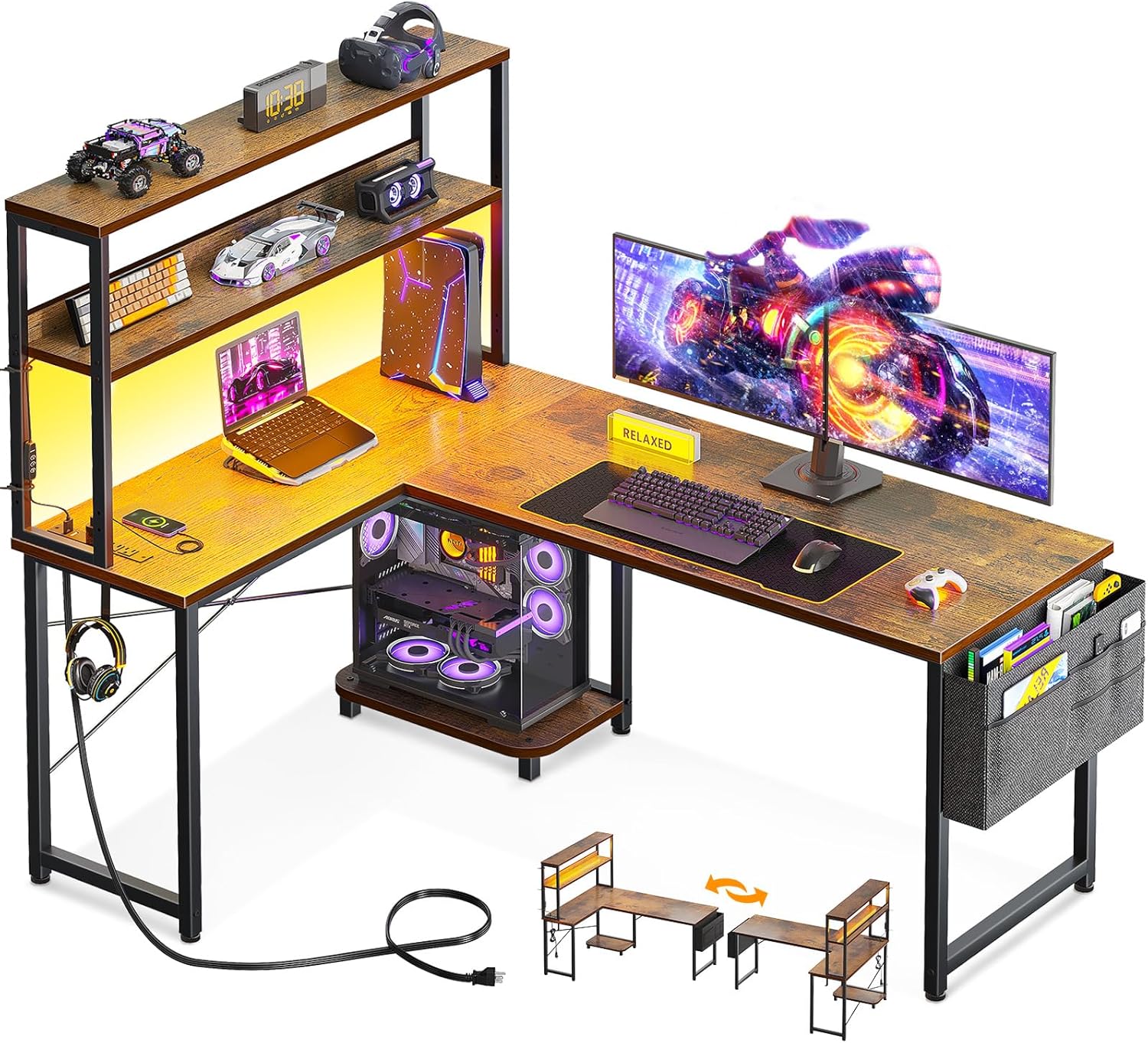
Image: The ODK 53 Inch L-Shaped Desk in a gaming setup, highlighting its spacious design, integrated LED lighting, and convenient power outlets.
Safety Information
WARNING: Always adhere to the following safety guidelines to prevent injury or damage to the product.
- Assemble the desk on a stable, level surface.
- Do not exceed the weight limit of the desk.
- Use caution when plugging in and unplugging electrical devices from the integrated power outlets.
- Keep the desk away from direct heat sources and liquids.
- Always follow the manufacturer's instructions for assembly and use.
Package Contents
Verify that all components are present before beginning assembly. If any parts are missing or damaged, please contact customer support.
- Desk panels (main desktop, L-shaped extension, shelves)
- Metal frame components (legs, X-shaped supports)
- Integrated power outlet unit with USB ports and 5-foot power cord
- RGB LED strip with controller
- CPU stand
- Accessory hook
- Tool bag
- Assembly hardware (screws, bolts, adjustable foot pads)
- Assembly tools (e.g., Allen wrench)

Image: Product dimensions diagram, illustrating the various measurements of the desk components.
Setup and Assembly
The ODK L-Shaped Desk is designed for straightforward assembly. All parts are pre-labeled, and necessary tools are included. It is recommended to assemble the desk with assistance, especially for larger components.
Reversible Design
This desk features a reversible design, allowing you to configure the L-shape with the longer side on either the left or right. Carefully review the assembly instructions provided in the package to select your preferred orientation before starting. The shelf unit can also be adjusted in height or used as a monitor stand.

Image: Reversible Computer Desk configuration options.
General Assembly Steps
- Unpack all components and verify against the parts list.
- Identify the main frame components and assemble them according to the chosen L-shape orientation. Ensure all screws are tightened securely.
- Attach the desktop panels to the assembled frame.
- Install the shelf unit, CPU stand, accessory hook, and tool bag as desired. Note: If installing the power outlet on a lower shelf setting, install the power outlet before the shelf to ensure access for tightening screws.
- Attach the LED strip to the underside of the shelf or desired location.
- Adjust the foot pads at the base of the desk to ensure stability on uneven floors.
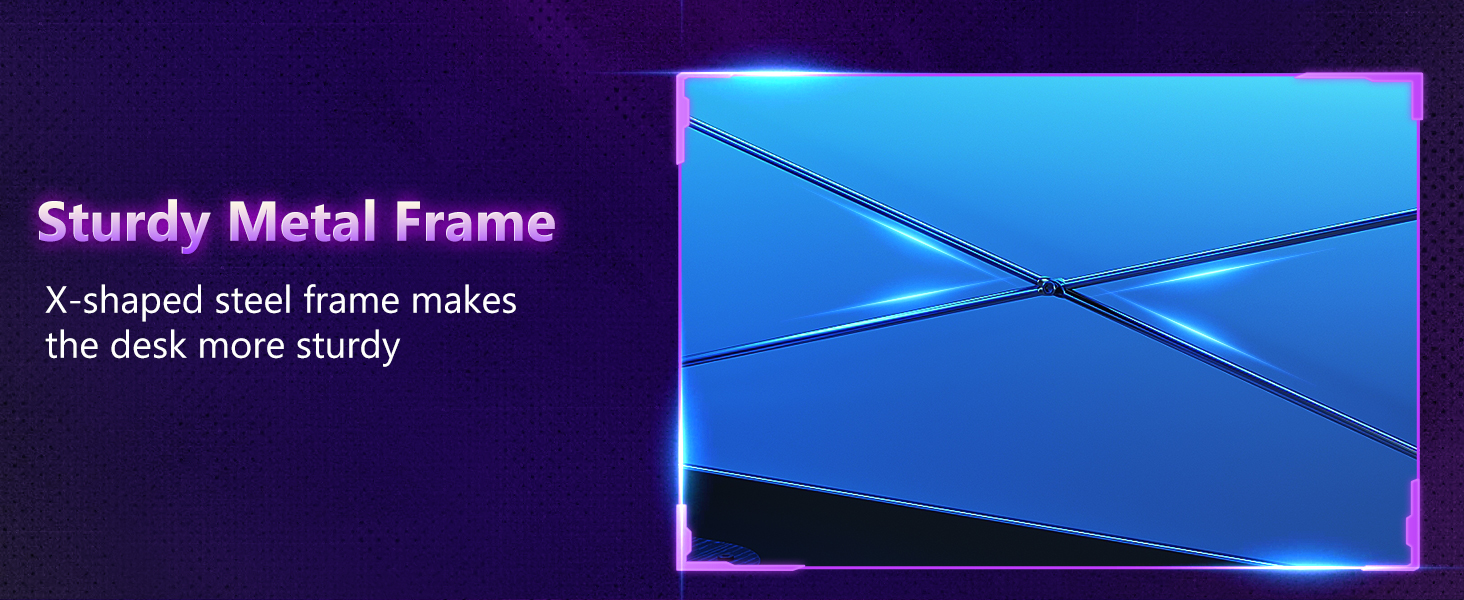
Image: Adjustable Foot Pads for leveling the desk.

Image: Sturdy Metal Frame with X-shaped steel for enhanced stability.
Operating Instructions
LED Lighting System
The integrated RGB LED strip provides customizable lighting for your workspace.
- Power On/Off: Use the power button on the LED controller.
- Color Selection: Cycle through 10 static color presets using the 'C' button.
- Dynamic Modes: Select from 10 dynamic lighting modes using the 'M' button.
- Brightness Adjustment: Adjust the brightness across 8 grades using the 'S/B' buttons.
- Memory Function: The system retains your last selected setting when powered off and on.

Image: LED Lights and Controller, demonstrating various color options.
Built-in Power Outlets
The desk includes a built-in power strip for convenient access to power for your devices.
- AC Outlets: Features 3 standard 125V/12A AC outlets for monitors, computers, and other electronics.
- USB Ports: Includes 2 USB ports (5V/2A) for charging mobile devices, tablets, and other USB-powered accessories.
- Power Cord: The unit is connected via a 5-foot power cord. Ensure it is plugged into a grounded wall outlet.

Image: Built-in Power Outlets with AC and USB ports.
Storage Features
- Dual Shelves: Use for books, decor, or as a monitor riser. The height is adjustable.
- CPU Stand: A dedicated stand keeps your computer tower off the floor, improving airflow and protecting it from dust.
- Accessory Hook: Convenient for hanging headphones, bags, or other items.
- Tool Bag: Provides additional storage for small items, keeping your workspace tidy.

Image: Open Removable Shelf, illustrating height adjustment.
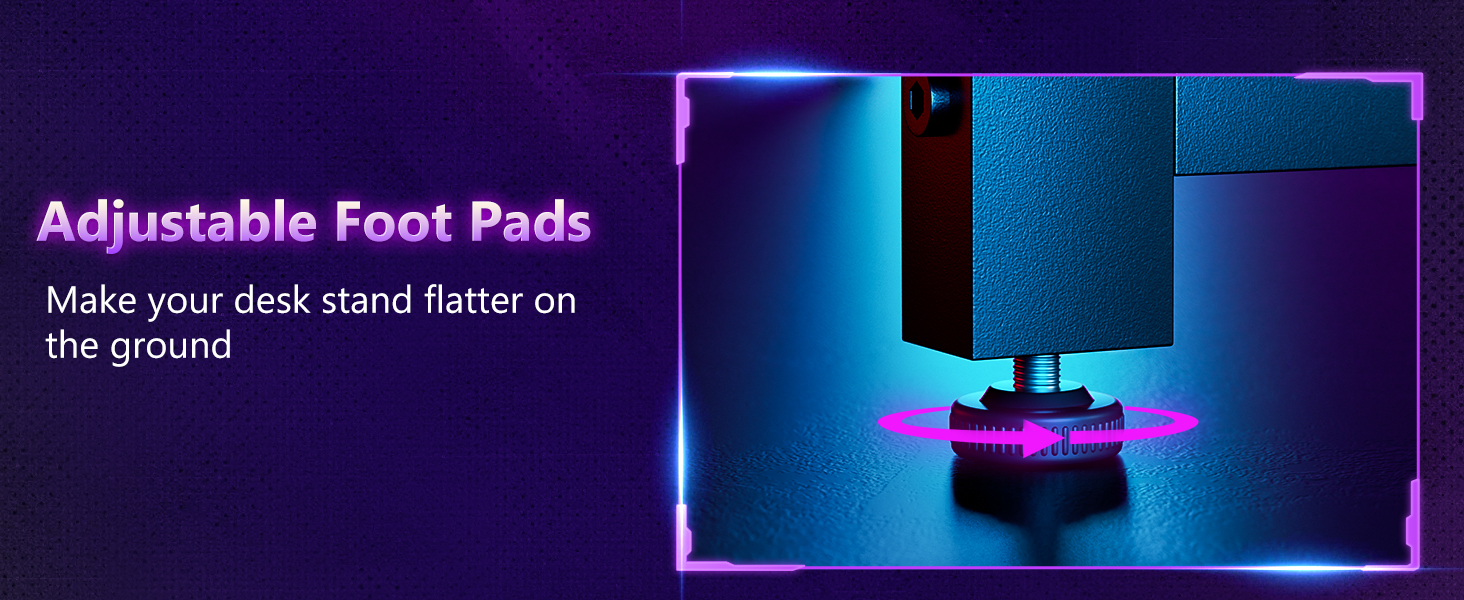
Image: Convenient Iron Hook for organizing headphones or bags.
Maintenance
To maintain the appearance and functionality of your ODK L-Shaped Desk, follow these simple maintenance guidelines:
- Cleaning: Wipe surfaces with a soft, damp cloth. For stubborn marks, a mild multi-purpose cleaner can be used. Avoid harsh chemicals such as bleach, ammonia, or vinegar, as these may damage the finish.
- Dusting: Regularly dust all surfaces to prevent buildup.
- Hardware: Periodically check all screws and bolts to ensure they remain tight. Retighten if necessary.
- Electrical Components: Ensure the power cord and LED strip connections are secure and free from damage. Do not attempt to repair electrical components yourself.
Troubleshooting
If you encounter any issues with your ODK L-Shaped Desk, refer to the following common troubleshooting tips:
| Problem | Possible Cause | Solution |
|---|---|---|
| Desk is wobbly. | Uneven floor; loose assembly hardware. | Adjust the foot pads at the base of the desk. Check and tighten all assembly screws. |
| LED lights not working. | Power connection loose; controller malfunction; LED strip damage. | Ensure the LED strip is securely plugged into the power source and the controller. Check the power outlet. If the issue persists, contact customer support. |
| Power outlets not providing power. | Desk power cord unplugged; circuit breaker tripped; device malfunction. | Verify the desk's main power cord is securely plugged into a working wall outlet. Check your home's circuit breaker. Test with a different device. |
| Parts do not align during assembly. | Incorrect orientation of a component; wrong part used. | Review the assembly instructions carefully, paying close attention to diagrams and part labels. Ensure components are oriented correctly for your chosen L-shape configuration. |
For issues not covered here, or if troubleshooting steps do not resolve the problem, please contact ODK customer support.
Specifications
- Brand: ODK
- Model Number: B020217SPD01003USDF
- UPC: 850073489697
- Product Dimensions (D x W x H): 53.15" x 39.37" x 58.27"
- Color: Vintage (Burlywood)
- Style: Modern
- Base Material: Alloy Steel
- Top Material Type: Engineered Wood
- Finish Type: Powder Coated
- Item Weight: 46.1 Pounds
- Special Feature: L-shaped, Reversible, LED Lighting, Built-in Power Outlets, Storage Shelves, CPU Stand, Accessory Hook, Tool Bag
- Number of Shelves: 2
- Required Assembly: Yes (Includes all assembly tools)
Warranty and Customer Support
ODK is committed to providing high-quality products and excellent customer service.
- Warranty: This product comes with a limited warranty. Please refer to the warranty card included in your package for specific terms and conditions.
- Customer Support: If you have any questions, require assistance with assembly, or encounter any issues such as missing or broken parts, please do not hesitate to contact our professional pre-sale and after-sale service team. We aim to resolve all inquiries within 24 hours.
- Contact Information: Please refer to the contact details provided on the packaging or the official ODK website for the most current support information.
Additional Product Views
Explore more details of the ODK L-Shaped Desk through these additional images.
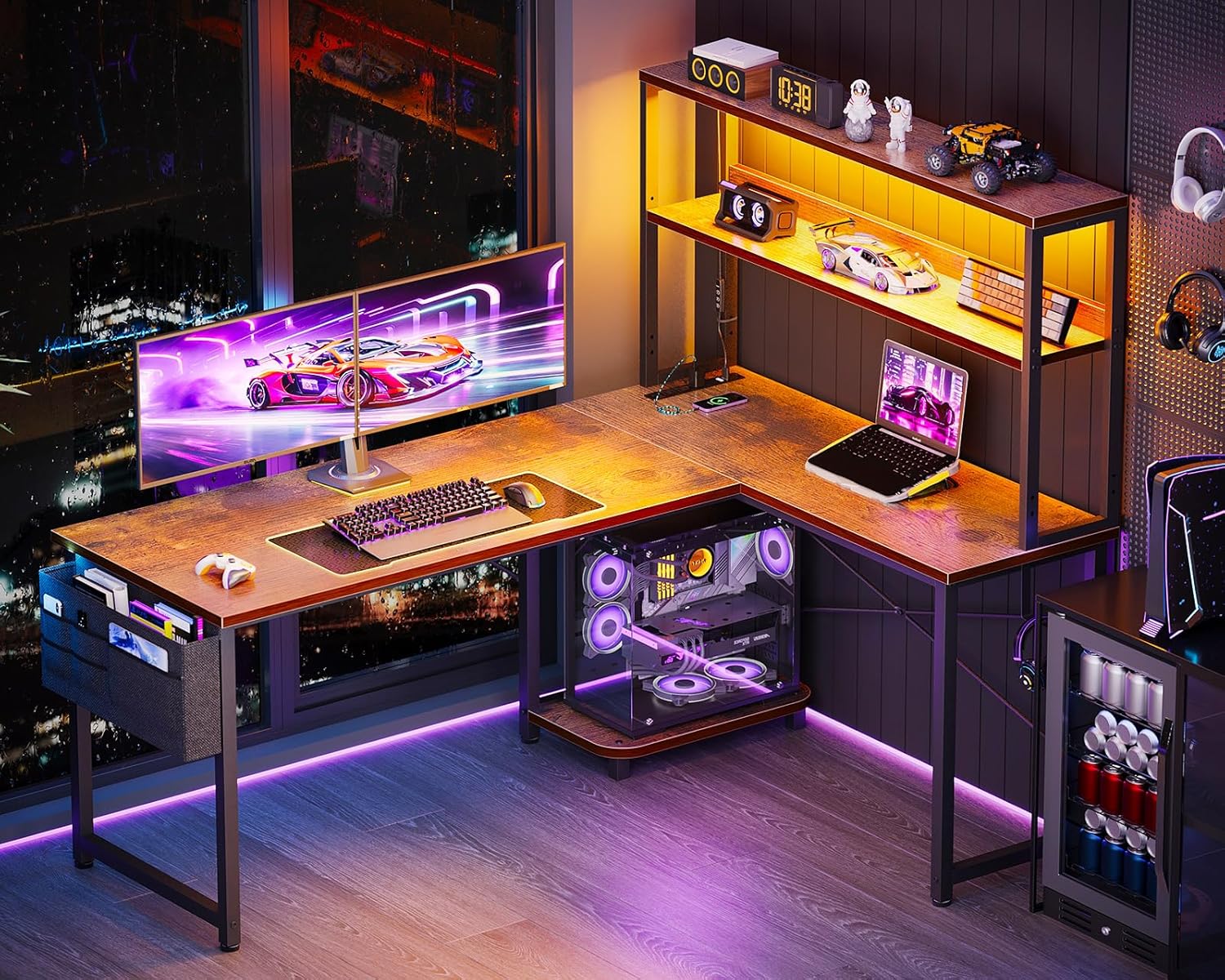
Image: Night view of the desk with LED lighting in a gaming environment.

Image: Day view of the desk configured for a home office.

Image: Desk integrated into a living room setting.

Image: Illustration of free space and legroom under the desk.
Official Product Videos
Currently, there are no official seller videos available in the specified m3u8 format for embedding in this manual. Please refer to the product page for any available video content.