
1. Introduction
Thank you for choosing the joliker M301-EU-V3 MP3/MP4 Player. This device combines advanced audio and video playback capabilities with smart features like Wi-Fi and Bluetooth connectivity, an integrated camera, and access to the Google Play Store. This manual provides essential information for setting up, operating, and maintaining your device to ensure optimal performance and longevity.
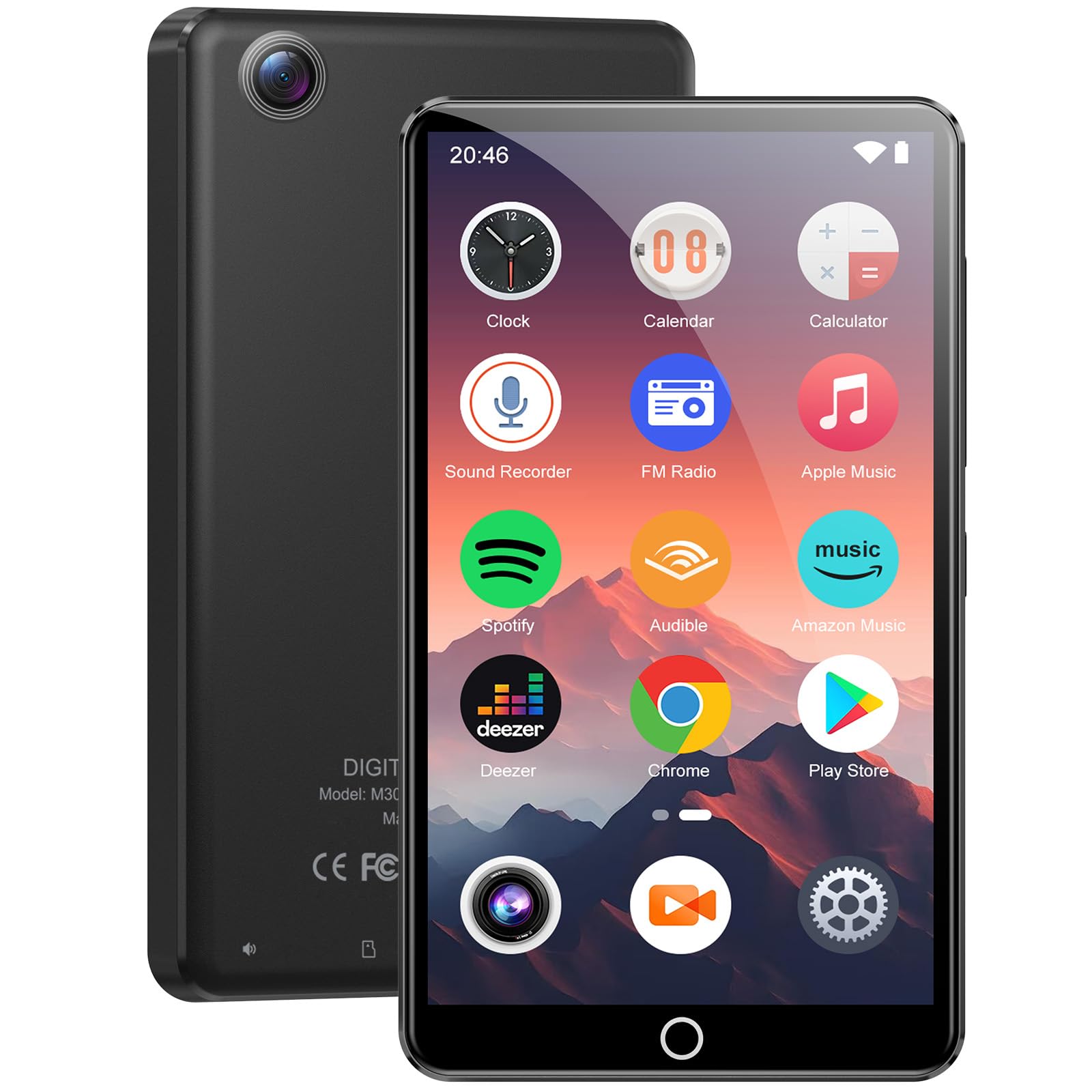
Image 1.1: The joliker M301-EU-V3 MP3/MP4 Player, showcasing its sleek design and touchscreen interface.
2. Package Contents
Please check the box for the following items:
- 1x joliker M301-EU-V3 MP3/MP4 Player
- 1x USB Type-C Charging Cable
- 1x Wired Headphones
- 1x 64GB TF Card (pre-installed or separate)
- 1x Protective Film
- 1x Protective Sleeve
3. Product Overview
Familiarize yourself with the device's components:
- 4.02-inch IPS Touchscreen: For navigation and content display.
- Power Button: Located on the side, used to turn the device on/off or wake/sleep the screen.
- Volume Buttons: Adjust audio output.
- USB Type-C Port: For charging and data transfer.
- 3.5mm Audio Jack: For connecting wired headphones.
- MicroSD Card Slot: For expanding storage (supports up to 512GB).
- Rear Camera: 13-megapixel camera for photos and videos.
- Integrated Speaker: For audio playback without headphones.

Image 3.1: The device screen displaying various applications and indicating Wi-Fi and Bluetooth connectivity.
4. Setup
4.1. Charging the Device
Before first use, fully charge the device. Connect the provided USB Type-C cable to the player's USB-C port and the other end to a compatible USB power adapter (not included) or a computer's USB port. The charging indicator will show the charging status.

Image 4.1: The USB Type-C port offers faster and more convenient charging compared to older Micro USB ports.
4.2. Inserting the TF Card
The device comes with a 64GB TF card. To insert or replace the card, locate the TF card slot on the side of the player. Gently push the card into the slot until it clicks into place. Ensure the card is oriented correctly. To remove, push the card in again until it springs out.
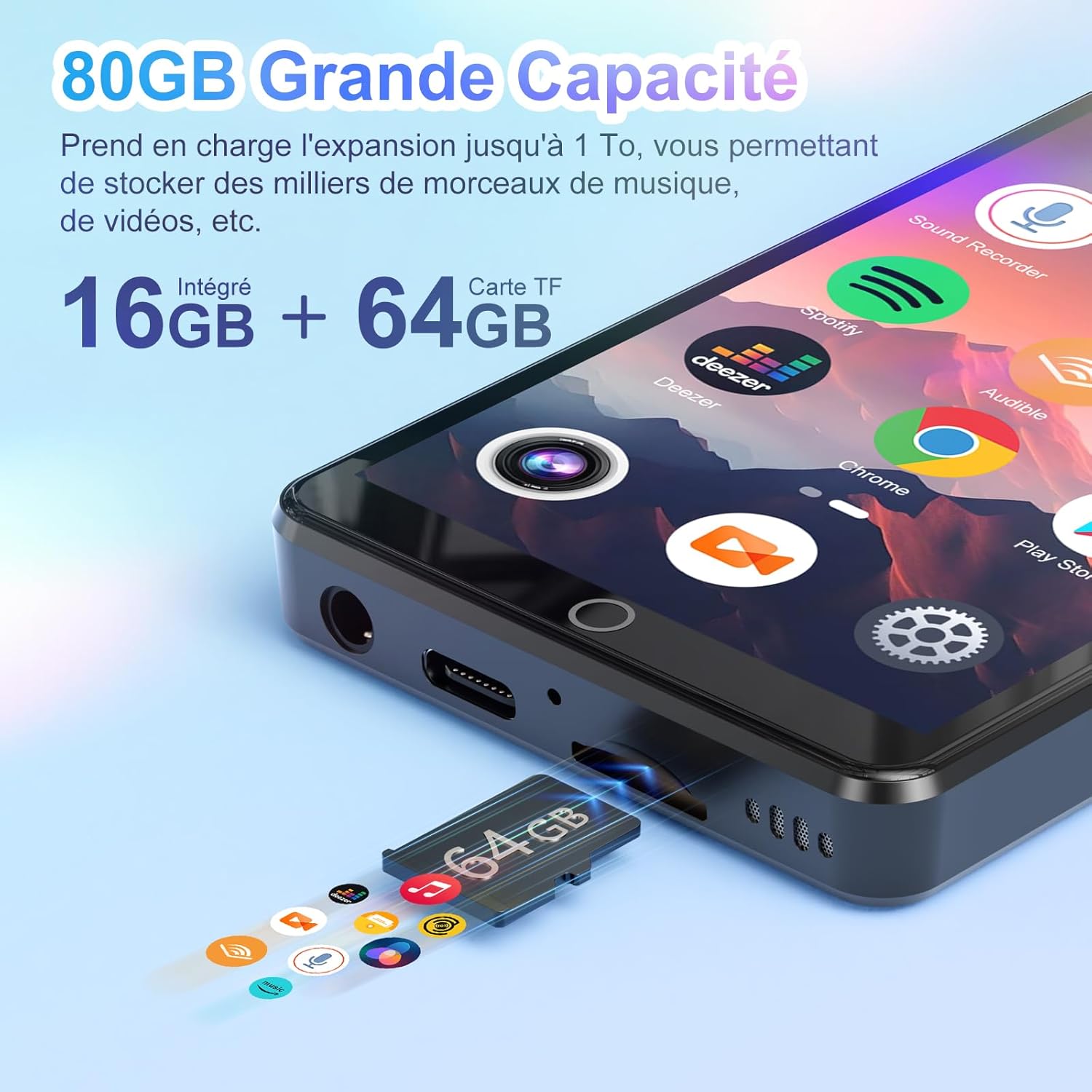
Image 4.2: The device showing the TF card slot and the included 64GB TF card, highlighting expandable storage.
4.3. Initial Power On
Press and hold the Power button until the screen lights up. Follow the on-screen prompts to complete the initial setup, including language selection and basic settings.
4.4. Wi-Fi Connection
To connect to Wi-Fi: Go to Settings > Network & Internet > Wi-Fi. Turn on Wi-Fi, select your desired network, and enter the password if required. This enables access to online streaming services and the Play Store.

Image 4.3: The device demonstrating Wi-Fi connectivity, allowing access to online applications and content.
4.5. Bluetooth Connection
To connect to Bluetooth devices (e.g., headphones, speakers): Go to Settings > Connected devices > Bluetooth. Turn on Bluetooth, scan for available devices, and select your device to pair. Ensure your Bluetooth accessory is in pairing mode.
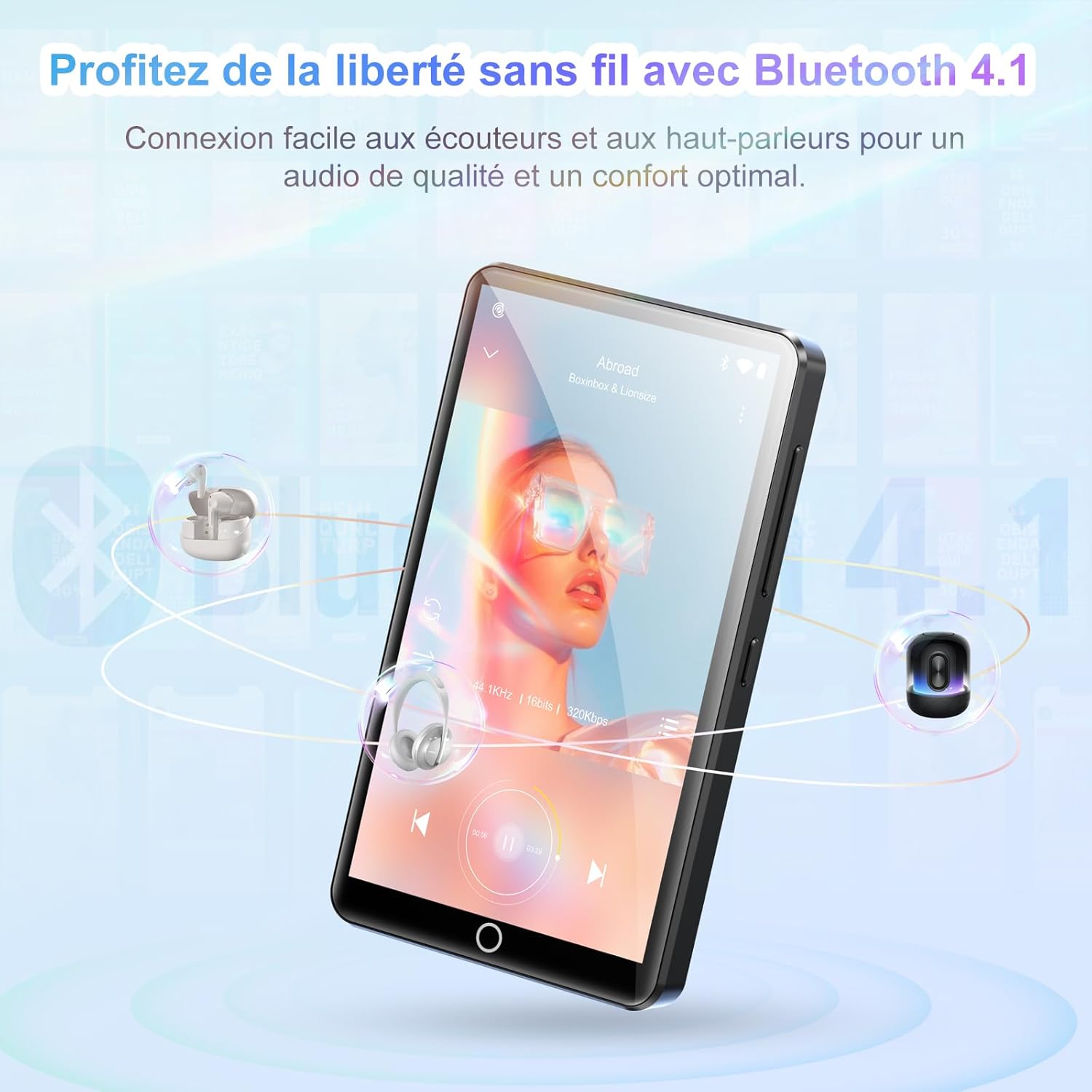
Image 4.4: The device connected wirelessly to headphones via Bluetooth 4.1, offering audio freedom.
5. Operating Instructions
5.1. Music Playback
The device supports MP3, WAV, APE, FLAC, and AAC formats. Use the pre-installed music player or download your preferred music app from the Play Store. Navigate to your music library, select a track, and use the on-screen controls for playback (play, pause, skip, volume).

Image 5.1: The integrated music application, featuring powerful equalizer settings and support for various audio formats.
5.2. Video Playback
The player supports 1080p video playback in AVI, MKV, RMVB, MP4, MPG, and MOV formats. Access your video files through the Gallery or a dedicated video player app. Tap on a video to play it, and use the touchscreen for playback controls.

Image 5.2: The device displaying a video on its 4.02-inch IPS touchscreen, offering clear visuals.
5.3. Camera Usage
The device features a 13-megapixel rear camera. Open the Camera app from the home screen. Tap to focus and press the shutter button to capture photos or start/stop video recording. Photos and videos are saved to the device's internal storage or TF card.

Image 5.3: The device's 13MP camera capturing a clear image, suitable for everyday photography.
5.4. App Installation (Play Store)
With Wi-Fi connected, you can access the Google Play Store to download and install additional applications like Spotify, Deezer, Audible, and more. Tap on the Play Store icon, search for your desired app, and follow the installation prompts.
6. Specifications
| Feature | Specification |
|---|---|
| Brand | joliker |
| Model Name | M301-EU-V3 |
| Connectivity Technology | Auxiliary, Bluetooth 4.1, USB Type-C, Wi-Fi |
| Memory Storage Capacity | 80 GB (16GB internal + 64GB TF card) |
| Expandable Storage | Up to 512 GB via Micro SD |
| Screen Size | 4.02 Inches IPS Touchscreen |
| Screen Resolution | 640 x 1136 pixels |
| Processor | 8-core MTK |
| RAM | 2 GB |
| Operating System | Android 9.0 |
| Camera | 13 Megapixels (Rear) |
| Battery Capacity | 2000 mAh Lithium |
| Battery Life (Music) | 45-50 hours |
| Battery Life (Video) | 6-8 hours |
| Supported Audio Formats | MP3, WAV, APE, FLAC, AAC |
| Supported Video Formats | AVI, MKV, RMVB, MP4, MPG, MOV |
| Special Features | Built-in Camera, Voice Recorder, Built-in Speaker, FM Radio, Equalizer |

Image 6.1: An illustration detailing the device's 8-core MTK processor, Android 9.0 operating system, 2GB RAM, and 16GB ROM.
7. Maintenance
- Cleaning: Use a soft, dry cloth to clean the screen and body. Avoid abrasive cleaners or solvents.
- Battery Care: To prolong battery life, avoid extreme temperatures and do not let the battery fully discharge frequently. Charge regularly.
- Software Updates: Periodically check for system updates in Settings > System > System update to ensure optimal performance and security.
- Storage Management: Regularly clear unnecessary files and apps to free up storage space and maintain device speed.
- Protection: Use the provided protective film and sleeve to guard against scratches and minor impacts.
8. Troubleshooting
| Problem | Solution |
|---|---|
| Device won't turn on | Ensure the battery is charged. Connect to a charger for at least 30 minutes, then try powering on again. If unresponsive, perform a hard reset (refer to specific instructions if available, usually holding power button for 10-15 seconds). |
| Cannot connect to Wi-Fi | Check if Wi-Fi is enabled in settings. Ensure the Wi-Fi password is correct. Restart the device and the Wi-Fi router. |
| Bluetooth device not pairing | Ensure Bluetooth is enabled on both devices and they are in pairing mode. Keep devices close to each other. Try restarting both devices. |
| Slow performance or freezing | Close unused applications. Clear cache and data for problematic apps. Free up storage space. Restart the device. |
| Music/Video files not playing | Verify the file format is supported. Ensure files are not corrupted. Try a different media player app. |
9. Warranty and Support
Your joliker M301-EU-V3 MP3/MP4 Player is covered by a standard manufacturer's warranty. Please refer to the warranty card included in your package for specific terms and conditions. For technical support, troubleshooting assistance, or warranty claims, please contact joliker customer service through the retailer where you purchased the product or visit the official joliker website.
Online Support: www.joliker.com/support (Example link, please replace with actual support URL)
Email Support: support@joliker.com (Example email, please replace with actual support email)