
1. Introduction and Overview
This instruction manual provides detailed guidance for the installation and use of your Light My Bricks 2.0 Light Kit, designed specifically for the LEGO Star Wars UCS Millennium Falcon #75192 set. This kit enhances the visual appeal of your model by illuminating key features with high-quality LED lights, bringing your build to life.

Image: The LEGO UCS Millennium Falcon illuminated by the Light My Bricks 2.0 Light Kit, showcasing the vibrant rear engine lights and subtle interior glow.
2. Safety Information
Warning: Choking Hazard - small parts. Not for children under 3 years.
This product contains small components that can pose a choking hazard. Keep all parts out of reach of young children. Adult supervision is recommended during installation. Handle all electrical components with care to avoid damage.
3. What's Included
Your Light My Bricks 2.0 Light Kit package includes the following components:
- 20 x Lights (various types for different sections)
- 5 x Belts
- 5 x Docks
- 1 x Flux Power module
- 7 x Accessories (connecting cables, adhesive squares, etc.)
- 35 x Assorted Bricks (for integration and concealment)

Image: The Light My Bricks 2.0 Light Kit retail packaging.
4. Setup and Installation
This light kit is designed to illuminate your LEGO UCS Millennium Falcon #75192 after it has been fully built. It is not intended for installation during the initial construction of the LEGO set. The installation process involves carefully integrating the lighting components into the existing LEGO structure.
Power Requirements: The light kit requires external power. We recommend using a USB Power Bank or a USB Wall Adaptor (not included) to connect to a mains outlet. Ensure your power source can provide sufficient and stable power for optimal performance.
3D Installation Guide: For detailed, step-by-step installation instructions, please refer to the comprehensive 3D installation guide. This guide ensures precise placement of each component. To access the guide, scan the QR code provided on the side of your product box or visit the Light My Bricks official website.

Image: Side view of the illuminated Millennium Falcon, highlighting the blue light strips.

Image: Detailed view of the Falcon's illuminated side, showcasing the integrated light strips.

Image: Interior section of the Falcon with subtle red and white lighting.

Image: Another interior perspective, highlighting yellow and blue lighting in a corridor.
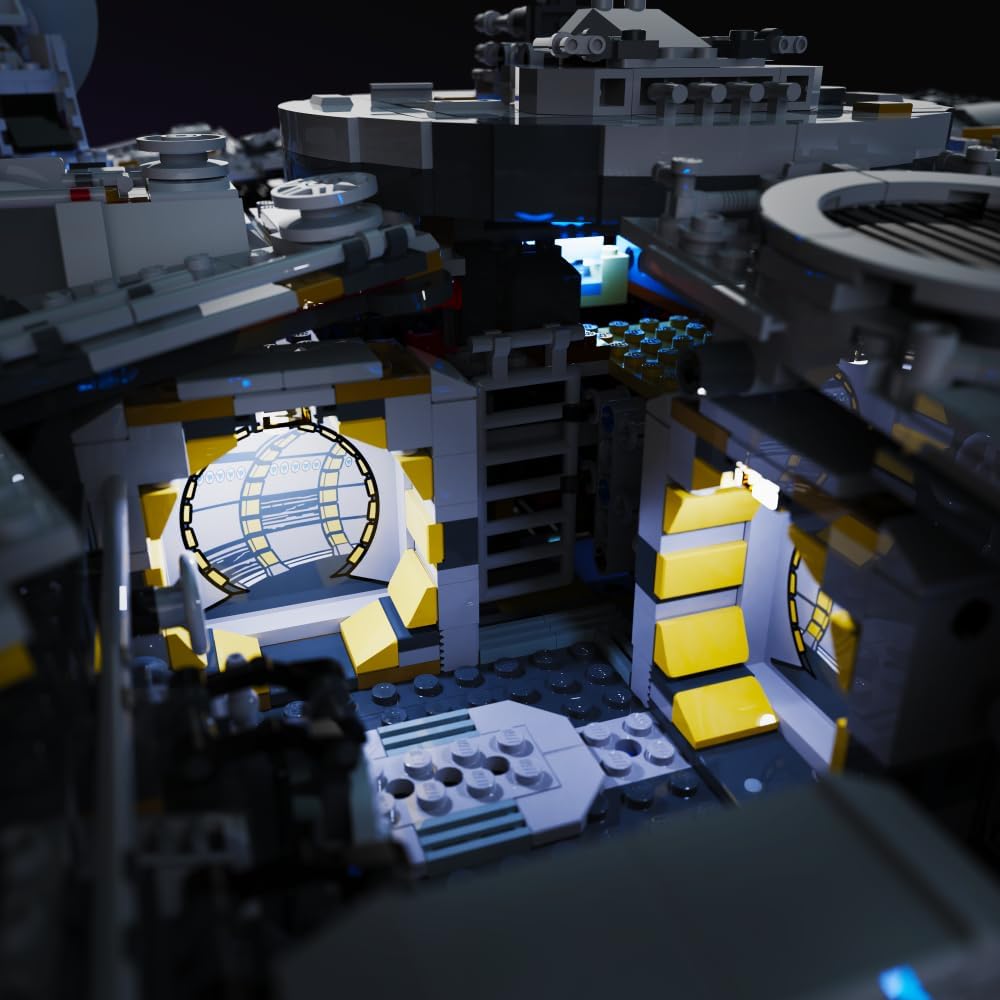
Image: The cockpit of the Millennium Falcon, brightly lit with blue LEDs.
5. Operation
Once the light kit is fully installed and connected to a compatible USB power source, the lights will illuminate automatically. To turn off the lights, simply disconnect the USB power source. There are no additional switches or controls on the light kit itself, ensuring a seamless integration with your LEGO model.
6. Maintenance
The Light My Bricks kit requires minimal maintenance. To keep your illuminated model looking its best:
- Cleaning: Gently dust the LEGO model and light components with a soft, dry cloth. Avoid using liquid cleaners directly on the lights or wiring.
- Handling: When moving the model, handle it carefully to avoid dislodging or damaging the integrated light components and wiring.
- Storage: Store the model in a cool, dry place away from direct sunlight to prevent potential degradation of plastic or electronic components over time.
7. Troubleshooting
If you encounter any issues with your Light My Bricks kit, please refer to the following common troubleshooting steps:
- Lights Not Working:
- Ensure the USB power source is properly connected and functioning. Try a different USB port or power adapter.
- Check all cable connections to the Flux Power module and between individual light components. Ensure they are securely seated.
- Verify that the power source provides adequate power (e.g., 5V USB).
- Flickering Lights:
- This may indicate an unstable power supply. Try a different USB power source.
- Check for loose connections.
- Individual Lights Not Illuminating:
- Inspect the specific light component and its connection. It may be faulty or improperly connected.
- Ensure no wires are pinched or damaged within the LEGO structure.
For further assistance, please consult the 3D installation guide or contact Light My Bricks customer support.
8. Specifications
| Product Dimensions | 5.71 x 4.53 x 2.76 inches |
| Item Weight | 7.7 ounces |
| ASIN | B0DX16K1JH |
| Item Model Number | 2.0ucsfalcon-75192 |
| Manufacturer Recommended Age | 12 years and up |
| Manufacturer | Light My Bricks |
9. Warranty Information
Light My Bricks products are manufactured to high standards. This product is covered by the manufacturer's standard warranty against defects in materials and workmanship. Please retain your proof of purchase for any warranty claims. For specific warranty terms and conditions, refer to the Light My Bricks official website or contact their customer support.
10. Customer Support
If you require further assistance, have questions about installation, or need to report an issue, please contact Light My Bricks customer support. You can find contact information and additional resources by visiting the official Light My Bricks store on Amazon or their dedicated support page.
Visit the Light My Bricks Store: Light My Bricks Amazon Store