
1. Product Overview
The ZUOYA GMK104 is a full-size mechanical keyboard barebones kit designed for customization. It features a gasket-mounted structure, triple-mode connectivity (Bluetooth 5.0, 2.4GHz wireless, and wired USB-C), a hot-swappable PCB compatible with 3-pin and 5-pin switches, and south-facing RGB backlighting. A unique multimedia TFT display and a multi-function knob enhance user interaction. The keyboard is VIA programmable for advanced key remapping and macro creation, and it includes anti-ghosting for reliable performance during gaming and typing.

Image 1.1: Overview of ZUOYA GMK104 Custom Keyboard Kit features, highlighting tri-mode, south-facing LED, hot-swappable, multiple Poron pads, mechanical switches, knob design, 4000mAh battery, Mac/Windows compatibility, screen display, VIA programmable, anti-ghosting, and lubricated stabs.
Video 1.1: A demonstration of the GMK104 Gasket Mount RGB Gaming Keyboard, showcasing its screen and knob functionality.
2. Package Contents
Upon opening your ZUOYA GMK104 Mechanical Keyboard Barebones Kit, please ensure all the following items are present:
- GMK104 Keyboard Kit (Barebones)
- USB Cable
- 2.4GHz Receiver
- Keycap Puller
- User Manual
Video 2.1: An unboxing video of the ZUOYA GMK104 Custom Barebones Keyboard Kit, showing the contents of the package.
3. Setup Guide
3.1 Installing Switches and Keycaps
The GMK104 features a hot-swappable PCB, allowing for easy installation and removal of mechanical switches without soldering. It is compatible with both 3-pin and 5-pin switches. After installing your preferred switches, carefully place your chosen keycaps onto the switches.
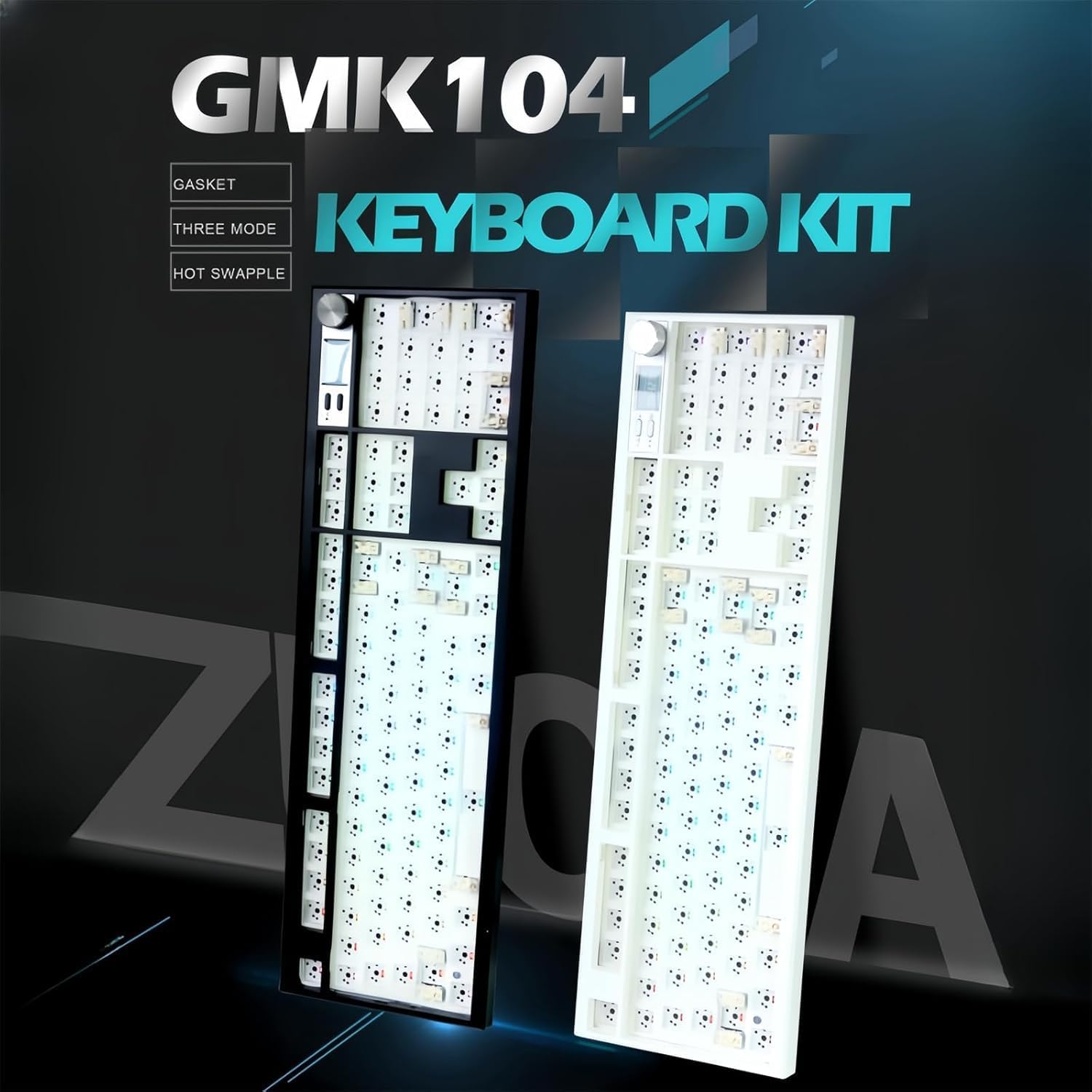
Image 3.1: The ZUOYA GMK104 Mechanical Keyboard Barebones Kit in black and white, ready for switch and keycap installation.
Video 3.1: A DIY guide for assembling the ZUOYA GMK104 Mechanical Gaming Keyboard Kit, demonstrating switch and keycap installation.
3.2 Connectivity Modes
The GMK104 supports three connection modes:
- 2.4GHz Wireless: Use the included 2.4GHz receiver for a stable wireless connection.
- Bluetooth 5.0: Connect wirelessly to multiple devices via Bluetooth.
- Wired USB-C: Connect directly to your device using the USB-C cable for a reliable, low-latency connection and simultaneous charging.
A switch on the keyboard allows you to toggle between Mac and Windows compatibility modes.
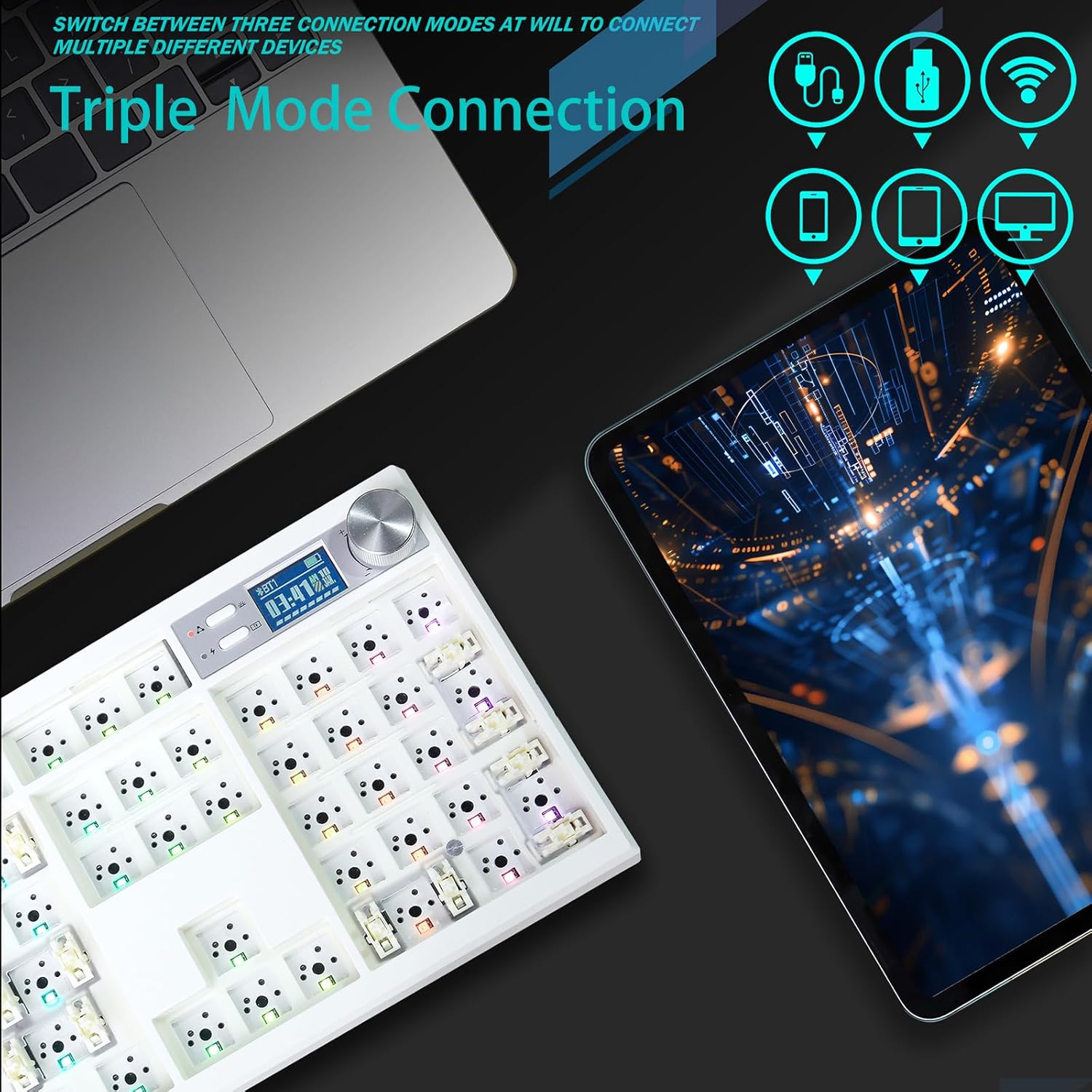
Image 3.2: Visual representation of the GMK104's triple-mode connectivity, showing options for wired, 2.4G wireless, and Bluetooth connections to various devices like laptops, tablets, and smartphones.
3.3 VIA Programmability
The GMK104 is VIA programmable, allowing for extensive customization of key assignments, macros, and lighting effects without complex coding. Download the VIA software from the official website to access these features.
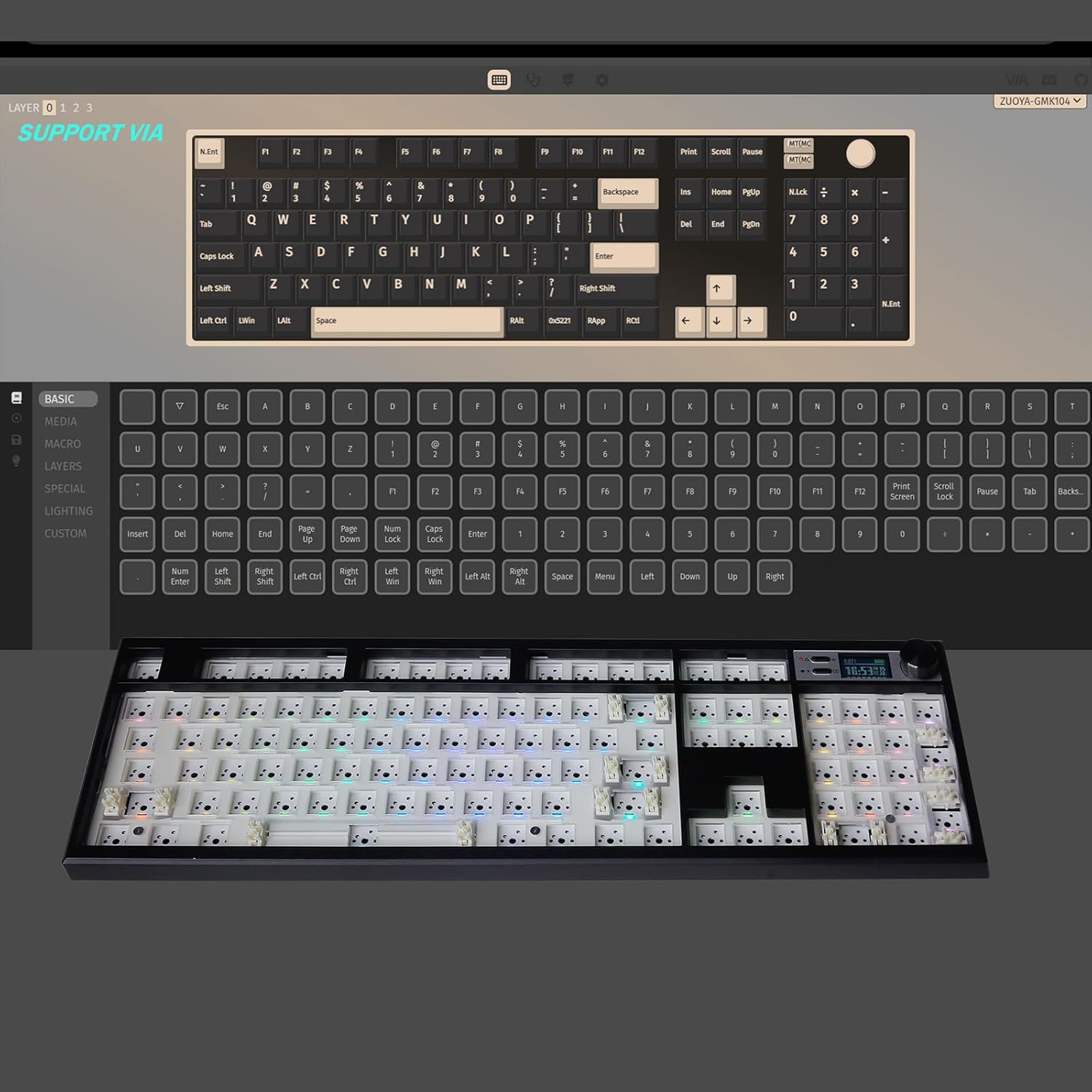
Image 3.3: A screenshot of the VIA software interface demonstrating the programmability of the GMK104 keyboard, showing key remapping and layer configuration options.
4. Operating Instructions
4.1 Multimedia TFT Display & Knob
The integrated TFT screen displays real-time information such as time, battery level, and connection mode. The metal knob serves multiple functions:
- Volume Adjustment: Rotate the knob to increase or decrease audio volume.
- Screen Control: Press the knob to cycle through display options or activate specific screen features.
- Custom GIFs: The screen supports custom GIF animations.
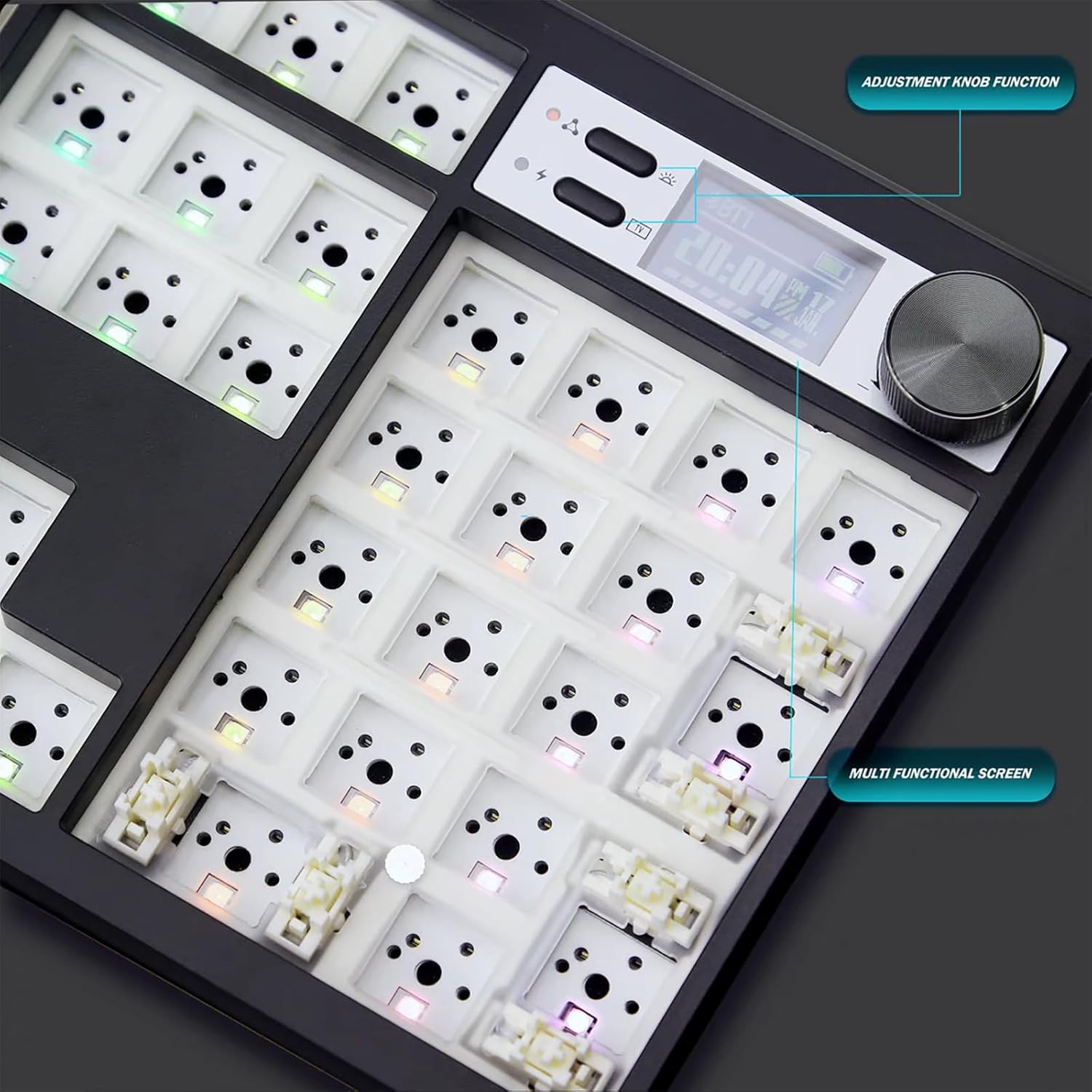
Image 4.1: Close-up view of the GMK104's multimedia TFT display and metal knob, highlighting their functions for time, battery, connection mode, and volume control.
Video 4.1: A demonstration of the ZUOYA GMK104 barebones keyboard's screen and knob features, showing how to switch between different display modes and control settings.
4.2 RGB Backlighting
The GMK104 features 16.8 million colors and up to 18 preset backlighting modes with south-facing RGB LEDs. This design ensures compatibility with various keycap profiles and enhances illumination. Customize lighting effects through the VIA software to match your preferences.
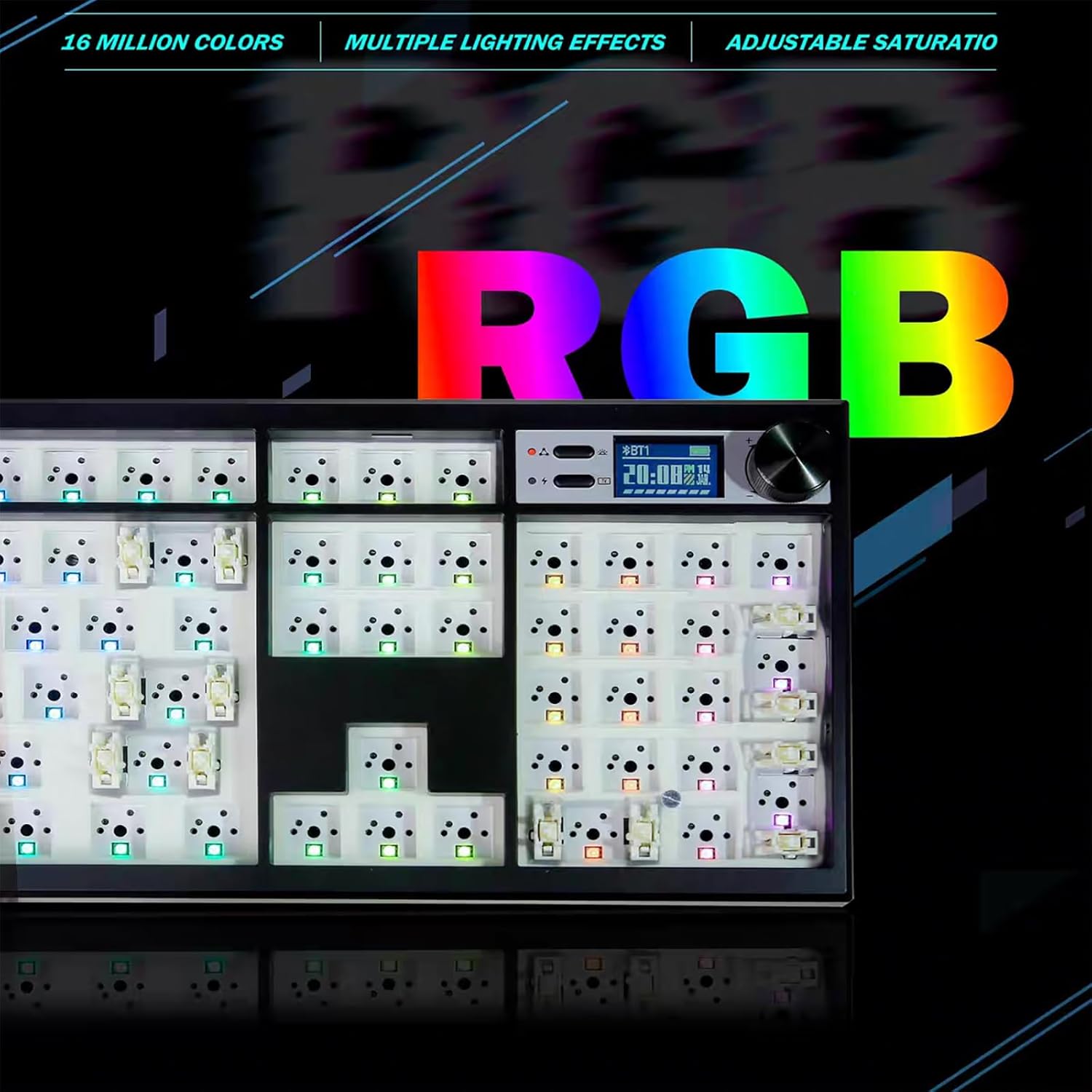
Image 4.2: The GMK104 keyboard showcasing its vibrant RGB backlighting, illustrating the range of colors and effects.
Video 4.2: A demonstration of switching RGB lighting modes on the ZUOYA GMK104 Barebones Keyboard.
4.3 Anti-Ghosting
The 104-key NKRO (N-Key Rollover) design with full key anti-ghosting ensures that every key press is registered accurately, even during rapid, simultaneous key inputs. This feature is essential for gaming and fast typing, preventing missed commands.
Video 4.3: A demonstration of the typing experience on the ZUOYA GMK104 Full Size Barebones Keyboard, highlighting its responsiveness and sound.
5. Maintenance
To ensure the longevity and optimal performance of your ZUOYA GMK104 keyboard, follow these maintenance guidelines:
- Regular Cleaning: Use a soft brush or compressed air to remove dust and debris from between keycaps and switches. For deeper cleaning, carefully remove keycaps using the provided keycap puller and clean the plate.
- Battery Care: Charge the 4000mAh battery regularly. Avoid fully discharging the battery frequently to prolong its lifespan.
- Proper Handling: Avoid dropping the keyboard or exposing it to excessive force, liquids, or extreme temperatures.
- Switch Maintenance: If desired, switches can be lubricated for a smoother typing experience. Refer to switch-specific lubrication guides.
6. Troubleshooting
If you encounter any issues with your GMK104 keyboard, please try the following steps:
- Connectivity Issues: Ensure the correct connection mode (2.4G, Bluetooth, or Wired) is selected. For wireless modes, check battery level. For Bluetooth, ensure proper pairing. For wired, try a different USB port or cable.
- Key Not Responding: Verify that the switch is properly seated in the hot-swap socket. If the issue persists, try replacing the switch.
- Lighting Problems: Check the RGB settings via the knob or VIA software. Ensure the keyboard is not in a low-power mode.
- VIA Software Not Detecting: Ensure the keyboard is connected via USB-C and the VIA software is up-to-date.
If problems persist after attempting these steps, please contact ZUOYA customer support for further assistance.
7. Specifications
| Feature | Detail |
|---|---|
| Model Number | GMK104 Keyboard Kit |
| Connectivity | 2.4Ghz, Bluetooth, Wired USB-C (Tri-mode) |
| Layout | Full Size (104 Keys with Numpad) |
| Mounting Style | Gasket-Mounted |
| Hot-Swappable | Yes, 3-pin and 5-pin switches compatible |
| Backlighting | 16.8 Million South-facing RGB |
| Battery Capacity | 4000mAh Lithium Ion (included) |
| Special Features | Multimedia TFT Display, Multi-function Knob, VIA Programmable, NKRO Anti-Ghosting |
| Compatible Devices | Gaming Console, Laptop, PC, Projector, Smartphone |
| Operating System Compatibility | Mac/Windows |
| Material | Plastic |
| Item Weight | 2.48 pounds |
| Package Dimensions | 18.58 x 14.41 x 2.05 inches |

Image 7.1: An exploded diagram illustrating the internal layers of the GMK104 keyboard, including the knob, top cover, positioning board, silencing cotton, undershaft pad, PET film, circuit board, rubber pad, and bottom shell.
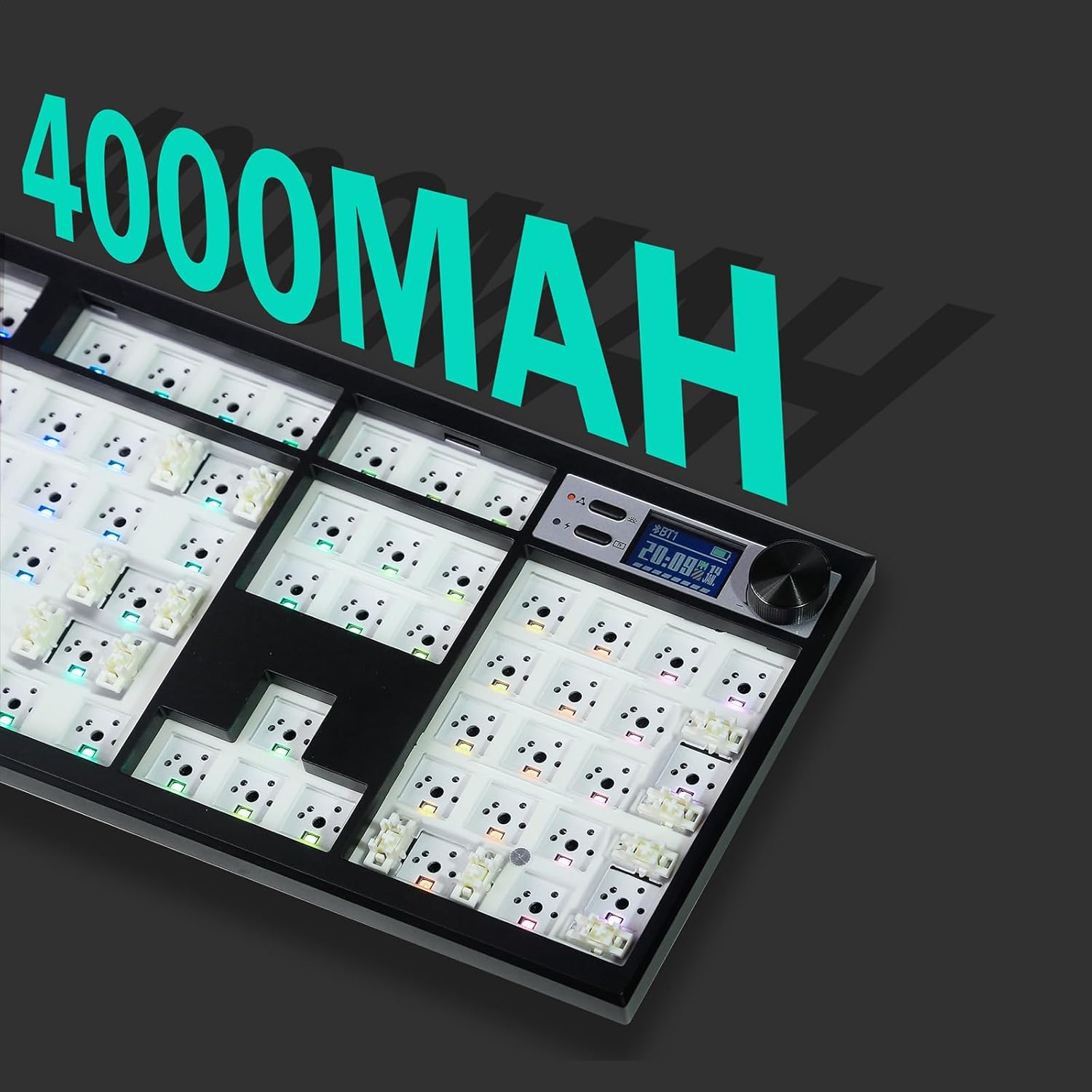
Image 7.2: A visual highlighting the 4000mAh battery capacity of the GMK104 keyboard, indicating long-lasting wireless use.
8. Warranty and Support
For warranty information and customer support, please refer to the documentation included with your product or visit the official ZUOYA website. Keep your proof of purchase for any warranty claims.


