
Introduction
Embark on an extraordinary journey into the world of virtual aviation with the Microsoft Flight Simulator 2024 Manual. Whether you're a beginner pilot or a seasoned virtual aviator, this comprehensive guidebook provides everything you need to navigate the skies with confidence.
Packed with detailed instructions, expert tips, and illustrated walkthroughs, this manual covers essential features, including flight planning, aircraft controls, navigation systems, weather dynamics, and advanced simulation techniques. Master realistic flight scenarios, explore breathtaking landscapes, and unlock the full potential of Microsoft Flight Simulator 2024.
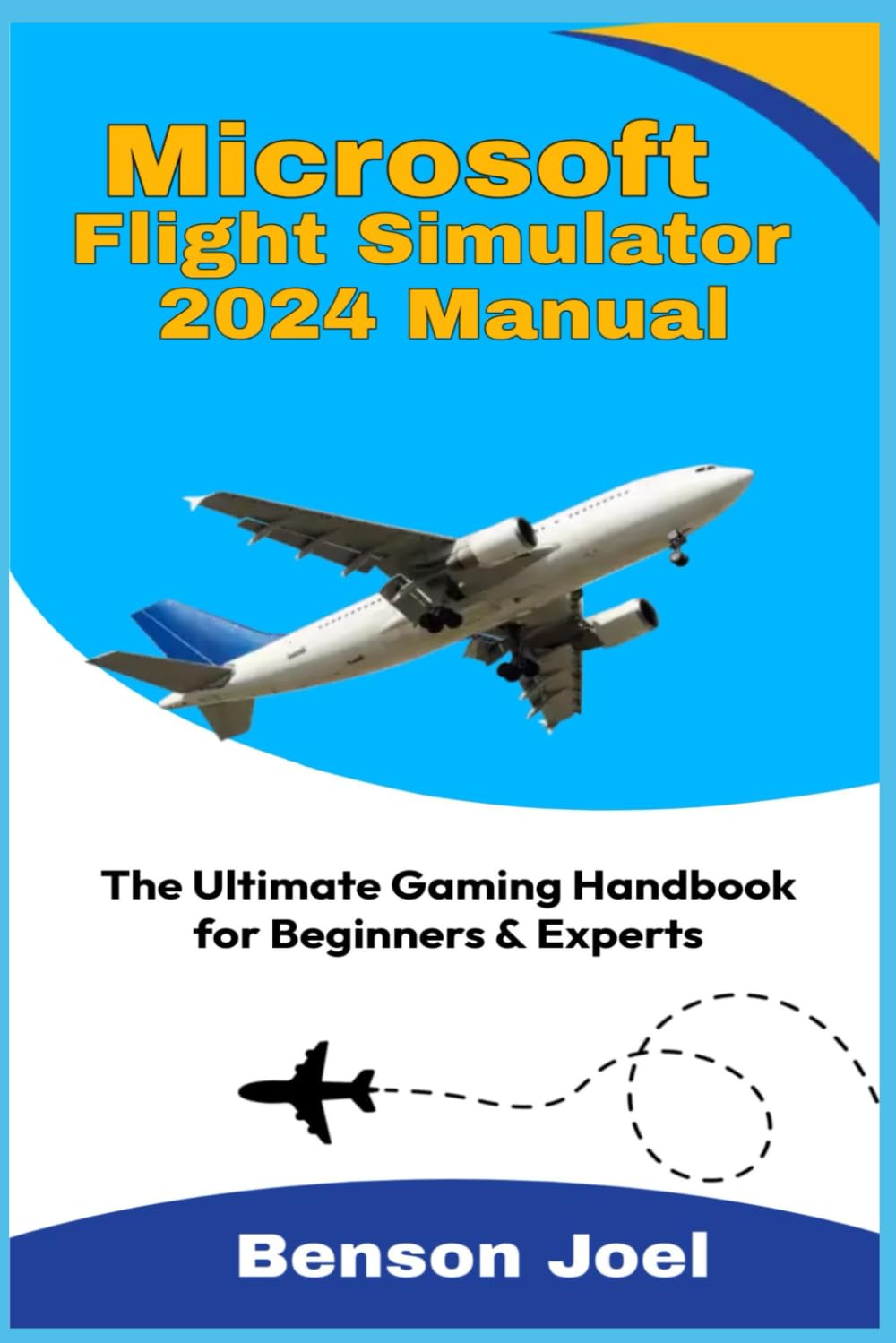
Image: Front cover of the Microsoft Flight Simulator 2024 Manual. This image displays the title and primary artwork for the guide.
Key Highlights:
- Step-by-step tutorials for new pilots
- Advanced tips for mastering complex aircraft systems
- Troubleshooting and optimization advice
- A detailed overview of new features in the 2024 edition
Whether you're flying for leisure or looking to sharpen your virtual piloting skills, this user-friendly guide is your essential companion for an unparalleled flight simulation experience. Fly smarter, explore deeper, and take your simulation adventure to new heights!
Getting Started and Setup
System Requirements
Before installing Microsoft Flight Simulator 2024, ensure your computer meets the minimum and recommended system specifications. This includes checking your processor, RAM, graphics card, and available storage space. Refer to the official Microsoft Flight Simulator website or game packaging for the most up-to-date requirements.
Installation Process
- Purchase and Download: Acquire the game through your preferred platform (e.g., Microsoft Store, Steam).
- Initiate Installation: Follow the on-screen prompts to begin the installation. This may involve selecting an installation directory.
- Download Content: The initial download is often a small client, followed by a larger in-game content download. Ensure a stable internet connection.
- First Launch: Upon completion, launch the game. You may be prompted to sign in with your Microsoft account.
Initial Configuration
After installation, configure essential settings for an optimal experience:
- Graphics Settings: Adjust resolution, anti-aliasing, texture quality, and other visual parameters to balance performance and fidelity.
- Control Setup: Calibrate your joystick, yoke, throttle, rudder pedals, or other input devices. Map essential functions to easily accessible buttons.
- Audio Settings: Customize sound levels for engine noise, ATC, and environmental effects.
- Assistance Options: For beginners, enable various assistance features like auto-rudder, flight model assistance, and landing aids. These can be gradually disabled as you gain experience.
Operating the Simulator
Basic Flight Controls
Understanding fundamental controls is crucial for flight. This includes:
- Pitch (Elevator): Controls the aircraft's nose up or down, affecting climb or descent.
- Roll (Ailerons): Tilts the wings left or right, used for turning.
- Yaw (Rudder): Controls the aircraft's nose left or right, primarily for ground steering and coordinated turns.
- Throttle: Manages engine power, affecting speed.
- Flaps: Increases lift and drag for takeoff and landing.
- Landing Gear: Retracts or extends the wheels.
Flight Planning
Effective flight planning ensures a smooth and realistic journey:
- Select Departure and Arrival Airports: Choose your starting point and destination.
- Choose Aircraft: Select an aircraft suitable for your flight type and distance.
- Route Selection: Plan your route, including waypoints, airways, and approach procedures.
- Weather and Time: Set real-world weather or custom conditions, and choose your desired time of day.
- Fuel and Weight: Adjust fuel load and passenger/cargo weight for realistic performance.
Navigation Systems
Modern aircraft utilize various navigation systems:
- GPS (Global Positioning System): Provides precise location data and guides you along your flight plan.
- VOR (VHF Omnidirectional Range): Ground-based radio beacons used for navigation.
- ILS (Instrument Landing System): Provides lateral and vertical guidance for precision approaches to runways.
- Autopilot: Automates flight control, maintaining heading, altitude, and speed.
Advanced Techniques
For experienced pilots, delve into:
- Weather Dynamics: Learn to interpret and react to complex weather phenomena like turbulence, icing, and crosswinds.
- Complex Aircraft Systems: Master intricate systems such as FMS (Flight Management System), engine management, and electrical systems.
- Air Traffic Control (ATC): Interact realistically with virtual ATC for clearances, instructions, and advisories.
Maintenance and Optimization
Game Updates
Regularly check for and install game updates. These often include performance improvements, bug fixes, new features, and content additions. Ensure your internet connection is stable during updates to prevent corruption.
Performance Optimization
To achieve the best performance:
- Driver Updates: Keep your graphics card drivers updated to the latest version.
- In-Game Settings: Experiment with graphics settings. Lowering cloud quality, terrain detail, and object density can significantly improve frame rates.
- Background Applications: Close unnecessary background applications to free up system resources.
- Cache Management: Periodically clear the game's rolling cache and manual cache to prevent performance degradation.
Saving and Loading Flights
You can save your current flight progress to resume later. Access the save/load menu during a flight to save your aircraft's position, settings, and flight plan. This allows you to continue complex flights without starting over.
Troubleshooting Common Issues
Installation Problems
- Download Errors: Verify your internet connection. Restart the download. Check for sufficient disk space.
- Corrupted Files: Use the game platform's (e.g., Steam, Microsoft Store) 'verify integrity of game files' option.
Performance Issues
- Low Frame Rates: Reduce graphics settings. Update GPU drivers. Ensure your system meets recommended specifications.
- Crashes to Desktop: Check for conflicting software. Update all drivers. Monitor system temperatures for overheating.
Control Configuration
- Input Not Detected: Ensure your controllers are properly connected and drivers are installed. Restart the game.
- Incorrect Mappings: Reset control profiles to default and reconfigure them step-by-step.
Product Specifications
| ASIN | B0DWZG4X7Q |
| Publisher | Independently published |
| Publication Date | February 10, 2025 |
| Language | English |
| Print Length | 147 pages |
| ISBN-13 | 979-8310232709 |
| Item Weight | 9.9 ounces |
| Dimensions | 6 x 0.34 x 9 inches |

Image: Back cover of the Microsoft Flight Simulator 2024 Manual. This image displays the ISBN barcode and additional publication details.
Support Information
For support related to the Microsoft Flight Simulator 2024 game itself, including technical issues, game features, or account management, please refer to the official Microsoft Flight Simulator support channels and forums. These resources are maintained by Microsoft and the game development team.
For inquiries regarding this instruction manual (e.g., content errors, printing quality), please contact the publisher, Independently published, through their available customer service channels. As this is a published book, direct product support for the manual itself would be handled by the publisher.


