
1. Introduction
The Maxfree S6 Laptop Screen Extender is designed to enhance your productivity by providing a triple-screen setup for your laptop. Featuring two 15.6-inch Full HD 1080P displays, it offers an expanded workspace with vibrant colors and clear visuals. This manual provides detailed instructions for setup, operation, and troubleshooting to ensure optimal use of your device.

Image: The Maxfree S6 Laptop Screen Extender in a triple-screen configuration with a laptop.
2. Package Contents
Please verify that all items are present in your package:
- Maxfree S6 Laptop Screen Extender (Main Unit)
- Carrying Case
- User Quick Guide
- User's Manual
- USB-A to USB-C Cable (x2)
- HDMI to USB-C Cable
- USB-C to USB-C Cable (x2)
- Single Screen Stand
- Sleeve Stand

Image: All components included in the Maxfree S6 product package.
3. Product Features
- 1080P FHD Visuals: Two 15.6-inch 1080P FHD displays with 120% sRGB, 72% NTSC color range, 300 nits brightness, and 1000:1 contrast for realistic colors and comfortable viewing. Features low blue light and anti-glare to reduce eye fatigue.
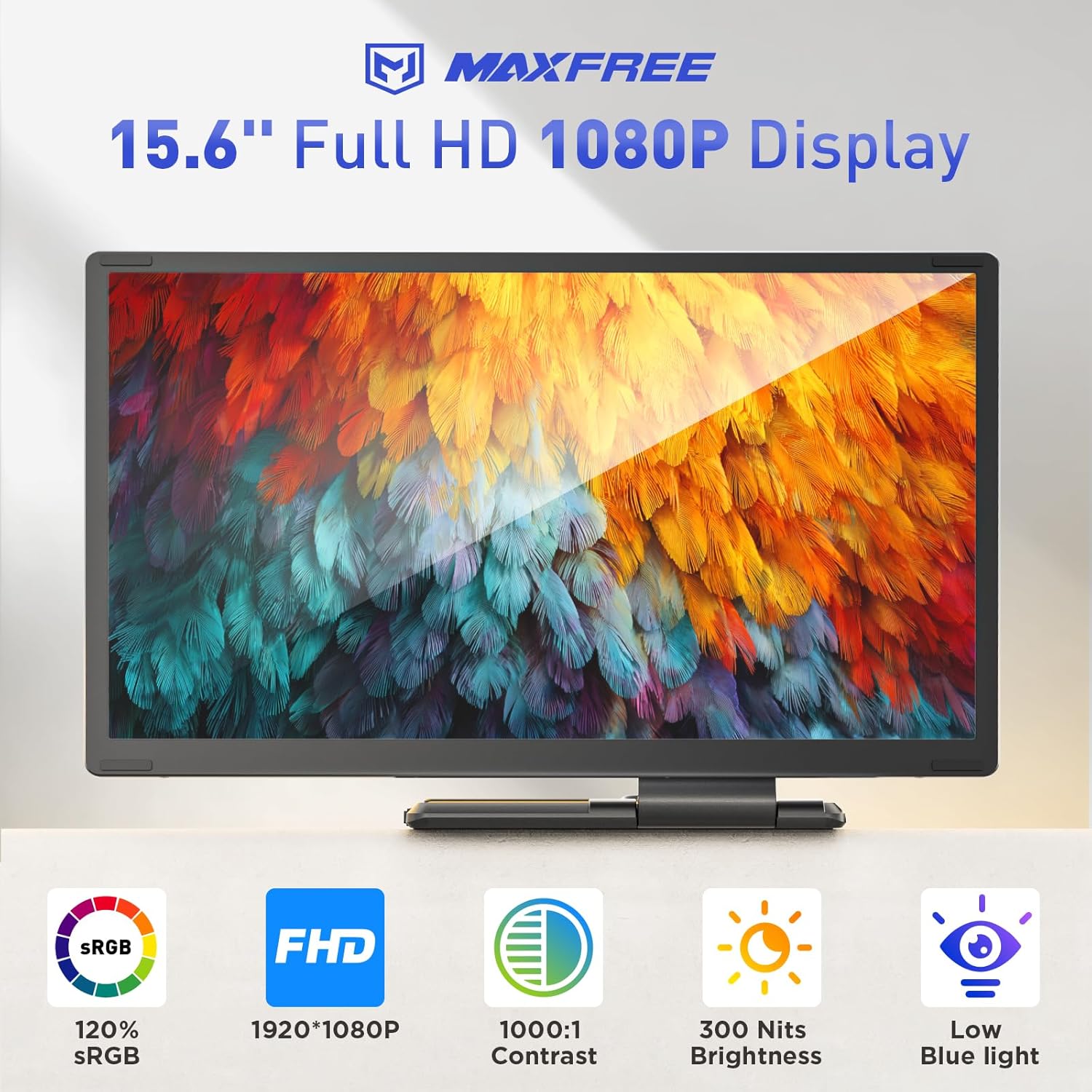
Image: Detailed view of the display's visual specifications.
- 11 DIY Combination Methods: Detachable screens support 90° vertical rotation and 235° horizontal rotation. Includes a sleeve stand and a single screen stand for versatile configurations. The magnetic structure ensures stability and compact folding.
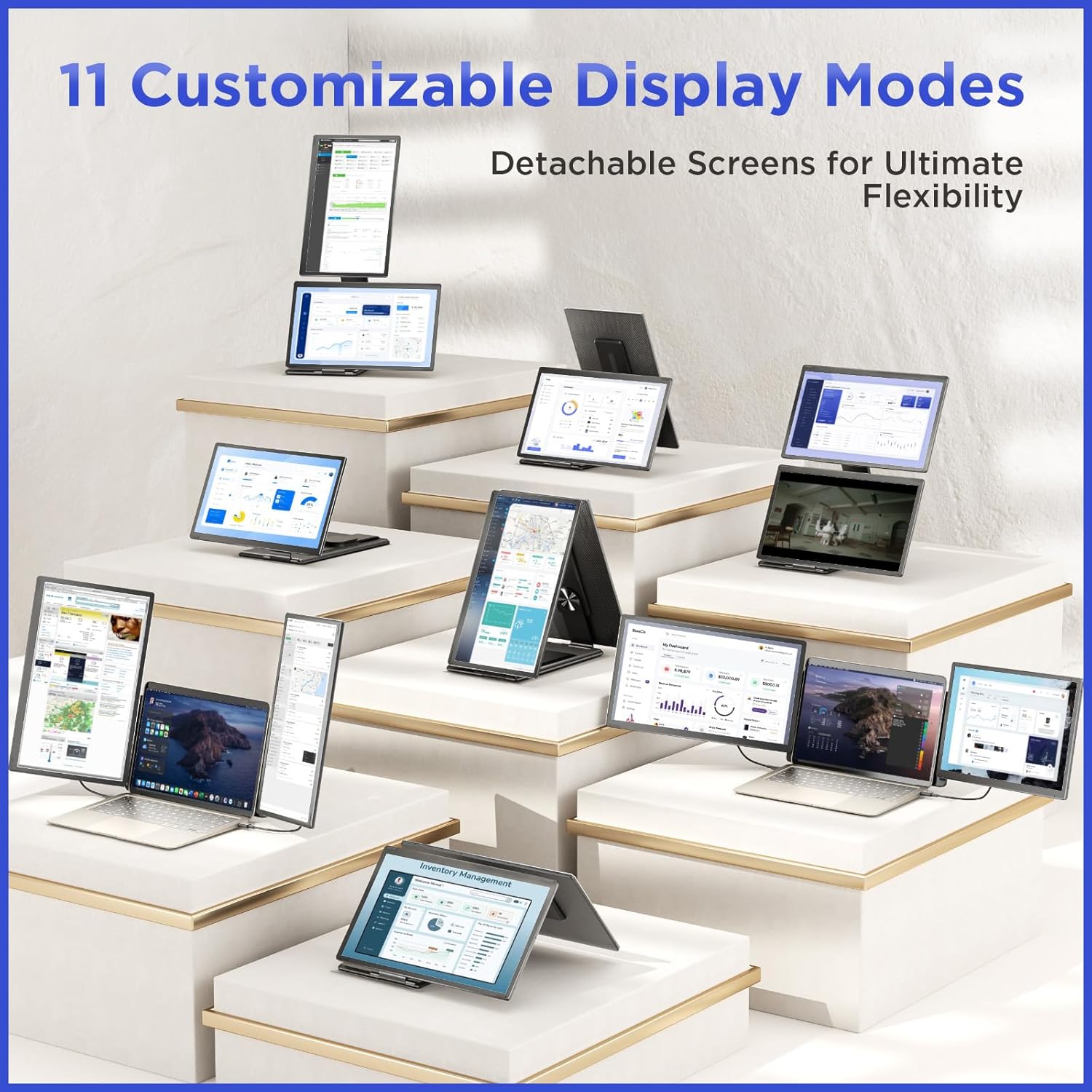
Image: Examples of the 11 customizable display modes.
- Enhanced Productivity: Simultaneously use three open windows for various tasks, increasing multitasking efficiency by up to 300%. Ideal for home office, business travel, and meetings.
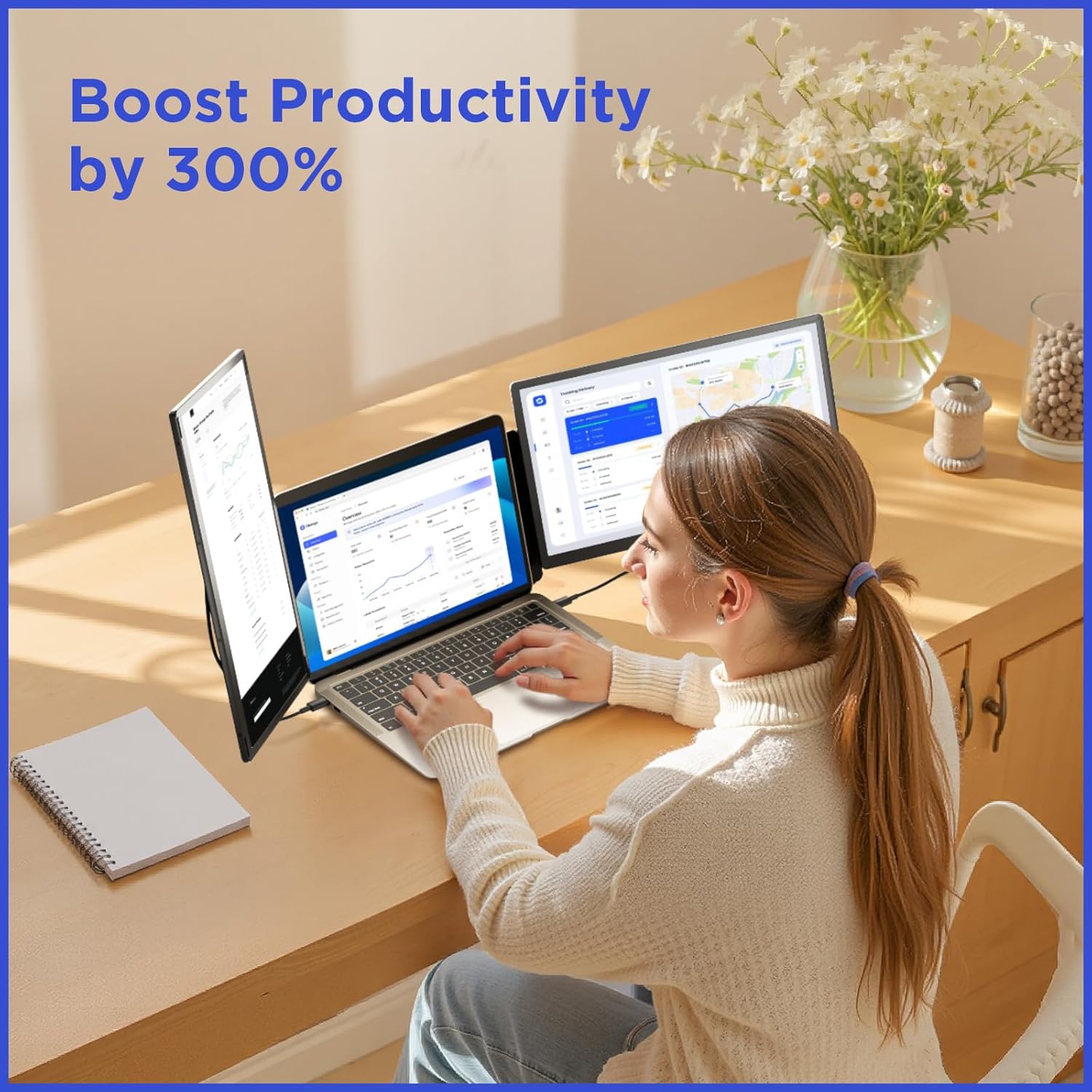
Image: User demonstrating increased productivity with the triple-screen setup.
- Wide Compatibility: Compatible with 13"-17.3" laptops running Windows, Mac (note M1/M2/M3 chip requirements), Chrome, Android, Linux, and Switch.

Image: Visual representation of the wide compatibility across various operating systems and devices.
- Plug and Play: No drivers required for most connections. Simply plug in the necessary cables.
- Rotatable Support Stand: The integrated stand allows for 90° vertical and 360° horizontal rotation for optimal viewing angles.
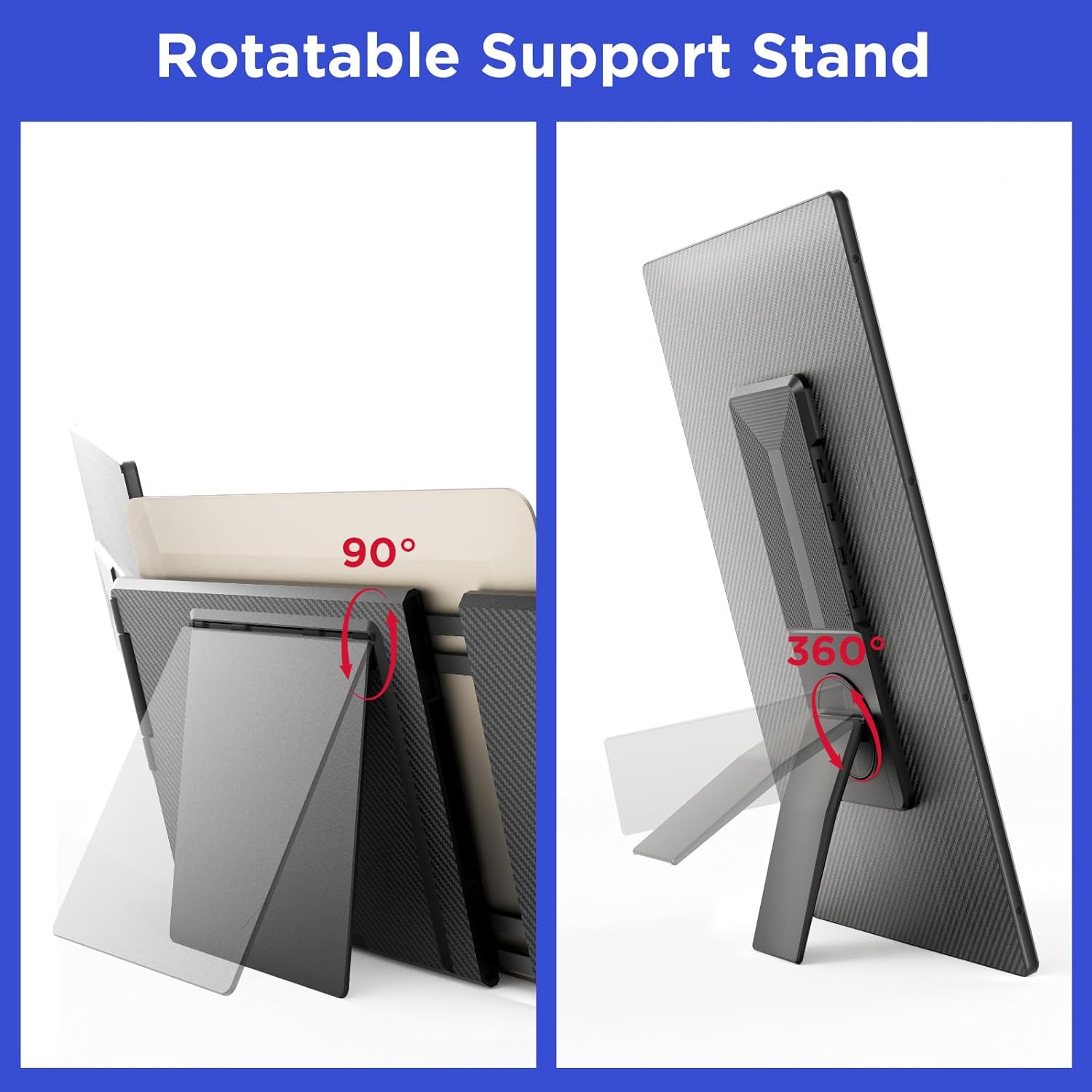
Image: Illustration of the rotatable support stand's flexibility.
- Charge While You Work: The extender can be powered directly, eliminating battery worries during extended use.

Image: The extender being used while charging, ensuring continuous operation.
4. Setup and Connection
4.1 Port & Button Overview
Familiarize yourself with the ports and buttons on your Maxfree S6 extender:
- USB-C with DP: For video and power input.
- USB-C (Type-C1, Type-C2): For video and power input.
- Multi-function Button: For menu navigation and settings.
- Power Port: For external power input.
- Speaker: Integrated audio output.

Image: Overview of the ports and buttons on the extender.
4.2 Connection Options
The Maxfree S6 offers multiple ways to connect to your laptop:
- Option 1: Two Full-Function USB-C Cables
Connect your laptop to both screens using two full-function USB-C cables. This option provides both video and power through a single cable per screen.

Image: Connection diagram for Option 1.
- Option 2: One Full-Function USB-C and One HDMI + USB-A
Connect one screen using a full-function USB-C cable. For the second screen, use an HDMI cable for video and a USB-A to USB-C cable for power.
- Option 3: H5-T Cable (for specific Mac models)
If your laptop is a Mac with M1/M2/M3 chips, you will need to connect the H5-T cable to the "DP" port of the second screen, and then connect a USB cable to the "Type C" port of this screen for power. Please contact Maxfree support to obtain an H5-T cable if needed.
Note: When using an HDMI cable, an additional USB-A to USB-C cable is required for power.
5. Operating Instructions
5.1 Display Modes and Flexibility
The Maxfree S6 offers 11 customizable display modes. The screens are detachable and can be rotated 90° vertically and 235° horizontally, allowing for various viewing angles and configurations to suit your workflow.
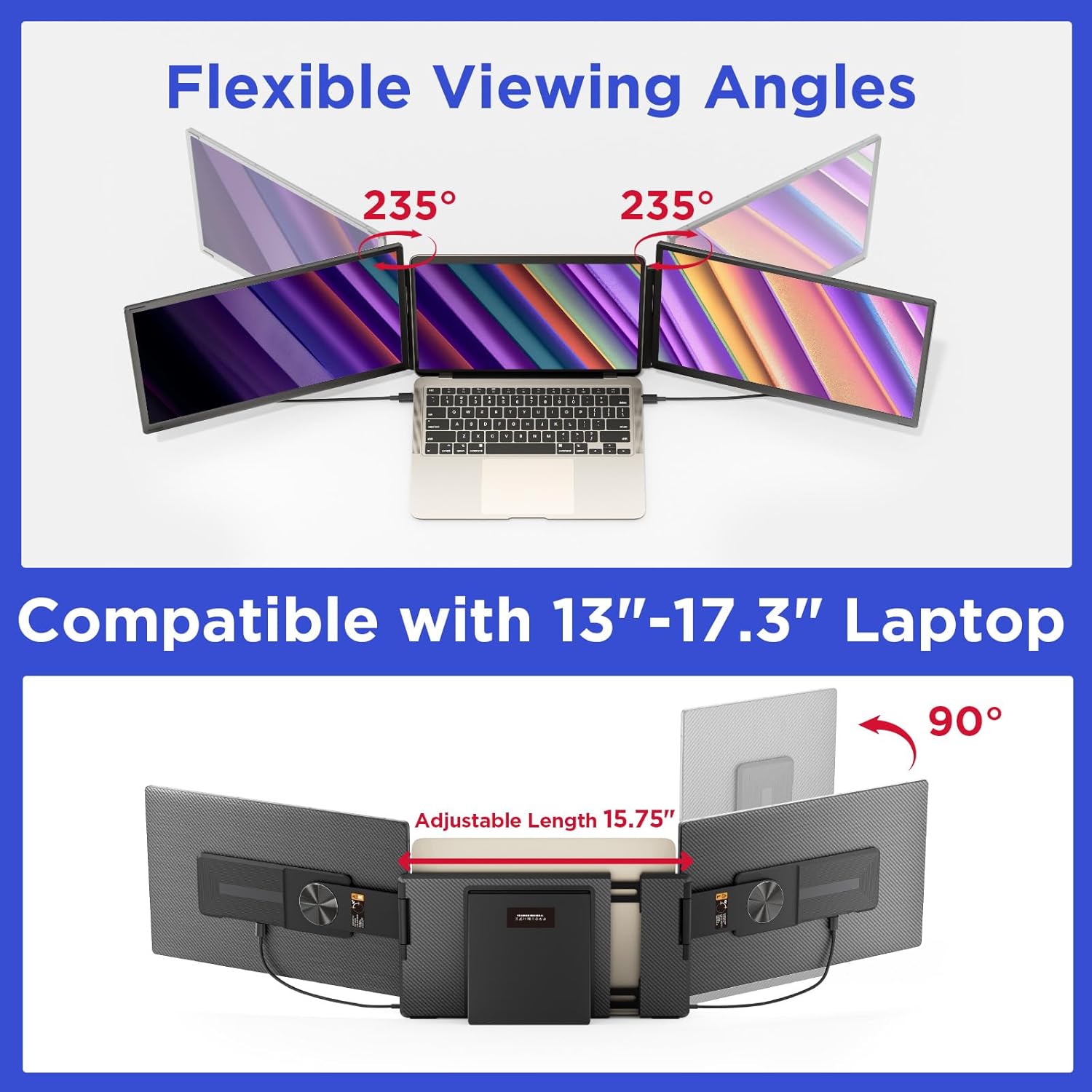
Image: Demonstrating the flexible viewing angles and laptop compatibility.
5.2 Adjusting Screen Position
The extender is compatible with 13"-17.3" laptops and features an adjustable length of up to 15.75 inches to fit various laptop sizes securely. The magnetic structure ensures a stable attachment.
5.3 Multi-Scenario Use
The Maxfree S6 is versatile for various applications:
- Business Meetings: Enhance collaboration and efficiency by sharing content on multiple screens.
- Gaming: Immerse yourself in games with an expanded field of view.
- Home Entertainment: Enjoy movies and other media anywhere.
- Professional Work: Ideal for programming, financial analysis, and other tasks requiring multiple open applications.
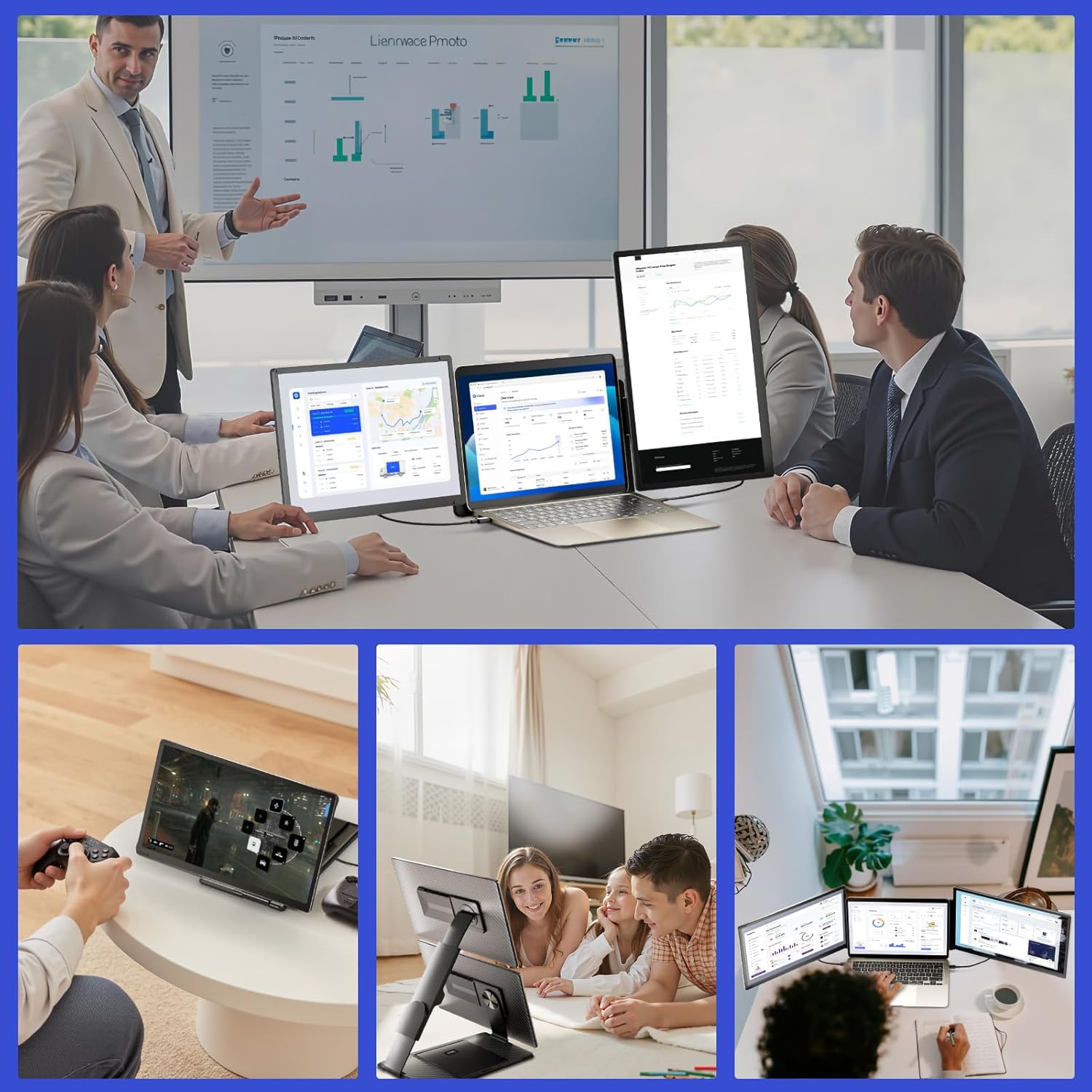
Image: Examples of the extender's use in different environments.
6. Troubleshooting
If you encounter issues with your Maxfree S6 Laptop Screen Extender, please refer to the following common solutions:
- No Display / Black Screen:
- Ensure all cables are securely connected to both the extender and your laptop.
- Verify that your laptop's display settings are configured to extend or duplicate the display.
- If using HDMI, confirm that the additional USB-A to USB-C power cable is connected.
- For Mac M1/M2/M3 chips, ensure you are using the correct H5-T cable and connection method as described in Section 4.2.
- Flickering Screen:
- Check cable connections for looseness.
- Ensure your laptop's graphics drivers are up to date.
- Try reducing the display resolution on the extended screens.
- Incorrect Color/Brightness:
- Use the multi-function button on the extender to access the OSD (On-Screen Display) menu and adjust color, brightness, and contrast settings.
- Ensure your laptop's display settings are not overriding the extender's settings.
- Audio Issues:
- Check your laptop's audio output settings to ensure the Maxfree S6 is selected as the playback device.
- Adjust the volume using the extender's controls or your laptop's system volume.
If these steps do not resolve your issue, please contact Maxfree customer support for further assistance.
7. Specifications
| Feature | Specification |
|---|---|
| Product Dimensions | 8.5 x 14.2 x 1.77 inches |
| Item Weight | 5.3 pounds |
| Screen Size | 15.6 Inches (each) |
| Resolution | 1920 x 1080 (FHD 1080p) |
| Aspect Ratio | 16:9 |
| Image Brightness | 300 Candela (Nits) |
| Screen Surface Description | Matte |
| Voltage | 20V |
| Total USB Ports | 1 (referring to the main unit's power/data input) |
| Compatible Laptop Size | 13"-17.3" |
| Manufacturer | Shenzhen Baijiayoupu Technology CO., Ltd |
| Date First Available | February 22, 2025 |
8. Warranty and Support
Maxfree is committed to customer satisfaction. If you have any questions regarding the compatibility or operation of your Maxfree S6 Laptop Screen Extender, please do not hesitate to contact our professional after-sales service team. We aim to respond to all inquiries within 24 hours to ensure your triple monitor continues to work or entertain at its best.
Contact Information:
- Refer to the contact details provided in your product packaging or on the official Maxfree website.


