
1. Introduction
Thank you for choosing the Audiopipe DJAP-B895BT 8-inch Professional Active Loudspeaker. This portable PA speaker is designed to deliver clear, balanced sound for various applications, including live events, performances, and music playback. This manual provides essential information for the safe and efficient operation of your device. Please read it thoroughly before use and retain it for future reference.

Figure 1: Front view of the Audiopipe DJAP-B895BT Loudspeaker.
2. Important Safety Information
To reduce the risk of electric shock, fire, or injury, always follow these basic safety precautions:
- Read all instructions before operating the appliance.
- Do not expose this appliance to rain or moisture.
- Do not use this apparatus near water.
- Clean only with a dry cloth.
- Do not block any ventilation openings. Install in accordance with the manufacturer's instructions.
- Do not install near any heat sources such as radiators, heat registers, stoves, or other apparatus (including amplifiers) that produce heat.
- Protect the power cord from being walked on or pinched, particularly at plugs, convenience receptacles, and the point where they exit from the apparatus.
- Only use attachments/accessories specified by the manufacturer.
- Unplug this apparatus during lightning storms or when unused for long periods of time.
- Refer all servicing to qualified service personnel. Servicing is required when the apparatus has been damaged in any way, such as power-supply cord or plug is damaged, liquid has been spilled or objects have fallen into the apparatus, the apparatus has been exposed to rain or moisture, does not operate normally, or has been dropped.
3. What's in the Box
Upon unpacking your Audiopipe DJAP-B895BT Loudspeaker, please ensure all items are present and in good condition:
- Audiopipe DJAP-B895BT Loudspeaker Unit
- User Manual (this document)
- Power Cable
4. Key Features
The Audiopipe DJAP-B895BT Loudspeaker offers a range of features designed for versatile audio performance:
- Portable Design: Equipped with a sturdy handle for easy transport.
- RGB LED Lights: Dynamic multi-color LED lighting with various effects to enhance your audio experience.
- Wireless Music Streaming: Connects wirelessly via Bluetooth to smartphones or MP3 players for seamless music playback. Supports True Wireless Stereo (TWS) for connecting two speakers.
- Advanced Amplified System: Features a potent Class D amplifier delivering up to 200 watts of peak power.
- Multiple Inputs: Includes 2-way microphone inputs (1/4" TRS and 1/4" TS jacks) and line inputs (AUX/RCA).
- Active Filter with Controls: Independent Bass and Treble controls for fine-tuning your sound.
- Stand Mounting Socket: Allows for easy setup and optimal sound projection.
- High-Quality Drivers: Features a 2.5" titanium tweeter and an 8" woofer with a 1.5" high-temperature Kapton voice coil.
- Durable Construction: Built with robust ABS material, protective rubber feet, and a metal grill for longevity.
- Memory Stick Port: Play music directly from a USB drive.
5. Setup Instructions
5.1 Initial Placement
Place the loudspeaker on a stable, flat surface or mount it on a compatible speaker stand using the integrated stand mounting socket. Ensure adequate ventilation around the unit.
5.2 Power Connection
- Connect the provided power cable to the AC input on the rear panel of the speaker.
- Plug the other end of the power cable into a suitable 115V / 230V AC power outlet.
- Flip the main power switch to the 'ON' position. The power indicator light will illuminate.

Figure 2: Rear panel of the loudspeaker showing controls and power input.
5.3 Battery Charging (if applicable)
The speaker features a rechargeable battery. Connect the power cable to charge the battery. The charging indicator will show the battery status (RED for charging, GREEN for charged).

Figure 3: Rear panel with the rechargeable battery compartment visible.
6. Operating Instructions
6.1 Control Panel Overview

Figure 4: Detailed diagram of the rear control panel.
The rear panel features various controls and inputs:
- Memory Stick Port: USB input for playing audio files.
- Memory Stick Playback Controls: Buttons for mode, volume, repeat, and folder navigation.
- MIC / Line In: Inputs for microphones (CH1, CH2) and line-level audio sources (CH3/4, CH5/6).
- MIC Level: Individual volume controls for microphone inputs.
- Battery Status Indicator: Displays current battery charge.
- DC Input: For external DC power (12V 5A).
- Power Switch: Main power ON/OFF.
- Power Supply Input Connector: AC power input.
- Link Out: Output to connect to another speaker.
- MP3 Level: Volume control for MP3/Bluetooth input.
- Treble/Bass: Equalizer controls for high and low frequencies.
- Echo Sound Effect: Control for microphone echo.
- LED Light ON/OFF Switch: Toggles the RGB LED lights.
6.2 Bluetooth Pairing
- Ensure the speaker is powered on.
- Press the 'MODE' button on the control panel until 'BLUE' appears on the display, indicating Bluetooth mode.
- On your smartphone or MP3 player, enable Bluetooth and search for available devices.
- Select 'DJAP-B895BT' from the list of devices.
- Once paired, the speaker will emit a confirmation tone, and you can stream audio wirelessly.

Figure 5: Wireless streaming and True Wireless Stereo (TWS) connection.
6.3 True Wireless Stereo (TWS) Function
To connect two DJAP-B895BT speakers for a stereo experience:
- Power on both speakers and switch them to Bluetooth mode.
- On one speaker (this will be the master), press and hold the 'TWS' button. It will search for the other speaker.
- Once connected, the master speaker will indicate TWS pairing.
- Pair your Bluetooth device to the master speaker as described in Section 6.2. Audio will now play in stereo across both speakers.
6.4 USB Playback
- Insert a USB drive containing MP3 audio files into the Memory Stick Port.
- The speaker will automatically switch to USB mode or you may need to press the 'MODE' button.
- Use the playback controls (play/pause, next/previous track, volume) to manage your music.
6.5 Microphone and Line Inputs
Connect microphones to the 1/4" TRS or TS jacks (CH1, CH2). Connect other audio sources (e.g., mixer, instrument) to the AUX/RCA line inputs (CH3/4, CH5/6). Adjust individual input levels using the corresponding 'LEVEL' knobs.
6.6 Adjusting Sound and LED Lights
- Volume: Use the 'MP3 Level' knob for Bluetooth/USB volume and individual 'LEVEL' knobs for microphone/line inputs.
- Equalizer: Adjust the 'BASS' and 'TREBLE' knobs to fine-tune the low and high frequencies of the audio output.
- Echo: Use the 'ECHO' knob to add a reverberation effect to microphone inputs.
- RGB LED Lights: Use the 'LED LIGHT ON/OFF' switch to activate or deactivate the integrated lighting. The lights will cycle through various colors and effects.
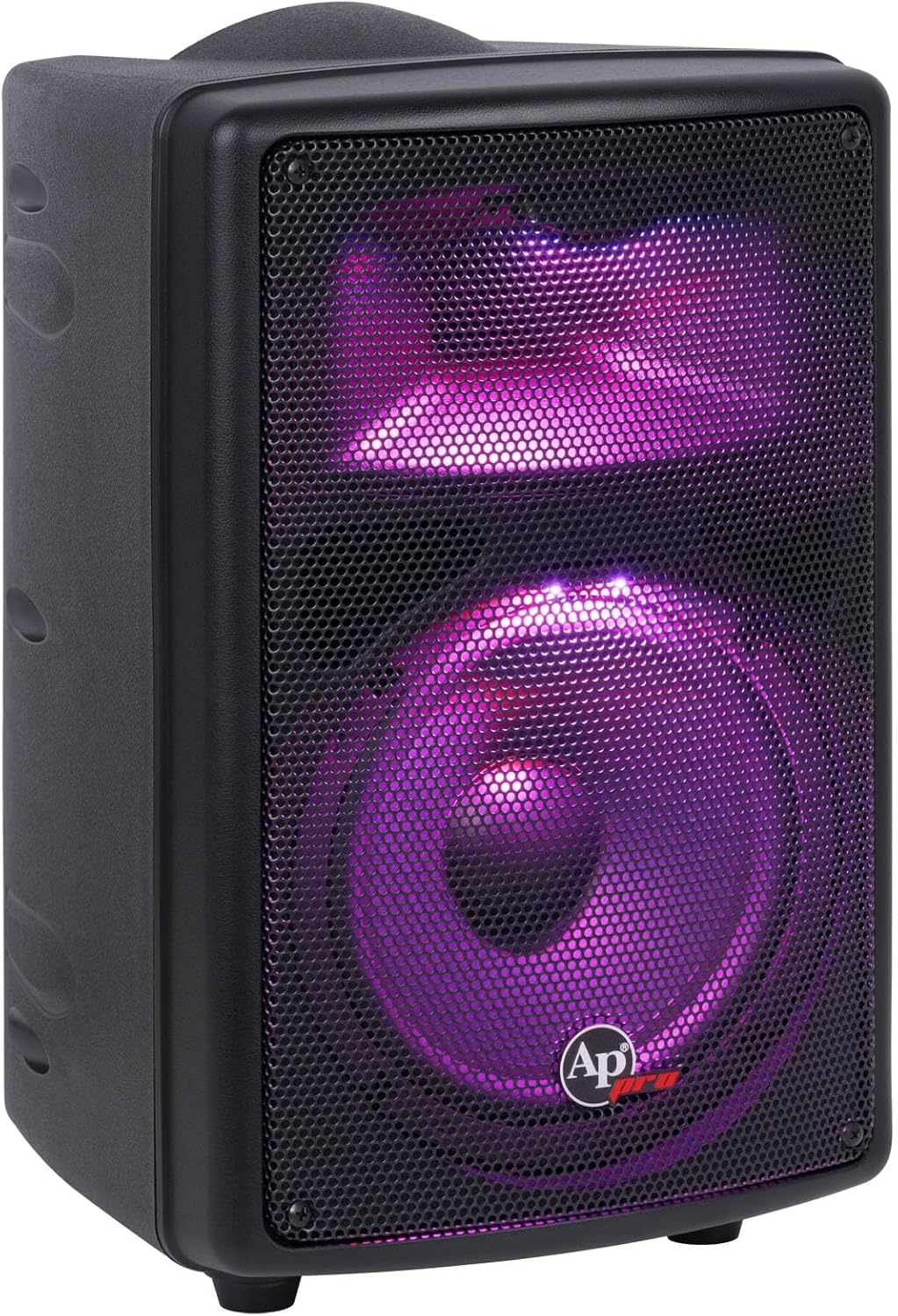
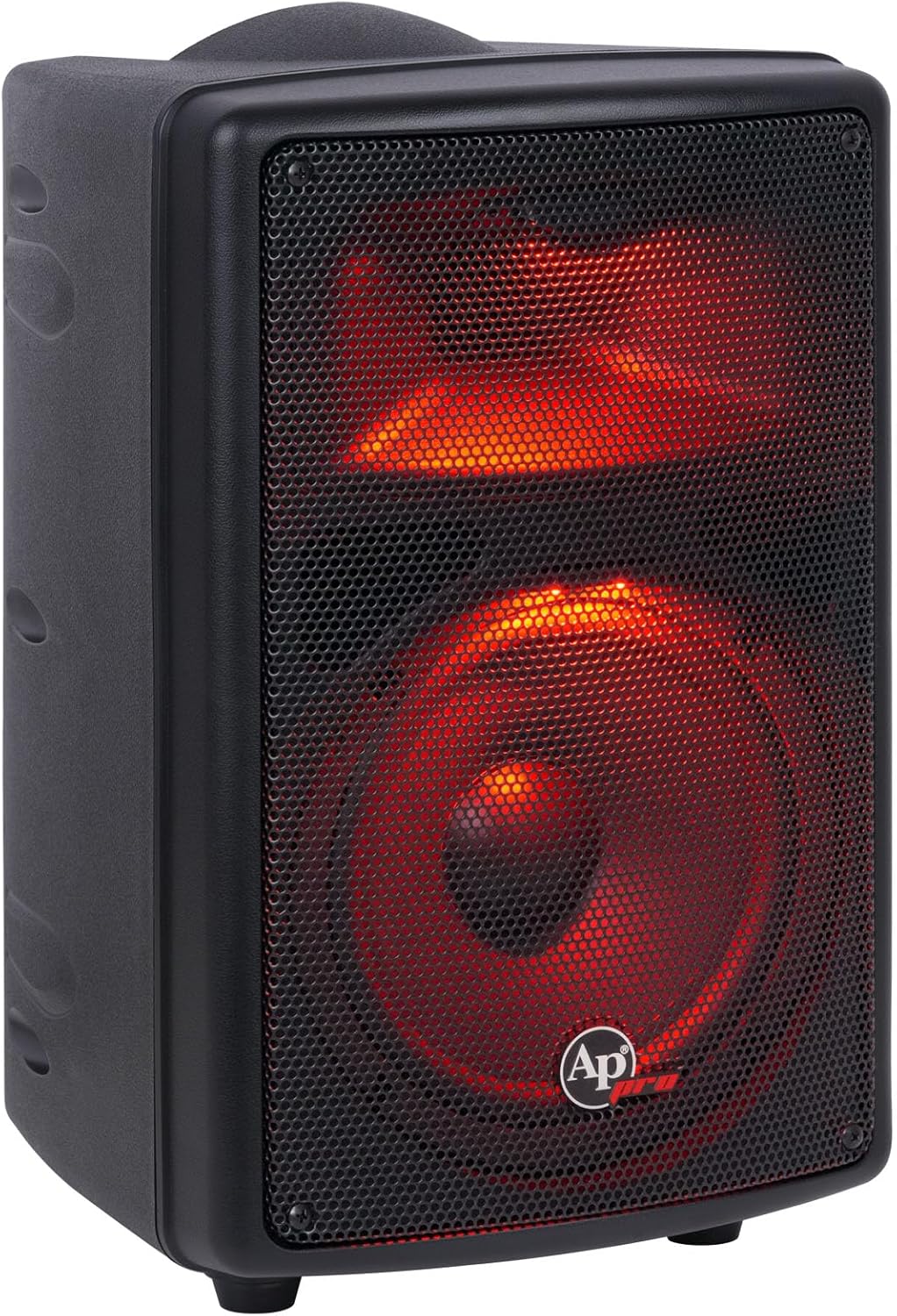

Figure 6: Examples of the RGB LED lighting effects.
6.7 Official Product Video
Video 1: An official product overview video from Audiopipe USA, showcasing the features and sound capabilities of the DJAP-B895BT loudspeaker.
7. Maintenance
7.1 Cleaning
Regularly clean the exterior of the speaker with a soft, dry cloth. Do not use abrasive cleaners, waxes, or solvents as they may damage the finish. Ensure no liquids enter the speaker's openings.
7.2 Storage
When not in use for extended periods, store the speaker in a cool, dry place away from direct sunlight and extreme temperatures. If the speaker has a rechargeable battery, ensure it is partially charged before storage and recharge it every few months to maintain battery health.
8. Troubleshooting
| Problem | Possible Cause | Solution |
|---|---|---|
| No power | Power cable not connected; Power switch off; Discharged battery | Check power cable connection; Turn power switch ON; Charge the battery. |
| No sound output | Volume too low; Incorrect input selected; Device not paired (Bluetooth); Faulty cable | Increase volume; Select correct input mode; Re-pair Bluetooth device; Check/replace cables. |
| Bluetooth pairing failure | Speaker not in pairing mode; Device too far; Interference | Ensure speaker is in Bluetooth mode; Move device closer; Avoid sources of interference. |
| USB playback not working | USB drive not formatted correctly; Unsupported file type; USB drive faulty | Ensure USB is FAT32; Use MP3 files; Try a different USB drive. |
| Microphone not working | Microphone not connected; MIC level too low; Microphone faulty | Connect microphone securely; Increase MIC level; Test with another microphone. |
9. Specifications
| Feature | Detail |
|---|---|
| Model Name | DJAP-B895BT |
| Speaker Type | Professional Active Loudspeaker (PA Speaker) |
| Peak Power | 200 Watts |
| Woofer Size | 8 Inches with 1.5" Kapton Voice Coil |
| Tweeter Size | 2.5 Inches Titanium |
| Frequency Range | 60Hz - 20KHz |
| Impedance | 8 Ohms |
| Power Source | Corded Electric (115V / 230V) / Rechargeable Battery |
| Input Voltage | 230 Volts (AC) |
| Connectivity Technology | Bluetooth, XLR, 1/4" TRS/TS, RCA, USB |
| Wireless Communication | Bluetooth |
| Material | Acrylonitrile Butadiene Styrene (ABS) |
| Product Dimensions (W x D x H) | 11.4" x 11.1" x 16.7" (290 x 280 x 425mm) |
| Item Weight | 22 Pounds (10 Kg) |
| Special Features | RGB LED Lights, Portable Handle, TWS Function, Active Filter |

Figure 7: Visual summary of key product specifications.
10. Warranty and Support
10.1 Limited Warranty
This Audiopipe product comes with a limited warranty. Please refer to the warranty card included with your purchase or visit the official Audiopipe website for detailed terms and conditions regarding warranty coverage and service.
10.2 Customer Support
For technical assistance, troubleshooting, or service inquiries, please contact Audiopipe customer support. Contact information can typically be found on the official Audiopipe website or on the product packaging.
