
1. Introduction
This manual provides instructions for the FANTIA USB Bluetooth 5.4 Adapter. This device enables Bluetooth connectivity for your Windows 10 or 11 PC or laptop, allowing you to connect various Bluetooth-enabled peripherals wirelessly.
The adapter supports Bluetooth V5.4 and is backward compatible with older Bluetooth versions (v1.2/2.0/2.1/3.0/4.0/5.0/5.1/5.2/5.3).
2. Product Overview
The FANTIA USB Bluetooth 5.4 Adapter is a compact device designed for easy integration with your computer. It features a standard USB 2.0 interface.

Image 1: Front view of the FANTIA USB Bluetooth 5.4 Adapter, showing the "BT 5.4" logo.
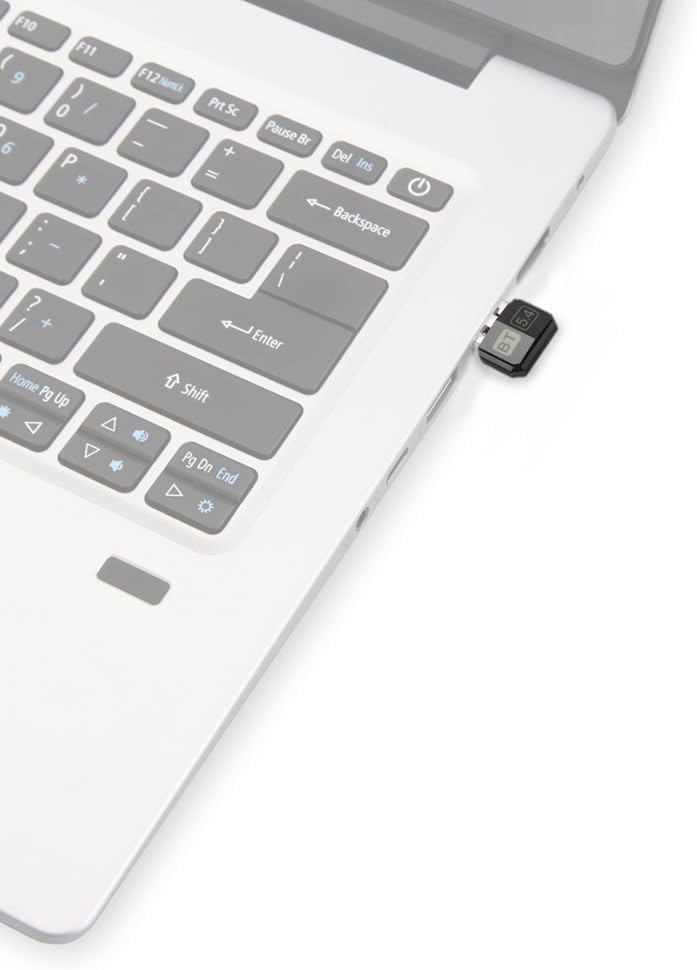
Image 2: The FANTIA USB Bluetooth 5.4 Adapter plugged into the USB port of a laptop, demonstrating its compact size.
3. Setup Instructions
Follow these steps to set up your FANTIA USB Bluetooth 5.4 Adapter:
- System Compatibility Check: Ensure your computer is running Windows 10 or Windows 11. This adapter is designed exclusively for these operating systems and does not support Apple, Linux, or other systems.
- Disable Existing Bluetooth (if applicable): If your computer has built-in Bluetooth functionality, it is crucial to disable it before installing the FANTIA adapter. This prevents potential conflicts. Refer to your computer's settings or manual for instructions on disabling built-in Bluetooth.
- Insert the Adapter: Plug the FANTIA USB Bluetooth 5.4 Adapter into an available USB 2.0 port on your PC or laptop.
- Driver Installation (Windows 10/11): For Windows 10 and Windows 11, the adapter is driver-free. The operating system should automatically detect and install the necessary drivers. Wait a few moments for the installation to complete.
- Driver Installation (Windows 7/8/8.1): While the product description primarily focuses on Win10/11, if you are using Windows 7, drivers must be installed manually. Please refer to the manufacturer's website for driver downloads if you are using Windows 7.
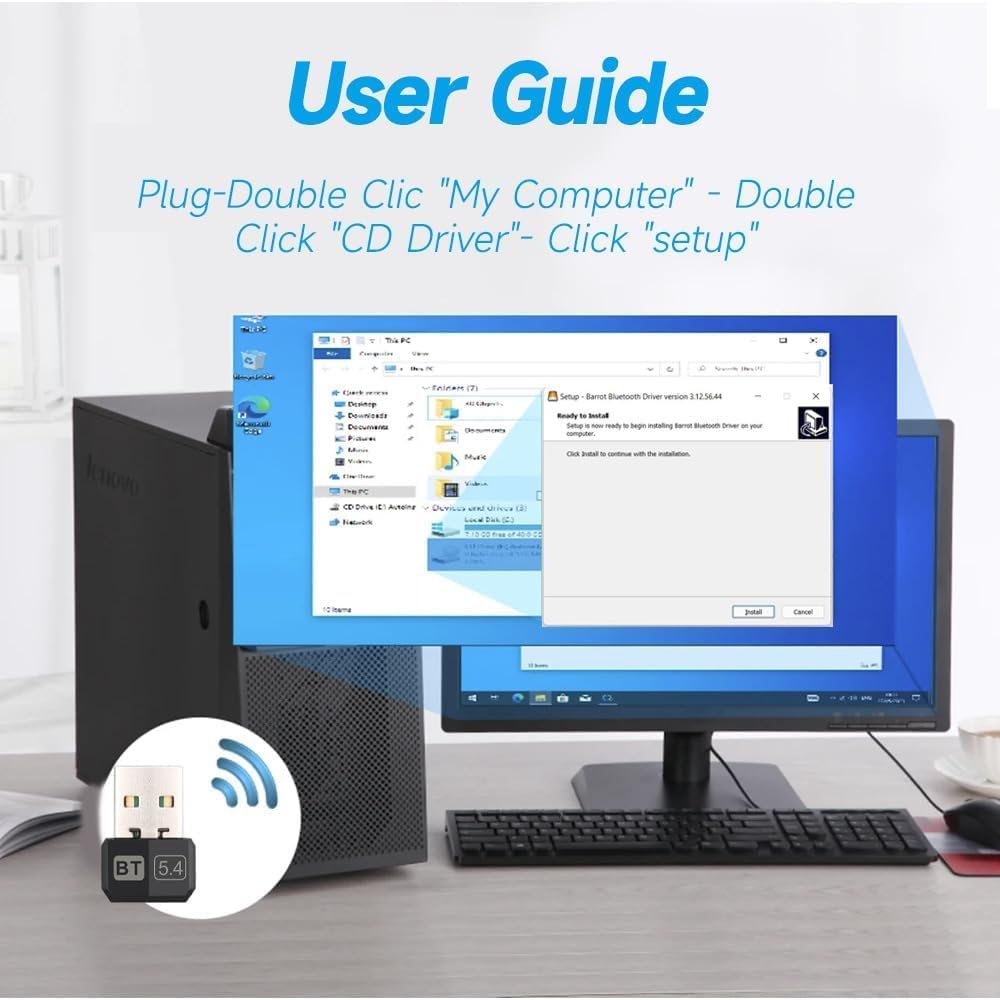
Image 3: A visual representation of a driver installation window on a Windows desktop, indicating the process for systems that may require manual driver setup (e.g., Windows 7).
4. Operating Instructions
Once the adapter is successfully installed, you can begin connecting your Bluetooth devices:
- Enable Bluetooth: After installation, ensure Bluetooth is enabled in your Windows settings. Go to Settings > Devices > Bluetooth & other devices and toggle Bluetooth to "On".
- Pairing Devices:
- Put your Bluetooth device (e.g., headphones, mouse, keyboard) into pairing mode. Refer to your device's manual for specific instructions.
- On your PC, click "Add Bluetooth or other device" in the Bluetooth settings.
- Select "Bluetooth" from the options.
- Your PC will scan for nearby Bluetooth devices. Select your device from the list and follow any on-screen prompts to complete the pairing process.
- Supported Devices: The adapter can connect to various Bluetooth devices, including mice, keyboards, mobile phones, headsets, speakers, and PS4 controllers.
- Simultaneous Connections: The adapter supports the simultaneous connection of up to 5 different types of Bluetooth devices. However, only one device of the same type (e.g., one mouse, one keyboard) can be used at a time.

Image 4: A diagram illustrating the FANTIA USB Bluetooth 5.4 Adapter's ability to connect to various devices such as smartphones, tablets, mice, speakers, keyboards, headsets, and printers.
5. Troubleshooting
- Adapter Not Detected / Not Working:
- Ensure the adapter is firmly plugged into a functioning USB port.
- Verify your operating system is Windows 10 or 11. The adapter is not compatible with other systems.
- If your computer has built-in Bluetooth, ensure it is disabled. Conflicting Bluetooth modules can prevent the adapter from working correctly.
- Try plugging the adapter into a different USB port.
- Restart your computer.
- Cannot Pair Devices:
- Ensure your Bluetooth device is in pairing mode and within range (approximately 20 meters without significant obstacles).
- Check if Bluetooth is enabled in your Windows settings.
- Remove any previously paired instances of the device from your computer's Bluetooth settings and attempt to pair again.
- Ensure you are not trying to connect the adapter to a TV or car system, as these are not supported.
- Limited Range or Disconnections:
- Bluetooth range can be affected by physical obstacles (walls, furniture) and interference from other wireless devices (Wi-Fi routers, cordless phones). Try to minimize these.
- Ensure the adapter is not obstructed.
- Move the connected device closer to the adapter.
6. Specifications
| Product Name | FANTIA USB Bluetooth 5.4 Adapter |
| Interface | USB 2.0 |
| Bluetooth Version | V5.4 (Backward compatible with v1.2/2.0/2.1/3.0/4.0/5.0/5.1/5.2/5.3) |
| Frequency Band | 2.400-2.480GHz |
| Color | Black |
| Supported Operating Systems | Windows 10 / Windows 11 (Driver-free) |
| Transmission Distance | Up to 20 meters (unobstructed) |
| Dimensions | Approximately 17mm (width) x 24mm (length) x 8mm (thickness) |
| Item Weight | 0.704 ounces (approx. 0.02 kg) |

Image 5: Technical drawing indicating the dimensions of the FANTIA USB Bluetooth 5.4 Adapter: 17mm width, 24mm length, and 8mm thickness.
7. Maintenance
The FANTIA USB Bluetooth 5.4 Adapter requires minimal maintenance. To ensure optimal performance and longevity:
- Keep the adapter clean and free from dust. Use a soft, dry cloth for cleaning.
- Avoid exposing the adapter to extreme temperatures, humidity, or direct sunlight.
- Do not attempt to disassemble or repair the adapter yourself, as this will void any potential warranty.
- Store the adapter in a safe place when not in use to prevent physical damage.
8. Warranty and Support
For warranty information or technical support, please refer to the documentation included with your purchase or contact FANTIA customer service through their official channels. Keep your purchase receipt as proof of purchase.
For further assistance, you may visit the FANTIA brand page on Amazon: FANTIA Store