
1. Introduction
Thank you for choosing the Yoidesu MP3 Player. This device is designed to provide a versatile and high-quality audio experience, featuring Bluetooth 5.4 connectivity, HiFi sound, and a range of additional functions including FM radio, E-book reader, calendar, and clock. This manual will guide you through the setup, operation, and maintenance of your new MP3 player.
2. Package Contents
Please verify that all items listed below are included in your package:
- Yoidesu MP3 Player (Model Yoidesuwp4fqy2bix-13)
- USB Charging Cable
- User Manual
- Remote Control
3. Product Overview
Familiarize yourself with the physical components and interface of your MP3 player.

Image: Front and side view of the Yoidesu MP3 Player, showcasing its compact design and 2.01-inch screen.

Image: The MP3 player's screen displaying various function icons for Music, Video, FM Radio, E-book, Recording, Picture, Settings, Folder, and Bluetooth.
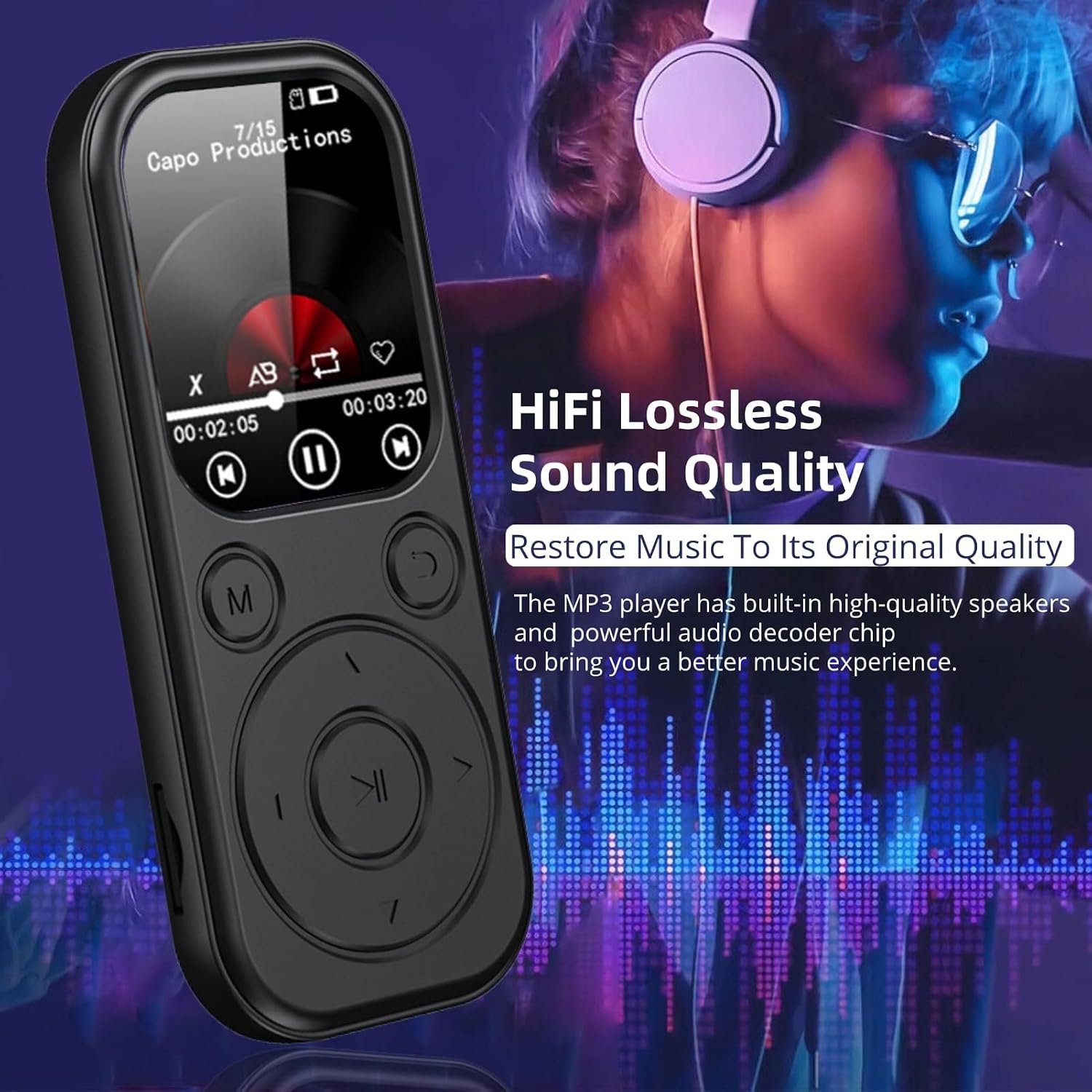
Image: The MP3 player next to a pair of headphones, illustrating its HiFi lossless sound quality capability.

Image: The MP3 player shown with wireless earbuds, highlighting its upgraded Bluetooth 5.4 connectivity for stable transmission.

Image: The MP3 player's screen displaying music playback, with icons representing expandable storage up to 128GB for over 10,000 songs.
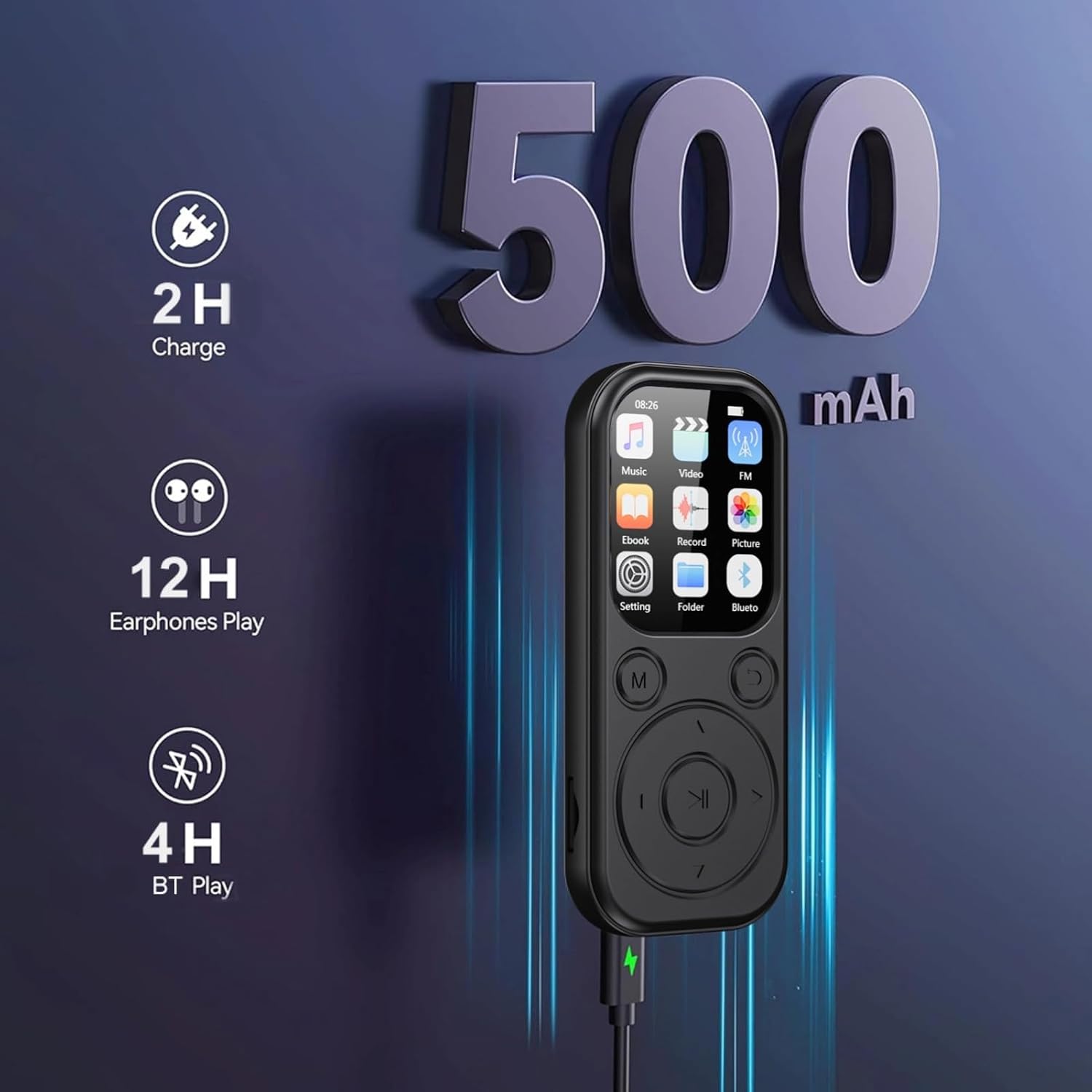
Image: The MP3 player connected to a charger, indicating a 500mAh battery providing 2 hours charge time for 12 hours earphone play or 4 hours Bluetooth play.

Image: A person listening to music, with text indicating the MP3 player's built-in speaker and supported formats like WAV, APE, MP3, FLAC, WMA, AAC.

Image: A person listening to FM radio with wired headphones, showing the FM radio interface on the MP3 player screen.

Image: A collage of four images depicting people using the MP3 player during sports, reading, walking, and working, illustrating its versatility.
4. Setup
4.1 Initial Charging
Before first use, fully charge your MP3 player. Connect the provided USB cable to the device's charging port and a compatible USB power source (e.g., computer USB port or wall adapter). A full charge typically takes approximately 2 hours. The battery indicator on the screen will show charging status.
4.2 Inserting a Memory Card
The MP3 player supports Micro SDXC memory cards up to 128GB for expanded storage. Locate the memory card slot on the side of the device. Gently insert the memory card with the gold contacts facing down until it clicks into place. To remove, push the card in slightly until it springs out.
5. Operating Instructions
5.1 Power On/Off
Press and hold the power button (usually located on the side or top) for a few seconds to turn the device on or off.
5.2 Basic Navigation
Use the directional buttons (up, down, left, right) to navigate through menus and select options. The center button typically acts as 'Enter' or 'Confirm'. The 'M' button often accesses the menu or returns to the main screen, while the 'C' button usually functions as 'Back' or 'Cancel'.
5.3 Music Playback
- Transfer music files (MP3, WMA, WAV, APE, FLAC, AAC-LC, M4A, OGG) to the device's internal storage or memory card via USB connection to a computer.
- From the main menu, select 'Music'.
- Browse your music library by artist, album, genre, or folder.
- Select a song to begin playback.
- Use the play/pause, skip forward/backward, and volume buttons to control playback.
5.4 Bluetooth Connection
The device features Bluetooth 5.4 for wireless audio output. Note that the Bluetooth function supports only Bluetooth earphones and speakers, not file transfer to other devices.
- Ensure your Bluetooth earphones or speaker are in pairing mode.
- On the MP3 player, navigate to 'Bluetooth' from the main menu or settings.
- Turn Bluetooth 'On' and initiate a device search.
- Select your desired device from the list to pair.
- Once paired, audio will be routed to the connected Bluetooth device.
5.5 FM Radio
To use the FM radio function, wired headphones must be connected to the 3.5mm audio jack, as they serve as the antenna.
- Connect wired headphones.
- Select 'FM Radio' from the main menu.
- Use the navigation buttons to scan for stations or manually tune to a frequency.
5.6 Other Functions
The MP3 player includes additional features:
- E-book Reader: Supports text files for reading.
- Picture Viewer: View image files stored on the device.
- Calendar: Access a built-in calendar.
- Clock: Display time and set alarms.
- Stopwatch: Use for timing activities.
6. Maintenance
To ensure the longevity and optimal performance of your Yoidesu MP3 Player, follow these maintenance guidelines:
- Keep the device dry. Avoid exposure to moisture or liquids.
- Clean the screen and body with a soft, dry cloth. Do not use abrasive cleaners or solvents.
- Avoid extreme temperatures. Do not expose the device to direct sunlight for extended periods or store it in very cold environments.
- Handle with care. Avoid dropping or subjecting the device to strong impacts.
- Charge the battery regularly, even if not in frequent use, to maintain battery health.
7. Troubleshooting
If you encounter issues with your MP3 player, refer to the following common solutions:
- Device not turning on: Ensure the battery is charged. Connect to a power source and try again.
- Cannot connect via Bluetooth: Ensure Bluetooth is enabled on both the MP3 player and the target device (earphones/speaker). Make sure the target device is in pairing mode and within range.
- No sound: Check the volume level. Ensure headphones are properly connected or Bluetooth device is paired and connected.
- Memory card not detected: Ensure the memory card is inserted correctly. Try reinserting it or using a different compatible memory card.
- Device frozen: Press and hold the power button for 10-15 seconds to force a restart.
8. Specifications
| Feature | Detail |
|---|---|
| Model Name | Yoidesuwp4fqy2bix-13 |
| Brand | Yoidesu |
| Screen Size | 2.01 Inches |
| Display Technology | LCD |
| Connectivity Technology | Bluetooth 5.4, USB |
| Special Features | E-Book, FM Radio, Bluetooth, Calendar, Clock, Stopwatch, Picture Viewer |
| Compatible Devices | Headphones, Earphones, Personal Computer, Laptop |
| Media Type | Micro SDXC (up to 128GB) |
| Battery Capacity | 500mAh |
| Charging Time | Approx. 2 hours |
| Playback Time (Earphones) | Up to 48 hours (after 2 hours charging) |
| Playback Time (Bluetooth) | Up to 4 hours |
| Item Weight | 2.82 ounces |
| Package Dimensions | 5.12 x 3.15 x 1.57 inches |
| Color | Black |
9. Warranty and Support
For warranty information or technical support, please refer to the documentation included with your purchase or contact Yoidesu customer service through the retailer where the product was purchased. Keep your proof of purchase for warranty claims.