
Introduction to the Sony ZV-1F
This guide provides comprehensive instructions for operating the Sony ZV-1F camera. It is designed to help users understand the camera's functions, settings, and capabilities for both photography and videography, with a particular focus on vlogging. The ZV-1F is engineered for content creators, offering features that streamline the creation process.
This manual aims to clarify complex settings and provide practical advice to maximize the camera's potential, enabling users to produce high-quality visual content.
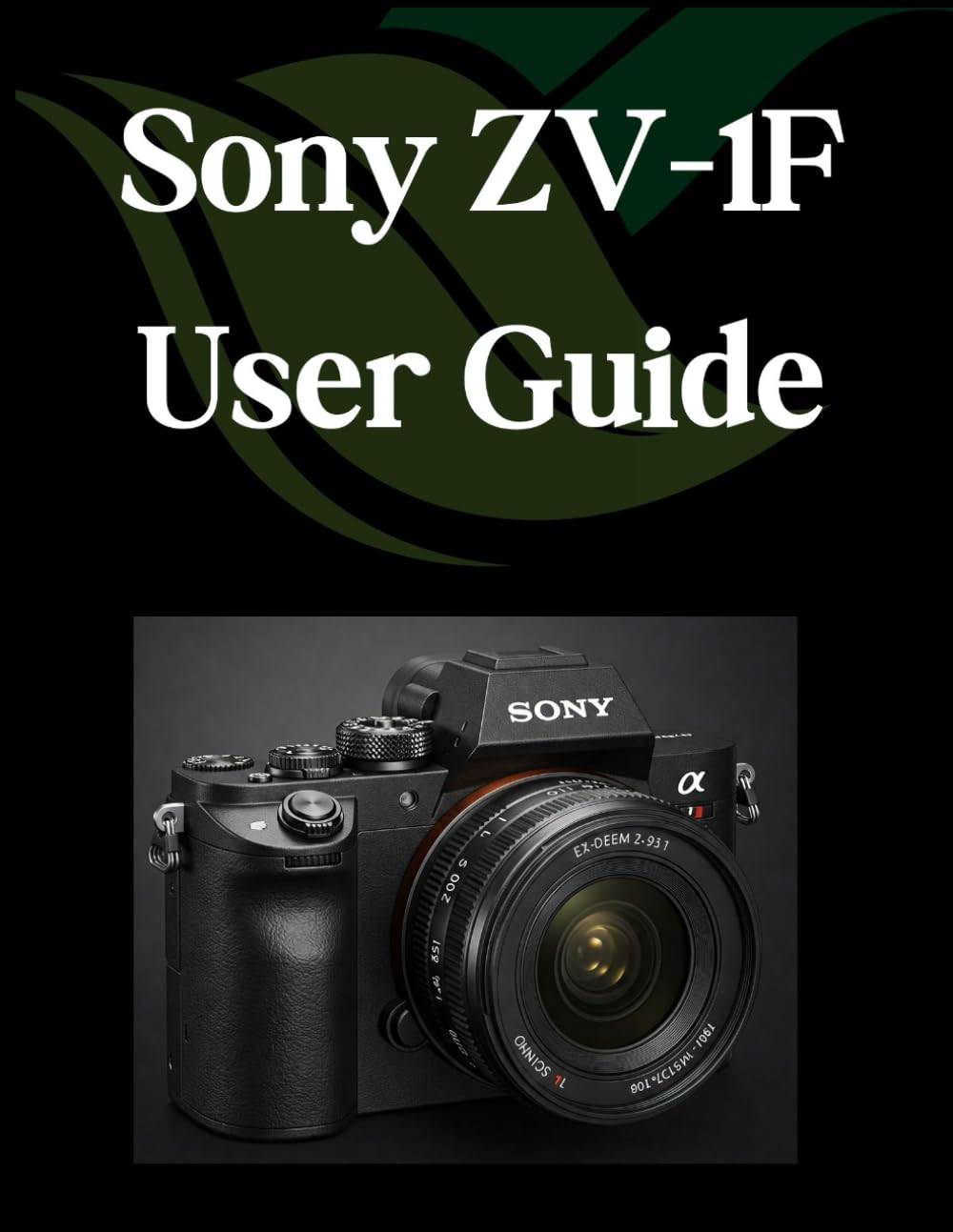
Image: Front cover of the Sony ZV-1F User Guide. This image illustrates the manual itself, which details the camera's features and operation.
Setup and Initial Configuration
Before using your Sony ZV-1F camera, follow these steps for initial setup:
- Battery Installation and Charging: Insert the supplied battery into the camera. Connect the camera to a power source using the USB cable and AC adapter to fully charge the battery before first use. The charging indicator will turn off when charging is complete.
- Memory Card Insertion: Open the memory card slot cover and insert a compatible SD card (Class 10 or higher recommended for video recording) with the contacts facing the correct direction. Close the cover securely.
- Initial Settings: Power on the camera. You will be prompted to set the language, date, time, and time zone. Follow the on-screen instructions to complete these essential settings.
- Formatting the Memory Card: It is recommended to format a new memory card in the camera before its first use to ensure optimal performance and compatibility. Navigate to the menu, select "Setup," then "Format."
Operating the Sony ZV-1F
Photography Basics
The ZV-1F offers various modes for still photography. Use the Mode dial to select your desired shooting mode, such as Program Auto, Aperture Priority, Shutter Priority, or Manual. Adjust settings like ISO, white balance, and exposure compensation via the menu or dedicated buttons.
- Focusing: The camera features fast autofocus. Half-press the shutter button to focus on your subject. You can select different focus areas and tracking modes in the menu.
- Exposure: The camera automatically adjusts exposure in most modes. For more control, use exposure compensation or switch to manual modes.
Videography and Vlogging Essentials
The ZV-1F excels in video recording, especially for vlogging. Press the MOVIE button to start and stop video recording. Ensure your audio settings are configured for clear sound capture.
- Product Showcase Setting: This feature quickly shifts focus from your face to a product held up to the camera, ideal for product reviews. Activate it via the Fn (Function) menu.
- Background Defocus: Easily switch between a blurred background (bokeh) and a clear background with a single button press, enhancing your vlogs.
- Audio Recording: The camera includes a directional 3-capsule microphone for clear audio. For improved sound quality, consider using an external microphone connected to the 3.5mm microphone jack.
- Image Stabilization: Utilize the camera's electronic image stabilization for smoother handheld video footage.
Creative Features and Advanced Settings
Explore the ZV-1F's creative features to enhance your content:
- Creative Look: Apply various color and tone presets to your photos and videos directly in-camera.
- Slow & Quick Motion: Record captivating slow-motion or fast-motion video without post-production editing.
- Interval Shooting: Capture a series of images at set intervals to create time-lapse videos.
- Customizable Buttons: Assign frequently used functions to custom buttons for quick access.
Connecting and Sharing Your Creations
Transfer your photos and videos from the ZV-1F to other devices for editing and sharing:
- USB Connection: Connect the camera to a computer using a USB cable. The camera will appear as a removable drive, allowing you to copy files directly.
- Imaging Edge Mobile App: Install the Sony Imaging Edge Mobile app on your smartphone or tablet. Connect the camera via Wi-Fi or Bluetooth to transfer images and videos wirelessly, or to use your mobile device as a remote control.
- HDMI Output: Connect the camera to an external monitor or TV using an HDMI cable to view your content on a larger screen.
Maintenance and Care
Proper maintenance ensures the longevity and performance of your Sony ZV-1F:
- Cleaning the Lens: Use a soft, lint-free cloth or a lens brush to gently remove dust and smudges. Avoid touching the lens surface with your fingers.
- Cleaning the Camera Body: Wipe the camera body with a soft, dry cloth. For stubborn dirt, slightly dampen the cloth with water. Do not use organic solvents.
- Battery Care: Store batteries in a cool, dry place. Do not expose them to extreme temperatures. Remove the battery if the camera will not be used for an extended period.
- Storage: Store the camera in a dry, well-ventilated area, away from direct sunlight and high humidity. Consider using a desiccant to prevent mold growth.
Troubleshooting Common Issues
If you encounter problems with your Sony ZV-1F, refer to the following common solutions:
| Problem | Solution |
|---|---|
| Camera does not power on. | Ensure the battery is fully charged and correctly inserted. Try using a different charged battery if available. |
| Images are blurry. | Check focus settings. Ensure the lens is clean. Use a faster shutter speed or increase ISO in low light conditions. |
| No audio recorded in video. | Verify microphone settings. Ensure no external microphone is muted or improperly connected. Check for obstructions on the internal microphone. |
| Memory card error. | Reinsert the memory card. Try formatting the card (this will erase all data). Use a different compatible memory card. |
For more complex issues, consult the official Sony support website or contact customer service.
Specifications
Key specifications for the Sony ZV-1F camera (as detailed in the user guide):
- ASIN: B0DWMKRRKJ
- Publisher: Independently published
- Publication date: February 9, 2025
- Language: English
- Print length: 212 pages
- ISBN-13: 979-8309989829
- Item Weight: 1.12 pounds
- Dimensions: 8.5 x 0.48 x 11 inches

Image: Back cover of the Sony ZV-1F User Guide, showing the ISBN barcode and publication details.
Warranty and Support
For information regarding the warranty of your Sony ZV-1F camera, please refer to the warranty card included with your product packaging or visit the official Sony support website. Sony provides customer support for technical assistance, repairs, and service inquiries.
Official Sony Support: www.sony.com/electronics/support


