
TRUDIN B0DP1XWLM4
TRUDIN Food Scale with Split Wireless LCD Display Instruction Manual
Model: B0DP1XWLM4
1. Introduction
This manual provides detailed instructions for the operation and maintenance of your TRUDIN Food Scale with Split Wireless LCD Display. Designed for precision and convenience, this digital kitchen scale is ideal for various culinary tasks, including baking, cooking, meal preparation, and diet management.

Image: The TRUDIN Food Scale, showing the main weighing platform, the detached LCD display, and included AAA batteries.
2. Package Contents
- Digital Food Scale (Weighing Platform) x 1
- Wireless LCD Display x 1
- AAA Batteries x 4
- Wall Adhesive x 2
- Instruction Manual (this document) x 1
3. Product Features
- Split Wireless LCD Display: Innovative design allows the display to be separated from the weighing platform for unobstructed viewing. Connects automatically upon power-on.
- Multiple Placement Options: The independent display can be placed flat, stood tilted on a countertop, magnetically attached to a refrigerator, or adhered to a wall.
- 7 Measuring Units: Supports grams (g), kilograms (kg), pounds:ounces (lb:oz), fluid ounces (fl:oz), milliliters (ml), milk milliliters (milk ml), and thin layers (tl).
- One-Touch Tare Function: Easily zero out the weight of containers for accurate net weight measurements.
- High Accuracy: Equipped with high-precision sensors, measuring from 1g (0.1oz) up to 15kg (529oz / 33lb).
- Food Grade Material: Weighing platform made of durable 304 stainless steel, safe for food contact and easy to clean.
- Compact Design: Small and mini size for convenient storage.

Image: The wireless connectivity feature of the TRUDIN food scale, highlighting the detached display for clear viewing.
4. Setup Guide
4.1 Battery Installation
The scale requires 4 AAA batteries (included). Install them into the battery compartments on the underside of both the weighing platform and the LCD display unit. Ensure correct polarity (+/-).

Image: The back of the LCD display unit, illustrating the battery compartment, built-in stand, and magnetic/adhesive options for placement.
4.2 Wireless Connection
The weighing platform and LCD display connect automatically via wireless technology. Simply power on both units simultaneously. The display will show "---" while searching for the device, and "CON" once successfully connected. If connection fails, ensure both units are powered on and within range (up to 10 meters).
Video: Demonstrates the automatic wireless connection between the scale and the detached LCD display.
5. Operating Instructions
5.1 Power On/Off
Press the ON/OFF button on the LCD display to turn the scale on or off. The scale will automatically connect to the display when both are powered on.
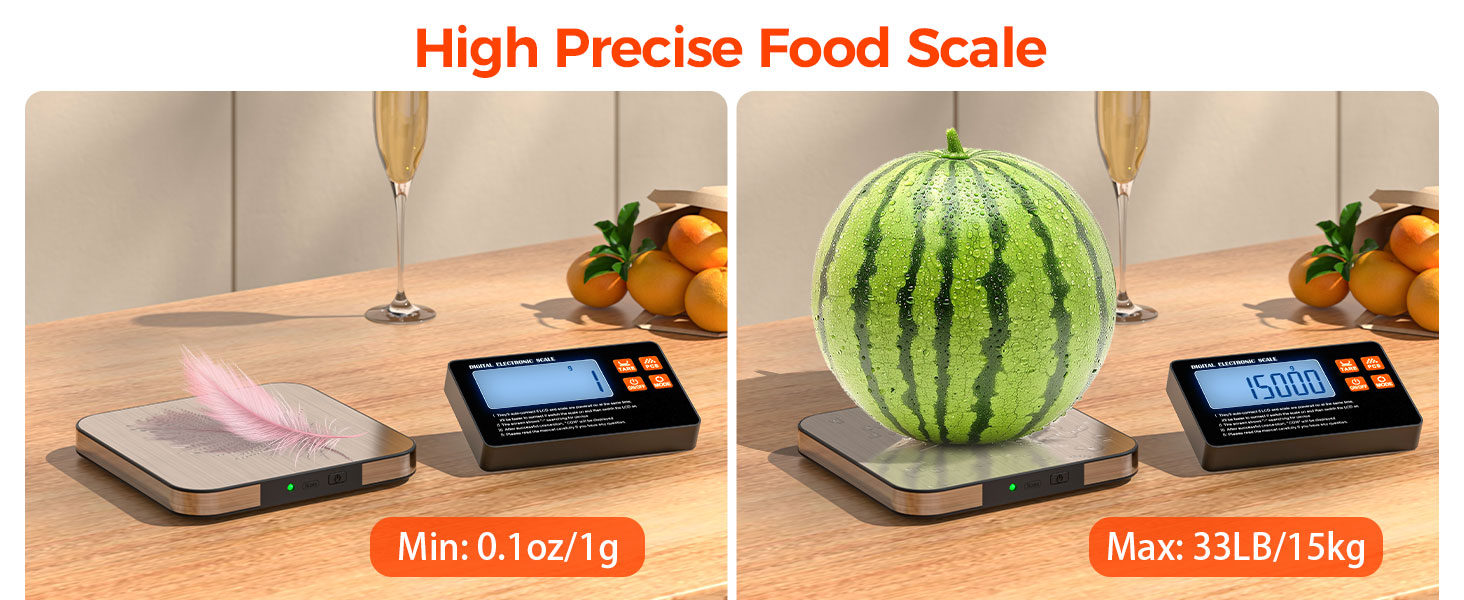
Image: Illustration of pressing the ON/OFF button and the automatic wireless connection process.
5.2 Changing Units
Press the MODE button to cycle through the 7 available measuring units: grams (g), kilograms (kg), pounds:ounces (lb:oz), fluid ounces (fl:oz), milliliters (ml), milk milliliters (milk ml), and thin layers (tl).
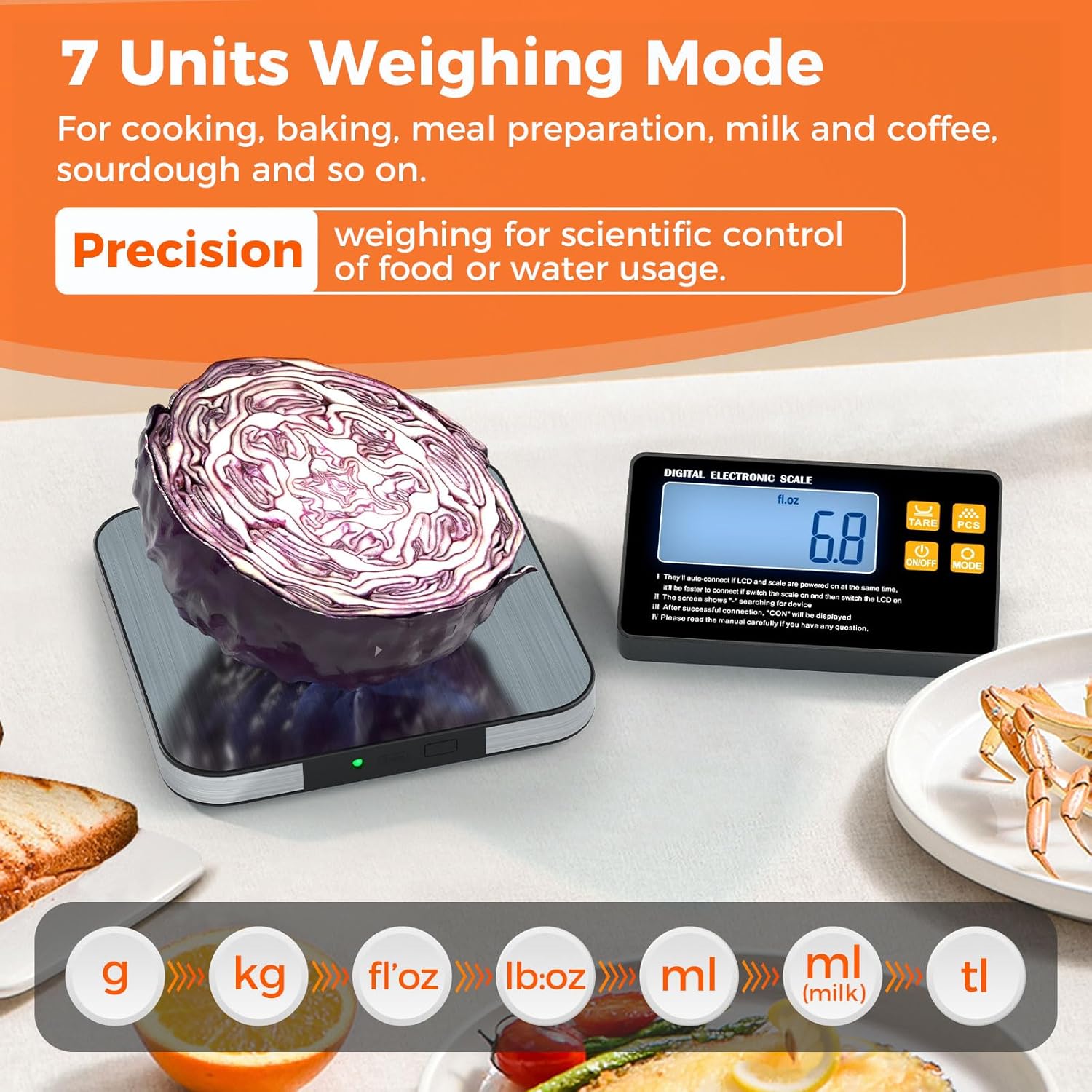
Image: The LCD display showcasing the different measurement units available on the scale.
5.3 Tare Function
To measure the net weight of an item in a container, place the empty container on the weighing platform. Press the TARE button. The display will reset to zero. Now, add your ingredients to the container, and the scale will display only the weight of the added items.
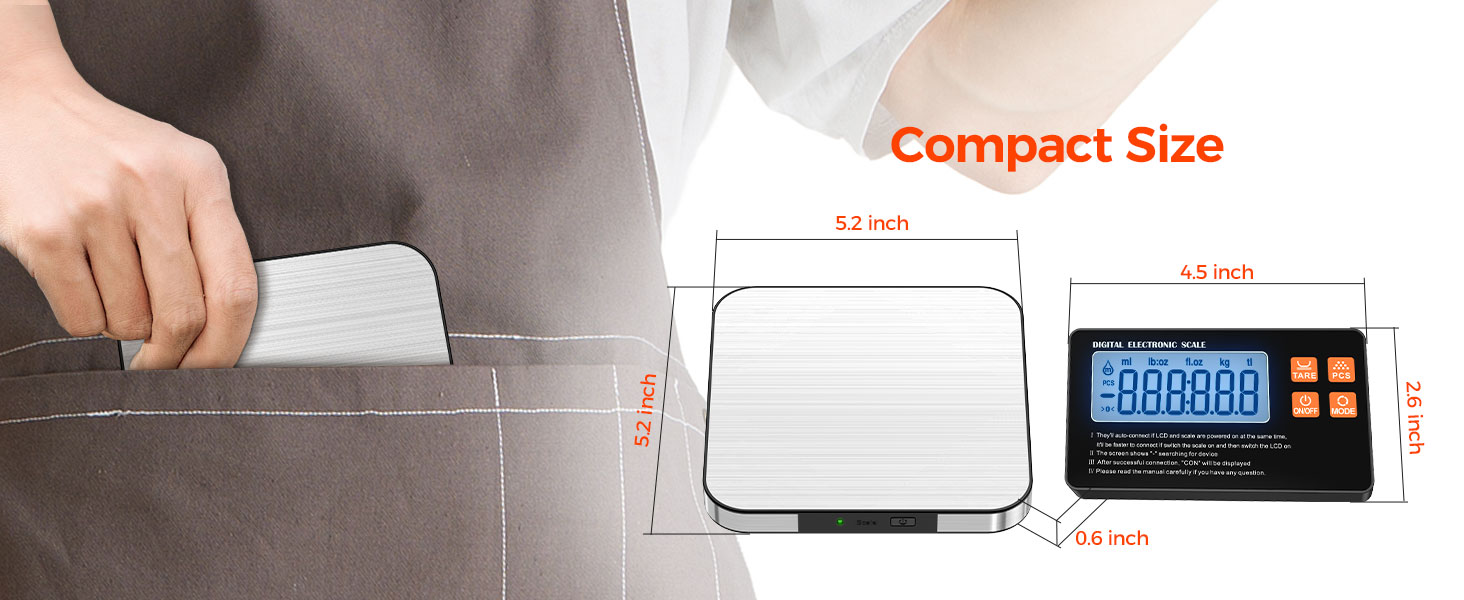
Image: Step-by-step guide on how to use the Tare function to zero out container weight.
5.4 Counting Function (PCS)
The PCS (counting) function allows you to count items of uniform weight.
- Turn on the scale.
- Place 25, 50, 75, or 100 samples of the item to be counted on the scale pan.
- Press and hold the PCS key until the number corresponding to your sample size (e.g., "25") is displayed.
- If the displayed number is different from your sample size, press the MODE key to switch to the correct sample number, then press PCS to confirm.
- Remove the samples and place the items you wish to count on the scale. The display will show the quantity.

Image: Visual instructions for utilizing the PCS (counting) function of the scale.
6. Specifications
| Feature | Detail |
|---|---|
| Product Dimensions | 8.86 x 5.96 x 0.63 inches (Weighing Platform) |
| Weight Limit | Up to 15 kg (33 lb / 529 oz) |
| Readout Accuracy | 1g / 0.1oz |
| Weigh Scale Type | Counter Scale |
| Power Source | 4 x AAA Batteries (included) |
| Material | Food Grade 304 Stainless Steel Platform |
| Wireless Range | Up to 10 meters (approx. 33 feet) |
7. Maintenance and Care
- Clean the weighing platform with a damp cloth and mild detergent. Do not immerse the scale or display in water.
- Avoid using abrasive cleaners or harsh chemicals.
- Store the scale in a dry, cool place away from extreme temperatures and humidity.
- Remove batteries if the scale will not be used for an extended period to prevent leakage.
- Handle with care to prevent damage to the sensors.
8. Troubleshooting
| Problem | Possible Cause / Solution |
|---|---|
| Display shows "---" or "CON" continuously |
|
| Inaccurate readings |
|
| Scale does not turn on |
|
9. Warranty and Support
TRUDIN provides lifetime after-sales service for this product. If you encounter any issues or have questions, please contact our customer support directly for assistance. We are committed to providing high-quality service and ensuring a worry-free shopping experience.
For support, please refer to the contact information provided with your purchase or visit the official TRUDIN website.
Ask a question about this manual
Ask about setup, troubleshooting, compatibility, parts, safety, or missing instructions. Manuals+ will review the question and use this page’s manual context to help answer it.