
BLATACY VOTO-RKY20(R)-N4-3
BLATACY Portable Air Conditioner User Manual
Model: VOTO-RKY20(R)-N4-3
16,000 BTU 5-in-1 WiFi Smart AC Unit
1. Introduction
Thank you for choosing the BLATACY Portable Air Conditioner. This manual provides essential information for the safe and efficient operation, installation, and maintenance of your new appliance. Please read this manual thoroughly before use and keep it for future reference.

Figure 1.1: BLATACY Portable Air Conditioner, showcasing its compact design, included remote control, and smartphone app connectivity.
2. Safety Information
Always follow basic safety precautions when using electrical appliances to reduce the risk of fire, electric shock, or injury.
- Ensure the power supply matches the unit's requirements: 120 Volts and 850 Watts.
- Do not operate the unit with a damaged cord or plug.
- Keep the unit away from water or excessive moisture.
- Do not block air inlets or outlets.
- Unplug the unit before cleaning or performing any maintenance.
- This appliance is not intended for use by persons (including children) with reduced physical, sensory or mental capabilities, or lack of experience and knowledge, unless they have been given supervision or instruction concerning use of the appliance by a person responsible for their safety.
3. Product Overview
The BLATACY Portable Air Conditioner is a versatile 5-in-1 unit designed for efficient cooling and air management in large indoor spaces.
Key Features:
- Powerful Cooling: 16,000 BTU capacity, suitable for areas up to 730 sq.ft.
- 5-in-1 Functionality: Offers Cooling, 3-speed Fan, Sleep, and Dehumidification modes.
- Smart Control: WiFi and APP control for remote operation and scheduling.
- Energy Saving: Features an internal temperature sensor and quiet sleep mode (less than 36 dB).
- Drainage-Free Innovation: Built-in water self-evaporation system for convenience.
- Portability: Equipped with four 360° heavy-duty wheels and hidden handles.
Included Components:
- Portable air conditioner unit
- Windows sealing kit
- Exhaust Hose
- Water pipe
- User manual
- Remote control

Figure 3.1: The BLATACY Portable AC unit provides powerful cooling for large spaces.

Figure 3.2: Detailed view of internal components and accessories, emphasizing energy efficiency and portability.
4. Setup and Installation
Follow these steps to set up your portable air conditioner for optimal performance.
4.1 Positioning the Unit
Place the unit on a flat, stable surface near a window and a power outlet. Ensure there is at least 20 inches of space around the unit for proper airflow.
4.2 Window Kit Installation
The included window sealing kit is designed for easy installation in various window types. Assemble the window panel combination to fit your window opening, then attach the exhaust hose to the unit and the window kit. Ensure a secure seal to prevent air leakage.
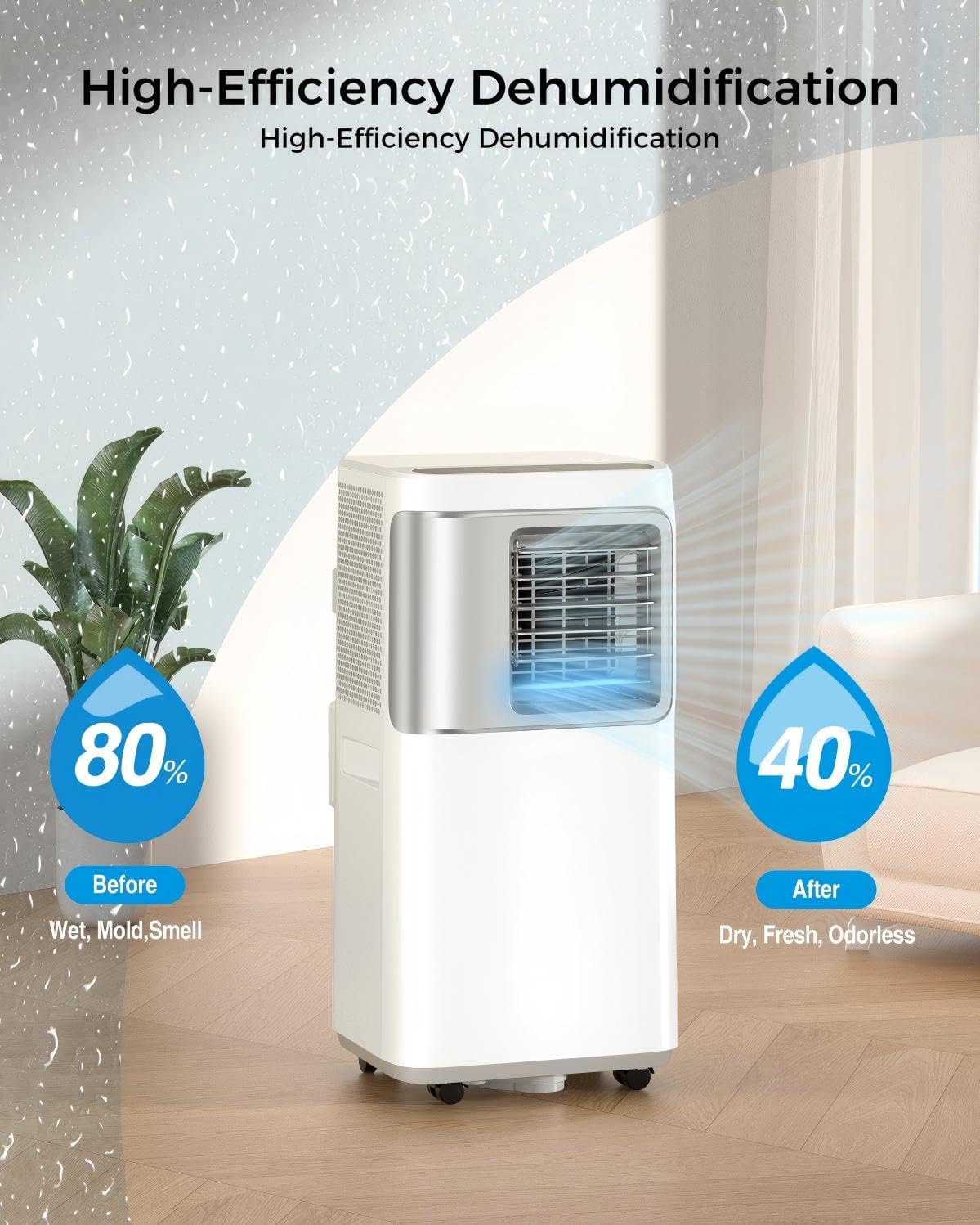
Figure 4.1: Examples of window kit installation for different window configurations.
4.3 Video Guide: How to Install
For a visual guide on the installation process, please watch the official video below:
Video 4.1: This video demonstrates the step-by-step process of installing the BLATACY portable air conditioner, including setting up the window kit and exhaust hose.
5. Operating Instructions
Your BLATACY Portable Air Conditioner offers multiple modes and smart features for customized comfort.
5.1 Control Panel and Remote
The unit can be controlled via the intuitive LED display on top, the included remote control, or through the dedicated smartphone application.
5.2 Operating Modes
- Cooling Mode: Adjust temperature between 61°F and 88°F for powerful cooling.
- Fan Mode: Circulates air with three adjustable fan speeds (Low, Medium, High).
- Dehumidifier Mode: Effectively reduces humidity levels in the room.
- Sleep Mode: Operates quietly (less than 36 dB) and adjusts temperature for comfortable sleep, saving energy.

Figure 5.1: Control your unit conveniently via the smartphone app, accessing all 5-in-1 functions.

Figure 5.2: Overview of the unit's versatile 5-in-1 functionality.
5.3 Timer Function
Use the 24-hour timer to preset the unit to turn on or off automatically, optimizing energy usage and convenience.
5.4 Video Guide: Zero Gravity Cooling
Learn more about the cooling capabilities and quiet operation of your unit:
Video 5.1: This video highlights the efficient cooling and quiet operation of the BLATACY portable air conditioner.
6. Maintenance
Regular maintenance ensures the longevity and efficiency of your BLATACY Portable Air Conditioner.
6.1 Drainage-Free Operation
This unit features a self-evaporation system, which typically eliminates the need for manual water drainage during cooling operation, even in high humidity. However, in extremely humid conditions, the internal reservoir may fill, and the unit will indicate if drainage is required.
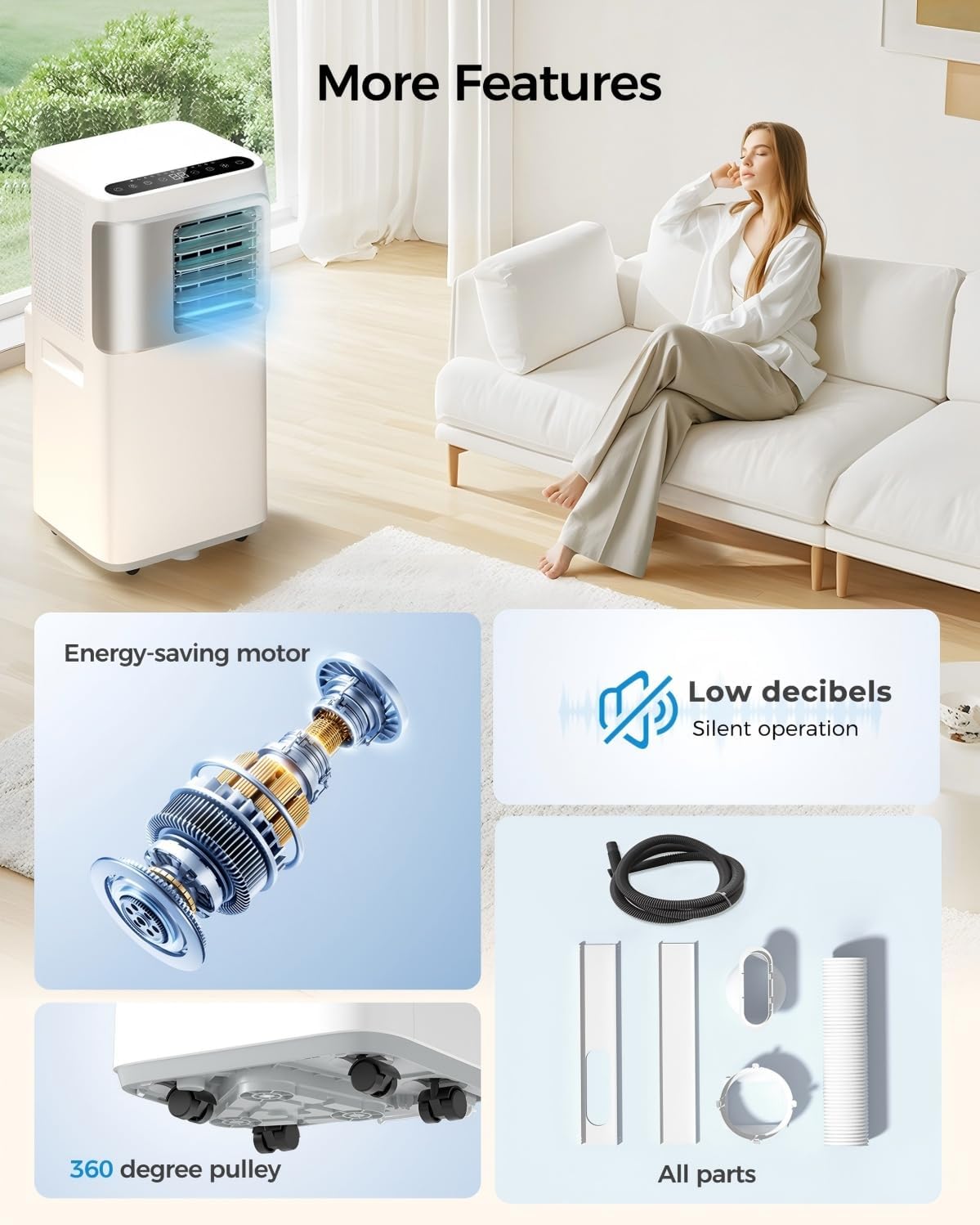
Figure 6.1: The unit's high-efficiency dehumidification capability.
6.2 Filter Cleaning
The unit will provide alerts when the filter needs replacement. Regularly clean or replace the air filter to maintain optimal performance and air quality. Refer to the app or unit display for filter status.
6.3 General Cleaning
Wipe the exterior of the unit with a soft, damp cloth. Do not use harsh chemicals or abrasive cleaners.
7. Troubleshooting
If you encounter issues with your unit, please refer to the following common troubleshooting steps before contacting support.
| Problem | Possible Cause | Solution |
|---|---|---|
| Unit does not turn on | No power, power cord unplugged, circuit breaker tripped. | Ensure unit is plugged in, check power outlet, reset circuit breaker. |
| Insufficient cooling | Window kit not sealed properly, air filter dirty, room size too large. | Check window kit seal, clean/replace air filter, ensure room size is within 730 sq.ft. |
| Unit is noisy | Unit not on a level surface, fan speed too high. | Place unit on a level surface, reduce fan speed. |
| Water tank full indicator | High humidity, self-evaporation system overwhelmed. | Drain water from the unit using the provided water pipe. |
The unit features an auto-restart function, remembering your previous mode and temperature settings when power is restored after an outage.
8. Specifications
| Feature | Specification |
|---|---|
| Model Number | VOTO-RKY20(R)-N4-3 |
| Cooling Capacity | 16,000 BTU |
| Coverage Area | Up to 730 sq.ft. |
| Dimensions (D x W x H) | 16 x 27.5 x 14 inches |
| Item Weight | 49 pounds |
| Voltage | 120 Volts |
| Wattage | 850 watts |
| Noise Level | 36 dB |
| Refrigerant | R32 |
| Special Features | Large LED Display, Wifi, Child Lock, Drainage-free in Cool Mode, Fast Cooling, Dehumidifier |
9. Warranty and Support
This product comes with a manufacturer's warranty. Please refer to the warranty description provided with your purchase documentation for specific terms and conditions. For technical support, troubleshooting assistance, or warranty claims, please contact BLATACY customer service through the retailer where the product was purchased or visit the official BLATACY website.
Related documentsVOTO-RKY20(R)-N4-3

Ask a question about this manual
Ask about setup, troubleshooting, compatibility, parts, safety, or missing instructions. Manuals+ will review the question and use this page’s manual context to help answer it.