
Slimpal SPC026
Slimpal AI Portable Heating Pad SPC026 Instruction Manual
Model: SPC026
Introduction
Thank you for choosing the Slimpal AI Portable Heating Pad. This device is designed to provide targeted relief from menstrual and back pain through advanced heating and vibration technology. Featuring an AI smart chip for precise temperature control, this cordless and wearable heating pad offers customizable comfort for various discomforts. Please read this manual thoroughly before use to ensure safe and effective operation.
Important Safety Information
To prevent injury or damage to the device, always adhere to the following safety guidelines:
- Do not use on broken or damaged skin. Ensure the skin where the pad will be applied is clean and intact.
- Do not use while sleeping. The device should be used only when you are awake and can monitor its operation.
- Keep away from water. This device is not waterproof. Avoid contact with liquids to prevent electric shock or damage.
- Consult a physician: If you have any pre-existing medical conditions, are pregnant, or have sensitive skin, consult a healthcare professional before using this product.
- Avoid prolonged direct contact: Do not apply the heating pad directly to bare skin for extended periods, especially at higher heat settings, to prevent burns. It is recommended to use over clothing.
- Children and individuals with reduced physical, sensory, or mental capabilities: This appliance is not intended for use by persons (including children) with reduced physical, sensory or mental capabilities, or lack of experience and knowledge, unless they have been given supervision or instruction concerning use of the appliance by a person responsible for their safety.
- Charging: Use only the provided charging cable. Do not use it with other devices.
- Storage: Store in a cool, dry place away from direct sunlight and extreme temperatures.
Statements regarding dietary supplements have not been evaluated by the FDA and are not intended to diagnose, treat, cure, or prevent any disease or health condition.
Product Overview
The Slimpal AI Portable Heating Pad (Model SPC026) is a cordless, wearable device designed for targeted heat and vibration therapy. It features an AI smart chip for precise temperature control and multiple settings for personalized comfort.
Components:
- Heating Pad Unit (Graphene material)
- Adjustable Elastic Belt (up to 57 inches)
- USB-C Charging Cable
- User Manual
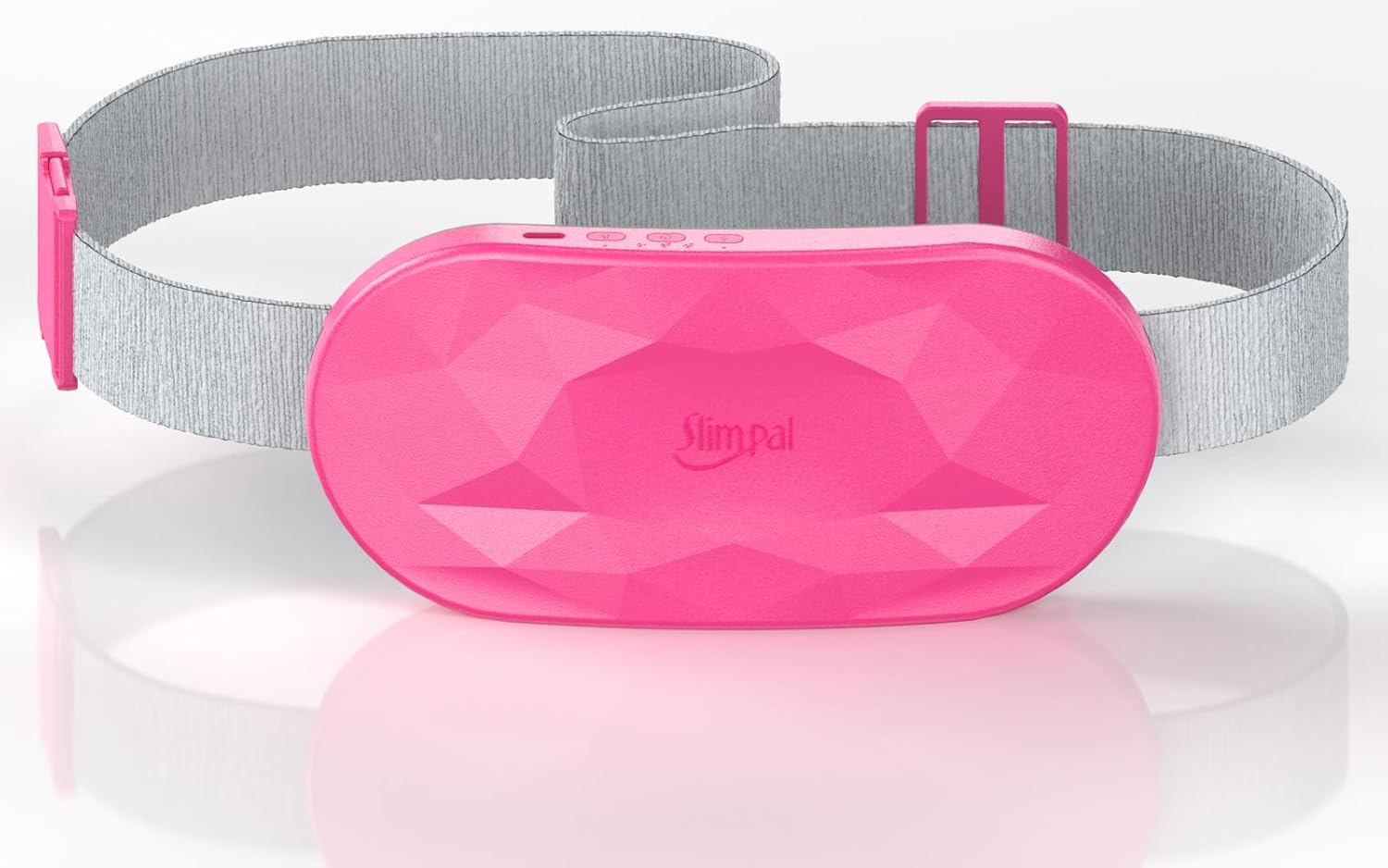
Image: The Slimpal AI Portable Heating Pad in Bright Pink, showing the main unit and the adjustable elastic belt.
Image: An internal view highlighting the AI Smart Chip, emphasizing its role in temperature control and safety features like over-heating, over-current, over-charging, and over-voltage protection.
Setup
1. Charging the Device
- Locate the USB-C charging port on the side of the heating pad unit.
- Connect the provided USB-C charging cable to the port.
- Plug the other end of the USB-C cable into a compatible USB power adapter (not included) or a computer USB port.
- The indicator light will show charging status (e.g., blinking while charging, solid when fully charged).
- Allow approximately 2-3 hours for a full charge. A full charge provides long-lasting warmth.
Image: The Slimpal heating pad connected to a USB-C charging cable, illustrating the charging process. Note: Use only the included charging cable for this device.
2. Adjusting the Belt
- The heating pad comes with an adjustable elastic belt.
- Thread the belt through the loops on the heating pad unit.
- Adjust the length of the belt to comfortably fit around your waist or desired area. The belt can extend up to 57 inches.
- Ensure the pad is snug but not overly tight, allowing for comfortable movement.
Image: A woman demonstrating the adjustability of the extended belt, which can fit various body types up to 57 inches.
Operating Instructions
The Slimpal heating pad features intuitive controls located on the side of the device to prevent accidental activation.
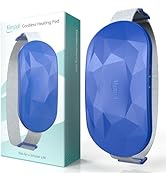
Image: A close-up view of the side-mounted control buttons, designed to prevent accidental presses during use.
1. Power On/Off
- Press and hold the Power button (usually indicated by a power symbol) for a few seconds to turn the device on or off.
- Indicator lights will illuminate when the device is powered on.
2. Heat Settings
The device offers 4 distinct heat levels. Press the Heat button (often indicated by a flame or temperature symbol) to cycle through the settings:
- Mode 1 (Daily Maintenance): Approximately 104°F (40°C) - Gentle warmth for everyday comfort.
- Mode 2 (Period Care): Approximately 122°F (50°C) - Moderate heat for menstrual discomfort.
- Mode 3 (Back & Waist Care): Approximately 133°F (56°C) - Stronger heat for back and waist pain relief.
- Mode 4 (Deep Heat Therapy): Approximately 149°F (65°C) - Intense heat for deep relief.
Always start with the lowest heat setting and increase gradually to find your comfortable level. It is recommended to use the pad over clothing.
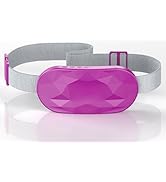
Image: An infographic detailing the four heating modes with their respective temperatures and recommended uses, alongside the three timer settings (1, 2, and 3 hours).
3. Vibration Modes
The heating pad offers 4 vibration modes. Press the Vibration button (often indicated by a wave or vibration symbol) to cycle through the settings:
- Mode 1: No interval (continuous vibration)
- Mode 2: Short interval vibration
- Mode 3: Long interval vibration
- Mode 4: Continuously (another continuous vibration pattern)
You can use heat and vibration modes independently or simultaneously.
Image: A woman using the Slimpal heating pad while seated at a desk, with an overlay illustrating the four distinct vibration modes available.
4. Timer Settings (Auto Shut-off)
The device includes an auto shut-off function for safety and convenience. Press the Timer button (often indicated by a clock symbol) to select a duration:
- 1 Hour Timer
- 2 Hour Timer
- 3 Hour Timer
The device will automatically turn off after the selected time. This feature helps prevent overuse and conserves battery life.
Maintenance
Cleaning
- Ensure the device is turned off and unplugged before cleaning.
- Wipe the surface of the heating pad with a soft, damp cloth.
- Do not submerge the device in water or use harsh chemical cleaners.
- Allow the device to air dry completely before storing or next use.
Storage
- Store the heating pad in a cool, dry place.
- Avoid placing heavy objects on top of the device.
- Keep out of reach of children and pets.
Troubleshooting
| Problem | Possible Cause | Solution |
|---|---|---|
| Device does not turn on. | Low battery or no charge. | Charge the device fully using the provided USB-C cable. |
| No heat or insufficient heat. | Incorrect heat setting selected. Device not fully charged. | Increase the heat setting. Ensure the device is fully charged. Allow a few minutes for the pad to reach the desired temperature. |
| Vibration not working. | Vibration mode not activated or low battery. | Press the Vibration button to select a mode. Charge the device. |
| Device turns off unexpectedly. | Timer setting reached. Low battery. Overheating protection activated. | Check timer setting. Recharge the device. If overheating, allow it to cool down before restarting. |
| Charging indicator not working. | Cable or power source issue. | Ensure the USB-C cable is securely connected. Try a different USB power source. |
If the problem persists after attempting these solutions, please contact customer support.
Specifications
- Model Number: SPC026
- Brand: Slimpal
- Material: Graphene
- Color: Bright Pink
- Power Source: 1 Lithium Polymer battery (included)
- Heat Settings: 4 levels (approx. 104°F/40°C to 149°F/65°C)
- Vibration Modes: 4 modes
- Timer Settings: 1, 2, or 3 hours auto shut-off
- Adjustable Belt Length: Up to 57 inches
- Item Weight: 0.22 Kilograms (approx. 7.83 ounces)
- Package Dimensions: 7.24 x 3.82 x 1.93 inches
- Certifications: Certified by CE, UKCA, ROHS, and UL
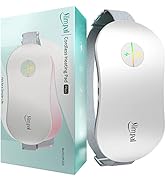
Image: The Slimpal heating pad alongside various certification logos (CE, UKCA, RoHS, UL), indicating adherence to international safety and reliability standards.
Warranty and Support
Warranty Information
Slimpal products are manufactured with quality and reliability in mind. For specific warranty details regarding your SPC026 heating pad, please refer to the warranty card included in your product packaging or visit the official Slimpal website. Keep your proof of purchase for warranty claims.
Customer Support
If you have any questions, concerns, or require assistance with your Slimpal AI Portable Heating Pad, please contact our customer support team:
- Website: Visit the Slimpal Store on Amazon (for general inquiries and product information)
Please have your model number (SPC026) and purchase date ready when contacting support.
Related documentsSPC026

Ask a question about this manual
Ask about setup, troubleshooting, compatibility, parts, safety, or missing instructions. Manuals+ will review the question and use this page’s manual context to help answer it.