
Introduction
Thank you for choosing the Escali Kinetic Bathroom Scale, Model BK180. This innovative scale is designed for accurate body weight measurement without the need for batteries, utilizing kinetic energy for power. This manual provides essential information for setting up, operating, maintaining, and troubleshooting your scale to ensure optimal performance and longevity.

Image: Front view of the Escali Kinetic Bathroom Scale in white. The scale features a clean, minimalist design with a digital display at the top center.
Product Features
- Kinetic Energy Powered: Eliminates the need for traditional batteries, making it an eco-friendly choice.
- Instant-On Technology: Activates immediately upon stepping on the platform, requiring no tapping or waiting.
- Easy-to-Read Digital Display: Provides clear and effortless viewing of your weight measurements.
- Display Hold Function: Holds the weight reading on the display for a few seconds, allowing ample time to view results.
- Low Power Indicator: Notifies you when the kinetic charge is low, ensuring you are aware before it runs out.
- Tempered Glass Platform: Offers a durable and safe weighing surface.
- Unit Conversion: Easily switch between pounds (lb) and kilograms (kg).

Image: Diagram highlighting key features of the Escali Kinetic Bathroom Scale, including the easy-to-read display, low power indicator, instant-on technology, tempered glass platform, and kinetic energy power source.
Setup
- Unpack the Scale: Carefully remove the scale from its packaging.
- Placement: Place the scale on a hard, flat, and stable surface. Avoid carpets or uneven flooring, as this can affect accuracy.
- Initial Activation: Step firmly onto the center of the scale with one foot, then quickly step off. This action generates the initial kinetic charge and activates the scale. The display should show "0.0" or a similar ready indicator.

Image: A foot stepping onto the Escali Kinetic Bathroom Scale, demonstrating the activation process for the kinetic energy mechanism.
Operating Instructions
Weighing Yourself
- Ensure the scale is on a hard, flat surface.
- Step onto the center of the scale with both feet. The scale will automatically turn on and display your weight.
- Remain still until the weight reading stabilizes and locks on the display. The display hold function will keep the weight visible for a few seconds after you step off.
- The scale will automatically turn off after a short period of inactivity to conserve energy.
Changing Weight Units (Pounds/Kilograms)
The unit conversion button is typically located on the underside of the scale. To change units:
- Turn the scale over.
- Locate the unit button (often labeled "UNIT" or "lb/kg").
- Press the button to toggle between pounds (lb) and kilograms (kg).
- Flip the scale back over and step on it to confirm the new unit setting.
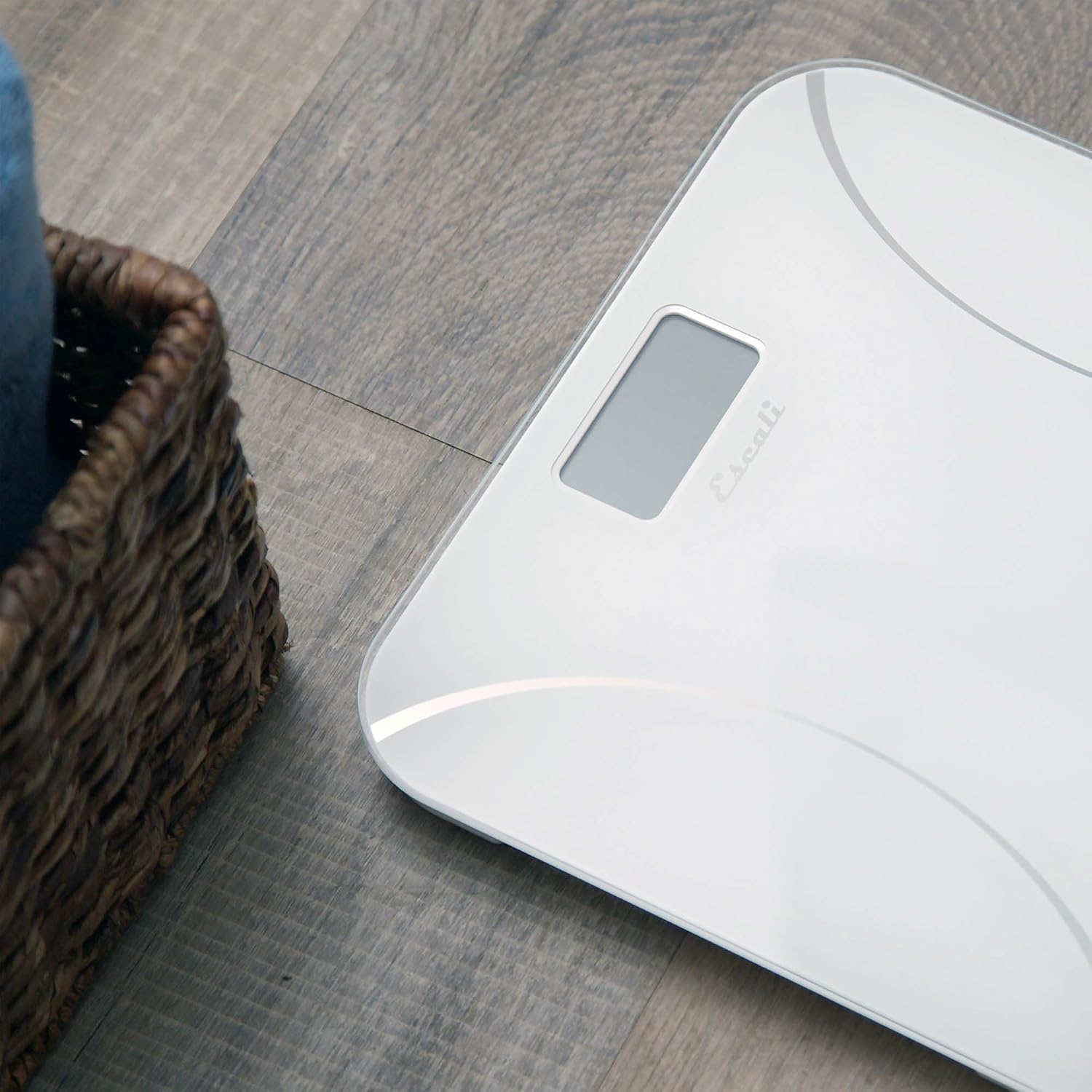
Image: A close-up view of the digital display on the Escali Kinetic Bathroom Scale, showing a weight measurement in pounds.
Maintenance and Care
- Cleaning: Wipe the scale's surface with a soft, damp cloth. Do not use abrasive cleaners or immerse the scale in water.
- Storage: Store the scale in a dry place at room temperature. Avoid extreme temperatures or high humidity.
- Avoid Impact: Do not drop the scale or place heavy objects on it when not in use, as this may damage the tempered glass platform or internal components.
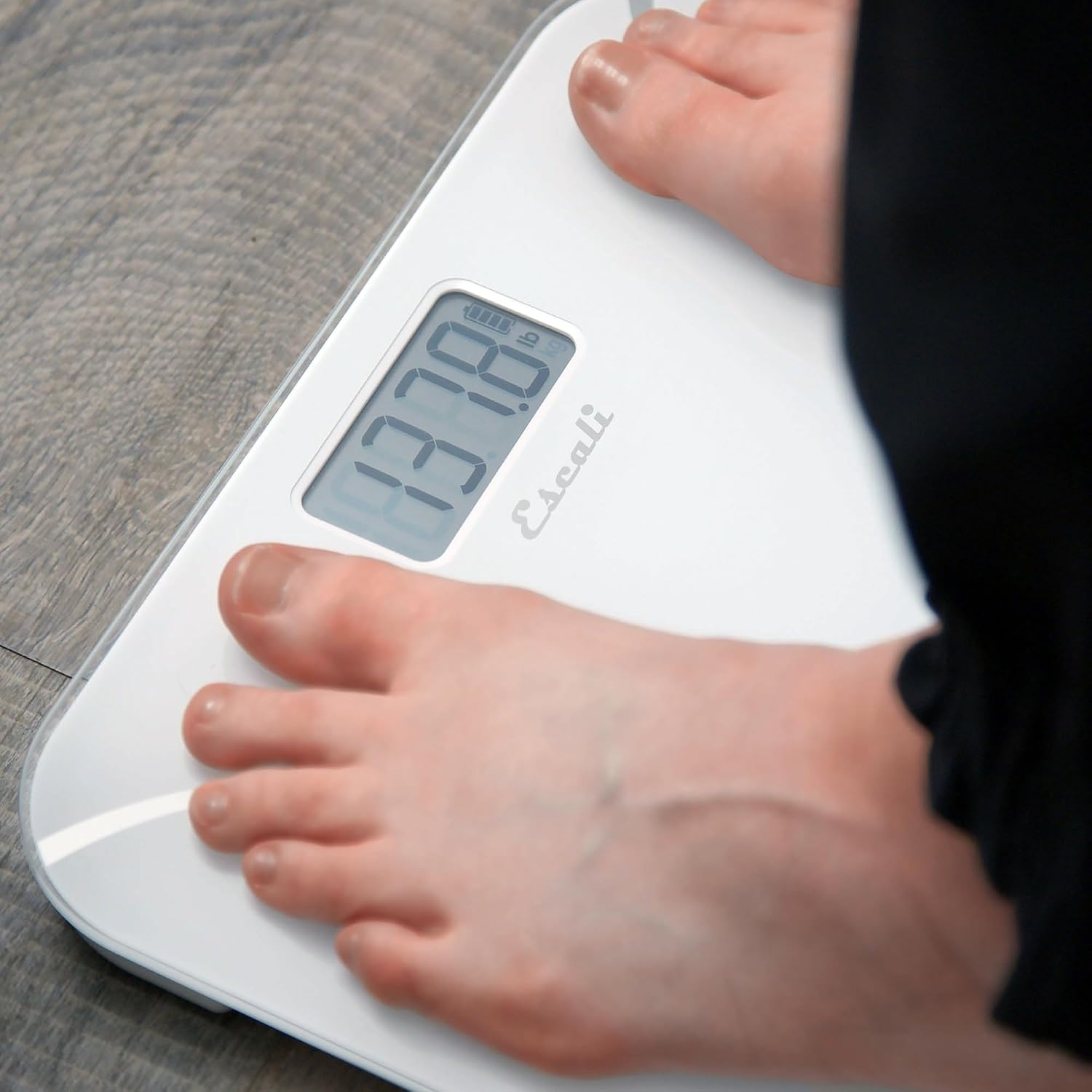
Image: Side view of the Escali Kinetic Bathroom Scale, showcasing its slim profile and tempered glass surface.
Troubleshooting
| Problem | Possible Cause | Solution |
|---|---|---|
| Scale does not turn on / Display is blank | Insufficient kinetic charge. | Step firmly on the scale with one foot, then quickly step off to generate a charge. Wait a few seconds, then step on again to weigh. |
| Inaccurate or inconsistent readings | Scale is on an uneven surface; scale needs re-calibration; movement during weighing. | Place the scale on a hard, flat surface. Step off the scale, wait for it to turn off, then step on again. Remain still during weighing. |
| "Lo" or low power indicator displayed | Kinetic charge is low. | Step firmly on the scale several times to generate more kinetic energy. |
Specifications
- Model: BK180
- Weight Capacity: 400 lbs (180 kg)
- Readout Accuracy: 0.2 lb / 0.1 kg
- Display Type: Digital
- Platform Material: Tempered Glass
- Power Source: Kinetic Energy (Battery-Free)
Official Product Video
Video: An official product video from Escali demonstrating the features and use of the Kinetic Bathroom Scale. This video shows the scale in action, highlighting its battery-free operation and ease of use.
Warranty and Support
For warranty information or technical support, please refer to the warranty card included with your product or visit the official Escali website. You may also contact Escali customer service directly for assistance with your Kinetic Bathroom Scale.