Introduction
Thank you for choosing the Jxrev Wireless Earbuds Model J53. These earbuds are designed to provide a high-quality audio experience with convenient features such as Bluetooth 5.4 connectivity, touch controls, and a portable charging case with an LED power display. This manual will guide you through the setup, operation, and maintenance of your new earbuds.
Package Contents
Please check the package for the following items:
- Jxrev Wireless Earbuds (L/R)
- Charging Case
- USB Charging Cable
- User Manual

Image: Front view of the Jxrev J53 True Wireless Earbuds packaging box, showing an outline of the earbuds and charging case.
Product Overview
The Jxrev J53 earbuds feature an ergonomic semi-in-ear design for comfortable wear. The charging case includes an LED display to show battery levels.

Image: The Jxrev J53 wireless earbuds in their open charging case, displaying a digital battery percentage on the front of the case.

Image: A woman holding the compact Jxrev J53 charging case in her palm, illustrating its small size and portability.
Setup
1. Charging the Earbuds and Case
Before first use, fully charge both the earbuds and the charging case. The charging case features an LED power display to indicate the battery level.
- Place the earbuds into the charging case.
- Connect the charging case to a power source using the provided USB charging cable.
- The LED display on the case will show the charging status. A full charge for the case takes approximately 1.5 hours.
- Earbuds will charge automatically when placed in the case. A full charge for the earbuds takes approximately 1 hour.
A fully charged case can provide about 4 recharges for the earbuds, offering up to 40 hours of total playtime (8 hours per earbud charge).
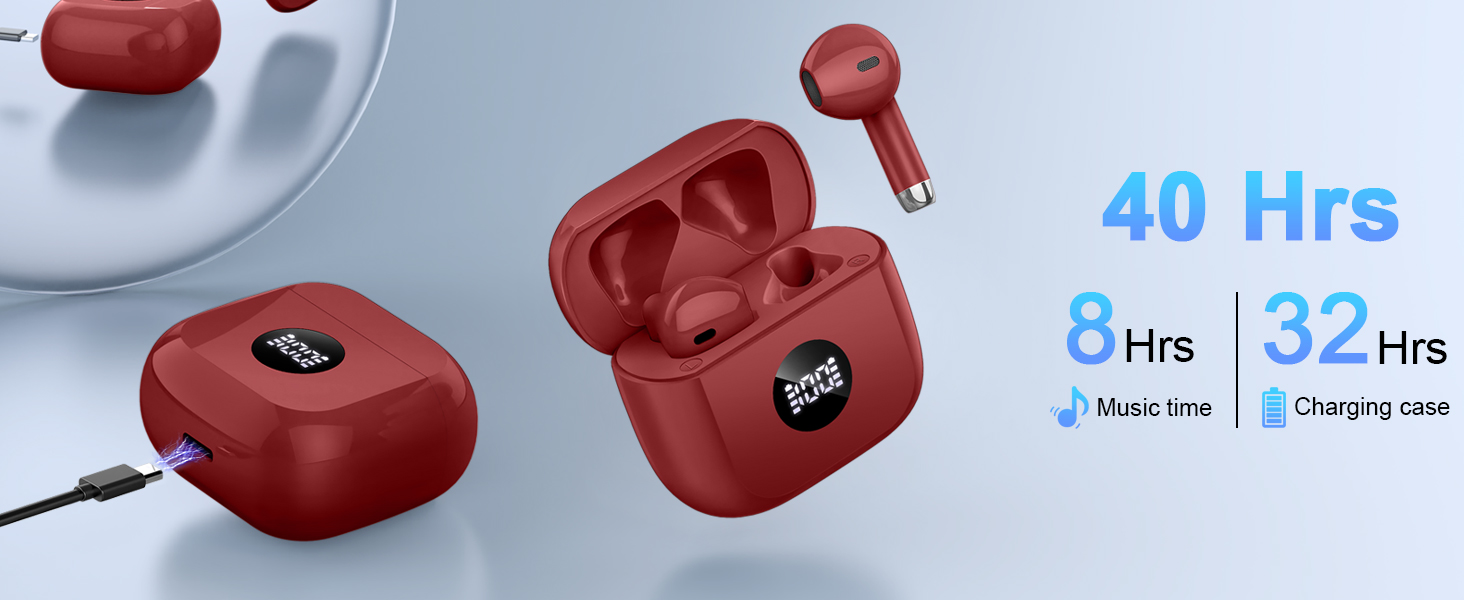
Image: Diagram illustrating the battery life of Jxrev J53 earbuds (8 hours music time) and the charging case (32 hours additional charge, 40 hours total).
2. Pairing with Your Device
The Jxrev J53 earbuds utilize Bluetooth 5.4 for a fast and stable connection.
- Ensure the earbuds are charged.
- Open the lid of the charging case. The earbuds will automatically enter pairing mode.
- On your device (smartphone, tablet, computer), go to the Bluetooth settings.
- Search for available devices and select "J53" from the list.
- Once connected, you will hear a confirmation tone, and the earbuds will be ready for use.
- For subsequent connections, simply open the charging case, and the earbuds will automatically reconnect to the last paired device.

Image: A visual representation of the Bluetooth 5.4 pairing process for the Jxrev J53 earbuds, showing connection to various devices like phones, laptops, and tablets.
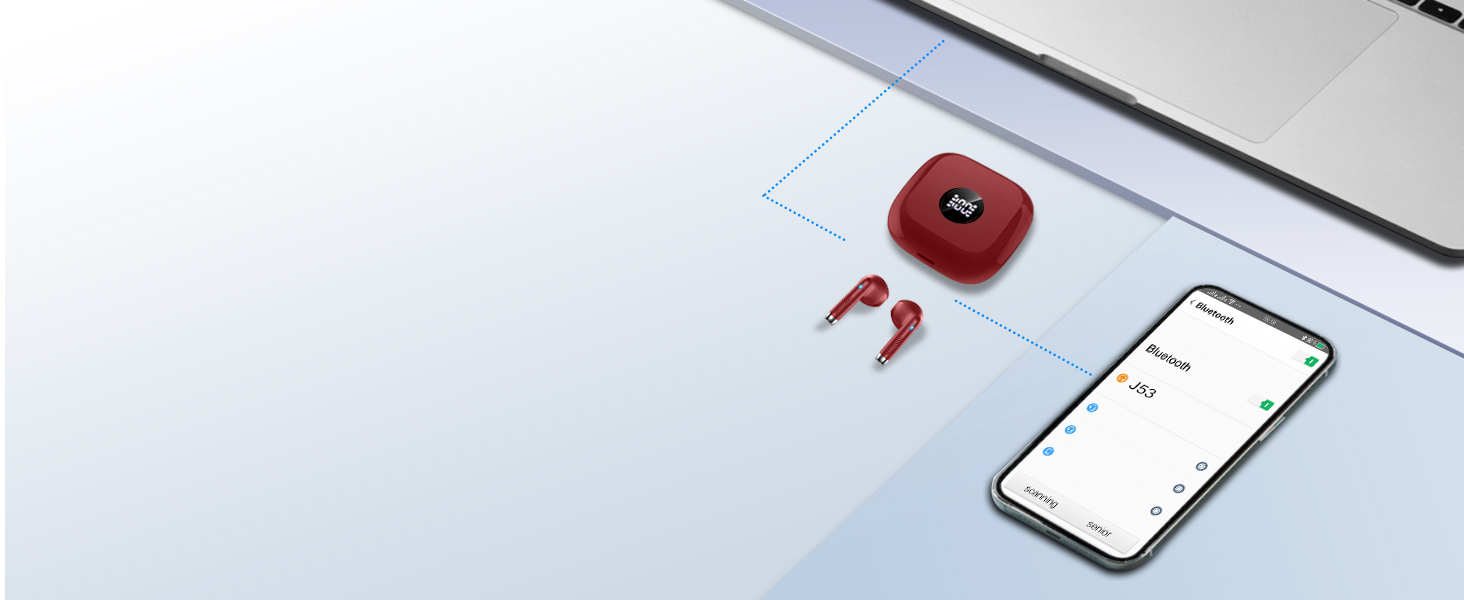
Image: Diagram showing the Jxrev J53 earbuds automatically connecting to a smartphone and laptop after opening the charging case.
Operating Instructions
Touch Controls
Each earbud features a sensitive touch control area. Refer to the diagram below for specific functions:

Image: A diagram illustrating the touch control functions of the Jxrev J53 earbuds, including actions for music playback, calls, volume, and voice assistant.
- Play/Pause: Single tap on either earbud.
- Next Track: Double tap the right earbud.
- Previous Track: Double tap the left earbud.
- Answer/End Call: Single tap on either earbud.
- Reject Call: Press and hold either earbud for 2 seconds.
- Activate Voice Assistant: Triple tap on either earbud.
- Volume Up: Press and hold the right earbud.
- Volume Down: Press and hold the left earbud.
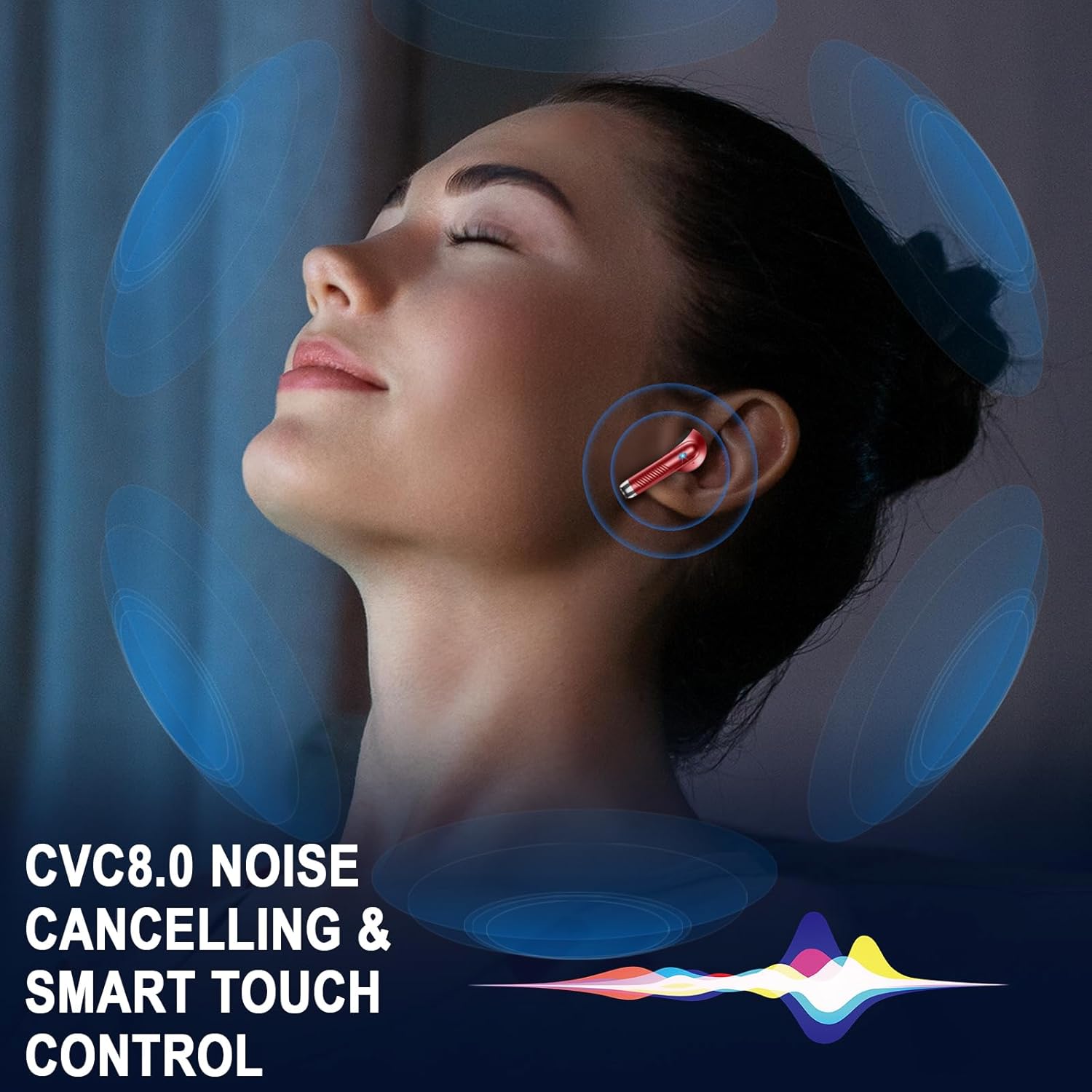
Image: A visual depicting a person wearing an earbud, surrounded by sound waves, highlighting CVC8.0 noise cancelling and smart touch control features.

Image: A woman wearing Jxrev J53 earbuds, with a speech bubble icon indicating the use of a voice assistant.
Single Earbud Mode
The earbuds can be used independently. Simply take one earbud out of the case, and it will connect to your device. The other earbud can remain in the case or be used by another person.
Maintenance
Water Resistance (IP7)
The Jxrev J53 earbuds are rated IP7 waterproof, meaning they are protected against immersion in water up to 1 meter for up to 30 minutes. This makes them suitable for sports and use in light rain. However, they are not designed for swimming or prolonged submersion.
- Do not intentionally submerge the earbuds.
- Wipe dry immediately if exposed to water or sweat.
- Ensure the charging port is dry before charging.
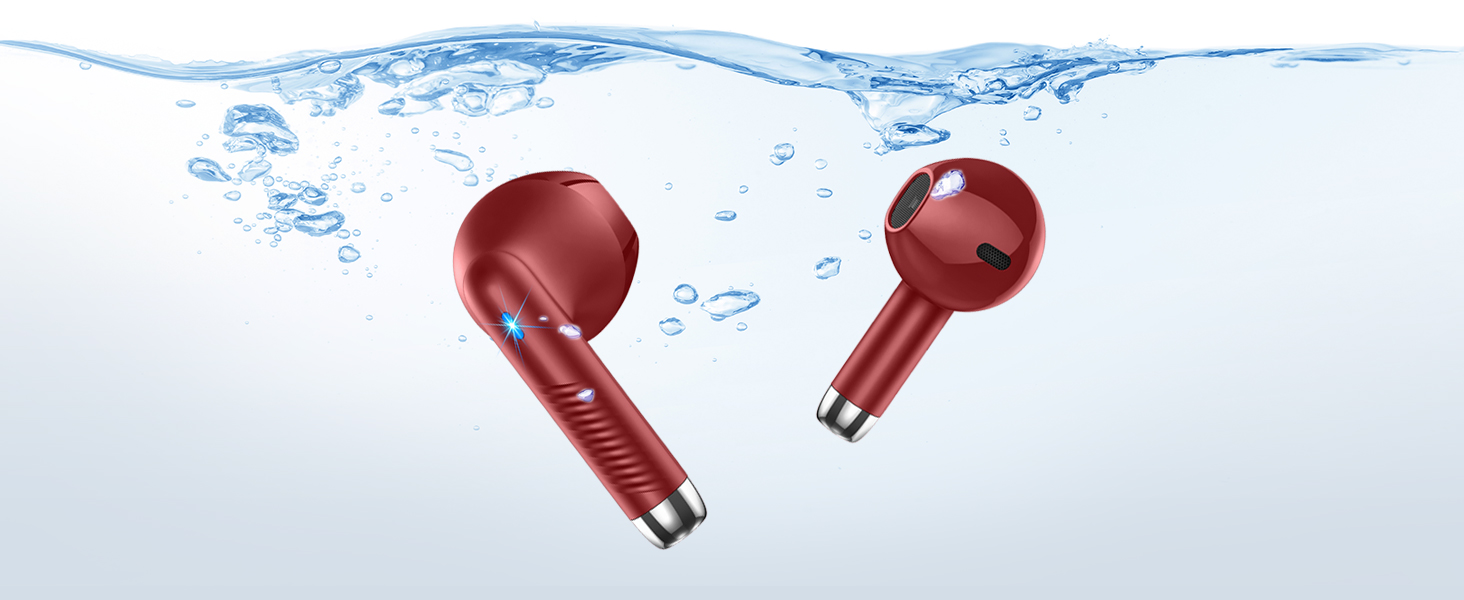
Image: The Jxrev J53 earbuds partially submerged in water, with bubbles, illustrating their IP7 waterproof capability.
Cleaning
Regularly clean your earbuds and charging case to ensure optimal performance and hygiene.
- Use a soft, dry, lint-free cloth to wipe the earbuds and charging case.
- Do not use abrasive cleaners or solvents.
- Gently clean the charging contacts on both the earbuds and the case with a dry cotton swab if necessary.
Troubleshooting
If you encounter any issues with your Jxrev J53 earbuds, please refer to the following common solutions:
| Problem | Solution |
|---|---|
| Earbuds not pairing |
|
| Only one earbud working |
|
| Low volume or poor sound quality |
|
| Charging case not charging |
|
Specifications
Below are the technical specifications for the Jxrev Wireless Earbuds Model J53:
| Feature | Detail |
|---|---|
| Model Name | J53 |
| Connectivity Technology | Wireless (Bluetooth) |
| Bluetooth Version | 5.4 |
| Bluetooth Range | Up to 15 Meters |
| Audio Driver Size | 13 Millimeters (Dynamic Driver) |
| Noise Control | Sound Isolation (ENC for calls) |
| Sensitivity | 35 dB |
| Earbud Play Time | Up to 8 hours |
| Total Play Time (with case) | Up to 40 hours |
| Earbud Charging Time | Approx. 1 hour |
| Case Charging Time | Approx. 1.5 hours |
| Water Resistance Level | IP7 Waterproof |
| Control Type | Touch Control |
| Earbud Weight | Approx. 3g (each) |
| Total Item Weight | 1.06 ounces (approx. 30g) |
| Material | Plastic |
| Battery Type | Lithium Polymer |

Image: Technical parameters listed on the product packaging, including model, play time, charging time, impedance, frequency range, wireless transmit power, battery capacity, input, and output.
Safety Information
Please read and follow these safety guidelines to prevent damage to your device or injury to yourself:
- Do not disassemble, repair, or modify the product.
- Keep the device away from extreme temperatures, direct sunlight, and open flames.
- Avoid dropping or subjecting the earbuds to strong impacts.
- Keep out of reach of children and pets.
- Do not use the earbuds at high volume for extended periods to prevent hearing damage.
- Dispose of batteries and electronic components responsibly according to local regulations.

Image: Product packaging displaying compliance marks such as WEEE, UKCA, CE, FCC, and RoHS, along with FCC ID and "MADE IN CHINA".
Contact and Support
For any questions, technical support, or warranty inquiries, please contact the manufacturer or authorized representatives:

Image: Product packaging showing contact details for UK Representative (CYRUS-Consulting Ltd) and EC Representative (BRIGHT STAR CONSULTING), including addresses, emails, and phone numbers.
UK Representative
Company Name: CYRUS-Consulting Ltd
Address: 40 Sheepcote Drive, Rugby, England, CV 239 FG
E-Mail: manager@cyrus-consultingltd.co.uk
Tel: +44 7763 280 902
EC Representative
Company Name: BRIGHT STAR CONSULTING
Address: Humboldtstr.5,31812 Bad Pyrmont Germany
Email: utaundnico@hotmail.com
Phone: +49-5281-609791
Manufacturer: Jxrev
Producer Name: Dongguan Huien Electronic Technology Co., Ltd
Address: China, Guangdong, Dongguan, Changping Town, Changdong Road, No. 429


