
Introduction
The Ejoyous 4G LTE USB Stick provides portable high-speed internet access, allowing you to create a Wi-Fi hotspot anywhere with 4G/3G network coverage. This device supports up to 8 users simultaneously and offers a transmission rate of up to 150 Mbps. It functions as both a Wi-Fi router and a USB modem, offering plug-and-play convenience without requiring driver installation.
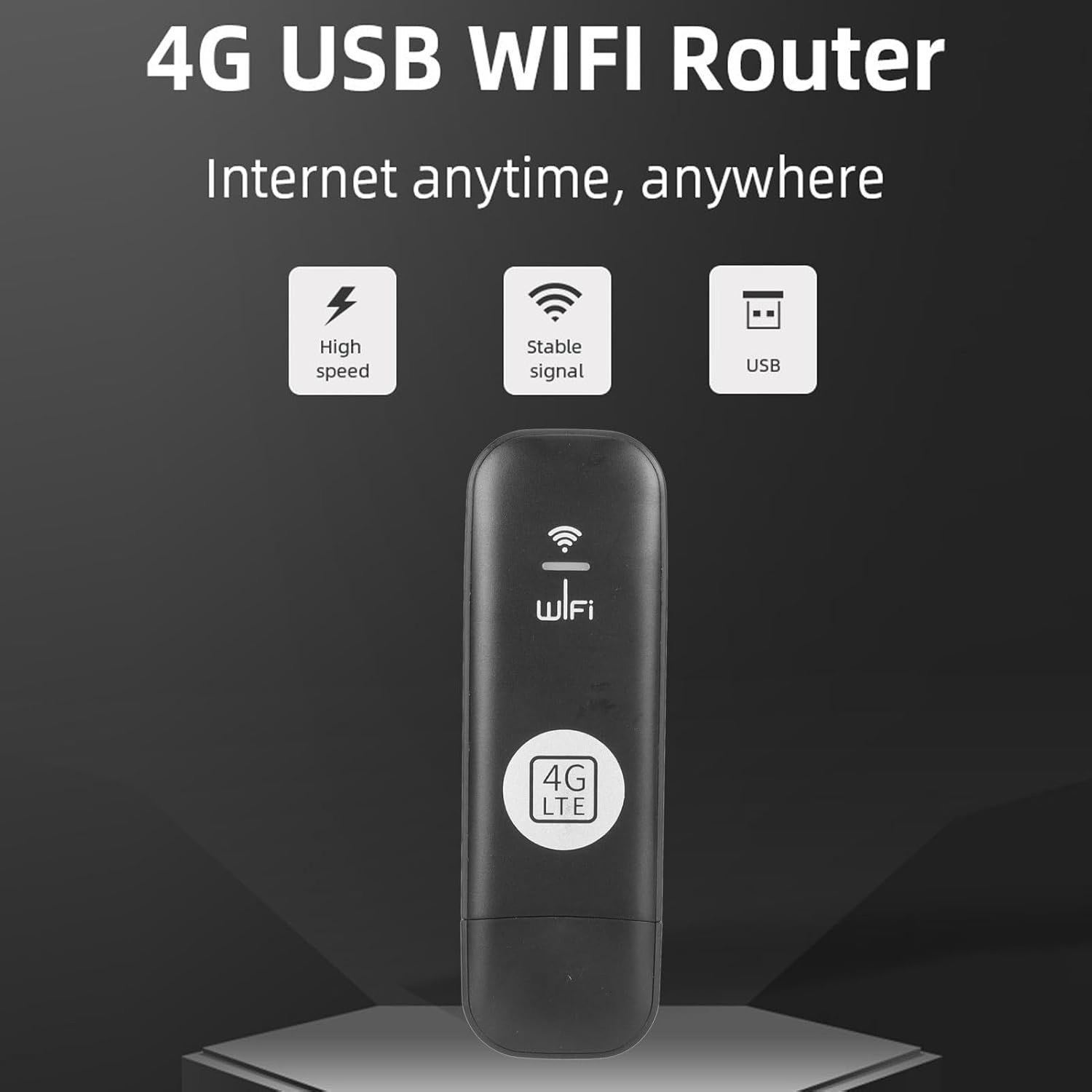
Figure 1: Ejoyous 4G LTE USB Stick overview, highlighting high speed, stable signal, and USB connection.
Setup Instructions
Follow these steps to set up your Ejoyous 4G LTE USB Stick:
- Insert SIM Card:
Carefully remove the back cover of the USB stick. Locate the SIM card slot. Insert a standard 4G/3G SIM card into the slot with the gold contacts facing down and the notched corner aligned correctly. Ensure the SIM card is fully seated. Replace the cover.

Figure 2: View of the USB stick with the back cover removed, showing the SIM card slot for insertion.
- Power Connection:
Connect the USB stick to a power source. This can be a computer's USB port, a USB wall adapter, or a power bank. The device is plug-and-play, so no driver installation is required.

Figure 3: Examples of connecting the USB stick to different power sources like a USB adapter, power bank, or car charger.
- Network Detection:
Once powered, the device will automatically detect the 4G/3G network. An indicator light on the device will typically show its connection status.
Operating Instructions
To use your Ejoyous 4G LTE USB Stick as a Wi-Fi hotspot:
- Connect to Wi-Fi:
On your smartphone, tablet, or laptop, search for available Wi-Fi networks. The network name (SSID) and password (KEY) are typically printed on a label on the USB stick itself (refer to Figure 2 for an example label). Select the network and enter the password to connect.
- Multi-Device Support:
The device supports connecting up to 8 devices simultaneously, including smartphones, tablets, laptops, and smart TVs.
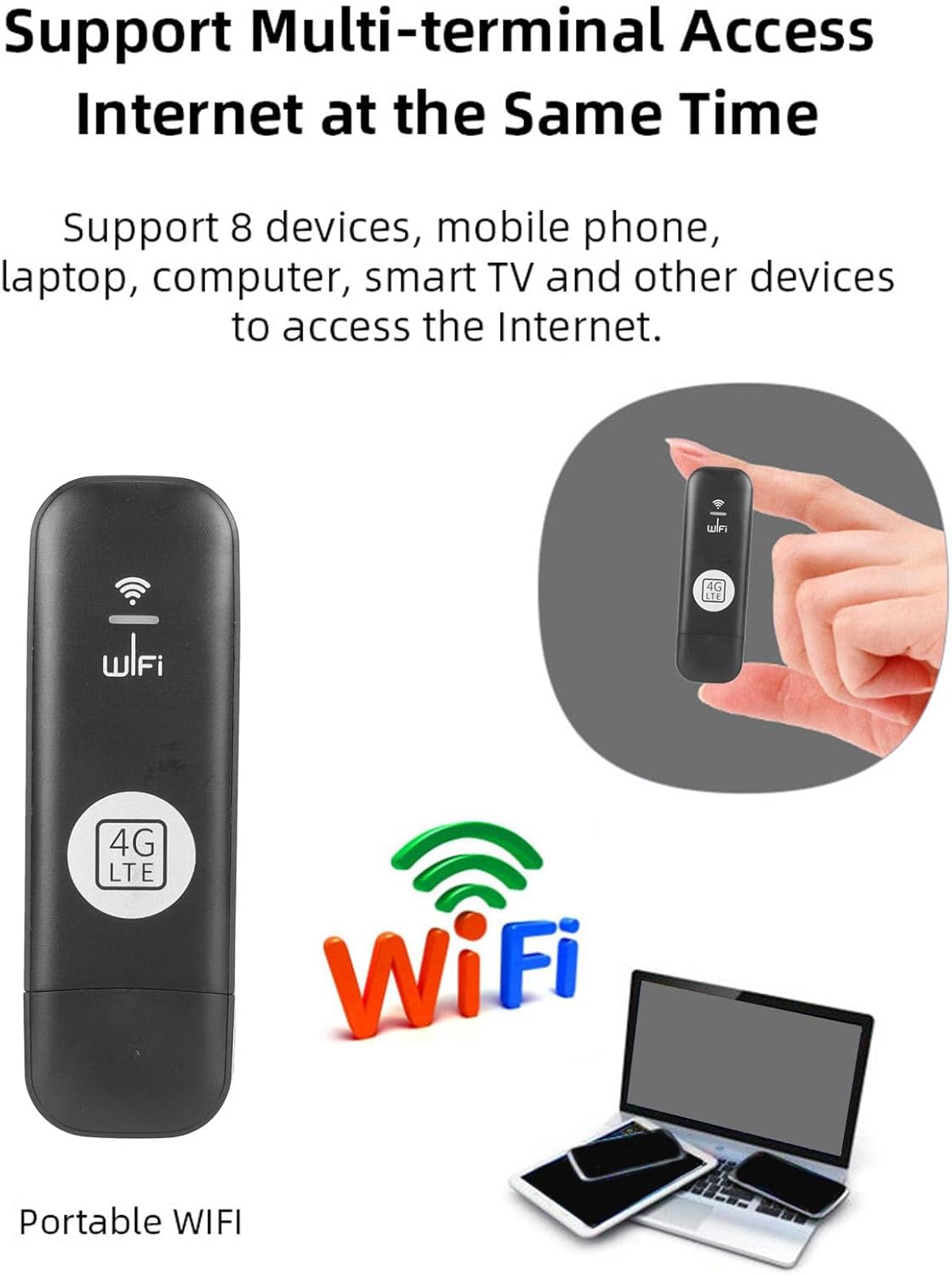
Figure 4: Illustration of the USB stick supporting simultaneous internet access for up to 8 devices.
- USB Modem Mode:
When connected directly to a computer's USB port, the device can also function as a USB modem, providing internet access directly to that computer.
Maintenance
To ensure optimal performance and longevity of your Ejoyous 4G LTE USB Stick:
- Keep the device clean and free from dust. Use a soft, dry cloth for cleaning.
- Avoid exposing the device to extreme temperatures, direct sunlight, or moisture.
- Do not attempt to disassemble or repair the device yourself. Contact customer support if issues arise.
- Ensure proper ventilation when in use to prevent overheating.
Troubleshooting
If you encounter issues with your Ejoyous 4G LTE USB Stick, refer to the following common problems and solutions:
- No Internet Connection / "Connected without internet":
- Ensure the SIM card is correctly inserted and activated with a data plan.
- Check for 4G/3G network coverage in your current location.
- Restart the USB stick by unplugging and re-plugging it.
- Verify that the Wi-Fi password entered on your device is correct.
- If using as a USB modem, ensure your computer's network settings are configured to obtain an IP address automatically.
- Cannot connect to Wi-Fi network:
- Confirm the Wi-Fi network name (SSID) and password (KEY) are correct. These are usually on a label on the device.
- Ensure your device is within the Wi-Fi range (up to 10 meters).
- Check if the maximum number of connected devices (8) has been reached.
- Slow Internet Speed:
- Check your 4G/3G signal strength. Weak signal can lead to slower speeds.
- Reduce the number of connected devices.
- Ensure your data plan has sufficient allowance and speed.
Specifications
| Brand | Ejoyous |
| Model Number | Ejoyousez8mbuasix |
| Network Type Supported | 4G LTE (TDD LTE, FDD LTE), WCDMA/HSPA+, GSM Networks |
| Transmission Rate | Up to 150 Mbps |
| SIM Card Slot | Standard SIM (SIM card not included) |
| Max Connected Devices | 8 |
| Wi-Fi Range | Up to 10 meters |
| Operating System Support | Windows 2000, 2003, XP, Vista, 7, 8, 10; iOS 10.4 or later; Linux |
| Security Protocols | Open, WPA PSK, WPA2 PSK |
| Special Features | Firewall support, Multi-device connectivity, Plug-and-play |

Figure 5: Performance metrics of the Ejoyous 4G LTE USB Stick, including download, upload, and Wi-Fi transmission speeds.
Warranty Information
Specific warranty details for the Ejoyous 4G LTE USB Stick are not provided in the product information. Please refer to the retailer's return policy or contact Ejoyous customer support for detailed warranty terms and conditions. Generally, electronic products come with a limited manufacturer's warranty against defects in materials and workmanship.
Customer Support
For technical assistance, troubleshooting, or further inquiries regarding your Ejoyous 4G LTE USB Stick, please contact Ejoyous customer support through their official website or the retailer where the product was purchased. Keep your purchase receipt and product model number (Ejoyousez8mbuasix) handy when contacting support.
For general information, you may visit the Ejoyous brand page on Amazon.