
Introduction
Thank you for choosing the PODOFO Android 13 Car Radio. This manual provides essential information for the proper installation, operation, and maintenance of your new car multimedia system. Please read this manual thoroughly before use to ensure optimal performance and safety.
Compatible Vehicle Models
This car radio is specifically designed for the following vehicle models:
- Peugeot 107
- Citroen C1
- Toyota Aygo
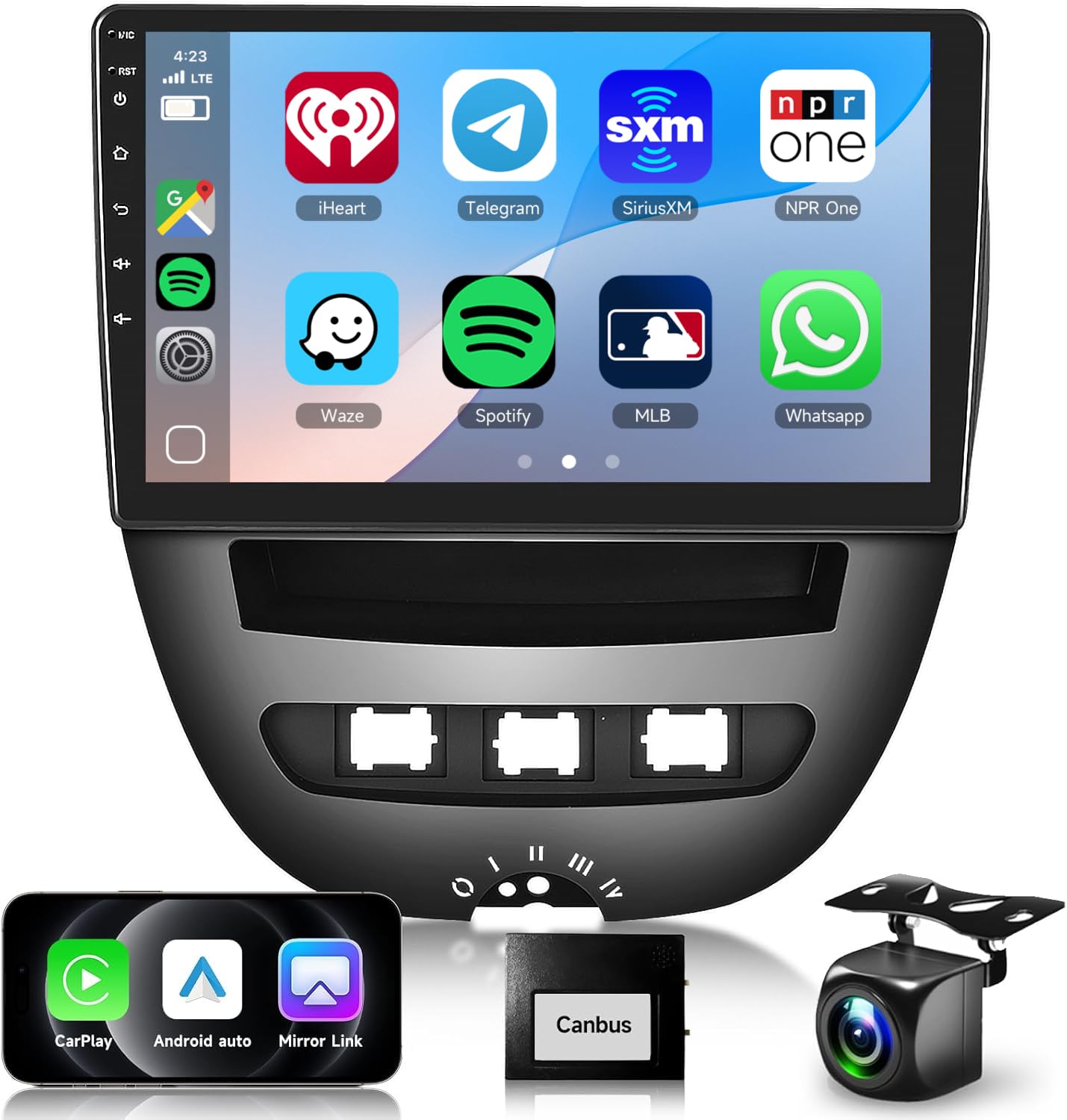
Image: Comparison of the car dashboard before and after installing the PODOFO Android 13 Car Radio, demonstrating seamless integration.
Product Specifications
| System | Android 13 |
| Screen Size | 10.1 inches IPS Touch Screen |
| Memory | 6GB RAM + 128GB ROM |
| Display Resolution | 1280 x 720 pixels |
| Processor | Octa-Core |
| Output Power | 4 x 45 W |
| Bluetooth Version | 5.0 |
| Radio Tuner | FM/RDS |
| GPS System | Online and Offline Navigation (offline requires prior map download) |
| USB Interface | Dual USB |
| Audio Formats | APE, FLAC, WAV, MP3, WMA, etc. |
| Video Formats | MKV, RMVB, AVI, MP4, MDV, etc. |
| Image Formats | PNG, JPEG, JPG, GIF, WBMP, BNP, etc. |
| Default Factory Password | 1234 |
| Supported Languages | Chinese, English, French, Italian, Korean, Japanese, Arabic, Spanish, Portuguese, Russian, Turkish, Vietnamese, Hebrew, Polish, German |
| Item Weight | 2.07 Kilograms |
| Product Dimensions | 26 x 9.1 x 26.5 cm |
| Compatible Devices | Smartphone, Tablet, External GPS, Backup Camera, Bluetooth Device, Wi-Fi Device, Computer, USB Storage, FM/AM Radio |
| Connectivity Technology | USB, Ethernet |
| Audio Output Mode | Stereo, Surround |
| Surround Sound Channel Configuration | 4.0 |
| Video Encoding | H.264, H.265/HEVC, MPEG-4 |

Image: Visual representation of the core specifications including Android 13, 6GB RAM, 128GB ROM, Octa-Core processor, Bluetooth, and WiFi.
Package Contents
The following items are included in your product package:
- 1 × Car Radio (including frame)
- 1 × Rear View Camera
- 1 × Canbus Decoder
- 3 × Power Cables
- 1 × GPS Antenna
- 1 × Rear View Camera Input Cable
- 1 × External Microphone
- 1 × RCA Cable
- 2 × USB Cables
- 1 × User Manual (English Version)
- Other installation accessories
Setup and Installation
Professional installation is recommended for this car radio. Ensure the vehicle's power is disconnected before beginning installation. Refer to the included wiring diagrams and the English User Manual for detailed steps.
Key Installation Steps:
- Remove Original Radio: Carefully remove the existing car radio and trim.
- Connect Wiring Harness: Connect the provided power cables, RCA cables, and other necessary wiring harnesses to the car radio and the vehicle's electrical system. Ensure all connections are secure.
- Install GPS Antenna: Mount the GPS antenna in a location with a clear view of the sky, typically on the dashboard or under the windshield.
- Connect Rear View Camera: If installing the rear view camera, connect its power and video input cables as per the diagram. Test the camera functionality before final mounting.
- Mount External Microphone: Connect and position the external microphone for optimal voice pickup during calls.
- Secure the Unit: Install the car radio into the dashboard opening, ensuring it is securely fastened within its frame.
- Test Functionality: Reconnect the vehicle's power and test all functions of the car radio, including audio, display, touch response, Bluetooth, Wi-Fi, GPS, and camera.
Operating Instructions
Basic Operation:
- Power On/Off: The unit typically powers on with the vehicle's ignition. Press and hold the power button (if available) for manual control.
- Touch Screen: Navigate the Android interface by tapping, swiping, and pinching on the 10.1-inch IPS touch screen.
- Volume Control: Adjust volume using the on-screen controls, steering wheel controls, or physical buttons if present.
- Home Screen: Access various applications and settings from the customizable home screen.
Key Features:
Wireless CarPlay & Android Auto:
Connect your smartphone wirelessly or via USB to access CarPlay (for iOS) or Android Auto (for Android). This allows seamless integration of navigation, music, calls, and messages directly on the car radio display.
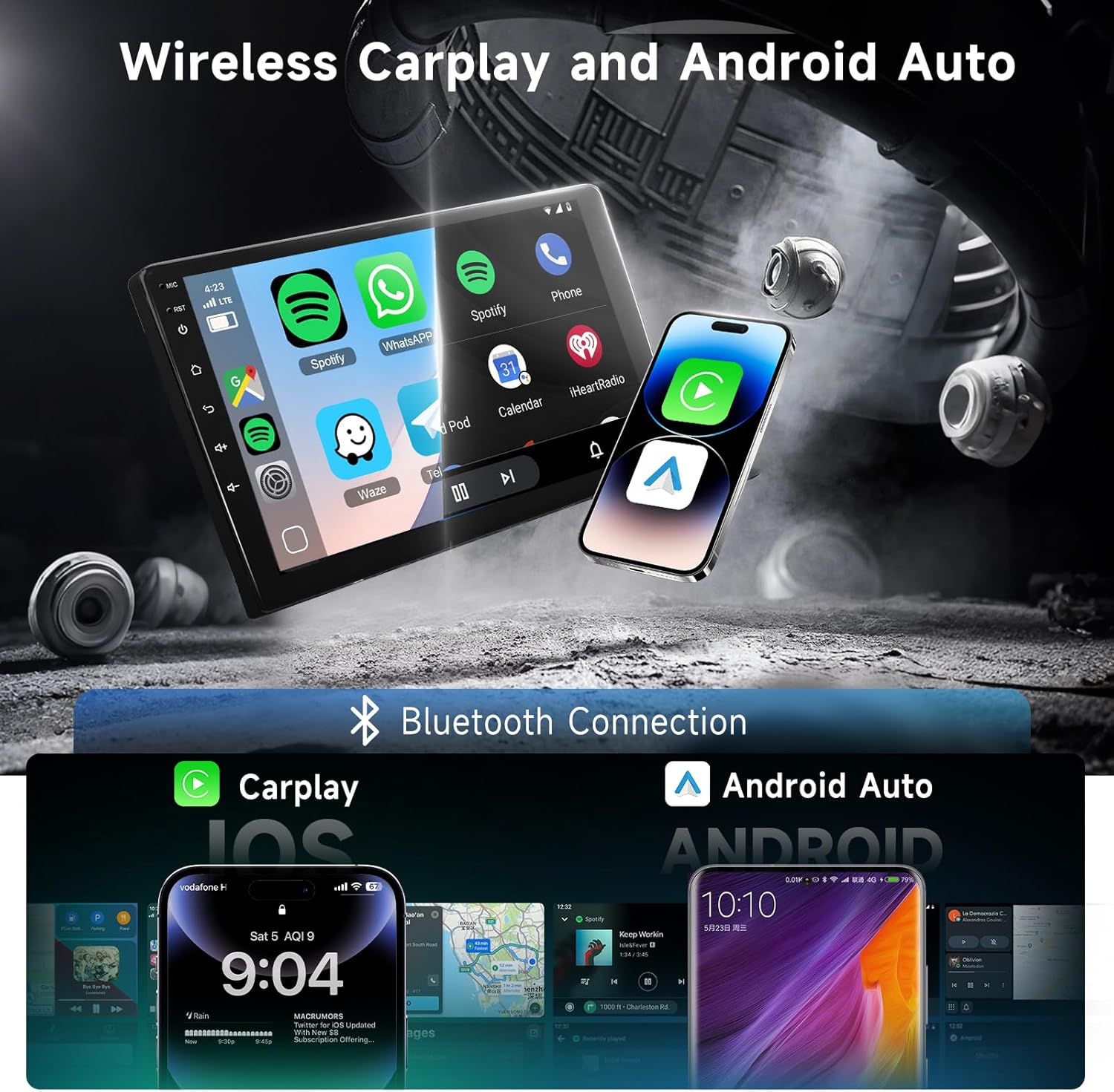
Image: Demonstrates the wireless CarPlay and Android Auto functionality, showing smartphone integration with the car radio.
Bluetooth 5.0 & Wi-Fi Connection:
Pair your phone via Bluetooth 5.0 for hands-free calling and audio streaming. Connect to a Wi-Fi network or mobile hotspot to browse the internet, download apps, and access online services.
GPS Navigation:
Utilize the built-in GPS module for navigation. Supports both online mapping services (requires internet) and offline maps (requires prior download of map data). The system is compatible with various navigation applications.

Image: Illustrates the GPS navigation feature with map display and route information.
FM/RDS Radio:
Tune into your favorite FM radio stations. The RDS (Radio Data System) feature provides additional information like station name and song titles where available.
HD Reversing Camera:
The included high-definition rear view camera automatically displays the rear view on the screen when the vehicle is in reverse gear, aiding in safe parking and maneuvering. It features 1280x720 pixel resolution, waterproofing, and night vision capabilities.
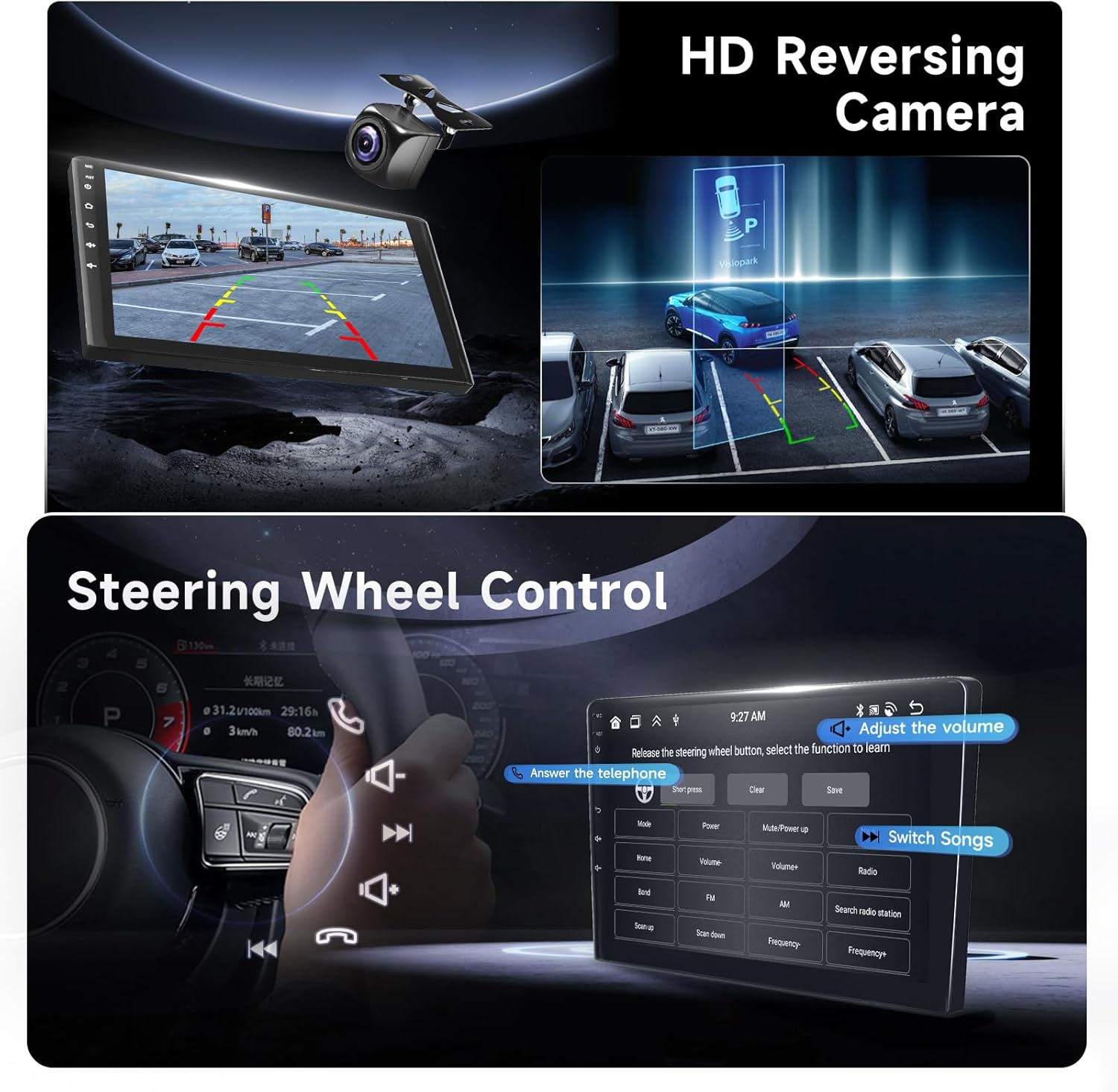
Image: Shows the display from the HD reversing camera and an example of steering wheel controls.
DSP Technology:
The integrated Digital Sound Processor (DSP) allows for advanced audio customization, including EQ settings and sound field adjustments, to optimize your listening experience.

Image: Depicts the DSP technology interface, showcasing various sound equalization and adjustment options.
Steering Wheel Control:
The unit supports connection to your vehicle's steering wheel controls, allowing you to manage audio playback, calls, and other functions without taking your hands off the wheel.
Maintenance
- Cleaning: Use a soft, dry cloth to clean the screen and unit. Avoid abrasive cleaners or solvents.
- Software Updates: Periodically check for software updates to ensure optimal performance and access to new features. Follow the instructions provided with the update package.
- Temperature: Avoid exposing the unit to extreme temperatures, which can affect its lifespan and performance.
- Power Supply: Ensure a stable power supply to prevent damage to the unit.
Troubleshooting
If you encounter issues with your PODOFO Car Radio, please refer to the following common problems and solutions:
- No Power:
Possible Cause: Loose power connection or blown fuse.
Solution: Check all power cables and the vehicle's fuse box. Ensure the ignition is on. - No Sound:
Possible Cause: Volume too low, incorrect audio source, or speaker wiring issue.
Solution: Increase volume, select the correct audio input, and check speaker connections. - Touch Screen Unresponsive:
Possible Cause: Software glitch or temporary freeze.
Solution: Restart the unit by turning off the vehicle's ignition and restarting. If the issue persists, perform a factory reset (note: this will erase all user data). - GPS Not Working:
Possible Cause: Poor GPS signal, outdated maps, or incorrect settings.
Solution: Ensure the GPS antenna has a clear view of the sky. Check GPS settings and update maps if necessary. For offline maps, ensure data has been downloaded. - Bluetooth Connection Issues:
Possible Cause: Device not discoverable, incorrect pairing, or interference.
Solution: Ensure Bluetooth is enabled on both devices. Delete previous pairings and try pairing again. Move closer to the unit. - Rear View Camera Not Displaying:
Possible Cause: Incorrect wiring, camera malfunction, or reverse gear not detected.
Solution: Check camera power and video input connections. Ensure the reverse trigger wire is correctly connected.
If these steps do not resolve the issue, please contact customer support for further assistance.
Warranty and Support
Your PODOFO Car Radio comes with a standard manufacturer's warranty. Please refer to the warranty card included in your package for specific terms and conditions. For technical support, troubleshooting assistance, or warranty claims, please contact PODOFO customer service through the retailer where you purchased the product.
Note: Unauthorized repairs or modifications may void your warranty.


