
1. Introduction
The R'hllor YYK-Q16 Pro AI Translator Earbuds are designed to provide a seamless communication and audio experience. These 3-in-1 wireless earbuds offer real-time language translation, high-fidelity audio playback, and clear phone call capabilities. Compatible with both iOS and Android devices, they are ideal for travel, business, and everyday use.
Key features include:
- Real-time translation in 144 languages and accents.
- Multiple translation modes: Free Talk, Offline (paid upgrade), Transcription, and Photo Translation.
- High-definition audio with active noise cancellation.
- Ergonomic design for comfortable, long-term wear.
- Smart charging case with a 6.7 cm touchscreen for easy control.
- Extended battery life, offering up to 10 hours of continuous use.

Image 1.1: The R'hllor YYK-Q16 Pro AI Translator Earbuds with their smart charging case, featuring a touchscreen display.
2. Package Contents
Please verify that all items are present in the package:
- R'hllor YYK-Q16 Pro AI Translator Earbuds (Left and Right)
- Smart Charging Case
- USB Charging Cable
- User Manual (this document)
3. Setup and Initial Use
3.1. Charging the Device
- Place the earbuds into the charging case.
- Connect the USB charging cable to the charging port on the case and to a compatible USB power source.
- The touchscreen on the charging case will display the charging status. Ensure the earbuds and case are fully charged before first use.
3.2. Pairing with Your Device
- Open the charging case. The earbuds will automatically enter pairing mode.
- On your smartphone (iOS or Android), navigate to the Bluetooth settings.
- Select "YYK-Q16 Pro" from the list of available devices to connect.
- A confirmation sound or message will indicate successful pairing.
3.3. App Installation
To utilize the full translation features, download the dedicated application on your iOS or Android device. Search for the official R'hllor AI Translator app in your device's app store.

Image 3.1: The AI Translator application interface on a smartphone, demonstrating real-time language translation capabilities.
4. Operating Instructions
4.1. Basic Earbud Controls
The earbuds feature touch controls for various functions:
- Play/Pause: Single tap on either earbud.
- Next Track: Double tap on the right earbud.
- Previous Track: Double tap on the left earbud.
- Answer/End Call: Single tap on either earbud.
- Reject Call: Press and hold either earbud for 2 seconds.
- Activate Voice Assistant: Triple tap on either earbud.
4.2. Using the Smart Charging Case Touchscreen
The 6.7 cm touchscreen on the charging case provides intuitive control over settings and functions. Swipe to unlock and navigate through menus to adjust translation modes, view battery status, and access additional features like song lyrics display and remote camera control.
4.3. Translation Modes
The R'hllor YYK-Q16 Pro offers versatile translation modes:
- Free Talk Mode: For natural, two-way conversations with real-time translation.
- Offline Mode: Available as a paid upgrade, this mode allows translation without an internet connection, enhancing privacy and reducing latency.
- Transcription Mode: Converts spoken language into text.
- Photo Translation: Translate text from images using the companion app.
Select the desired mode via the charging case touchscreen or the companion app. Ensure your earbuds are connected and the app is running for optimal performance.

Image 4.1: The R'hllor YYK-Q16 Pro earbuds offer three core functionalities: real-time translation, music playback, and phone calls.
4.4. Audio Features
These earbuds deliver high-fidelity audio with advanced features:
- Hi-Fi Sound Quality: Experience rich and clear audio for music and calls.
- Active Noise Cancellation (ANC): Equipped with AI-enhanced noise-canceling technology to block background noise, providing an immersive audio experience in various environments.
- Spatial Audio: Designed to create a realistic and immersive sound field.
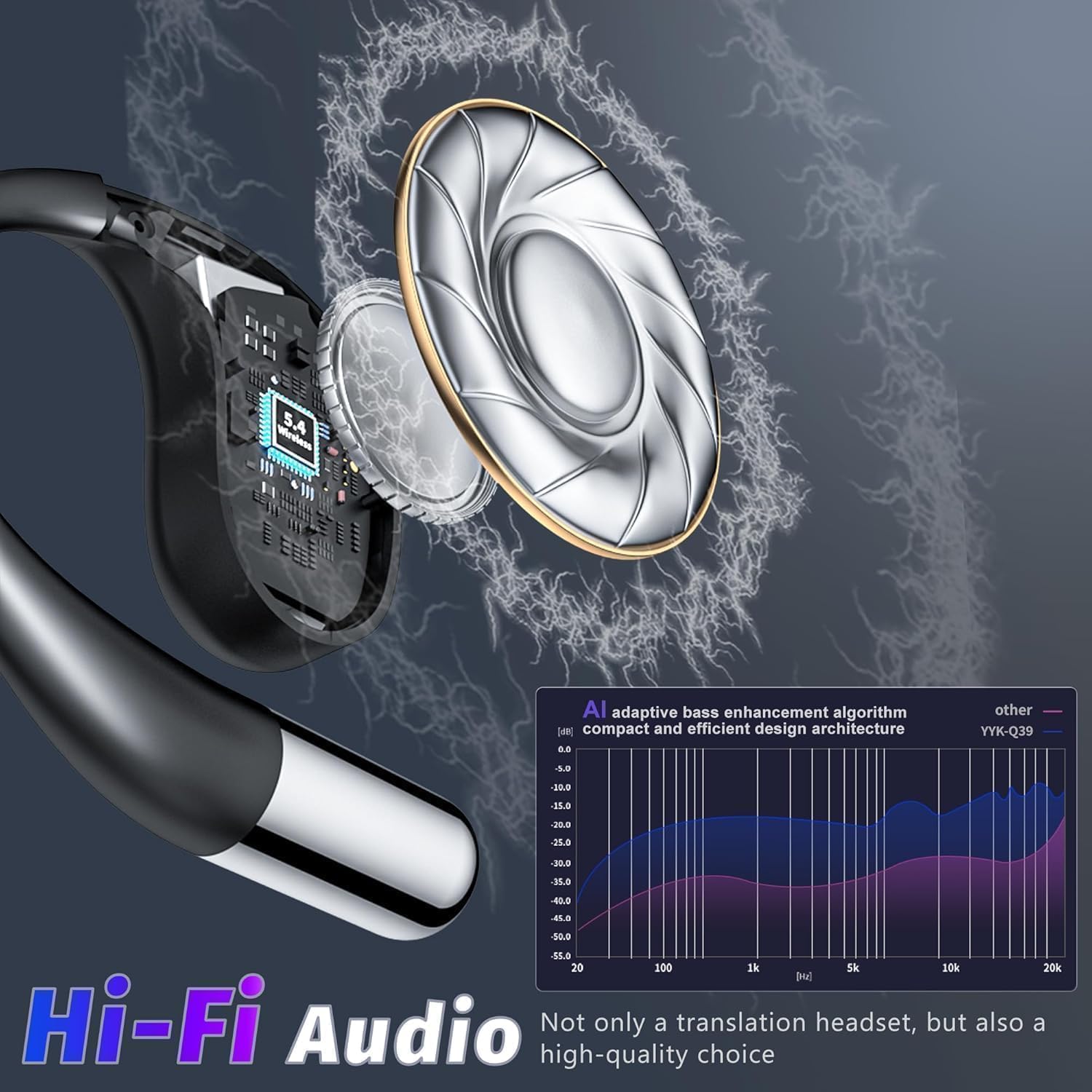
Image 4.2: Internal design highlighting Hi-Fi audio components and an AI adaptive bass enhancement algorithm for superior sound quality.
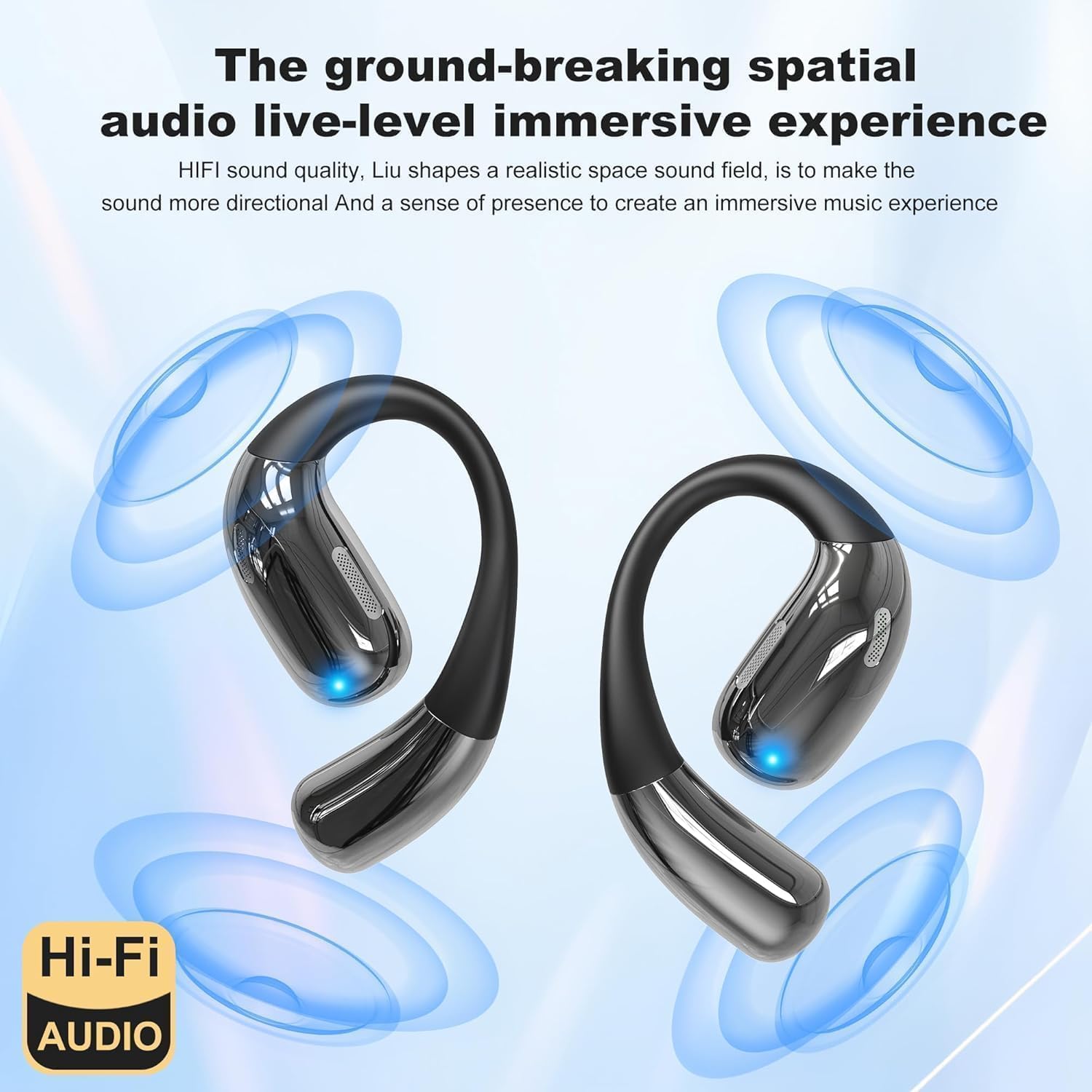
Image 4.3: Illustration of the spatial audio feature, creating an immersive sound experience.
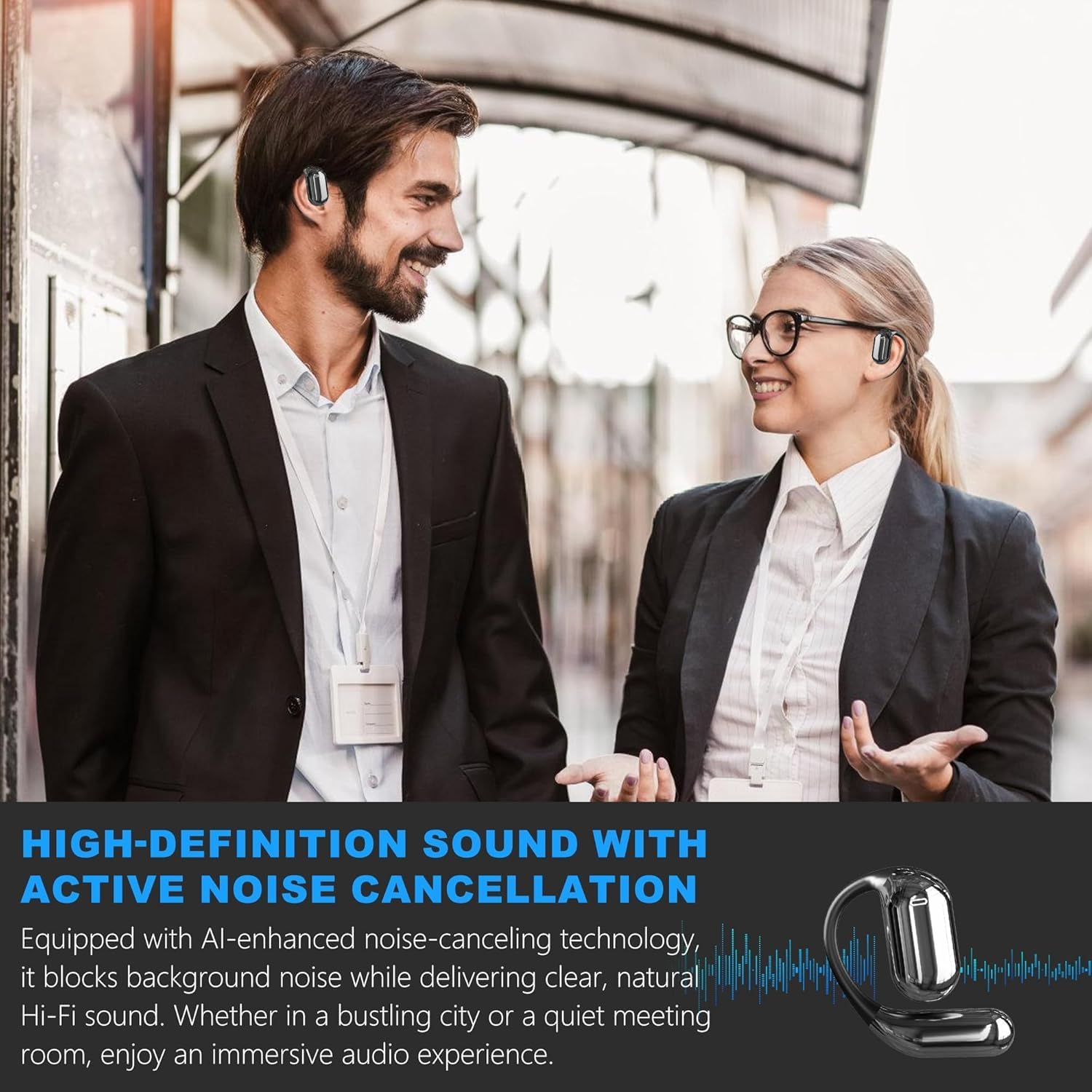
Image 4.4: Users experiencing high-definition sound with active noise cancellation in various settings.
5. Maintenance and Care
Proper maintenance ensures the longevity and optimal performance of your earbuds:
- Cleaning: Gently wipe the earbuds and charging case with a soft, dry, lint-free cloth. Avoid using abrasive materials or harsh chemicals.
- Storage: When not in use, store the earbuds in their charging case to protect them from dust and damage.
- Battery Care: To preserve battery life, avoid fully discharging the earbuds and charging case frequently. Charge them regularly.
- Water Resistance: The earbuds are designed for general use; avoid prolonged exposure to water or extreme humidity.
6. Troubleshooting
If you encounter issues with your R'hllor YYK-Q16 Pro earbuds, refer to the following common solutions:
- Earbuds not pairing:
- Ensure Bluetooth is enabled on your device.
- Make sure the earbuds are charged and out of the case.
- Try restarting your device and the earbuds.
- No sound:
- Check the volume levels on both your earbuds and connected device.
- Ensure the earbuds are properly connected to your device.
- Verify that the audio output is set to the earbuds on your device.
- Translation not working:
- Confirm the earbuds are connected to the companion app.
- Check your internet connection (unless using offline mode).
- Ensure the correct source and target languages are selected in the app.
- Speak clearly and at a moderate pace.
- Charging issues:
- Verify the charging cable is securely connected to both the case and the power source.
- Try a different USB port or power adapter.
- Clean the charging contacts on the earbuds and inside the case.
7. Specifications
| Feature | Detail |
|---|---|
| Brand | R'hllor |
| Model Name | YYK-Q16 Pro |
| Part Number | YYK-Q16 |
| Manufacturer | Shenzhen KingAnDa Technology Development Co., Ltd. |
| Translation Languages | 144 languages and accents (online) |
| Connectivity | Bluetooth |
| Compatibility | iOS, Android |
| Charging Case Screen | 6.7 cm Touchscreen |
| Battery Life (Earbuds) | Up to 10 hours continuous use |
| Package Dimensions | 15.01 x 10.79 x 3.91 cm |
| Item Weight | 200 g |
8. Warranty and Support
For warranty information and customer support, please refer to the documentation provided at the time of purchase or contact your retailer. Keep your proof of purchase for any warranty claims.
For technical assistance or further inquiries, please visit the official R'hllor support website or contact their customer service department.


