
1. Introduction
The Nautilus Vibratone Pro Vibration Plate is a versatile fitness and exercise platform designed to enhance your full-body workout routine. It utilizes vibration technology to stimulate and activate various muscle groups, contributing to improved muscle strength, balance, and circulation. This manual provides essential information for the safe and effective use of your Vibratone Pro.

Image 1.1: The Nautilus Vibratone Pro Vibration Plate, showcasing its sleek design and compact form factor.
2. Important Safety Information
WARNING: Before starting any new exercise program, consult with your physician. This is especially important if you have pre-existing health conditions, are pregnant, or have any concerns about your physical health.
- Always place the Vibratone Pro on a stable, level surface during use.
- Ensure adequate clear space around the unit for safe movement.
- Do not exceed the maximum user weight capacity of 265 lbs (120 kg).
- Keep children and pets away from the unit during operation.
- Do not use the unit if the power cord or plug is damaged.
- Unplug the unit from the power outlet when not in use or before cleaning.
- Use only as directed in this manual.
3. What's Included
Carefully unpack your Nautilus Vibratone Pro and ensure all components are present:
- Nautilus Vibratone Pro Vibration Board
- Remote Control (requires 2 AAA batteries, included)
- Two Detachable Resistance Bands
- Power Cord (6-foot)
- Quick Start Guide (this manual)

Image 3.1: All components included with the Nautilus Vibratone Pro, including the main unit, remote, resistance bands, and power cord.
4. Setup
- Placement: Choose a flat, stable, and non-slip surface for the Vibratone Pro. The unit features slip-resistant foot mat and slide-proof suction cups on its feet for stability.
- Power Connection: Insert the power cord into the power input port on the side of the Vibratone Pro, then plug the other end into a standard electrical outlet.
- Remote Batteries: Open the battery compartment on the remote control and insert 2 AAA batteries, ensuring correct polarity.
5. Operating Instructions
5.1 Powering On/Off
Press the power button on the unit's LED display or the remote control to turn the Vibratone Pro on or off.
5.2 Using the Smart LED Dashboard and Remote Control
The Vibratone Pro features an intuitive LED display and a convenient remote control for easy operation. The dashboard displays time, speed level, and program selection.

Image 5.1: Close-up of the Smart LED Dashboard, showing controls for adjustable speed, pre-set programs, Bluetooth speaker, and LED touch display.
5.3 Intensity Modes and Speed Levels
The unit offers 3 Intensity Modes and 120 Speed Levels. Use the '+' and '-' buttons on the dashboard or remote to adjust the vibration intensity and speed to your preference. Higher speed levels provide more intense vibrations.
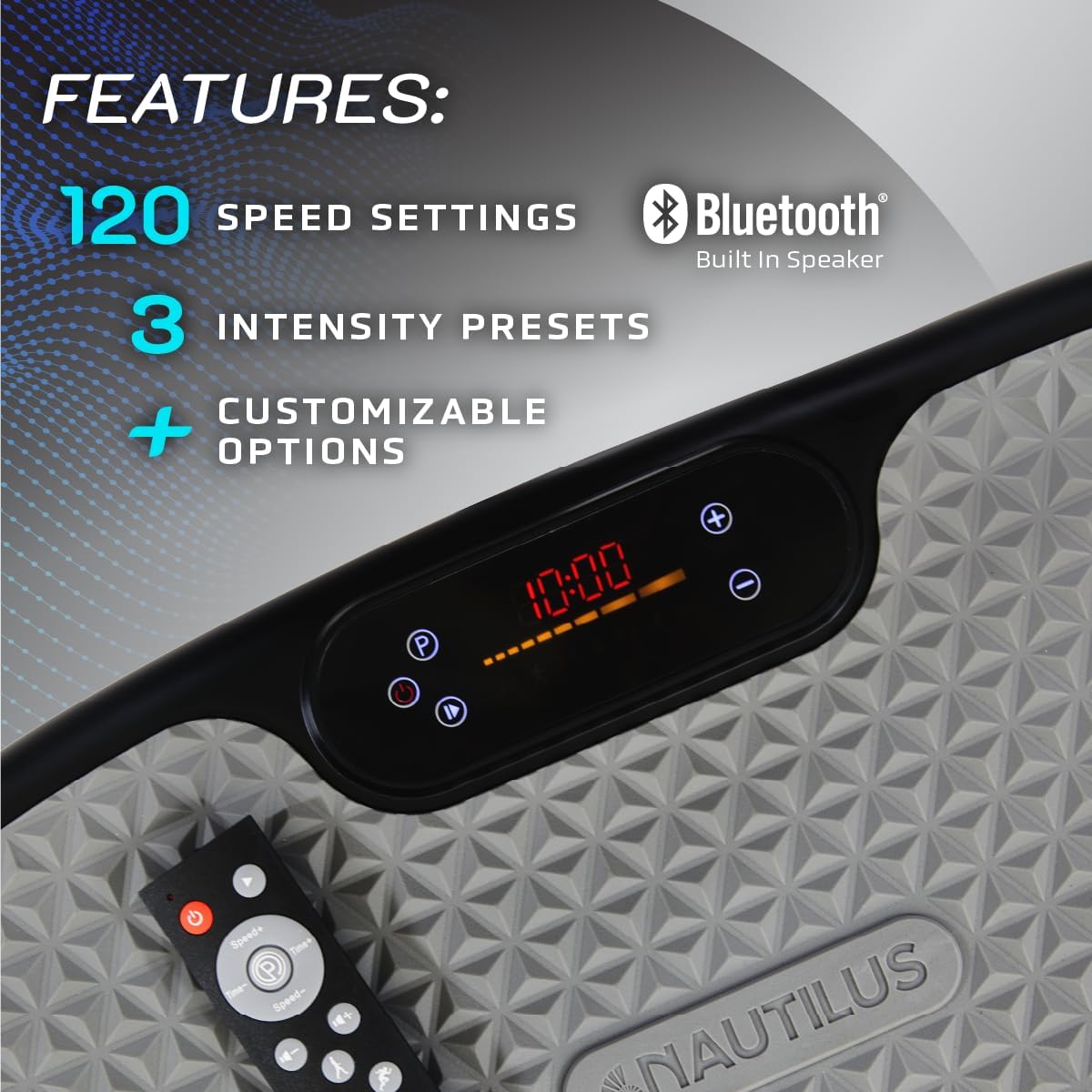
Image 5.2: Overview of key features including 120 speed settings, Bluetooth built-in speaker, 3 intensity presets, and customizable options.
5.4 Preset Workout Programs
The Vibratone Pro includes 4 Preset Workout Programs (P1, P2, P3, P4). Select a program using the 'P' button on the remote or dashboard. Each program offers a varied sequence of vibration intensities and durations for a comprehensive workout.
5.5 Bluetooth Speaker
The integrated Bluetooth speaker allows you to play music during your workout. To pair, enable Bluetooth on your device and select 'Nautilus Vibratone' from the list of available devices. The unit will confirm successful pairing.
5.6 Automatic Shut-off
For safety and energy efficiency, the Vibratone Pro is equipped with an automatic shut-off feature. The unit will power down after a set period of inactivity or upon completion of a preset program.
6. Exercises and Usage
The Vibratone Pro can be used for a variety of exercises to target different muscle groups and improve overall fitness. Incorporate it into your routine for just 10 minutes a day to stimulate hundreds of muscles.
6.1 Basic Stances and Exercises
Stand on the platform with feet shoulder-width apart for general muscle activation. You can perform various exercises such as:
- Squats: Stand on the platform and perform squats, focusing on engaging your core and glutes.
- Lunges: Place one foot on the platform and perform lunges to target leg muscles.
- Push-ups: Place your hands on the platform and perform push-ups to engage chest, shoulders, and arms.
- Planks: Hold a plank position with forearms or hands on the platform to strengthen your core.
- Glute Bridge: Lie on your back with feet on the platform and lift your hips for glute activation.

Image 6.1: Examples of full-body exercises that can be performed on the Vibratone Pro, including squats, lunges, glute bridges, and push-ups.
6.2 Using Resistance Bands
Attach the two detachable resistance bands to the designated points on the Vibratone Pro. These bands can be used to add resistance to exercises, further toning arms, chest, abs, back, and shoulders.
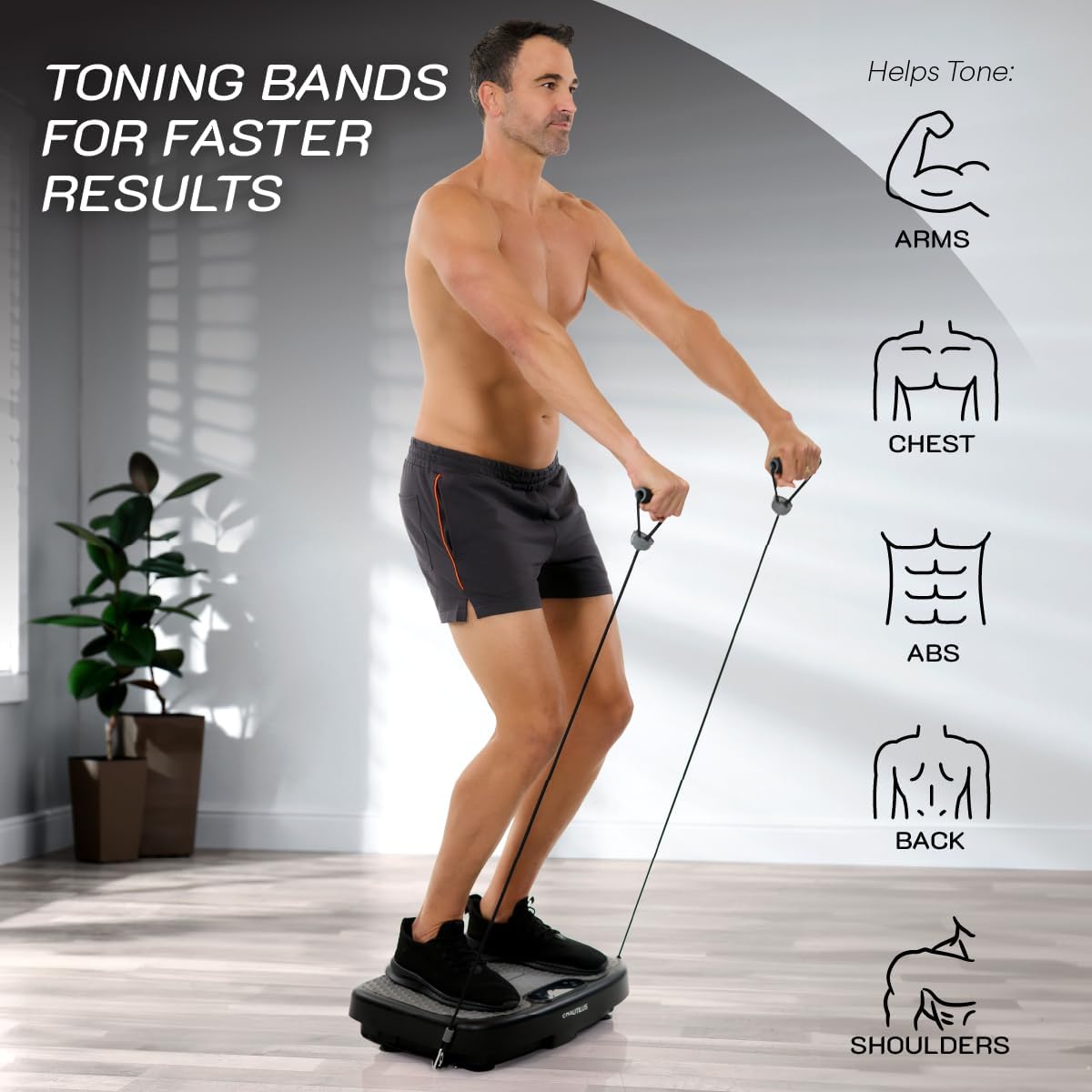
Image 6.2: Demonstrating the use of toning bands with the Vibratone Pro to target arms, chest, abs, back, and shoulders.
6.3 Benefits of Vibration Training
Regular use of the Vibratone Pro can contribute to:
- Increased Muscle Tone
- Enhanced Core Strength
- Improved Flexibility
- Better Circulation
- Improved Posture
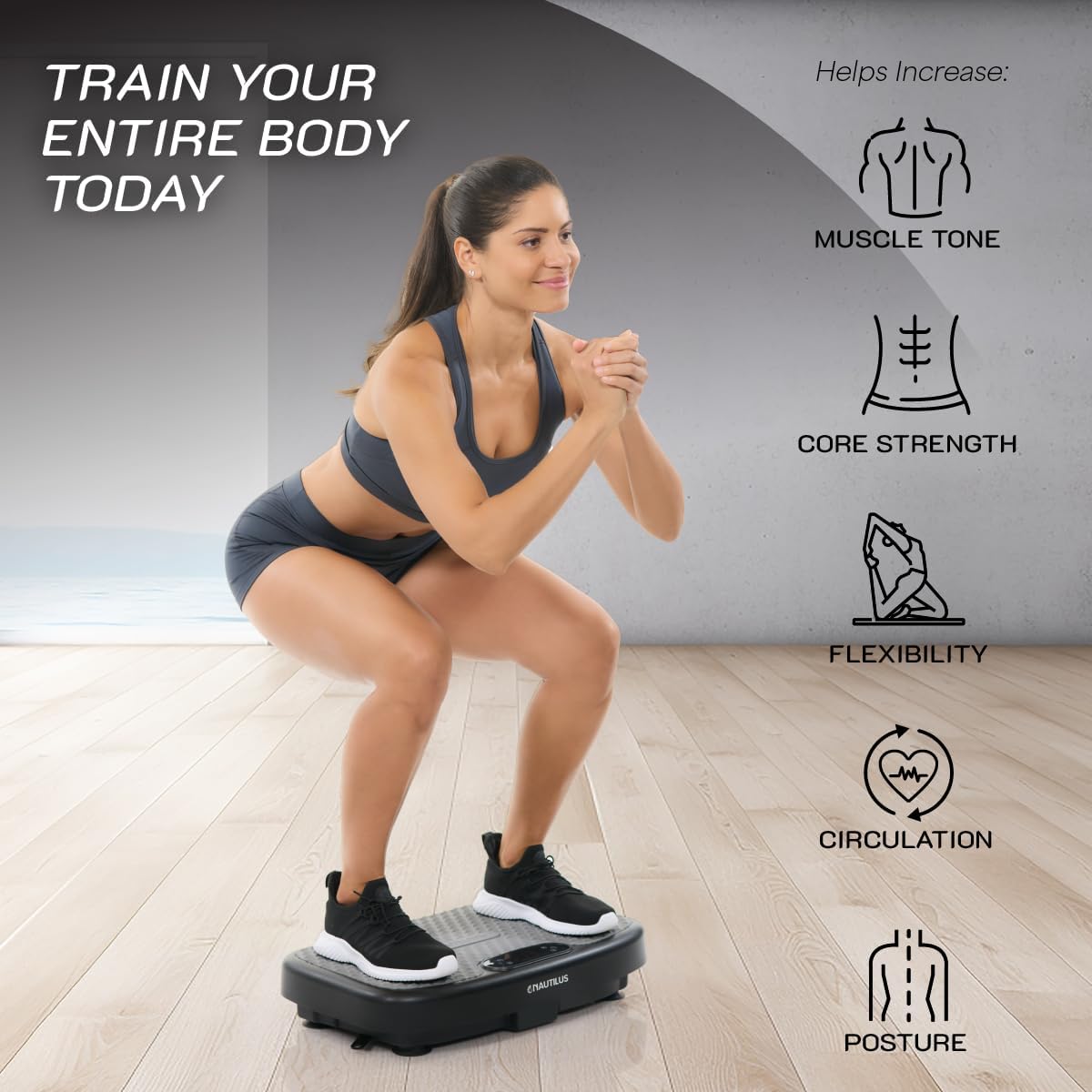
Image 6.3: Visual representation of the benefits of training with the Vibratone Pro, including muscle tone, core strength, flexibility, circulation, and posture.
6.4 Product Video
Watch the official product video for a visual guide on how to use the Nautilus Vibratone Pro and its benefits:
Video 6.4: An official video titled "The Vibratone by Nautilus" demonstrating the product's features and various exercises.
7. Maintenance
- Cleaning: Wipe the unit with a soft, damp cloth after each use. Do not use abrasive cleaners or solvents.
- Storage: Store the Vibratone Pro in a cool, dry place away from direct sunlight and moisture. Its sleek design allows it to fit easily under a bed or couch.
- Inspection: Periodically check the power cord and the unit for any signs of wear or damage. If damage is found, discontinue use and contact customer support.
8. Troubleshooting
| Problem | Possible Cause | Solution |
|---|---|---|
| Unit does not power on. | Power cord not properly connected or outlet issue. | Ensure power cord is securely plugged into the unit and a working electrical outlet. Try a different outlet. |
| Remote control not working. | Batteries are dead or incorrectly inserted. | Replace batteries (2 AAA) and ensure correct polarity. Point remote directly at the unit's sensor. |
| Vibrations are weak or inconsistent. | Incorrect speed setting or unit overloaded. | Increase the speed level. Ensure user weight does not exceed 265 lbs. |
| Bluetooth not pairing. | Bluetooth on device is off or unit is not in pairing mode. | Ensure Bluetooth is enabled on your device. Restart both the Vibratone Pro and your device. |
9. Specifications
- Model Name: Vibratone Board
- Dimensions (L x W x H): 23 x 14.25 x 6.25 inches (approx.)
- Unit Weight: 14 lbs (approx.)
- Maximum User Weight Capacity: 265 lbs
- Speed Levels: 120
- Intensity Modes: 3
- Preset Programs: 4
- Power Cord Length: 6 feet
- Connectivity: Bluetooth Speaker
- Color: Black
- Material: Plastic
10. Warranty and Support
For detailed warranty information and customer support, please refer to the official Nautilus website or the warranty card included with your product. You can also contact Nautilus customer service directly for assistance with product registration, troubleshooting, or replacement parts.
Nautilus Official Website: Visit the NAUTILUS Store on Amazon


