
Introduction
The KIDYWOLF KIDYTALK is a rechargeable walkie-talkie designed for children aged 5 and above, offering a communication range of up to 6 kilometers. This device promotes outdoor play, adventure, and communication, encouraging cooperation and autonomy. It features a robust design, an integrated flashlight, and a rechargeable lithium battery for extended use.
Product Overview
Familiarize yourself with the components of your KIDYWOLF KIDYTALK walkie-talkie.

Image: Diagram illustrating the KIDYWOLF KIDYTALK walkie-talkie with its main components labeled. These include the Channel Button, Power/Volume Button, Status Indicator, PTT Button, Flashlight/Monitor Button, Headphone/Microphone Jack, and Microphone.
- Channel Button: Used to change communication channels.
- Power/Volume Button: Turns the device on/off and adjusts the volume.
- Status Indicator: Displays the current operational status.
- PTT (Push-To-Talk) Button: Press and hold to transmit your voice.
- Flashlight/Monitor Button: Activates the integrated flashlight or monitor function.
- Headphone/Microphone Jack: For connecting external audio accessories.
- Microphone: Captures your voice for transmission.
- LED Flashlight: Integrated light source for visibility in low-light conditions.
- Belt Clip: Allows attachment to clothing or a belt for easy carrying.
- Lanyard: Provides an additional carrying option for security.
Setup
1. Charging the Battery
The KIDYTALK walkie-talkie is equipped with a rechargeable lithium-ion battery. Before first use, fully charge the device.
- Connect the provided USB charger cable to the charging port on the walkie-talkie.
- Connect the other end of the USB cable to a compatible USB power source (e.g., computer, USB wall adapter).
- The status indicator will show the charging progress. Once fully charged, the indicator will change (refer to the device's specific light pattern for full charge).
- A full charge typically takes approximately [Charging time not specified in product data. Refer to product packaging or quick start guide for details.].
2. Attaching the Belt Clip and Lanyard
For convenient carrying, attach the belt clip or lanyard.
- Belt Clip: Slide the belt clip into the designated slot on the back of the walkie-talkie until it clicks securely into place.
- Lanyard: Thread the lanyard through the small loop located on the top or side of the walkie-talkie.
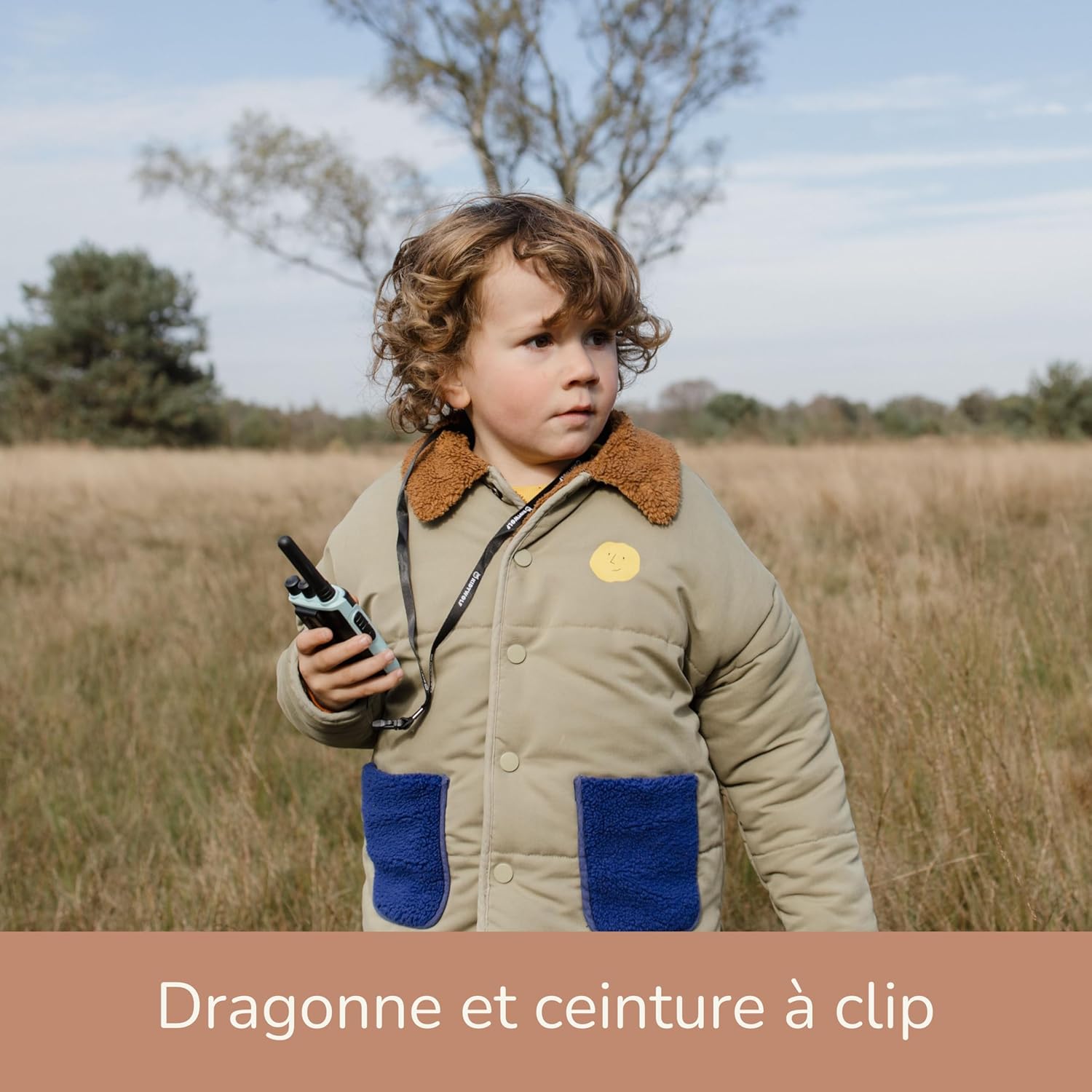
Image: A young child wearing the KIDYWOLF KIDYTALK walkie-talkie around their neck using the included lanyard, demonstrating a convenient way to carry the device during outdoor activities.
Operating Instructions
1. Power On/Off and Volume Adjustment
- To power on the walkie-talkie, rotate the Power/Volume Button clockwise until you hear a click and the screen illuminates.
- To power off, rotate the Power/Volume Button counter-clockwise until it clicks off.
- Adjust the volume by rotating the Power/Volume Button clockwise to increase and counter-clockwise to decrease.
2. Selecting a Channel
The KIDYTALK operates on PMR446 license-free channels. To communicate with another walkie-talkie, both devices must be set to the same channel.
- Press the Channel Button to cycle through the available channels.
- The selected channel number will be displayed on the screen.
- Ensure all walkie-talkies intended for communication are on the identical channel.
3. Transmitting and Receiving
- To transmit your voice, press and hold the PTT (Push-To-Talk) Button. Speak clearly into the microphone, holding the walkie-talkie approximately 5-10 cm from your mouth.
- Release the PTT Button to stop transmitting and listen for a response.
- When another walkie-talkie on the same channel transmits, you will hear their voice through your speaker.
4. Using the Flashlight
- Press the Flashlight/Monitor Button once to turn on the integrated LED flashlight.
- Press the button again to turn off the flashlight.
5. Monitor Function
The monitor function allows you to listen for weak signals on the current channel without squelch. This can be useful for checking if a channel is clear or for hearing distant transmissions.
- Press and hold the Flashlight/Monitor Button to activate the monitor function.
- Release the button to deactivate the monitor function.

Image: A young child smiling and holding a KIDYWOLF KIDYTALK walkie-talkie in an outdoor setting, demonstrating the product in use during an adventure.
Maintenance
1. Cleaning
- Wipe the walkie-talkie with a soft, damp cloth.
- Do not use harsh chemicals or abrasive cleaners.
- Ensure the device is dry before storing or using.
2. Storage
- Store the walkie-talkie in a cool, dry place away from direct sunlight and extreme temperatures.
- If storing for an extended period, ensure the battery is partially charged (around 50%) to prolong its lifespan.
3. Battery Care
- Avoid completely draining the battery frequently.
- Charge the battery regularly, even if the device is not in frequent use.
- Do not attempt to replace the internal lithium-ion battery yourself. Contact customer support if battery issues arise.
Troubleshooting
| Problem | Possible Cause | Solution |
|---|---|---|
| No power | Battery is drained. | Charge the walkie-talkie using the USB cable. |
| Cannot communicate with another walkie-talkie | Different channels selected. Out of range. Low battery. | Ensure both walkie-talkies are on the same channel. Move closer to the other device. Recharge the battery. |
| Poor sound quality / Static | Weak signal. Obstructions. Interference. | Move to an open area. Avoid large obstacles like buildings or hills. Check for other electronic devices causing interference. |
| Flashlight not working | Battery is low. Device is off. | Charge the battery. Ensure the walkie-talkie is powered on. |
Specifications
- Model Number: KIDYTALK-NC
- Brand: KIDYWOLF
- Communication Technology: PMR446 (License-free)
- Maximum Range: Up to 6 Kilometers (3.7 miles)
- Number of Channels: 6
- Battery Type: 1 Lithium-ion (included, rechargeable)
- Charging: USB
- Material: Plastic and Aluminum
- Special Features: Integrated flashlight, CE certified, educational
- Water Resistance Level: Not waterproof
- Included Components: Walkie-talkie unit(s), USB charger cable, lanyard, belt clip.
- Compatible Devices: Other walkie-talkies or two-way radios using PMR446 technology.
- Country of Origin: Belgium
Warranty and Support
Manufacturer Warranty
The KIDYWOLF KIDYTALK walkie-talkie comes with a 2-year manufacturer's warranty. This warranty covers defects in materials and workmanship under normal use.
For warranty claims or technical support, please contact KIDYWOLF customer service. Refer to the product packaging or the official KIDYWOLF website for the most current contact information.
Customer Support
If you encounter any issues or have questions regarding your KIDYWOLF KIDYTALK, please reach out to our dedicated customer support team. We are committed to providing assistance and ensuring your satisfaction.
Contact information (e.g., website, email, phone) can typically be found on the product packaging or the official KIDYWOLF brand website.


