
Introduction
Thank you for choosing the DEWALT 20V MAX 22-inch Cordless Hedge Trimmer. This manual provides essential information for the safe and efficient operation, maintenance, and troubleshooting of your new tool. Please read this manual thoroughly before first use and keep it for future reference.
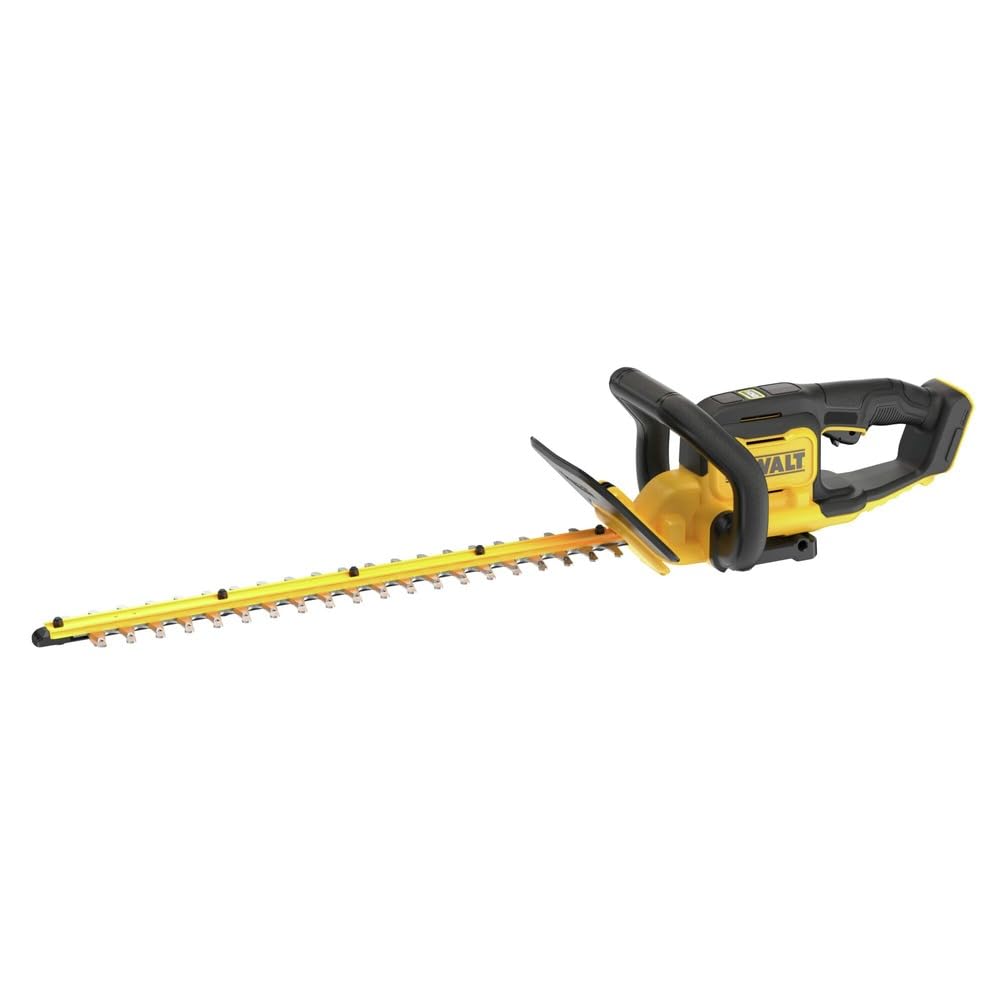
Image: The DEWALT 20V MAX 22-inch Cordless Hedge Trimmer, showcasing its ergonomic design and long blade.
Important Safety Information
Always follow basic safety precautions to reduce the risk of fire, electric shock, and personal injury. This tool is designed for trimming hedges and shrubs. Do not use it for any other purpose.
- Read all instructions: Familiarize yourself with the controls and proper use of the tool.
- Wear appropriate personal protective equipment (PPE): Always wear safety glasses, hearing protection, gloves, and sturdy footwear.
- Keep area clear: Ensure no bystanders, children, or pets are in the work area.
- Inspect before use: Check for damaged parts, loose fasteners, or any other condition that may affect safe operation.
- Remove battery when not in use: Always remove the battery pack when assembling parts, making adjustments, cleaning, or storing the tool.
- Avoid accidental starting: Ensure the switch is in the OFF position before inserting the battery pack.
- Maintain a firm grip: Hold the hedge trimmer firmly with both hands.
- Do not overreach: Maintain proper footing and balance at all times.
Setup
1. Battery Installation
The DEWALT 20V MAX 22-inch Cordless Hedge Trimmer operates with a DEWALT 20V MAX battery (sold separately). Ensure the battery is fully charged before use.
- Align the battery pack with the battery port on the rear of the tool handle.
- Slide the battery pack into the tool until it clicks securely into place.
- To remove the battery, press the release button on the battery pack and slide it out.

Image: A hand inserting a DEWALT 20V MAX battery into the hedge trimmer's battery slot.
2. Blade Cover Removal
Before operating, carefully remove the blade cover from the cutting blades. Store the blade cover in a safe place when not in use.

Image: The DEWALT hedge trimmer with its protective blade cover in place.
Operating Instructions
1. Starting and Stopping the Trimmer
The hedge trimmer features a dual-action switch for safety.
- To Start: Hold the front handle and depress the front switch. Simultaneously, squeeze the trigger switch on the rear handle. The blades will begin to move.
- To Stop: Release either the front switch or the trigger switch. The blades will stop immediately.
2. Trimming Techniques
For best results, use a sweeping motion, cutting small amounts of material at a time. Avoid forcing the blades through thick branches.
- Horizontal Trimming: Hold the trimmer with the blades slightly tilted (5-10 degrees) towards the hedge. Sweep the trimmer along the top of the hedge in an arc.
- Vertical Trimming: Hold the trimmer vertically and sweep upwards, then downwards, along the sides of the hedge.
- Thick Branches: The trimmer can cut branches up to 3/4 inch thick. For thicker branches, use a pruning saw.

Image: A person demonstrating the use of the DEWALT hedge trimmer to trim a hedge.
3. Official Product Videos
Video: A detailed demonstration of the DEWALT 20V MAX Hedge Trimmer, highlighting its features and ease of use.
Video: An overview of the DEWALT 20V MAX 22-inch Cordless Hedge Trimmer, showcasing its performance and portability.
Maintenance
Regular maintenance ensures optimal performance and extends the life of your hedge trimmer. Always remove the battery pack before performing any maintenance.
- Cleaning: After each use, clean the blades with a stiff brush to remove debris. Wipe the blades with an oily rag to prevent rust. Clean the exterior of the tool with a soft, damp cloth.
- Blade Care: Periodically check the blades for sharpness. Dull blades can tear foliage and strain the motor. Sharpen or replace blades as needed by a qualified service technician.
- Storage: Store the hedge trimmer in a dry, secure place out of reach of children. Always use the blade cover when storing the tool.
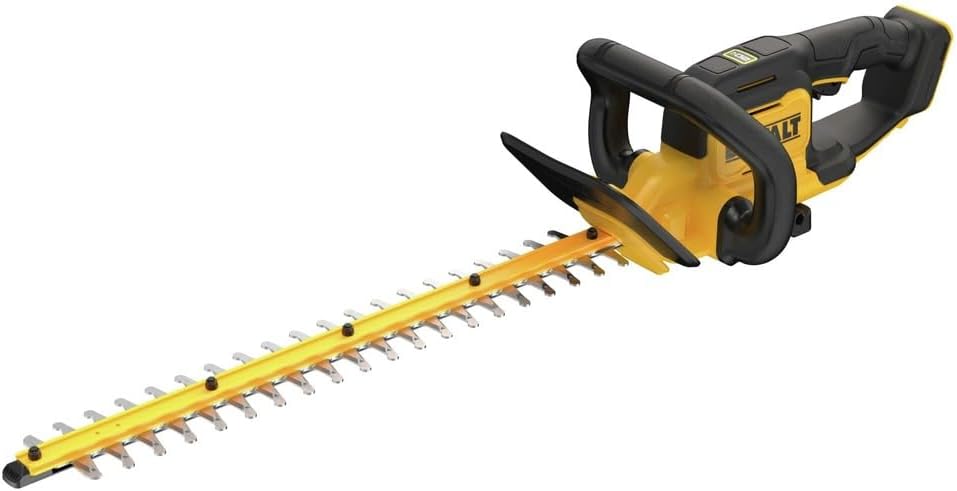
Image: The DEWALT hedge trimmer with its protective blade cover, ready for storage.
Troubleshooting
| Problem | Possible Cause | Solution |
|---|---|---|
| Trimmer does not start | Battery not inserted correctly; Battery discharged; Safety switches not engaged. | Ensure battery is fully seated; Charge battery; Engage both front and trigger switches. |
| Blades cut poorly or jam | Dull blades; Excessive material being cut; Debris caught in blades. | Sharpen or replace blades; Cut smaller sections; Remove debris (with battery removed). |
| Reduced runtime | Battery not fully charged; Old/worn battery. | Ensure battery is fully charged; Replace battery if necessary. |
Specifications
- Brand: DEWALT
- Model Number: DCHT821B
- Power Source: Battery Powered (20V MAX)
- Blade Length: 22 Inches
- Cutting Capacity: Up to 3/4 Inches
- Item Weight: 9.7 Pounds
- Product Dimensions: 38.73"L x 9.8"W x 7.79"H
- Material Type: Alloy Steel
- Manufacturer Warranty: Manufacturer Warranty
Warranty and Support
This DEWALT product comes with a manufacturer's warranty. For detailed warranty information, service, or technical support, please refer to the documentation included with your product or visit the official DEWALT website. Always use genuine DEWALT replacement parts and accessories to maintain warranty validity and ensure safe operation.
For further assistance, you may visit the DEWALT Store on Amazon.


