
1. Introduction
This manual provides essential information for the safe and effective use of your MDCGPower AC/DC Adapter Charger. This power supply is designed to be compatible with Dejavoo Z11 and Z8 Credit Card Payment Terminals, as well as Castles PW04-945A power supply cords. Please read these instructions carefully before use.
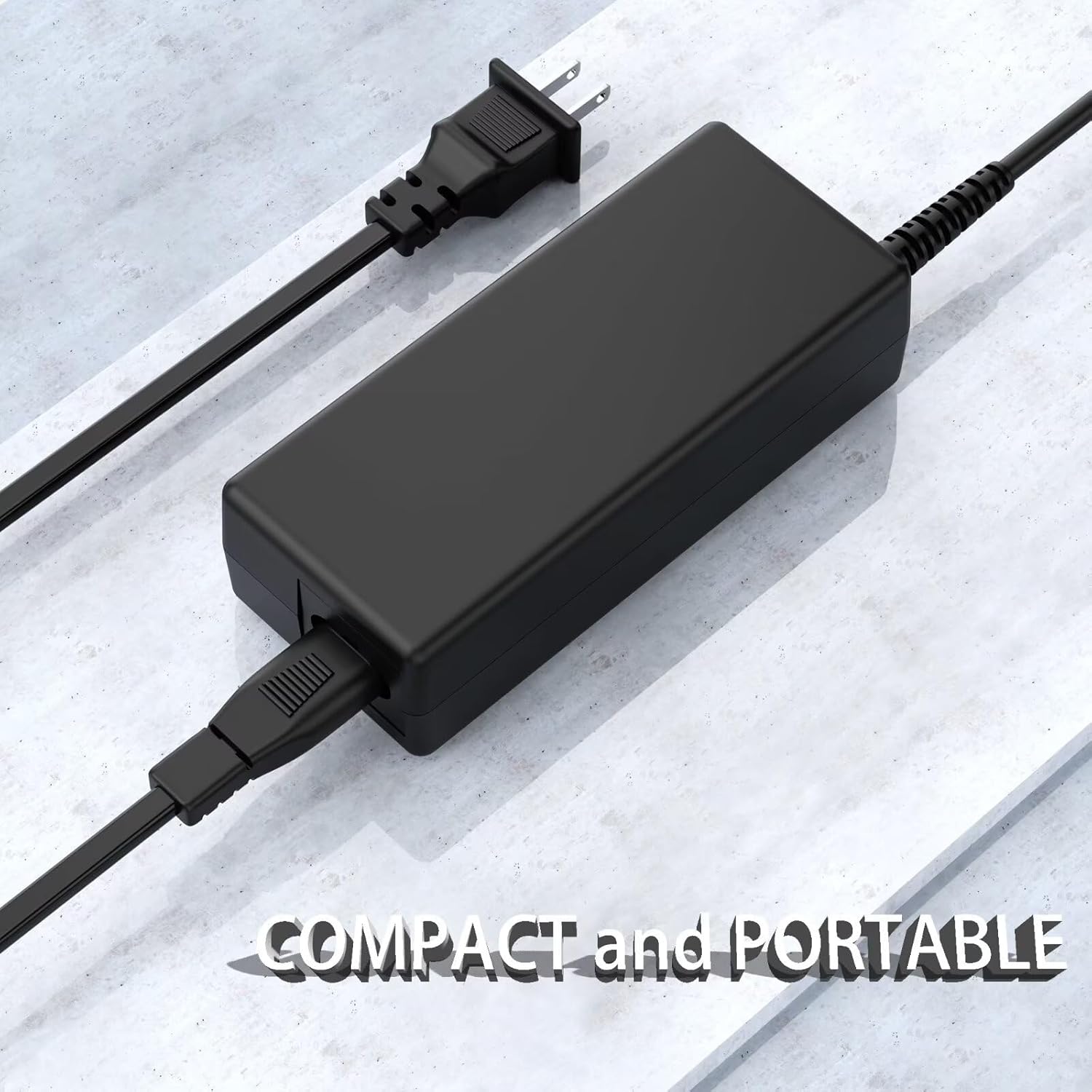
Figure 1: The MDCGPower AC/DC Adapter Charger, showcasing its compact and portable design for easy transport and use.
2. Safety Information
Your safety and the safety of your devices are paramount. This power supply incorporates multiple safety features to ensure reliable operation.
- Over Current Protection: Prevents damage from excessive current flow.
- Over Voltage Protection: Safeguards against voltage surges.
- Short Circuit Protection: Protects against short-circuit conditions.
- Over Temperature Protection: Monitors and prevents overheating.
- Over Load Protection: Manages power delivery to prevent overloading.
- Quality Microchip: Ensures stable and efficient power delivery.
Important: Always verify the compatibility of this adapter with your specific device model before connecting to prevent potential damage. Refer to your device's manual for power requirements.
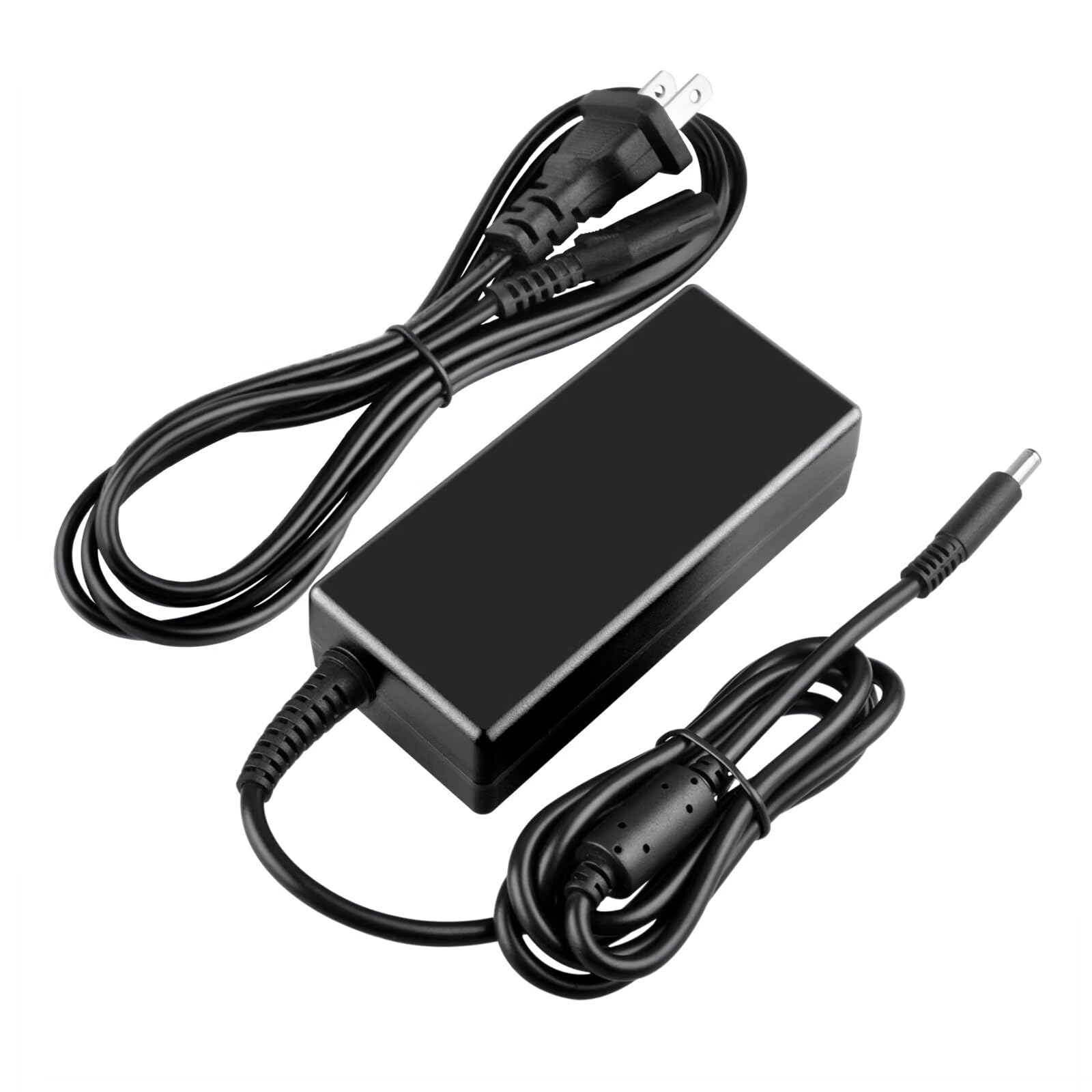
Figure 2: Visual representation of the six comprehensive safety protection features integrated into the adapter for device and user safety.
3. Setup
Follow these steps to properly set up your AC/DC adapter:
- Unpack: Carefully remove the adapter and power cords from the packaging.
- Connect Power Cord: Insert one end of the included power cord into the adapter's input port.
- Plug into Outlet: Insert the other end of the power cord into a standard wall outlet (100-240VAC, 50/60Hz). Ensure the outlet is easily accessible.
- Connect to Device: Plug the barrel connector of the adapter into the power input port of your compatible device (e.g., Dejavoo Z11/Z8 terminal).
- Verify Connection: Ensure all connections are secure before powering on your device.
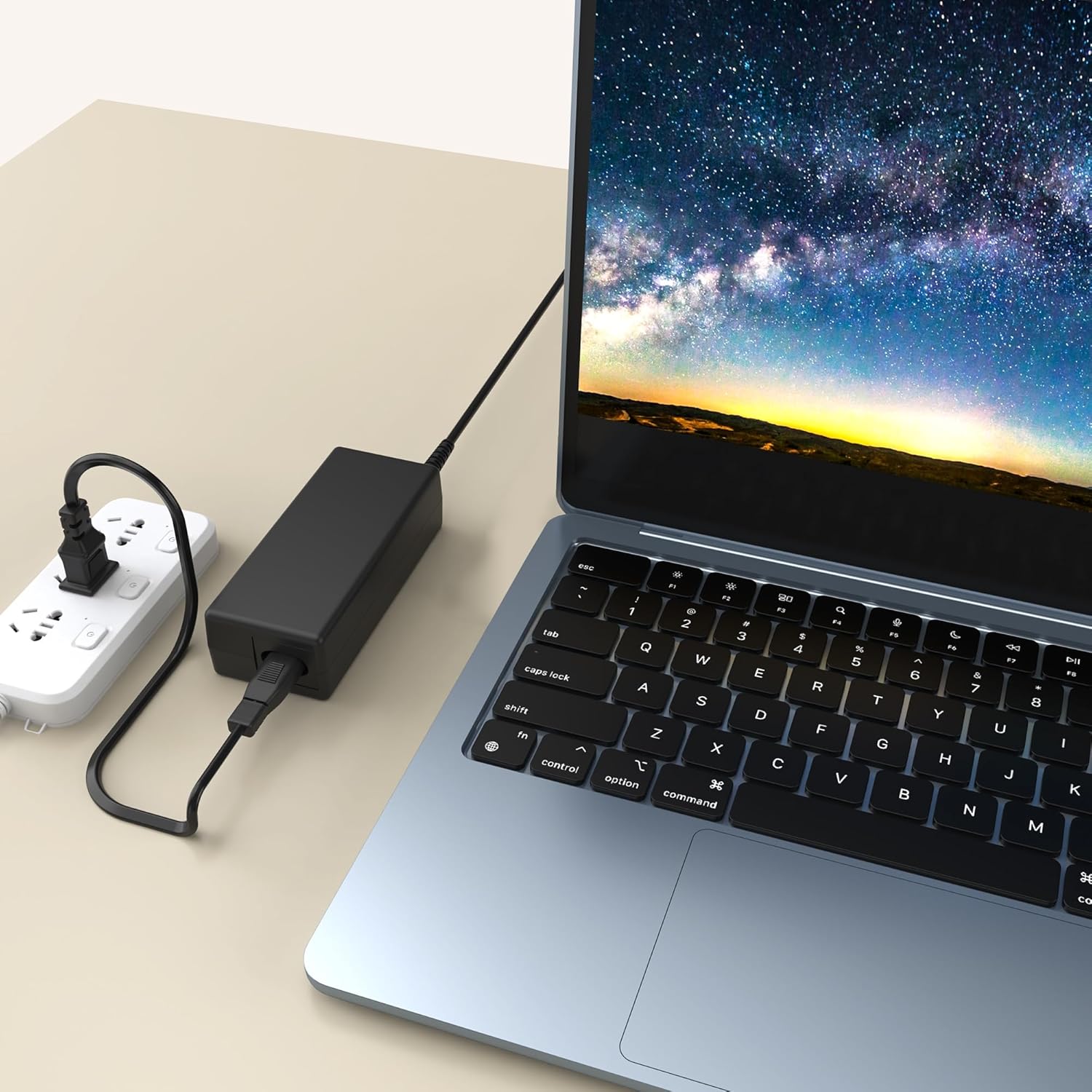
Figure 3: The adapter properly connected to a power source and a device, illustrating a standard setup.
4. Operating Instructions
Once properly connected, the MDCGPower AC/DC Adapter Charger will provide stable power to your compatible device. It is designed for continuous operation within its specified voltage and current limits.
- Ensure the adapter is placed in a well-ventilated area to prevent heat buildup.
- Avoid covering the adapter during operation.
- This adapter features universal compatibility with various devices requiring similar power specifications, not limited to payment terminals.
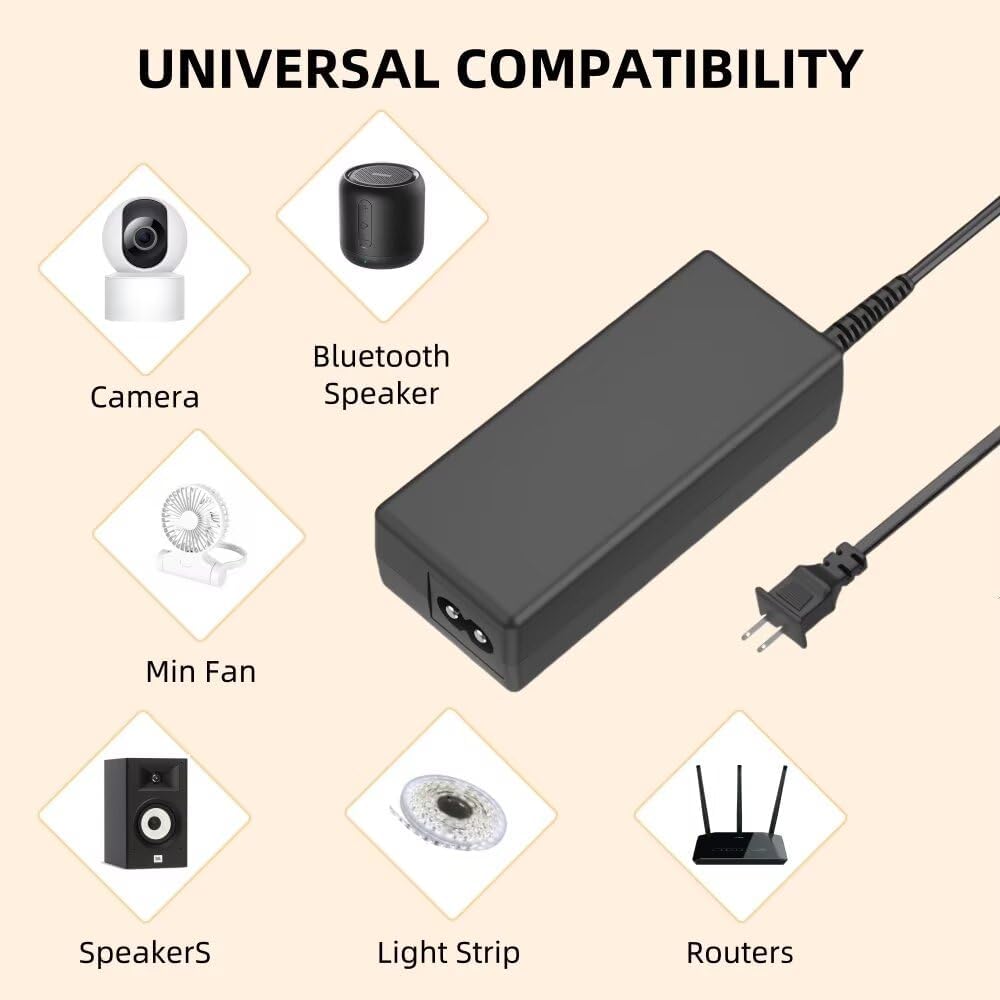
Figure 4: The adapter's broad compatibility with a range of electronic devices, highlighting its versatility.
5. Maintenance
To ensure the longevity and optimal performance of your adapter, follow these simple maintenance guidelines:
- Cleaning: Disconnect the adapter from the power outlet and your device before cleaning. Use a soft, dry cloth to wipe the exterior. Do not use liquid cleaners or aerosols.
- Storage: Store the adapter in a cool, dry place away from direct sunlight and extreme temperatures when not in use.
- Cable Care: Avoid bending or kinking the power cords excessively, as this can damage the internal wires.
- Inspection: Periodically inspect the adapter and cords for any signs of damage, such as frayed wires or cracked casing. Discontinue use if damage is found.
6. Troubleshooting
If you encounter issues with your adapter, try the following steps:
- Device Not Powering On:
- Ensure the adapter is securely plugged into both the wall outlet and your device.
- Check if the wall outlet is functional by plugging in another device.
- Verify that your device's power input port is clean and free of debris.
- Intermittent Power:
- Check for loose connections at both ends of the power cord and the adapter's barrel connector.
- Ensure the adapter is not overloaded by connecting it to a device that exceeds its power rating.
- Adapter is Hot:
- It is normal for the adapter to feel warm during operation. However, if it becomes excessively hot, disconnect it immediately.
- Ensure adequate ventilation around the adapter.
If these steps do not resolve the issue, please contact customer support for further assistance.
7. Specifications
Detailed technical specifications for the MDCGPower AC/DC Adapter Charger:
| Feature | Specification |
|---|---|
| Brand | MDCGPower |
| Model Number | MD18CA0803 |
| Input Voltage | 100-240VAC, 50/60Hz (World Wide Input) |
| Connector Type | Barrel Connector |
| Compatible Devices | Dejavoo Z11, Z8 Credit Card Payment Terminals, Castles PW04-945A |
| Included Components | 2 x Power Cords |
| Color | Black |
| Item Weight | 4 Ounces |
| Power Plug Type | Type A - 2 pin (North American) |

Figure 5: Dimensions of the adapter, indicating its compact size.