
1. Introduction
Thank you for choosing the MDCGPower 15V AC/DC Adapter. This power supply is designed to provide reliable and efficient power to compatible devices, including the Ankuka Model AK-02 Karaoke Machine, PA systems, and portable Bluetooth speakers. Please read this manual carefully before use to ensure proper operation and safety.
2. Product Overview
The MDCGPower 15V AC/DC Adapter is a high-quality power solution featuring universal input voltage compatibility and multiple safety protections. It is designed for durability and high power efficiency.
Key Features:
- Universal Input Voltage: Supports 100-240VAC, 50/60Hz for worldwide use.
- Compatibility: Specifically designed for Ankuka Model AK-02 (AK02, AK-O2, AKO2) Karaoke Machine, PA systems, Portable Bluetooth Speakers, and devices requiring LHDY-1503000 (LHDY1503000) 15VDC power.
- Safety Protection: Built-in safeguards against over current, over voltage, short circuits, over temperature, and over load.
- High Efficiency: Delivers reliable power with optimal energy conversion.
- Compact and Portable Design: Easy to carry and store.

Image: The MDCGPower 15V AC/DC Adapter highlighting its six safety protection features: Over Temp Protection, Over Voltage Protection, Over Current Protection, Short Circuit Protection, Over Load Protection, and Quality Microchip. This image illustrates the internal safety mechanisms designed to protect your devices.
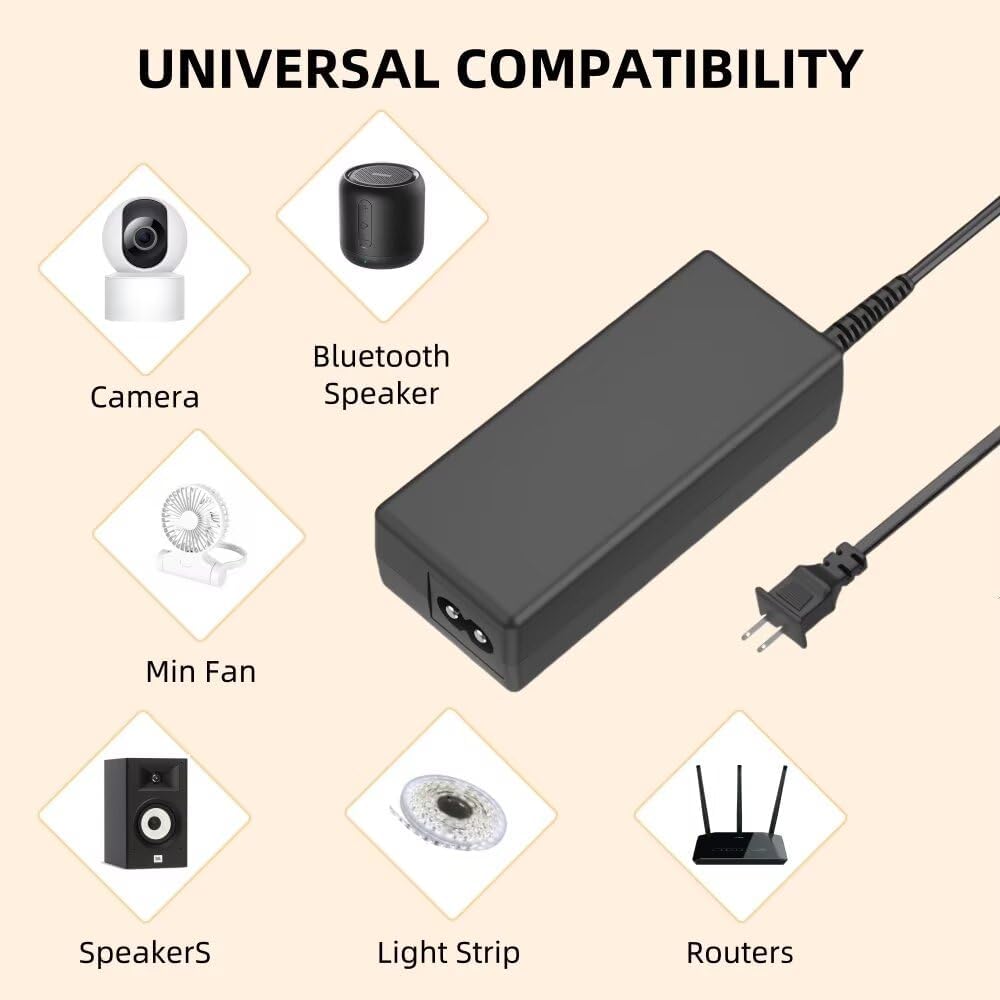
Image: The MDCGPower 15V AC/DC Adapter demonstrating its universal compatibility with various devices such as cameras, Bluetooth speakers, mini fans, speakers, light strips, and routers. This image shows the versatility of the adapter for different electronic applications.
3. Setup Instructions
- Verify Compatibility: Before connecting, ensure your device requires a 15V DC input and has a compatible barrel connector. Check your device's specifications or existing power adapter for voltage and connector type.
- Connect to Device: Plug the barrel connector end of the MDCGPower adapter into the DC input port of your device. Ensure a snug fit.
- Connect to Power Outlet: Plug the AC power cord into a standard 100-240VAC wall outlet.
- Power On Device: Once connected, power on your device. The adapter will automatically supply the necessary power.
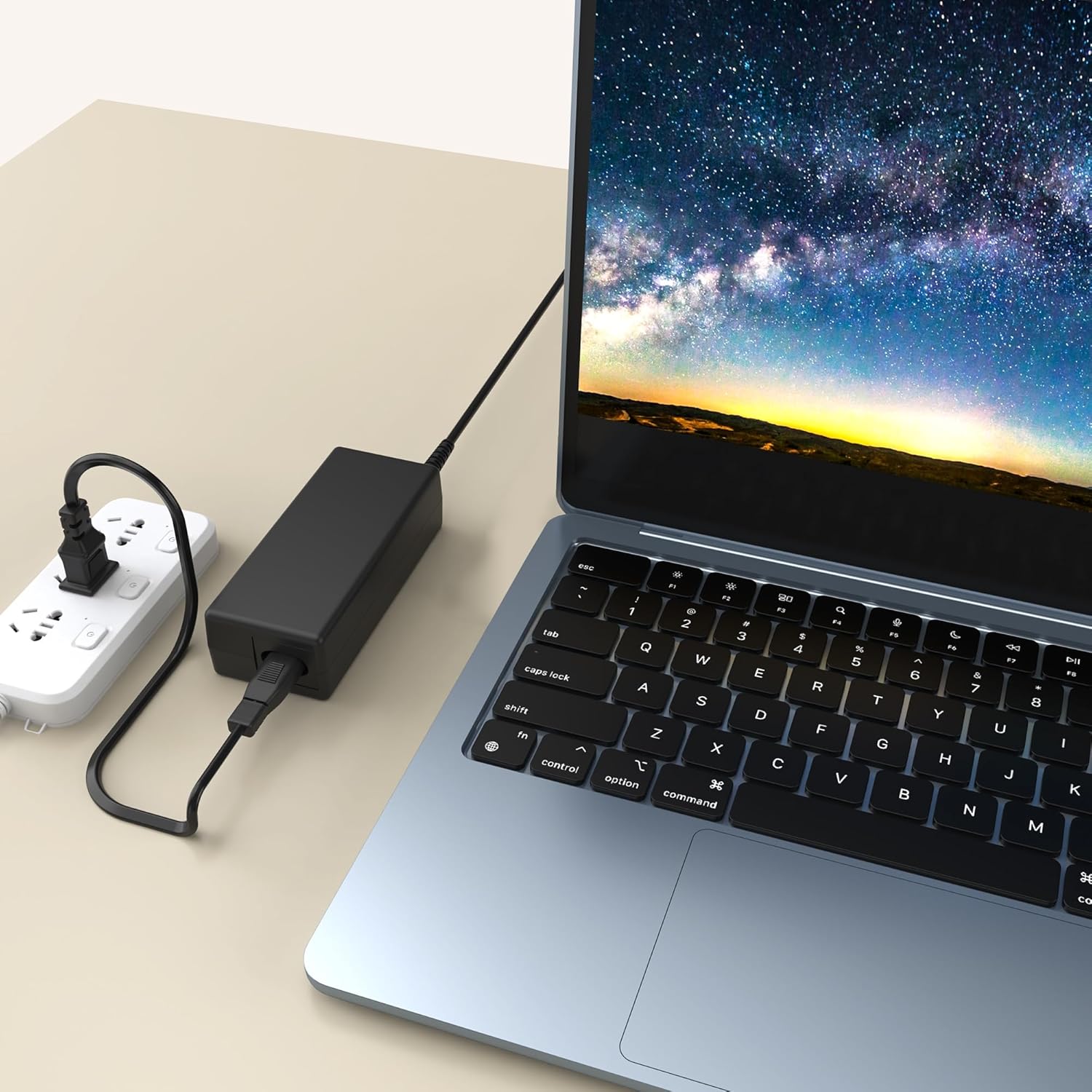
Image: The MDCGPower 15V AC/DC Adapter plugged into a power strip and connected to a laptop, illustrating a typical setup scenario. This image demonstrates how to connect the adapter for use.
4. Operating Guidelines
- Always use the adapter in a well-ventilated area to prevent overheating.
- Do not expose the adapter to water, moisture, or extreme temperatures.
- Avoid placing heavy objects on the power cord or adapter.
- Unplug the adapter from the wall outlet when not in use for extended periods.
5. Maintenance
- Cleaning: Disconnect the adapter from both the power outlet and your device before cleaning. Use a soft, dry cloth to wipe the surface. Do not use liquid cleaners or solvents.
- Storage: Store the adapter in a cool, dry place away from direct sunlight and moisture. Avoid tightly winding the cable to prevent damage.
- Inspection: Periodically inspect the power cord and adapter for any signs of damage, such as frayed wires or cracks. If damage is found, discontinue use immediately and replace the adapter.
6. Troubleshooting
| Problem | Possible Cause | Solution |
|---|---|---|
| Device not powering on. | Adapter not properly connected. Power outlet not active. Device compatibility issue. | Ensure all connections are secure. Test the outlet with another device. Verify your device requires 15V DC. |
| Adapter feels hot. | Normal operation under load. Poor ventilation. Overload. | Ensure adequate airflow around the adapter. Disconnect and allow to cool. Ensure device power requirements do not exceed adapter capacity. |
| Intermittent power. | Loose connection. Damaged cable. | Check all connections. Inspect the cable for damage; replace if necessary. |
7. Specifications
- Brand: MDCGPower
- Model Number: MD18CA0932
- Input Voltage: 100-240VAC, 50/60Hz
- Output Voltage: 15V DC
- Connector Type: Barrel Connector
- Color: Black
- Item Weight: Approximately 4 Ounces (113 grams)
- Item Dimensions: Approximately 4 x 3 x 2 inches (10.16 x 7.62 x 5.08 cm)
- Manufacturer: Guangzhou Panyu Zhaohong Electronic Factory.

Image: The MDCGPower 15V AC/DC Adapter shown with its approximate dimensions: 4.13 inches (length) and 1.77 inches (width). This image provides a visual reference for the compact size of the adapter.
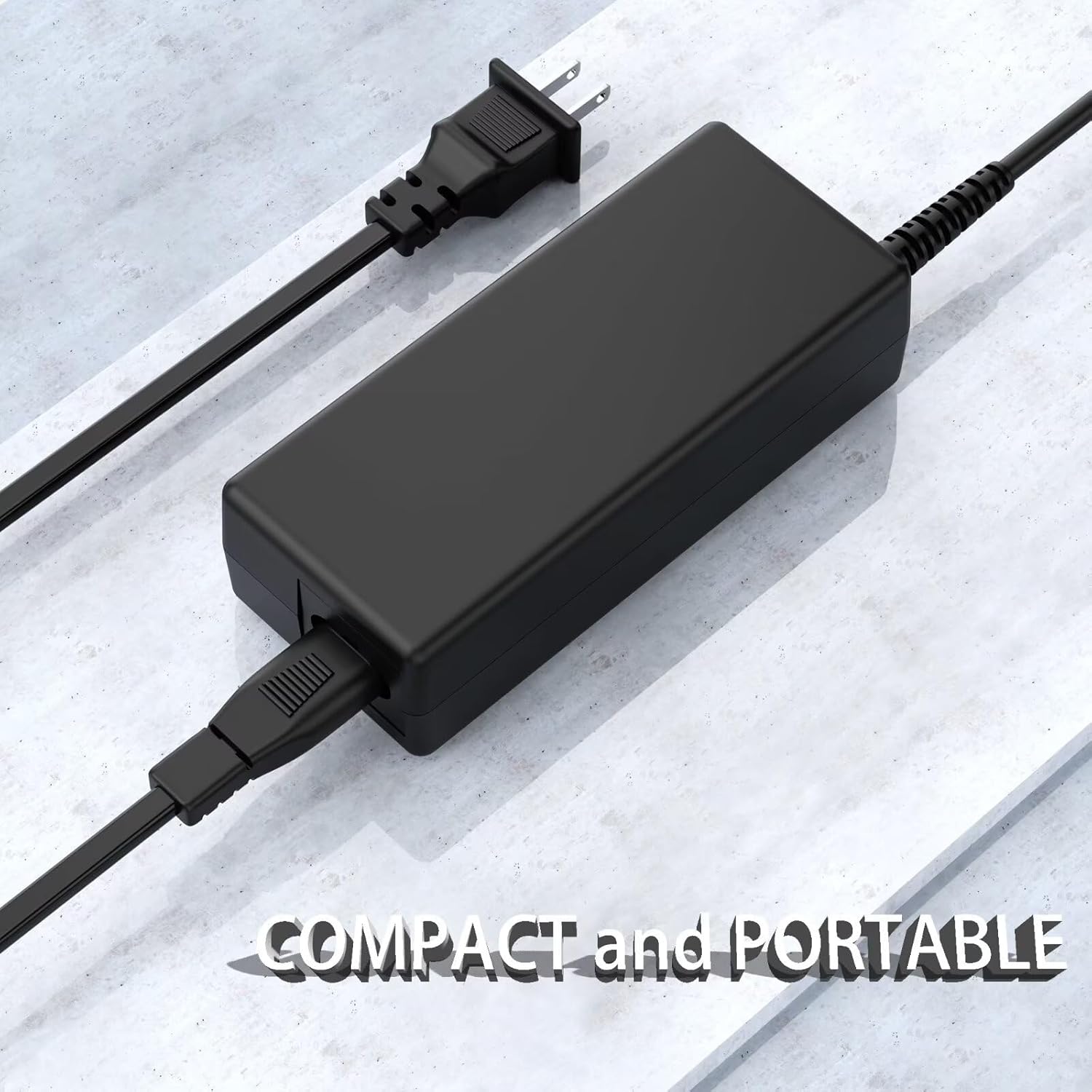
Image: The MDCGPower 15V AC/DC Adapter displayed on a clean surface, emphasizing its compact and portable design. This image highlights the adapter's convenient size for travel and everyday use.
8. Safety Information
This product is designed with multiple safety features to protect both the adapter and your connected devices. However, it is crucial to follow these guidelines:
- Do not disassemble or modify the adapter.
- Keep out of reach of children.
- Avoid using the adapter if it has been damaged or exposed to liquids.
- Ensure the power outlet voltage matches the adapter's input voltage range (100-240VAC).
- This product contains chemicals known to the State of California to cause cancer and birth defects or other reproductive harm (Proposition 65 Warning).
9. Warranty and Support
For any questions, technical support, or warranty inquiries regarding your MDCGPower 15V AC/DC Adapter, please contact the seller or manufacturer directly through your purchase platform. Please retain your proof of purchase for warranty claims.