
pTron Funk Rap
pTron Funk Rap 10W Mini Bluetooth Speaker User Manual
1. Introduction
This manual provides detailed instructions for the safe and effective use of your pTron Funk Rap 10W Mini Bluetooth Speaker. Please read this manual thoroughly before operating the device and retain it for future reference.
The pTron Funk Rap is a compact and portable Bluetooth speaker designed to deliver clear audio with a 10W output. It features multiple playback options, including Bluetooth 5.4, TF card, and USB, along with a True Wireless Stereo (TWS) function for enhanced sound. The speaker is equipped with a Type-C port for convenient charging and offers up to 8 hours of playtime.
2. Package Contents
Ensure all items are present in the package:
- pTron Funk Rap 10W Mini Bluetooth Speaker
- Power Cable (Type-C USB)
- Quick Start Guide
3. Product Overview
The pTron Funk Rap speaker features a durable design with a front metal grill and multi-function control buttons for easy operation. Its compact size and lightweight construction make it suitable for various environments.

Image: The pTron Funk Rap 10W Mini Bluetooth Speaker, shown in blue from an angled perspective, highlighting its compact form factor and design.
3.1 Controls and Ports
Familiarize yourself with the speaker's controls and ports:
- Power Button: Press and hold to turn the speaker on or off.
- Play/Pause Button: Press to play or pause audio.
- Volume Up/Next Track Button: Press to increase volume; press and hold for next track.
- Volume Down/Previous Track Button: Press to decrease volume; press and hold for previous track.
- Mode Button: Press to switch between Bluetooth, TF Card, and USB modes. Long press for TWS pairing.
- Type-C Charging Port: For charging the speaker.
- TF Card Slot: For inserting a MicroSD/TF card.
- USB Port: For connecting a USB drive.

Image: An infographic illustrating the main features of the pTron Funk Rap speaker, including its 10W sound, portable design, multi-playback modes, Type-C charging, 66mm drivers, 8 hours playtime, Bluetooth 5.4 connectivity, and TWS function.
4. Setup
4.1 Charging the Speaker
- Connect the provided Type-C USB cable to the charging port on the speaker.
- Connect the other end of the cable to a USB power adapter (not included) or a computer's USB port.
- The charging indicator light will illuminate.
- A full charge typically takes approximately 2 hours. The indicator light will change or turn off once charging is complete.
4.2 Powering On/Off
- To Power On: Press and hold the Power button for a few seconds until you hear an audible prompt or see an indicator light.
- To Power Off: Press and hold the Power button again for a few seconds until you hear an audible prompt or the indicator light turns off.
4.3 Bluetooth Pairing
To connect the speaker to your device via Bluetooth:
- Ensure the speaker is powered on and in Bluetooth pairing mode (indicated by a flashing LED light and an audible prompt). If not, press the Mode button to switch to Bluetooth mode.
- On your smartphone, tablet, or laptop, enable Bluetooth.
- Search for available Bluetooth devices.
- Select "pTron Funk Rap" from the list of devices.
- Once connected, you will hear a confirmation sound, and the LED indicator will stop flashing.
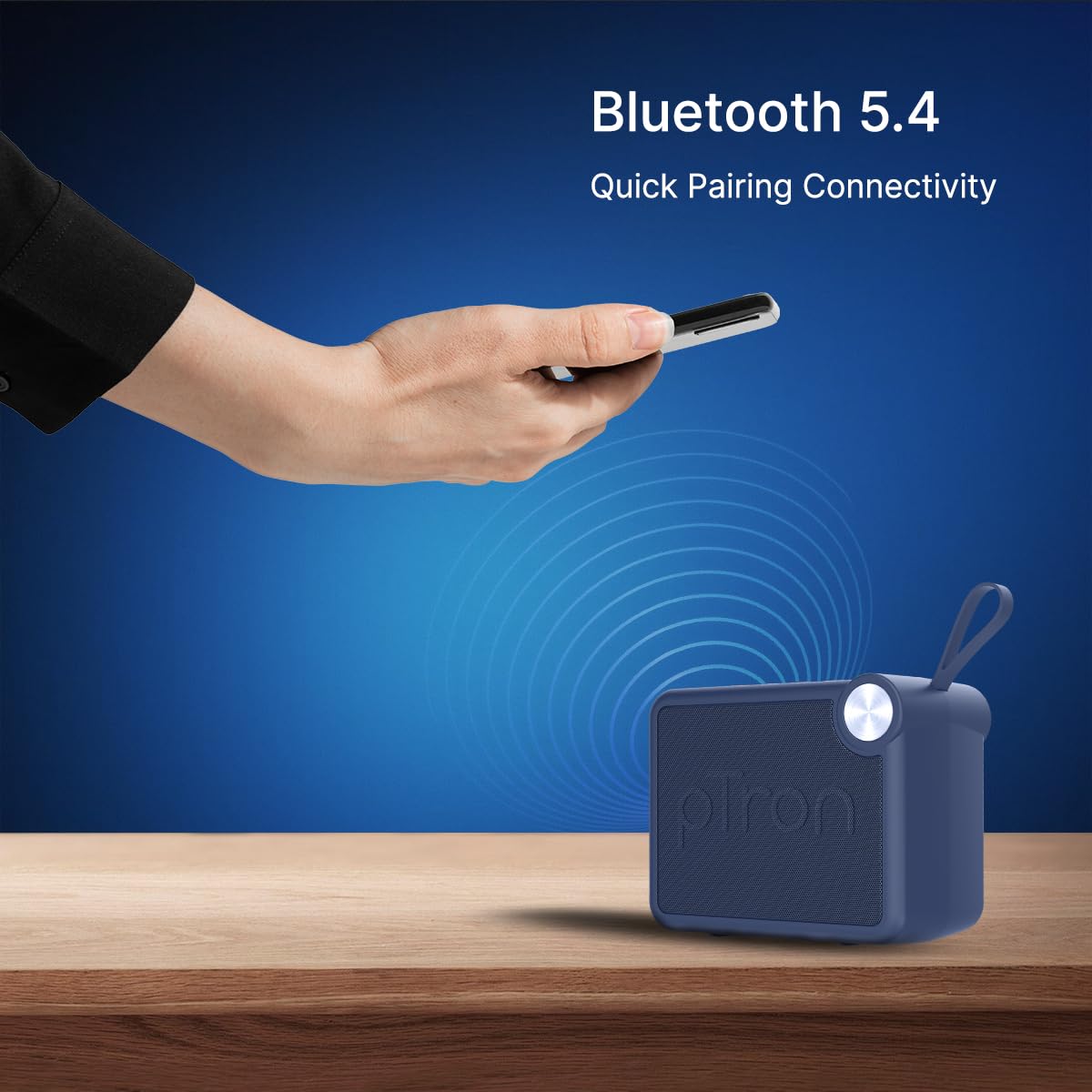
Image: A visual representation of a hand holding a smartphone, indicating the process of connecting to the pTron Funk Rap speaker via Bluetooth 5.4 for quick pairing.
5. Operating Instructions
5.1 Bluetooth Mode
- Play/Pause: Press the Play/Pause button.
- Volume Adjustment: Press the Volume Up or Volume Down buttons.
- Next Track: Press and hold the Volume Up button.
- Previous Track: Press and hold the Volume Down button.
5.2 TF Card Mode
- Insert a TF (MicroSD) card with audio files into the TF card slot.
- The speaker will automatically switch to TF Card mode or you may need to press the Mode button.
- Playback controls (Play/Pause, Volume, Next/Previous Track) function as in Bluetooth mode.
5.3 USB Playback Mode
- Insert a USB flash drive with audio files into the USB port.
- The speaker will automatically switch to USB mode or you may need to press the Mode button.
- Playback controls (Play/Pause, Volume, Next/Previous Track) function as in Bluetooth mode.
5.4 True Wireless Stereo (TWS) Mode
To pair two pTron Funk Rap speakers for stereo sound:
- Ensure both speakers are powered on and not connected to any Bluetooth device.
- On both speakers, long press the Mode button for approximately 2 seconds.
- You will hear an audible prompt indicating TWS pairing mode. The speakers will automatically connect to each other.
- Once paired, one speaker will act as the master. Connect your device to this master speaker via Bluetooth as described in section 4.3.
- Audio will now play in stereo across both speakers.

Image: Two pTron Funk Rap speakers are depicted, illustrating their ability to connect in True Wireless Stereo (TWS) mode to provide a more immersive audio experience.
5.5 Call Functions
When connected to a smartphone via Bluetooth:
- Answer Call: Press the Play/Pause button once.
- End Call: Press the Play/Pause button once during a call.
- Reject Call: Press and hold the Play/Pause button.
6. Maintenance
- Cleaning: Use a soft, dry cloth to clean the speaker. Do not use abrasive cleaners or solvents.
- Storage: Store the speaker in a cool, dry place away from direct sunlight and extreme temperatures.
- Battery Care: To prolong battery life, charge the speaker fully before first use and at least once every three months if not used regularly. Avoid fully discharging the battery frequently.
- Water Resistance: This speaker is not waterproof. Avoid exposure to water or excessive moisture.
7. Troubleshooting
If you encounter issues with your speaker, refer to the following common problems and solutions:
- Speaker not turning on: Ensure the battery is charged. Connect the speaker to a power source using the Type-C cable.
- Cannot pair via Bluetooth:
- Ensure the speaker is in Bluetooth pairing mode (flashing LED).
- Make sure Bluetooth is enabled on your device and it is within 10 meters of the speaker.
- Turn off and on both the speaker and your device's Bluetooth.
- Clear the Bluetooth pairing list on your device and try pairing again.
- No sound:
- Check the volume level on both the speaker and your connected device.
- Ensure the speaker is correctly connected to your device.
- If using TF card or USB, ensure the audio files are in a supported format and the media is inserted correctly.
- Poor sound quality:
- Move the speaker closer to your Bluetooth device to reduce interference.
- Ensure there are no obstructions between the speaker and your device.
- Check the audio source quality.
- TWS pairing issues:
- Ensure both speakers are fully charged and not connected to any other Bluetooth device before initiating TWS pairing.
- Repeat the TWS pairing steps carefully.
8. Specifications
| Feature | Detail |
|---|---|
| Model Name | Funk Rap |
| Speaker Type | Portable Speaker |
| Connectivity Technology | Bluetooth 5.4, USB |
| Audio Output Mode | Stereo (with TWS) |
| Speaker Maximum Output Power | 10 Watts |
| Audio Driver Size | 66 Millimetres |
| Impedance | 4 Ohm |
| Signal-to-Noise Ratio | 85 dB |
| Frequency Response | 20000 KHz |
| Bluetooth Range | 10 Metres |
| Power Source | Battery Powered |
| Battery Type | Lithium Polymer (1 x 9V included) |
| Battery Average Life | 8 Hours |
| Charging Time | 2 Hours |
| Control Method | Touch Buttons |
| Material | Acrylonitrile Butadiene Styrene (ABS) |
| Product Dimensions | 10.4D x 8.6W x 5.8H Centimeters |
| Item Weight | 271 Grams |
| Country of Origin | India |
9. Warranty and Support
9.1 Warranty Information
The pTron Funk Rap 10W Mini Bluetooth Speaker comes with a 6-month manufacturer warranty from the date of purchase, covering manufacturing defects. This warranty is limited and does not cover damage caused by misuse, accidents, unauthorized modifications, or normal wear and tear.
9.2 Customer Support
For any product-related queries, technical assistance, or warranty claims, please contact pTron customer support:
- Phone: 040-67138888
- Email: support@ptron.in
- Manufacturer Address: PALRED ELECTRONICS PVT. LTD., SY.NO. 56, 1ST FLOOR, GUNDLAPOCHAMPALLY VILLAGE, TECH PARK MTP, TSIIC-IALA NACHARAM, HYDERABAD - 500076, TELANGANA, INDIA
Ask a question about this manual
Ask about setup, troubleshooting, compatibility, parts, safety, or missing instructions. Manuals+ will review the question and use this page’s manual context to help answer it.