
ZEBRONICS Zeb-PB 13
ZEBRONICS EnergiPod 10MR1 Power Bank User Manual
Model: Zeb-PB 13
Introduction
Thank you for choosing the ZEBRONICS EnergiPod 10MR1 Power Bank. This device is designed to provide portable and efficient charging for your electronic devices. With its 10000mAh capacity, 22.5W super fast charging, and multiple output ports, it ensures your devices stay powered on the go. This manual provides essential information on how to set up, operate, maintain, and troubleshoot your power bank.

Image: The ZEBRONICS EnergiPod 10MR1 Power Bank, a sleek black device, is shown held comfortably in a hand, highlighting its compact and portable design.
What's in the Box
Upon unboxing your ZEBRONICS EnergiPod 10MR1 Power Bank, please ensure all the following items are present:
- Power bank - 1 unit
- Charging Cable - 1 unit
- QR Code Guide - 1 unit
Product Overview and Features
The ZEBRONICS EnergiPod 10MR1 is engineered with several key features to enhance your charging experience:
High Capacity Battery
Featuring a 10000mAh battery capacity, it ensures efficient charging for your devices, providing ample power for extended use.
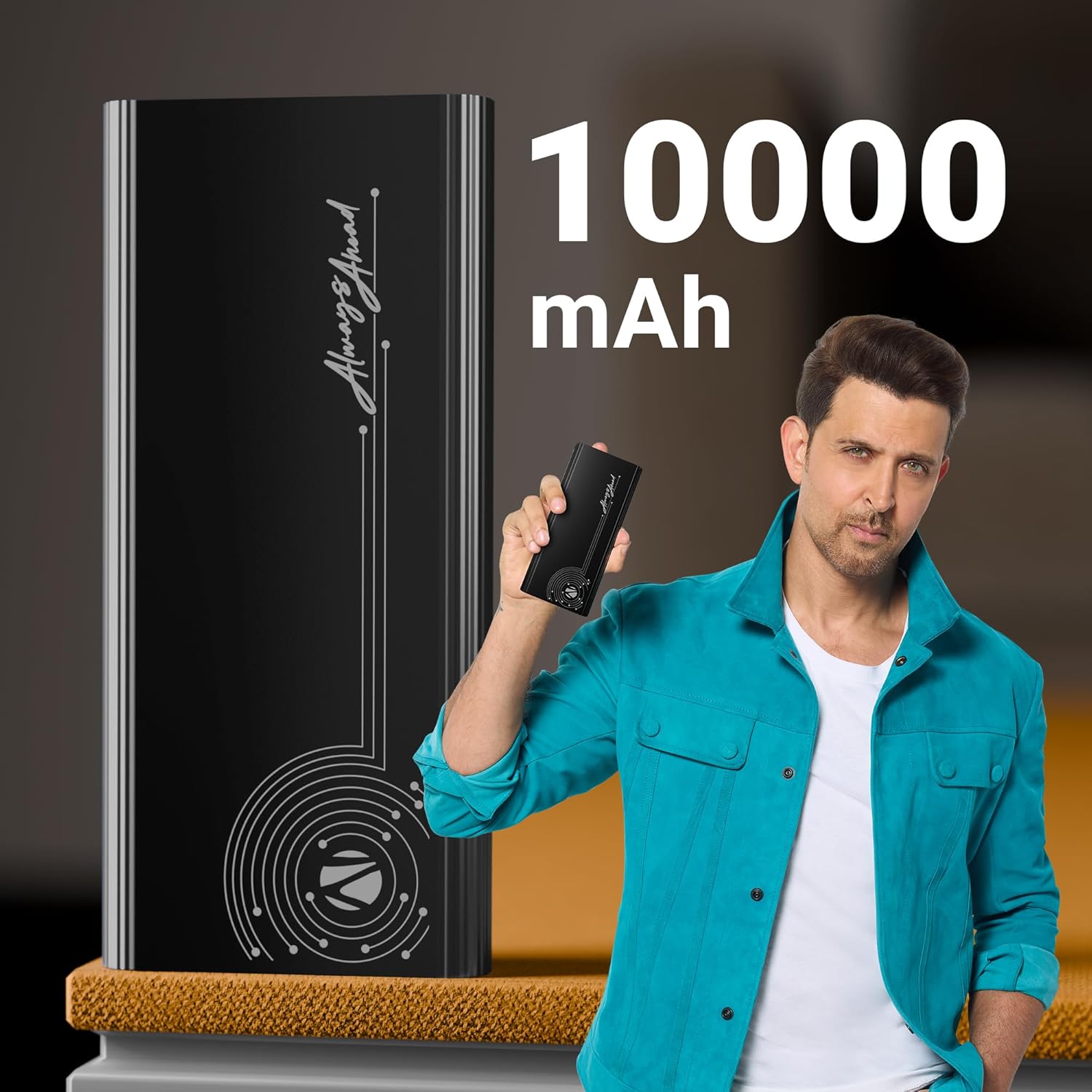
Image: The power bank is displayed alongside text indicating its 10000 mAh capacity, emphasizing its substantial power reserve.
Super Fast Charging Output
Efficiently charges a range of compatible smartphones and tablets with a maximum output of 22.5W. The PD3.0 Type-C output ensures rapid charging for supported devices.
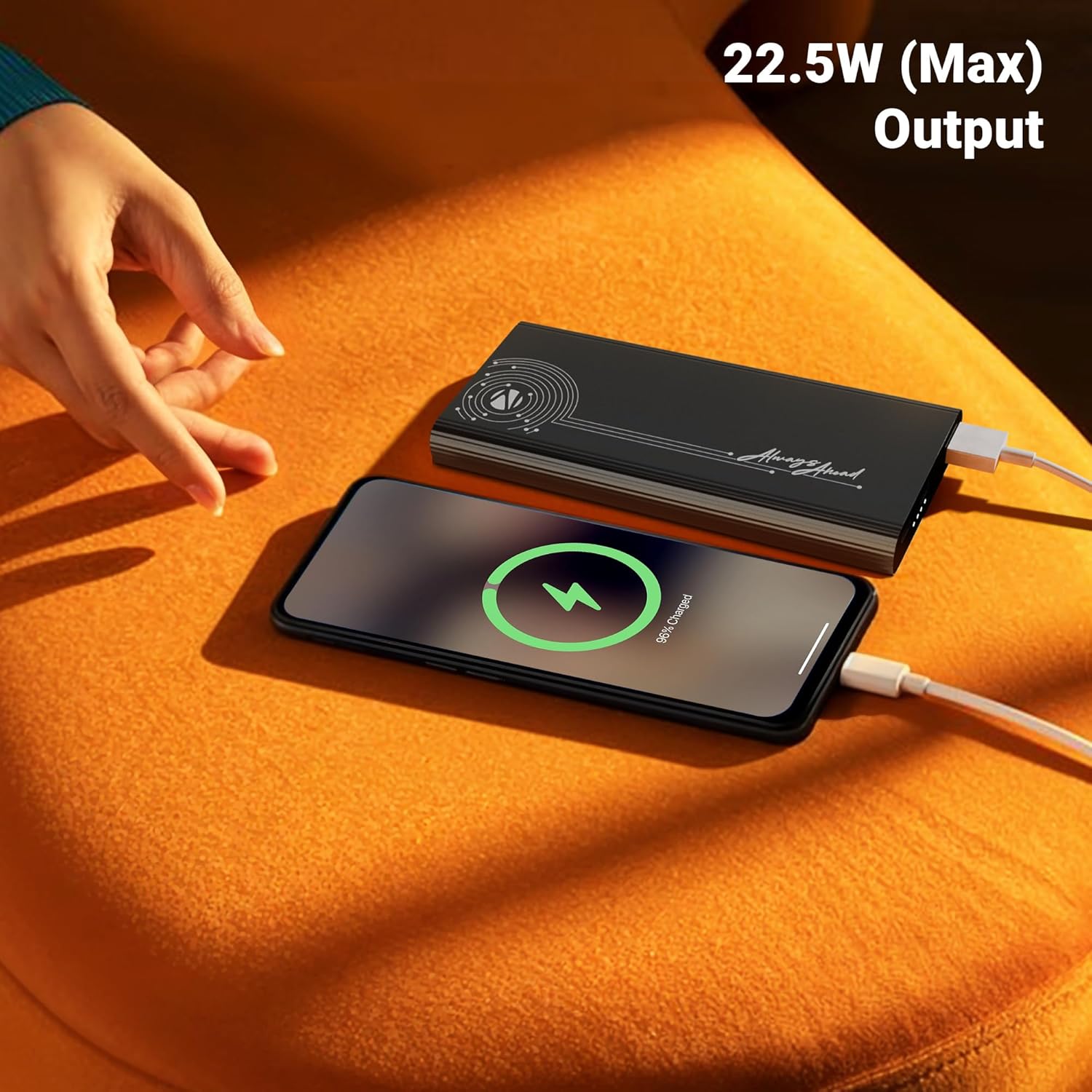
Image: A smartphone is shown connected to the power bank, displaying a charging icon, with text highlighting the 22.5W maximum output for fast charging.
Multiple Output Ports
Distinguished by its DC 5V/3A, 9V/2.22A, 12V/1.67A, 5~11V/2A PPS Type-C2 Output, PD 3.0 (with PPS) Type-C Output, and USB-A port output (DC 5V/3A, 9V/2A, 12V/1.85A), it facilitates the charging of multiple devices simultaneously.

Image: The power bank is shown connected to both a smartphone and a tablet, demonstrating its capability to charge multiple devices using its Type-C output ports.
Input Connectivity
The power bank comes with DC 5V/3A, 9V/2A, 12V/1.5A Input via Type-C1 / C2 input ports for convenient recharging.
Safety Protection
Incorporates overcharge, overload, and short-circuit protection to ensure a safe charging process for both the power bank and your connected devices.
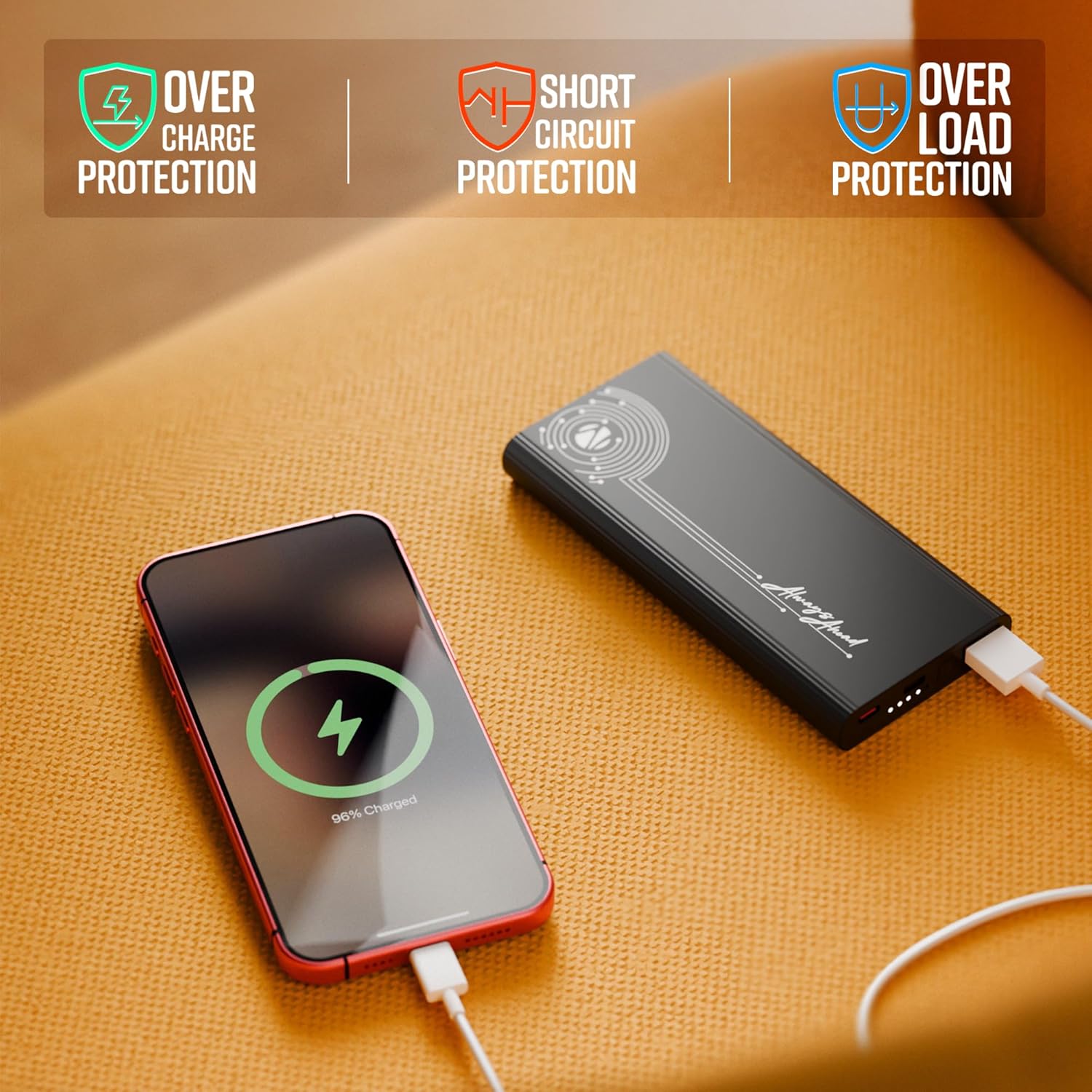
Image: The power bank is shown with visual indicators for its built-in safety features: overcharge protection, short circuit protection, and overload protection.
LED Indicator
A clear LED indicator shows information on the remaining battery percentage, allowing you to monitor the power bank's charge level easily.
Premium Design
Carry this compact and stylish metal-outlook power bank effortlessly. It features a premium finish outlook with patterned edges for a better grip.

Image: A collage of close-up shots highlighting the power bank's design elements: patterned edges for grip, durable metal body, sleek profile, LED battery indicators, and its rapid charging capability.
Setup
Charging the Power Bank
- Connect the provided charging cable to one of the Type-C input ports (Type-C1 or Type-C2) on the power bank.
- Connect the other end of the charging cable to a compatible USB wall adapter (not included) or a computer's USB port. For optimal charging speed, use a fast-charging adapter.
- The LED indicator lights will illuminate to show the charging progress. When all indicators are solid, the power bank is fully charged.
Note: It is recommended to fully charge the power bank before its first use to ensure optimal performance.
Operating Instructions
Charging Your Devices
- Identify the appropriate charging cable for your device (USB-A to your device, or Type-C to your device).
- Connect one end of your device's charging cable to the corresponding output port on the power bank (USB Out, Type C Out).
- Connect the other end of the cable to your device.
- The power bank will automatically begin charging your device. The LED indicators will show the remaining battery level of the power bank.

Image: A detailed view of the power bank's ports, including USB Out, Power Button, Type C In, and Type C In/Out, illustrating the various connectivity options.
Checking Battery Level
Press the power button once to activate the LED indicators, which will display the current battery level of the power bank.
Maintenance
- Cleaning: Use a soft, dry cloth to clean the surface of the power bank. Avoid using harsh chemicals or abrasive materials.
- Storage: Store the power bank in a cool, dry place away from direct sunlight, extreme temperatures, and humidity.
- Battery Care: To prolong battery life, avoid fully discharging the power bank frequently. Recharge it when the battery level is low.
- Handling: Do not drop, disassemble, or attempt to repair the power bank yourself. This may void the warranty and cause damage.
Troubleshooting
| Problem | Possible Cause | Solution |
|---|---|---|
| Power bank not charging |
|
|
| Device not charging from power bank |
|
|
| Slow charging |
|
|
If the problem persists after trying these solutions, please contact customer support.
Specifications
| Model Number | Zeb-PB 13 |
| Battery Capacity | 10000 mAh |
| Max Output Power | 22.5W |
| Input (Type-C1 / C2) | DC 5V/3A, 9V/2A, 12V/1.5A |
| Output (Type-C2) | DC 5V/3A, 9V/2.22A, 12V/1.67A, 5~11V/2A PPS |
| Output (USB-A) | DC 5V/3A, 9V/2A, 12V/1.85A |
| Connector Type | 1 x USB A, 2 x USB Type C |
| Colour | Black |
| Item Weight | 628 g |
| Country of Origin | India |
Warranty and Support
This product is covered by a standard manufacturer's warranty. For specific warranty terms and conditions, please refer to the QR Code Guide included in the box or visit the official ZEBRONICS website.
For technical support, troubleshooting assistance, or any inquiries regarding your ZEBRONICS EnergiPod 10MR1 Power Bank, please contact ZEBRONICS customer service. Contact details can typically be found on the manufacturer's website or the product packaging.
You may also find additional support and FAQs on the ZEBRONICS Store on Amazon.
Ask a question about this manual
Ask about setup, troubleshooting, compatibility, parts, safety, or missing instructions. Manuals+ will review the question and use this page’s manual context to help answer it.