
1. Introduction
This manual provides essential instructions for the safe and efficient use of your MDCGPower AC/DC Adapter Charger. This adapter is designed to provide reliable power to compatible devices, including GreBear BM24SY, CM24, BM27SY, CM27, and BM27QY monitors, as well as devices requiring a KA36B-1203000US power supply. Please read this manual thoroughly before use and retain it for future reference.
2. Safety Information
Your MDCGPower AC/DC Adapter Charger is equipped with multiple safety features to protect both the adapter and your connected devices. Adhering to these guidelines ensures safe operation.
- Over Current Protection: Prevents damage from excessive current flow.
- Over Voltage Protection: Safeguards against voltage surges.
- Short Circuit Protection: Automatically shuts down in case of a short circuit.
- Over Load Protection: Protects against drawing too much power.
- Over Temperature Protection: Prevents overheating.
- Quality Microchip: Ensures stable and reliable power delivery.

Image 2.1: Illustration of the 6 safety protection features integrated into the MDCGPower AC/DC Adapter. These features ensure comprehensive protection for the adapter and connected devices.
Important Safety Precautions:
- Do not expose the adapter to water or moisture.
- Do not disassemble or modify the adapter.
- Ensure the adapter is used within its specified voltage and current ratings.
- Keep out of reach of children.
- Unplug the adapter during lightning storms or when unused for long periods.
3. Product Overview
The MDCGPower AC/DC Adapter Charger is a compact and efficient power solution. It features a robust design for durability and universal compatibility with various electronic devices.
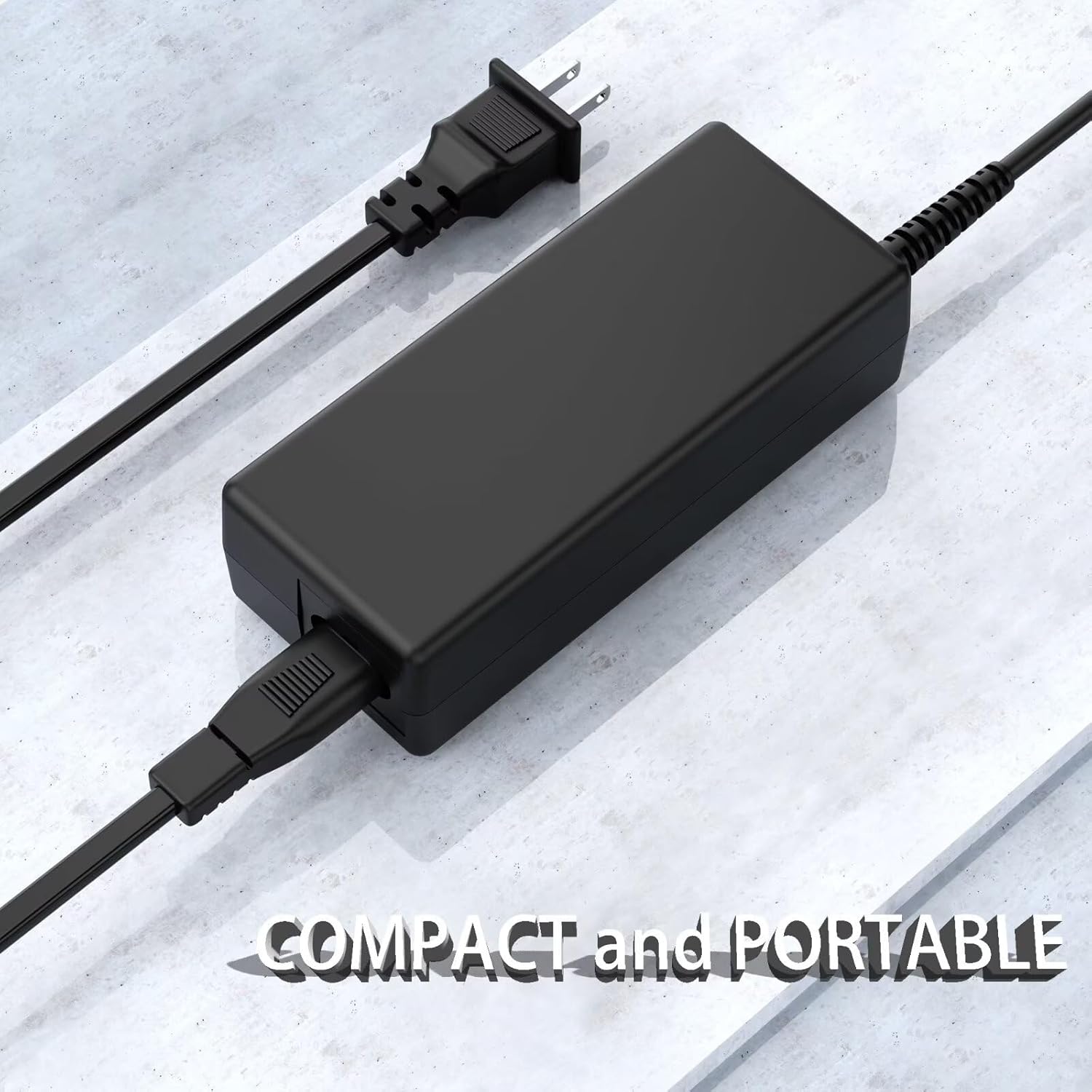
Image 3.1: The MDCGPower AC/DC Adapter showcasing its compact and portable design, ideal for various applications.
Key Features:
- Universal Input Voltage: Supports 100-240VAC, 50/60Hz for worldwide use.
- High Efficiency: Delivers power efficiently with minimal energy loss.
- Durable Construction: Built with premium materials for long-lasting performance.
- Compact and Portable: Easy to carry and store.
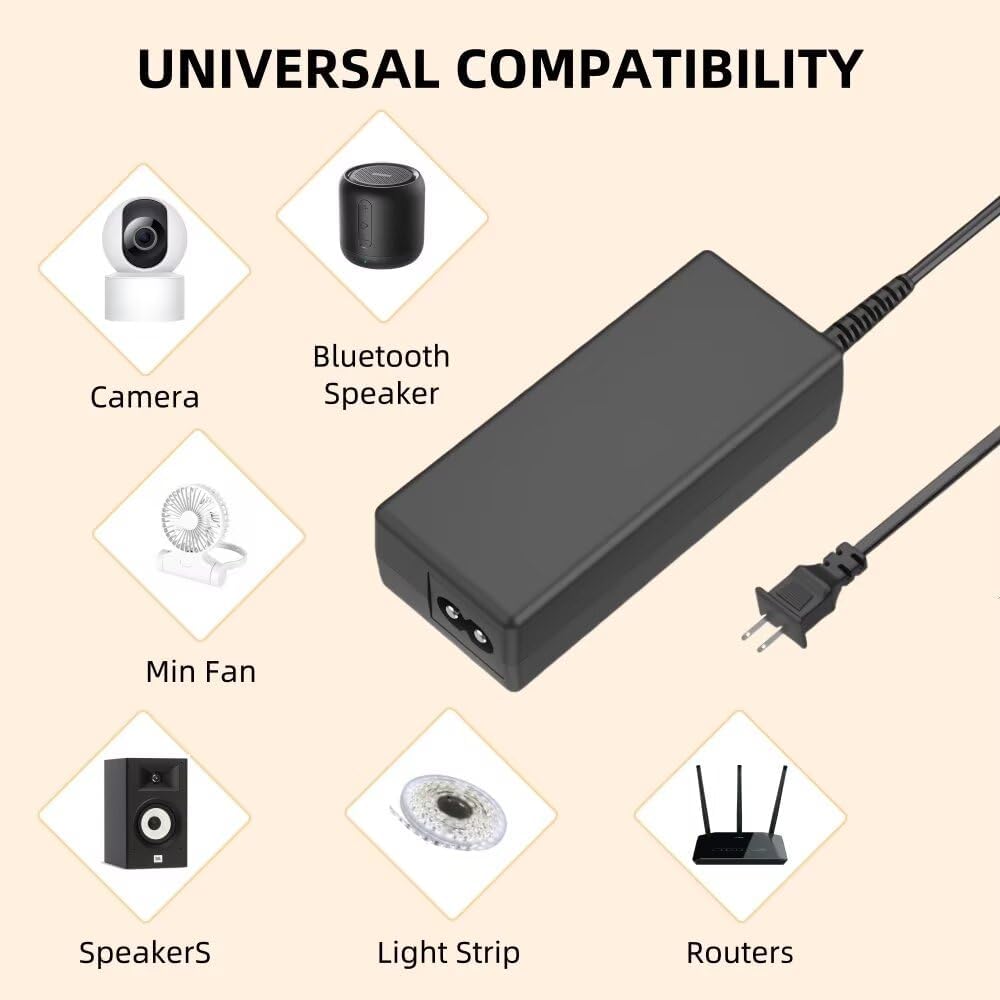
Image 3.2: The adapter's universal compatibility, demonstrating its use with various electronic devices beyond monitors, such as cameras, speakers, and routers.

Image 3.3: Physical dimensions of the adapter, showing its compact size for easy placement and portability.
4. Setup
Follow these steps to set up your AC/DC Adapter Charger:
- Verify Compatibility: Ensure your device requires a 12V 3A power supply and has a compatible barrel connector. This adapter is specifically compatible with GreBear BM24SY, CM24, BM27SY, CM27, BM27QY monitors and devices using KA36B-1203000US.
- Connect to Device: Insert the barrel connector of the adapter into the power input port of your electronic device.
- Connect to Power Outlet: Plug the AC power cord into a standard 100-240VAC wall outlet.
- Power On: Once connected, your device should receive power. Turn on your device if it has a power switch.
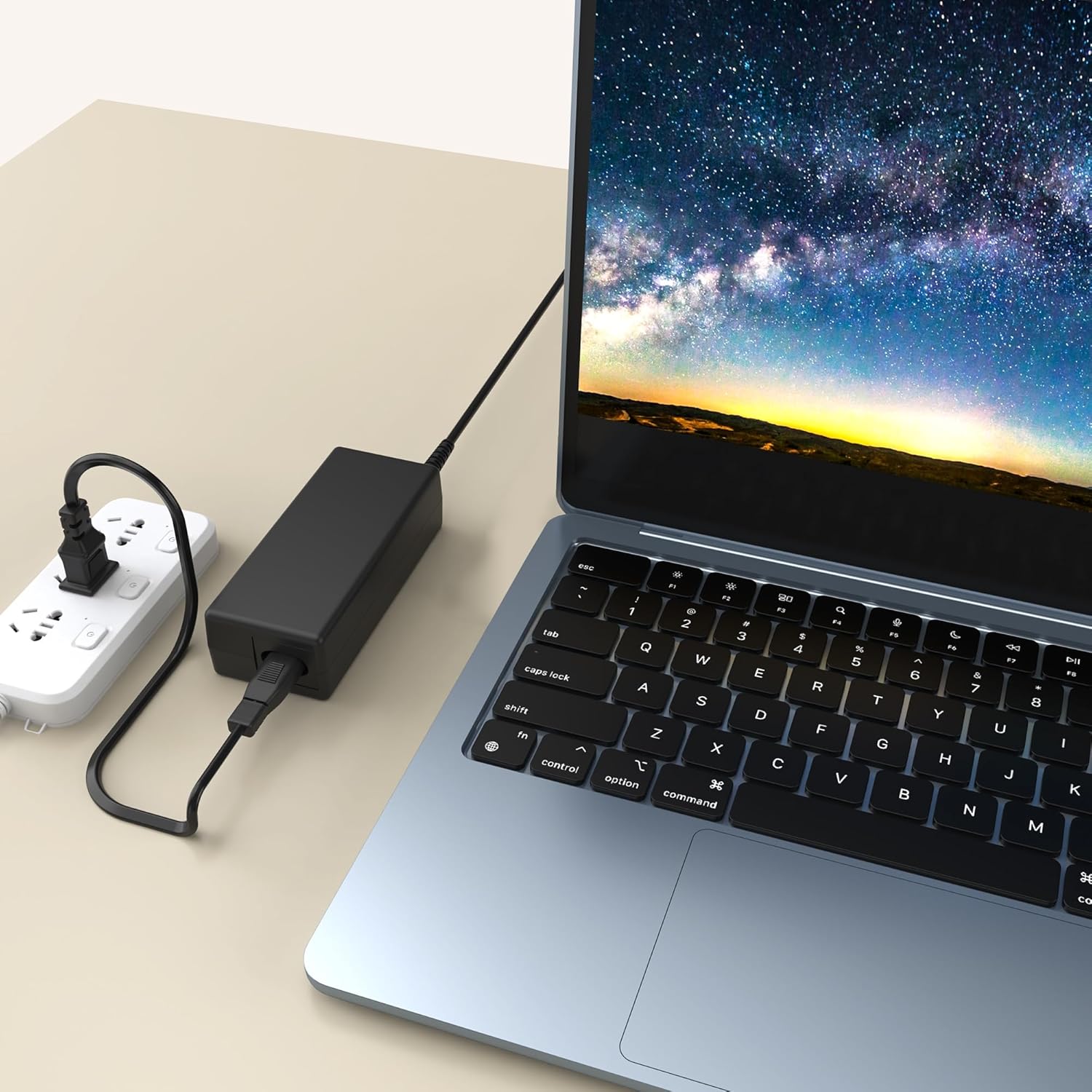
Image 4.1: The adapter in use, demonstrating a typical connection to a laptop and a power outlet.
5. Operating Instructions
The MDCGPower AC/DC Adapter Charger operates as a plug-and-play device. Once properly connected to a compatible device and a power outlet, it will automatically supply power.
- Ensure all connections are secure before powering on your device.
- Monitor the adapter and device for any unusual heat or smell during initial use.
- For optimal performance, avoid placing the adapter in enclosed spaces where heat can build up.
6. Maintenance
Proper maintenance ensures the longevity and safe operation of your adapter.
- Cleaning: Disconnect the adapter from the power outlet and your device before cleaning. Use a soft, dry cloth to wipe the exterior. Do not use liquid cleaners or solvents.
- Storage: When not in use, store the adapter in a cool, dry place, away from direct sunlight and extreme temperatures. Avoid tightly coiling the cable to prevent damage.
- Inspection: Periodically inspect the adapter and cables for any signs of damage, such as frayed wires, cracks, or bent pins. If damage is found, discontinue use immediately.
7. Troubleshooting
If you encounter issues with your adapter, refer to the following common troubleshooting steps:
| Problem | Possible Cause | Solution |
|---|---|---|
| Device not powering on. |
|
|
| Adapter is hot to the touch. |
|
|
| Intermittent power supply. |
|
|
If the problem persists after trying these steps, please contact customer support.
8. Specifications
| Feature | Detail |
|---|---|
| Brand | MDCGPower |
| Model Number | MD18CA0629 |
| Input Voltage | 100-240VAC, 50/60Hz |
| Compatible Devices | GreBear BM24SY, CM24, BM27SY, CM27, BM27QY Monitors, devices requiring KA36B-1203000US, PC, Camera, Bluetooth Speaker, Mini Fan, Speakers, Light Strip, Routers |
| Connector Type | Barrel Connector |
| Color | Black |
| Item Weight | 4 Ounces (approx. 113 grams) |
| Manufacturer | Guangzhou Panyu Zhaohong Electronic Factory. |
9. Warranty and Support
Specific warranty details for this product are not provided in the available information. For warranty claims or technical support, please refer to the retailer's return policy or contact the seller directly through your purchase platform.
Return Policy: This product typically comes with a 30-day refund/replacement return policy from the date of purchase, as per standard retail terms.