
1. Introduction
This manual provides essential information for the safe and efficient operation of your Dabbsson 300E Portable Power Station. Please read this guide thoroughly before using the device and retain it for future reference. The Dabbsson 300E is a versatile power solution designed for various applications, including outdoor camping, travel, and emergency backup power, featuring a 298Wh capacity and 300W output.
2. Package Contents
Upon unpacking, please ensure all items listed below are present and in good condition:
- 1 × Dabbsson 300E Portable Power Station
- 1 × AC Charging Cable
- 1 × Car Charging Cable
- 1 × User Manual

Figure 2.1: Included components of the Dabbsson 300E Portable Power Station package.
3. Setup and Initial Use
3.1 Initial Charging
Before first use, fully charge your Dabbsson 300E. This ensures optimal battery performance and longevity. The unit can be charged via multiple methods:
- AC Wall Outlet (100W): Connect the provided AC charging cable to the power station and a standard 120V wall outlet.
- Solar Panel (120W MPPT supported): Connect a compatible 120W solar panel to the solar input port.
- Car Outlet: Use the provided car charging cable to charge from your vehicle's 12V outlet.
- Combined Charging: For faster charging, combine solar and AC input for up to 220W.

Figure 3.1: Various methods for recharging the Dabbsson 300E, including AC, solar, and car charging.
3.2 Powering On/Off
Press and hold the main power button for 3 seconds to turn the unit on or off. The LCD screen will illuminate, displaying battery status and output information.
4. Operating Instructions
4.1 Output Ports
The Dabbsson 300E is equipped with multiple output ports to power various devices simultaneously:
- 2 × AC Outlets: Provide 300W pure sine wave output for standard electronics.
- 1 × 60W USB-C Port: For fast charging compatible USB-C devices.
- USB-A Ports: For charging various USB-A compatible devices.
- DC Ports: For DC-powered devices.
- Car Outlet: For 12V car accessories.
To activate AC or DC outputs, press the respective ON/OFF buttons located next to the ports. The LCD screen will show the active output wattage.

Figure 4.1: Detailed view of the Dabbsson 300E's front and rear panels, highlighting all available input and output ports.
4.2 Smart APP Control
Monitor and control your Dabbsson 300E remotely via the dedicated smartphone application. The app connects via Bluetooth or Wi-Fi, allowing you to check battery status, energy usage, activate energy-saving modes, and receive low battery reminders.

Figure 4.2: The Dabbsson smartphone application provides remote monitoring and control capabilities for the power station.
4.3 Emergency LED Light
The built-in LED light offers three modes: soft, bright, and SOS. Press the light button to cycle through the modes. This feature is useful for ambient lighting during camping, power outages, or emergency signaling.
5. Key Features
5.1 Extended Runtime Technology
The Dabbsson 300E features Extended Runtime Technology, providing up to 1.5 times longer runtime for appliances under 150W. This optimizes power output and minimizes energy loss, making it ideal for small electronics, mini-fridges, and mobile workstations.

Figure 5.1: The Extended Runtime Technology allows the Dabbsson 300E to power low-wattage devices for significantly longer durations.
5.2 Advanced Semi-Solid LiFePO4 Battery
Equipped with upgraded semi-solid LiFePO4 cells and a 56-layer AI BMS (Battery Management System), the 300E offers enhanced safety and durability. It boasts over 4,000 charge cycles, a 10-year lifespan, and is certified safe (FCC/ETL/UL2743/RoHS/CA65). The UL94-V0 fire-resistant housing provides additional protection.
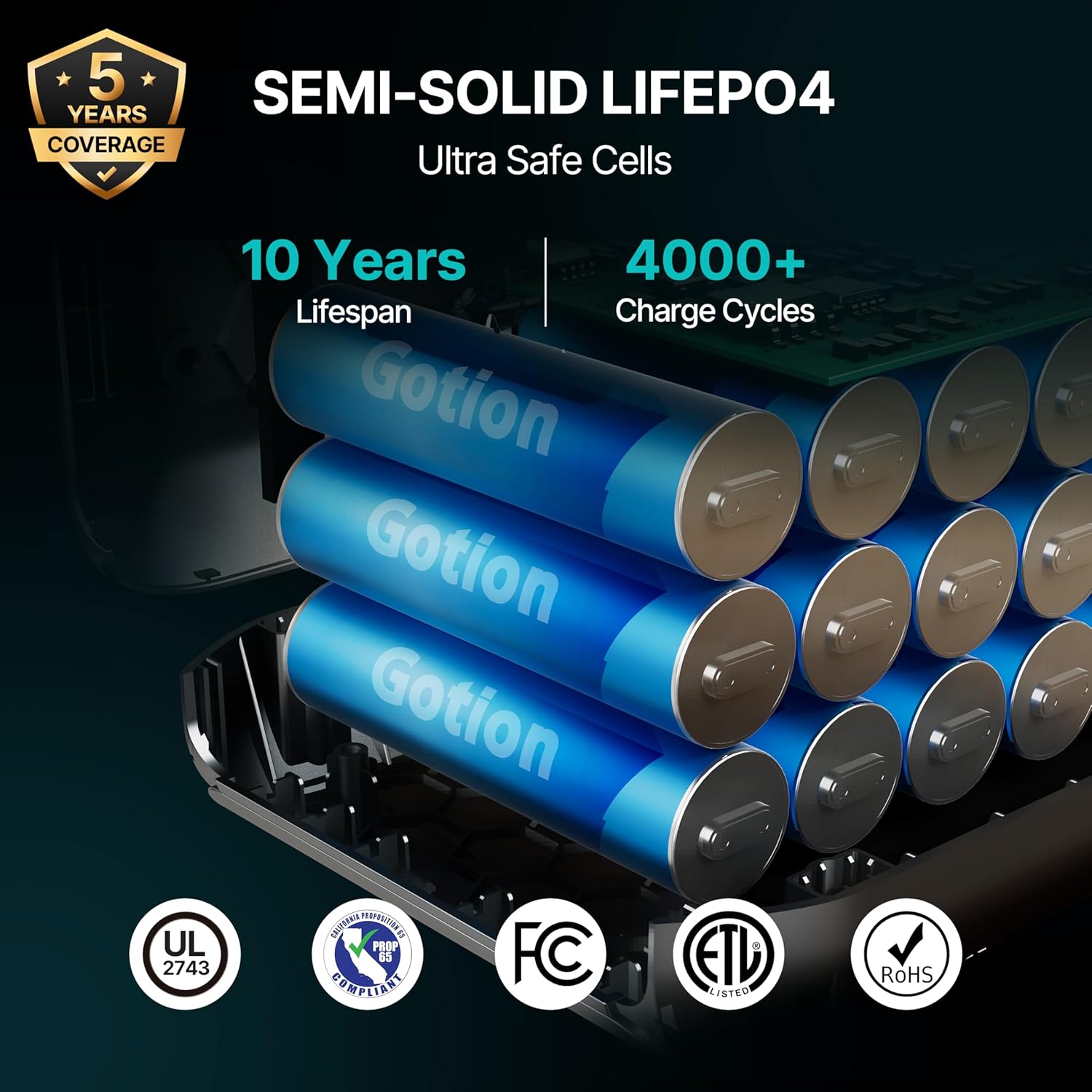
Figure 5.2: The advanced semi-solid LiFePO4 battery ensures long-term reliability and safety for the power station.
5.3 Compact and Durable Design
Weighing just 9.48 lbs and featuring compact dimensions (11.7×7.2×7 inches) with an ergonomic handle, the 300E is designed for effortless portability. Its drop-tested and heat-resistant construction ensures rugged durability for outdoor adventures and professional use.

Figure 5.3: The Dabbsson 300E is designed for portability and durability, making it suitable for various environments.
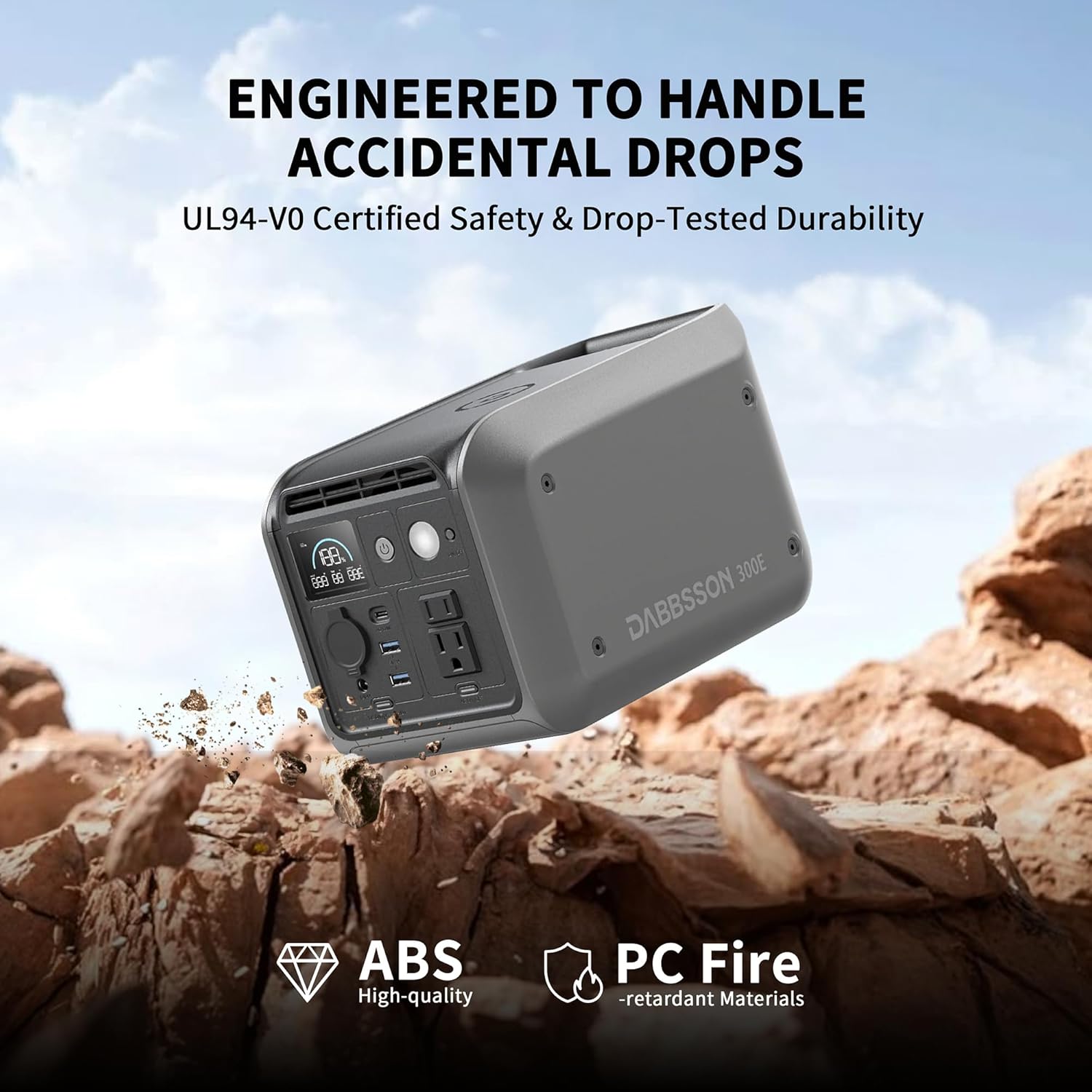
Figure 5.4: The robust construction of the Dabbsson 300E ensures resilience against accidental drops and harsh conditions.
6. Maintenance
To ensure the longevity and optimal performance of your Dabbsson 300E, follow these maintenance guidelines:
- Storage: Store the power station in a cool, dry, and well-ventilated area, away from direct sunlight and extreme temperatures.
- Charging: Fully charge the unit every 3-6 months, even if not in use, to maintain battery health.
- Cleaning: Use a dry, soft cloth to clean the exterior. Avoid using harsh chemicals or abrasive materials.
- Ventilation: Ensure the ventilation openings are clear of dust and debris to prevent overheating.
7. Troubleshooting
If you encounter issues with your Dabbsson 300E, refer to the following common troubleshooting steps:
- No Power Output: Ensure the main power button is pressed and the specific AC/DC output buttons are activated. Check the battery level on the LCD screen.
- Charging Issues: Verify that all charging cables are securely connected. Ensure the power source (wall outlet, solar panel, car) is functional.
- Overload Protection: If an overload occurs, the unit may shut down. Disconnect the overloaded device and restart the power station.
- App Connectivity: Ensure Bluetooth/Wi-Fi is enabled on your smartphone and the power station. Try restarting both devices.
For persistent issues, please contact customer support.
8. Specifications
| Feature | Specification |
|---|---|
| Brand | Dabbsson |
| Model Name | 300E |
| Wattage | 300 watts |
| Battery Capacity | 298Wh |
| Battery Type | Semi-Solid LiFePO4 |
| AC Output | 2 × Pure Sine Wave AC Outlets (300W Running, 400W Max Engine Power) |
| USB-C Output | 1 × 60W USB-C |
| USB-A Output | Fast-charging USB-A ports |
| DC Output | DC ports, Car Outlet |
| Charging Methods | 120V Wall Outlet (100W), 120W Solar Panel (MPPT), Car Outlet, Solar + AC (220W) |
| Lifespan | Over 4,000 charge cycles, 10-year lifespan |
| Dimensions (L×W×H) | 11.7"L × 7.2"W × 7"H |
| Item Weight | 9.48 Pounds |
| Special Features | Digital Display, Lightweight, Overload Protection, Short Circuit Protection, USB Port, Smart APP Control, Emergency LED Light |
| Certifications | FCC/ETL/UL2743/RoHS/CA65 |
9. Warranty and Support
The Dabbsson 300E Portable Power Station is backed by an industry-leading 5-year warranty (3 years standard + 2-year extension upon registration). For warranty details, technical support, or any questions, please contact our customer service team. Our responsive support is available to assist you.

Figure 9.1: Dabbsson offers extensive customer support and warranty coverage across multiple regions.
10. Product Overview Video
Video 10.1: Official Dabbsson 300E promotional video, showcasing its features, portability, and various use cases in an outdoor setting.


