
1. Introduction
The DOGNESS Rechargeable Pet Shock Mat is an electronic training aid designed to gently deter pets from restricted areas such as furniture, countertops, and specific rooms. It emits a harmless static pulse when a pet steps on it, encouraging them to avoid the area. This manual provides essential information for the safe and effective use of your pet shock mat.
2. Safety Information
- Not for Human Use: This product is designed for pet training only. Do not use it on humans.
- Supervision: Always supervise your pet during initial use to ensure they understand the mat's purpose and react appropriately.
- Harmless Pulse: The static pulse is designed to be startling, not harmful. It is a low-voltage deterrent.
- Medical Conditions: Consult a veterinarian before use if your pet has any medical conditions, especially heart-related issues.
- Children: Keep out of reach of children.
- Water Exposure: The battery compartment is not waterproof. Avoid exposing it to water or excessive moisture. The mat itself is washable, but the electronic components must be removed first.
- Damaged Mat: Do not use the mat if it appears damaged.
3. Package Contents
Verify that all items are present in your package:
- DOGNESS Rechargeable Pet Shock Mat (59"x15")
- Rechargeable Battery (pre-installed or separate)
- Charging Cable (USB)
- Test Pen
- User Manual (this document)
4. Product Overview
The DOGNESS Pet Shock Mat features a durable design with embedded wires that deliver a static pulse. It is powered by a rechargeable battery and offers three adjustable training modes. The mat includes an auto-deactivation feature to prevent overuse and comes with a test pen for functionality verification.
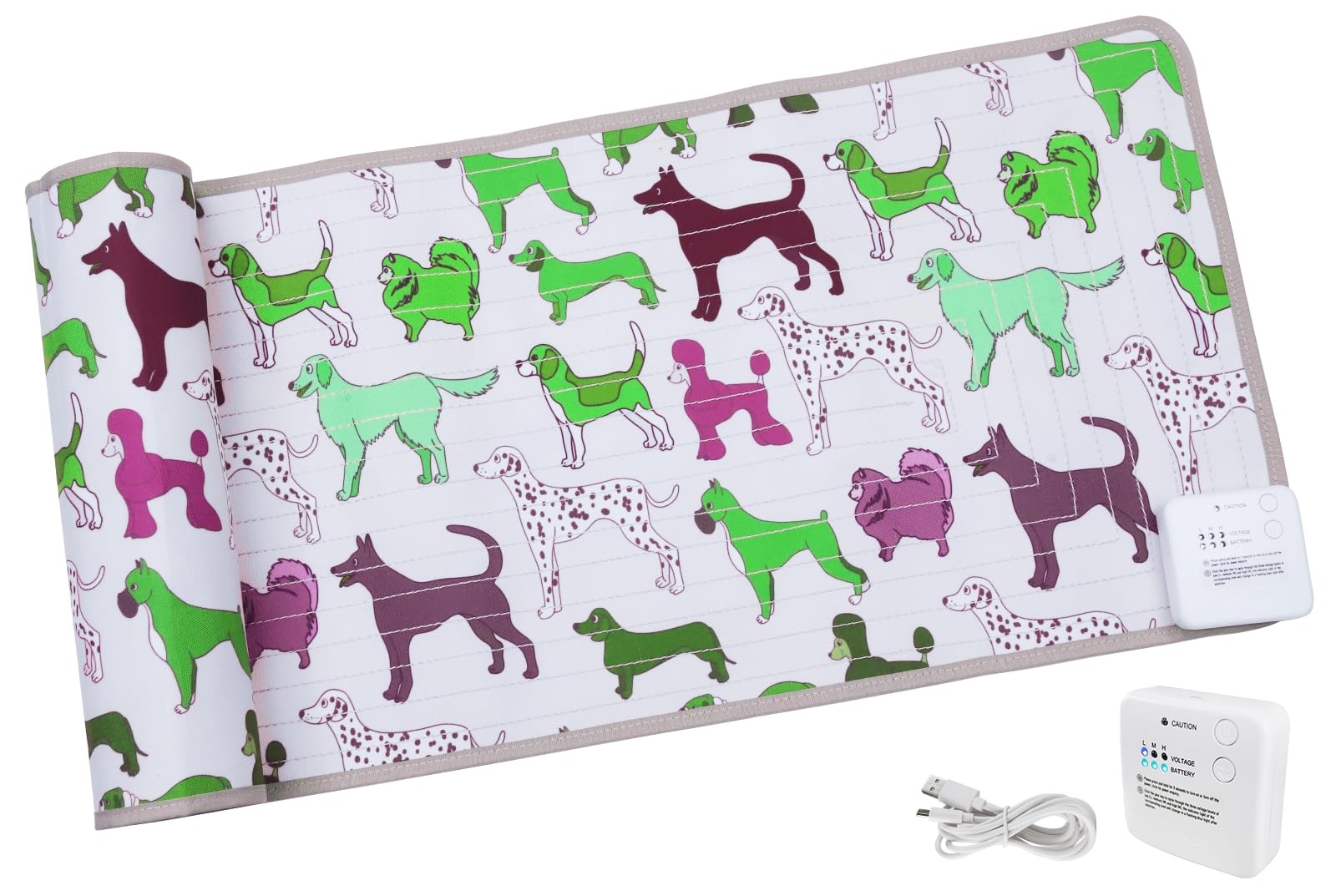
Image 1: DOGNESS Rechargeable Pet Shock Mat (Dog Cartoon design). This image shows the mat's overall appearance and size.
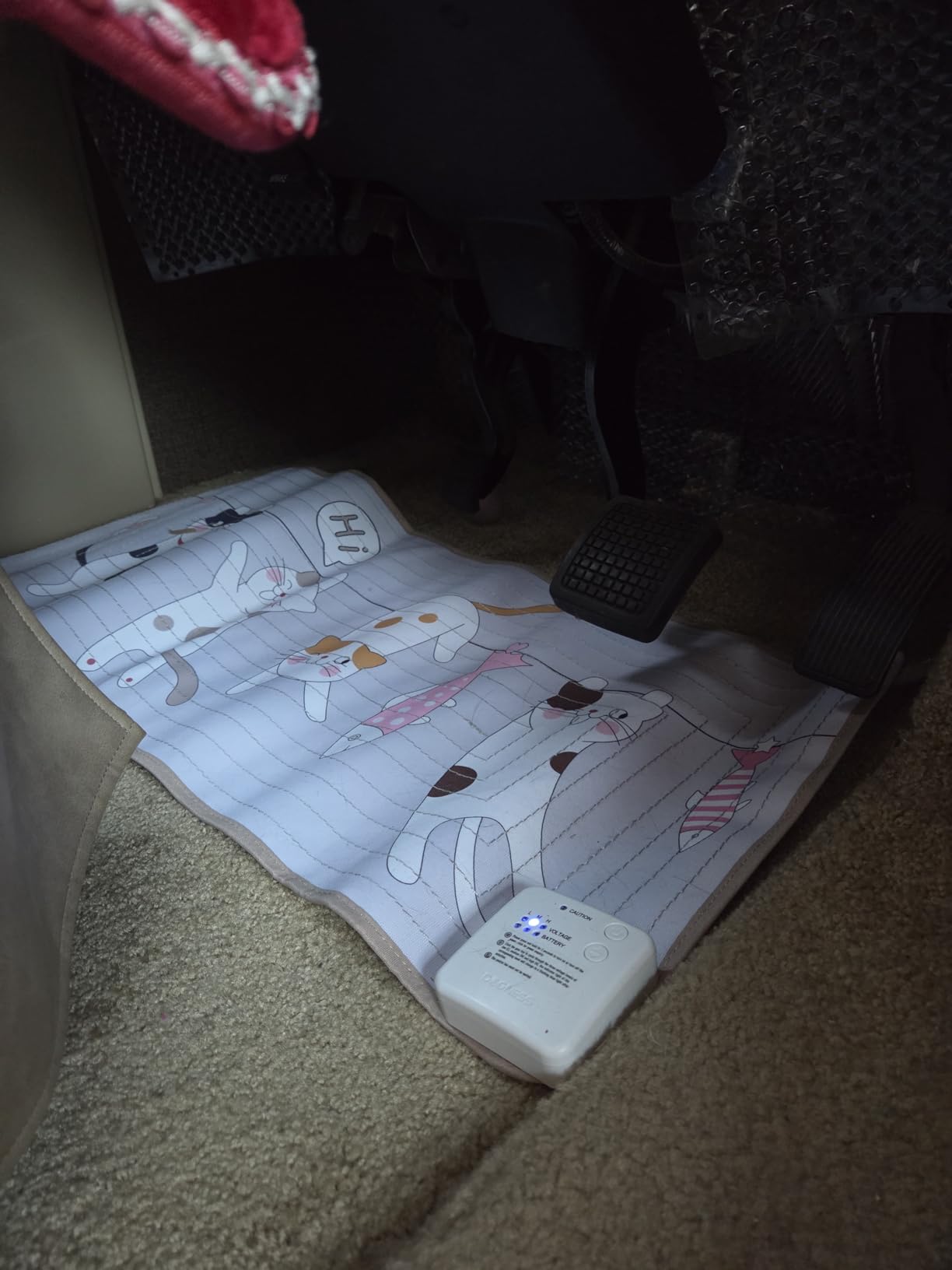
Image 2: Close-up of the mat's control panel, showing the power button and mode selection.
5. Setup
5.1 Initial Charging
- Locate the charging port on the mat's control unit.
- Connect the provided charging cable to the mat and a suitable USB power source (e.g., wall adapter, computer USB port).
- Allow the mat to charge fully before first use. The battery life indicator will show charging status.
5.2 Powering On/Off
- To turn on: Press and hold the power button until the indicator light illuminates.
- To turn off: Press and hold the power button until the indicator light turns off.
6. Operating Instructions
6.1 Testing the Mat
Before placing the mat, it is recommended to test its functionality using the provided test pen.
- Ensure the mat is powered on.
- Select a training mode (e.g., 'L' for Low).
- Touch the tip of the test pen to two adjacent wires on the mat's surface.
- The test pen should light up, indicating the mat is functioning correctly and emitting a static pulse.
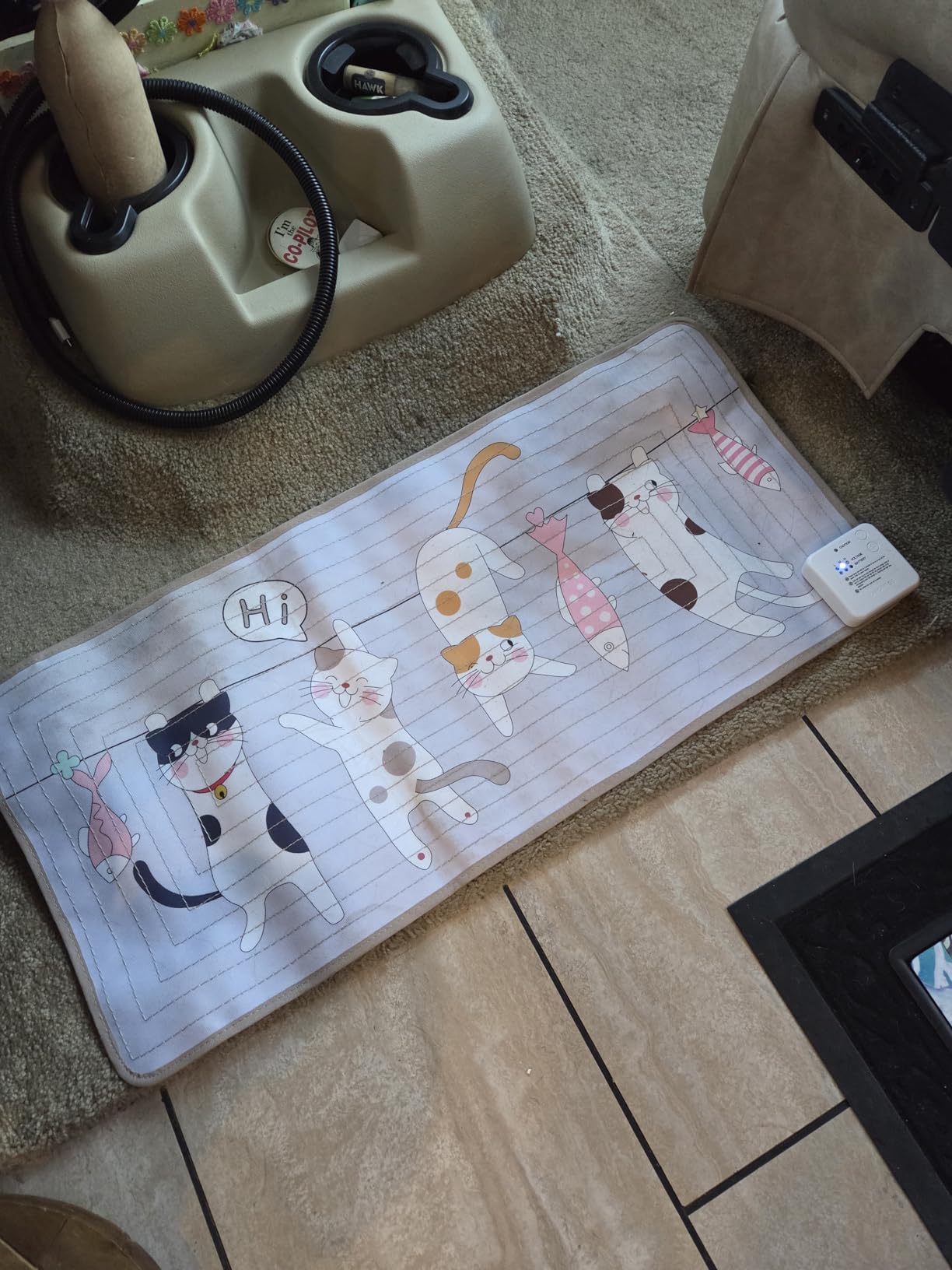
Image 3: Demonstrating the use of the test pen to confirm the mat's operation.
6.2 Selecting Training Modes
The mat offers three training modes: Low (L), Medium (M), and High (H). The 'L' mode is often sufficient for most pets.
- Press the mode selection button to cycle through the modes (L, M, H).
- Start with the 'L' (Low) setting and observe your pet's reaction. Adjust to a higher setting only if necessary.
- The mat features auto-deactivation after five consecutive shocks to prevent over-correction.
6.3 Placement Guidelines
Place the mat in areas where you want to deter your pet. Common areas include:
- On furniture (couches, chairs, beds)
- On countertops or tables
- In doorways or hallways to restrict access
- Near plants or other off-limit items
Ensure the mat is laid flat and covers the desired area effectively. Avoid placing it near water sources or in direct contact with metal objects that could interfere with its operation.
7. Maintenance
- Cleaning the Mat: The mat surface is washable. Before washing, ensure the battery compartment and electronic control unit are removed. Hand wash with mild soap and water, then air dry completely before reinserting the electronics.
- Battery Care: Recharge the battery regularly to maintain optimal performance. Avoid fully depleting the battery for extended periods.
- Storage: When not in use, store the mat in a dry place, away from extreme temperatures.
8. Troubleshooting
| Problem | Possible Cause | Solution |
|---|---|---|
| Mat does not turn on or respond. | Low battery; Mat not properly turned on; Faulty unit. | Charge the mat fully. Press and hold the power button. If still unresponsive after charging, contact customer support. |
| Mat beeps and flashes orange, no static pulse. | Internal error or low power. | Ensure the mat is fully charged. Try turning it off and on again. If the issue persists, contact customer support. |
| Pet is not deterred by the mat. | Mode setting is too low; Pet has thick fur; Mat not functioning. | Increase the training mode (M or H). Ensure the mat is functioning using the test pen. For pets with very thick fur, the static pulse might be less effective. |
| Mat is not holding a charge. | Battery degradation; Faulty charging cable/port. | Ensure the charging cable is securely connected and the power source is working. If the problem continues, the battery may need replacement or the unit may be faulty. Contact customer support. |
9. Specifications
| Model Number | P01A |
| Product Dimensions | 152.4 x 38.1 x 2.54 cm (59" x 15" x 1") |
| Weight | 608 g |
| Pet Type | Cat, Dog |
| Power Source | Rechargeable Battery |
| Training Modes | Low, Medium, High |
| Special Features | Battery life indicator, Mat washable (battery compartment not washable), Auto-deactivation |
10. Warranty and Support
For warranty information or technical support, please refer to the documentation included with your purchase or contact DOGNESS customer service directly. Keep your purchase receipt as proof of purchase.
DOGNESS Customer Service: www.dogness.com/support (Example link, replace with actual if available)