
GOBOULT Klarity 4
GOBOULT Klarity 4 ANC Truly Wireless Earbuds User Manual
Model: Klarity 4
1. Introduction
Thank you for choosing the GOBOULT Klarity 4 ANC Truly Wireless Earbuds. This manual provides essential information for setting up, operating, and maintaining your earbuds to ensure optimal performance and longevity. Please read this manual thoroughly before use.
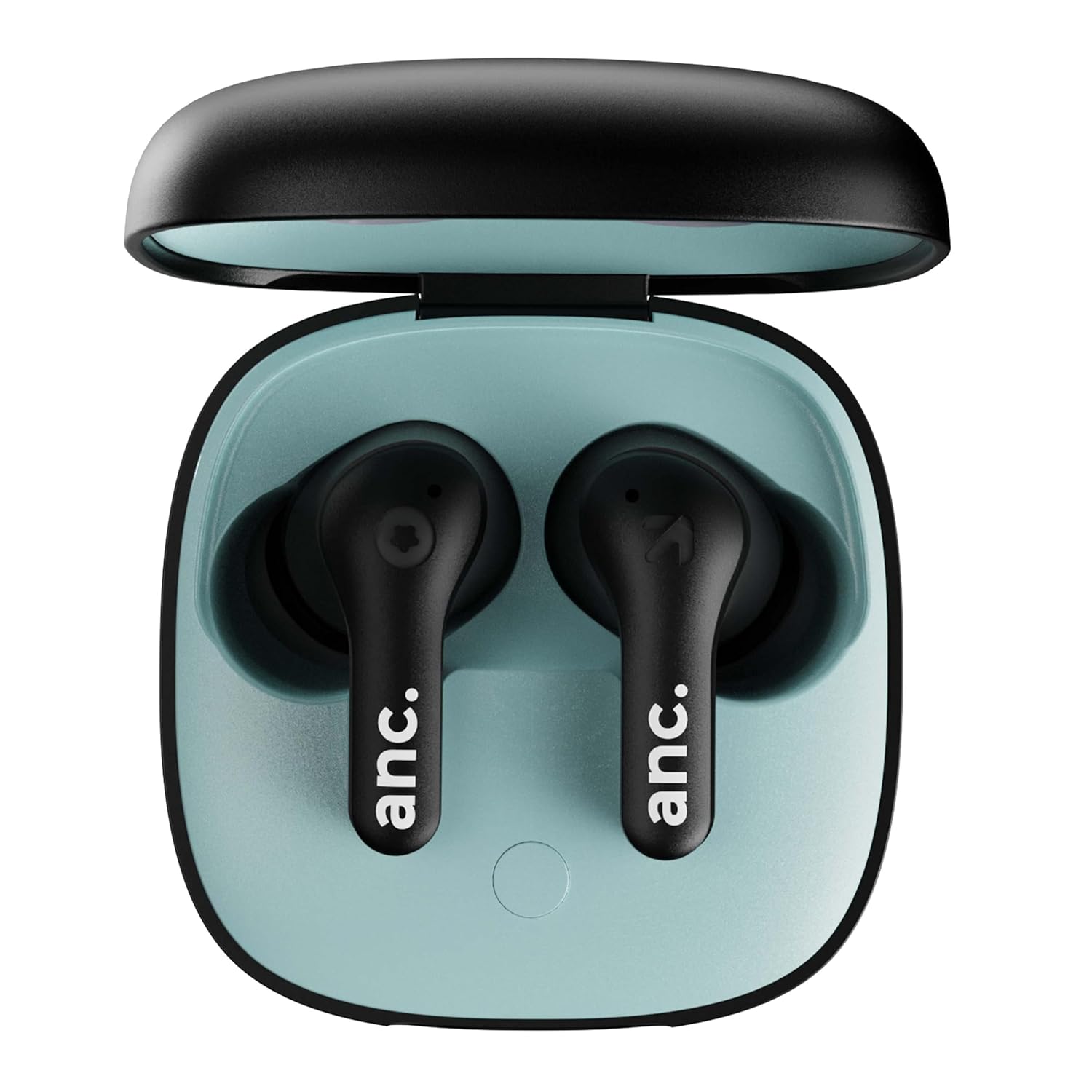
Image 1.1: GOBOULT Klarity 4 ANC Earbuds in their open charging case, showcasing the black earbuds and the light blue interior of the case.
2. Package Contents
Ensure all items are present in your package:
- 1 x Klarity 4 Headphone (Pair of Earbuds)
- 1 x Wireless Charging Case
- 1 x Type-C Fast Charging Cable
- 1 x Extra Pair of Eartips
- 1 x User Manual (This Document)
- 1 x Warranty Card
3. Product Overview
The GOBOULT Klarity 4 earbuds are designed for a seamless audio experience, featuring Active Noise Cancellation (ANC), Environmental Noise Cancellation (ENC) for calls, and a low-latency gaming mode. They come with a compact charging case for portability and extended battery life.

Image 3.1: The GOBOULT Klarity 4 earbuds in their open charging case, emphasizing their compact and dual-tone design.

Image 3.2: An internal diagram illustrating the 10mm dynamic audio driver within the GOBOULT Klarity 4 earbud, designed for stereo sound and supreme bass.
4. Setup
4.1 Charging the Earbuds and Case
Before first use, fully charge the earbuds and the charging case. The case features a Type-C port for fast charging.
- Place the earbuds into the charging case.
- Connect the Type-C charging cable to the case and a power source.
- A 10-minute charge provides up to 120 minutes of playtime. A full charge takes approximately 60 minutes.

Image 4.1: The Klarity 4 earbuds and charging case, illustrating the 60-hour total playtime and Type-C fast charging capability.
4.2 Bluetooth Pairing
The earbuds utilize Bluetooth 5.4 for a stable and fast connection.
- Open the charging case. The earbuds will automatically enter pairing mode.
- On your device (smartphone, tablet, laptop), enable Bluetooth.
- Search for available devices and select "GOBOULT Klarity 4" (or similar name) from the list.
- Once connected, you will hear an audio prompt, and the earbuds will be ready for use.

Image 4.2: The Klarity 4 earbuds in their charging case, displayed alongside a smartphone showing Bluetooth settings, illustrating the Bluetooth 5.4 connectivity and fast pairing process.
5. Operating Instructions
5.1 Active Noise Cancellation (ANC) and Transparency Mode
The Klarity 4 earbuds feature 35dB Active Noise Cancellation to reduce ambient noise. They also offer a Transparency Mode to allow you to hear your surroundings.
- ANC Mode: Blocks out external noise for an immersive listening experience.
- Transparency Mode: Allows ambient sounds to pass through, keeping you aware of your surroundings.
- Default Mode: Standard audio playback without ANC or Transparency.
Switch between ANC, Default, and Transparency modes using the touch controls on the earbuds (refer to the touch control section for specific gestures).

Image 5.1: A close-up view of the Klarity 4 earbuds, emphasizing the 35dB Active Noise Cancellation and the ability to switch between ANC, Default, and Transparency modes.

Image 5.2: An illustration of a Klarity 4 earbud in use, demonstrating the Transparency Mode which allows users to hear surrounding sounds like traffic or office background noise.
5.2 Zen Quad Mic Environmental Noise Cancellation (ENC) for Calls
The earbuds are equipped with Zen Quad Mic ENC technology to ensure clear voice transmission during calls by filtering out background noise.

Image 5.3: The Klarity 4 earbuds and charging case, highlighting the Quad Mic Environmental Noise Cancellation (ENC) feature for crystal clear and echo-free calls.
5.3 Low Latency Gaming Mode
Activate the 45ms ultra-low latency gaming mode for synchronized audio, providing a competitive advantage in gaming.

Image 5.4: A Klarity 4 earbud positioned next to a smartphone displaying a racing game, illustrating the Combat Gaming Mode with 45ms ultra-low latency for zero lag.
5.4 Touch Controls
The earbuds feature intuitive touch controls for managing music, calls, and voice assistants. Specific gestures include:
- Play/Pause: Single tap on either earbud.
- Next Track: Double tap on the right earbud.
- Previous Track: Double tap on the left earbud.
- Answer/End Call: Single tap on either earbud.
- Reject Call: Long press on either earbud.
- Activate Voice Assistant: Triple tap on either earbud.
- Toggle ANC/Transparency/Default Mode: Long press on the left earbud (or as per product specific instructions).
- Toggle Gaming Mode: Long press on the right earbud (or as per product specific instructions).
6. Maintenance
The Klarity 4 earbuds are IPX5-rated, making them resistant to sweat and splashes. This makes them suitable for workouts and outdoor activities.
- Wipe the earbuds and charging case with a soft, dry cloth regularly.
- Avoid exposing the earbuds to extreme temperatures or direct sunlight for extended periods.
- Do not submerge the earbuds or charging case in water.
- Store the earbuds in their charging case when not in use to protect them and maintain charge.
7. Troubleshooting
If you encounter issues with your GOBOULT Klarity 4 earbuds, please refer to the following common solutions:
- No Sound/Connectivity Issues:
- Ensure earbuds are charged.
- Verify Bluetooth is enabled on your device and the earbuds are paired.
- Try unpairing and re-pairing the earbuds.
- Restart your device.
- Earbuds Not Charging:
- Check the charging cable and power adapter.
- Ensure the charging contacts on the earbuds and inside the case are clean and free of debris.
- ANC Not Working Effectively:
- Ensure the earbuds are properly seated in your ears to create a good seal.
- Confirm ANC mode is activated via touch controls.
For further assistance, please refer to the warranty and support information.
8. Specifications
| Feature | Specification |
|---|---|
| Model Name | Airbass Earbuds (Klarity 4) |
| Noise Control | Active Noise Cancellation (35dB) |
| Connectivity Technology | Bluetooth 5.4, Wireless |
| Bluetooth Range | 10 Metres |
| Audio Driver Size | 10 Millimetres (Dynamic Driver) |
| Battery Life (Earbuds) | Up to 60 Hours (with charging case) |
| Charging Time | Approx. 60 Minutes (for full charge) |
| Fast Charging | 10 min charge = 120 min playtime |
| Audio Latency | 45 Milliseconds (Gaming Mode) |
| Microphones | Zen Quad Mic Environmental Noise Cancellation (ENC) |
| Water Resistance Level | IPX5 (Sweat and Water Resistant) |
| Control Type | Touch, Voice (Amazon Alexa, Google Assistant, Siri) |
| Headphones Jack | Type-C Fast Charging Jack |
| Item Weight | 44.5 Grams (Earbuds + Case) |
| Product Dimensions | 5.5 x 5.5 x 3.1 cm |
| Material | Plastic |
| Impedance | 32 Ohms |
| Frequency Response | 20 Hz |
| Sensitivity | 117 dB |
9. Warranty and Support
The GOBOULT Klarity 4 earbuds come with a 1 Year Warranty. Please retain your purchase receipt and the warranty card included in the package for any warranty claims.
For customer support, it is recommended to refer to the contact information provided on your warranty card or the official GOBOULT website. Please note that some users have reported challenges with direct customer service contact channels.
Related documentsKlarity 4


Ask a question about this manual
Ask about setup, troubleshooting, compatibility, parts, safety, or missing instructions. Manuals+ will review the question and use this page’s manual context to help answer it.