1. Introduction
The Green Cell PowerBoost Air is a versatile 3-in-1 device designed for automotive and outdoor emergencies. It functions as a powerful jump starter for 12V vehicles, a portable air compressor, and a power bank for charging electronic devices. This manual provides essential information for safe and effective use of your PowerBoost Air.

Image 1.1: Green Cell PowerBoost Air - Emergency Starter and Portable Compressor.
2. Safety Information
Read all safety warnings and instructions before using this product. Failure to follow the warnings and instructions may result in electric shock, fire, and/or serious injury.
- Do not short-circuit the jump starter clamps. Ensure positive (+) and negative (-) clamps do not touch each other.
- Connect clamps correctly. Always connect the red (positive) clamp to the positive terminal of the vehicle battery and the black (negative) clamp to a metal part of the vehicle chassis away from the battery, or to the negative terminal if specified by the vehicle manufacturer.
- Avoid contact with battery acid. Wear eye protection and gloves when working with vehicle batteries.
- Keep away from children. This device is not a toy.
- Do not expose to extreme temperatures. Operate and store the device within the recommended temperature range (-10°C to +60°C).
- Do not disassemble the device. Refer all servicing to qualified personnel.
- Use in a well-ventilated area. Vehicle batteries can emit explosive gases.
- Disconnect after use. Always disconnect the jump starter from the vehicle battery immediately after starting the engine.
3. Package Contents
Verify that all items are present in the package:
- Green Cell PowerBoost Air Jump Starter
- Jump Starter Cables (with clamps)
- Pump Adapter Set (various nozzles for different inflatables)
- USB-C Charging Cable (not explicitly listed but implied for charging the power bank)
- User Manual

Image 3.1: Package Contents of the PowerBoost Air.

Image 3.2: Detailed view of the pump adapter set for various inflation needs.
4. Product Overview
The Green Cell PowerBoost Air features a compact design with an integrated display and multiple functionalities.
4.1. Components
- Main Unit: Houses the battery, compressor, and control electronics.
- Digital Display: Shows battery level, pressure readings, and operational modes.
- Control Buttons: Power, mode selection, pressure adjustment (+/-), and flashlight.
- Jump Start Port: For connecting the jump starter cables.
- Air Hose Port: For connecting the air compressor hose.
- USB-A Output: For charging external devices.
- USB-C Input/Output: For charging the PowerBoost Air and potentially charging external devices.
- LED Flashlight: Integrated light for emergencies.
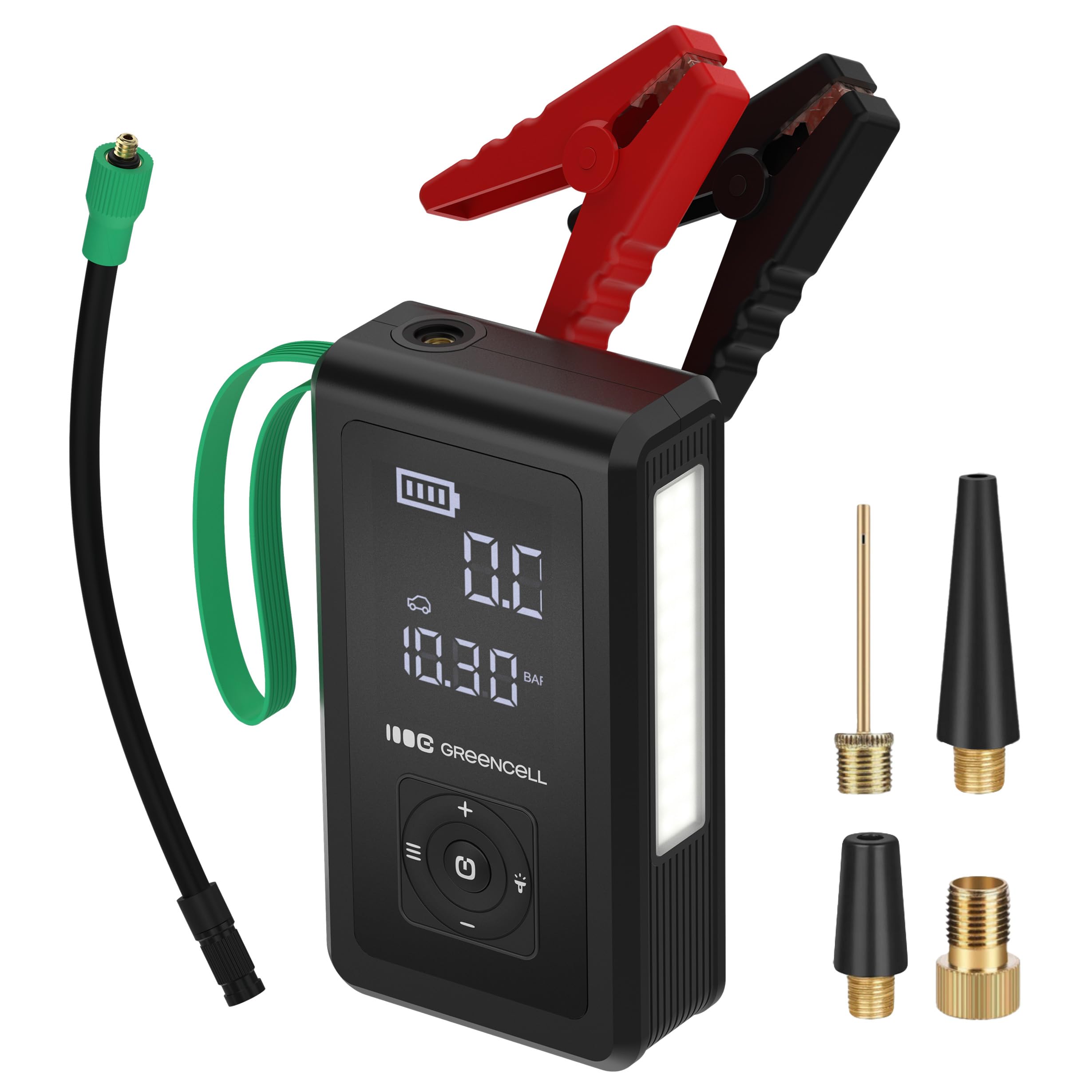
Image 4.1: Front view of the PowerBoost Air with its display and controls.
5. Setup
5.1. Initial Charging
Before first use, fully charge the Green Cell PowerBoost Air. Connect the provided USB-C cable to the device's USB-C port and plug the other end into a suitable USB power adapter (not included). The display will indicate the charging status. A full charge is recommended for optimal performance, especially for jump starting.
6. Operating Instructions
6.1. Jump Starting a Vehicle
Ensure the PowerBoost Air is at least 75% charged before attempting to jump start a vehicle.
- Turn off the vehicle's ignition and all accessories.
- Connect the red (positive, +) clamp of the jump starter cable to the positive terminal of the vehicle's battery.
- Connect the black (negative, -) clamp to a solid, unpainted metal part of the vehicle's engine block or chassis, away from the battery. Alternatively, connect to the negative terminal of the battery if the vehicle manufacturer's manual specifies this.
- Plug the jump starter cable connector into the jump start port on the PowerBoost Air.
- Start the vehicle's engine. If it doesn't start immediately, wait 30 seconds and try again. Do not crank for more than 3 seconds per attempt.
- Once the engine starts, immediately disconnect the jump starter cable from the PowerBoost Air, then remove the black (negative) clamp, followed by the red (positive) clamp from the vehicle battery.

Image 6.1: Correctly connecting jump starter clamps to a vehicle battery.

Image 6.2: The PowerBoost Air is suitable for various vehicle types.
6.2. Using the Air Compressor
The PowerBoost Air can inflate tires, balls, and other inflatables.
- Connect the air hose to the air hose port on the PowerBoost Air.
- Attach the appropriate adapter from the pump adapter set to the air hose, then connect it to the item you wish to inflate.
- Turn on the PowerBoost Air. Use the mode button to select the desired inflation mode (e.g., car tire, bicycle tire, ball).
- Use the '+' and '-' buttons to set the target pressure. The display will show the current pressure and the target pressure.
- Press the power button to start inflation. The compressor will automatically stop once the target pressure is reached.
- Disconnect the air hose and adapter from the item.
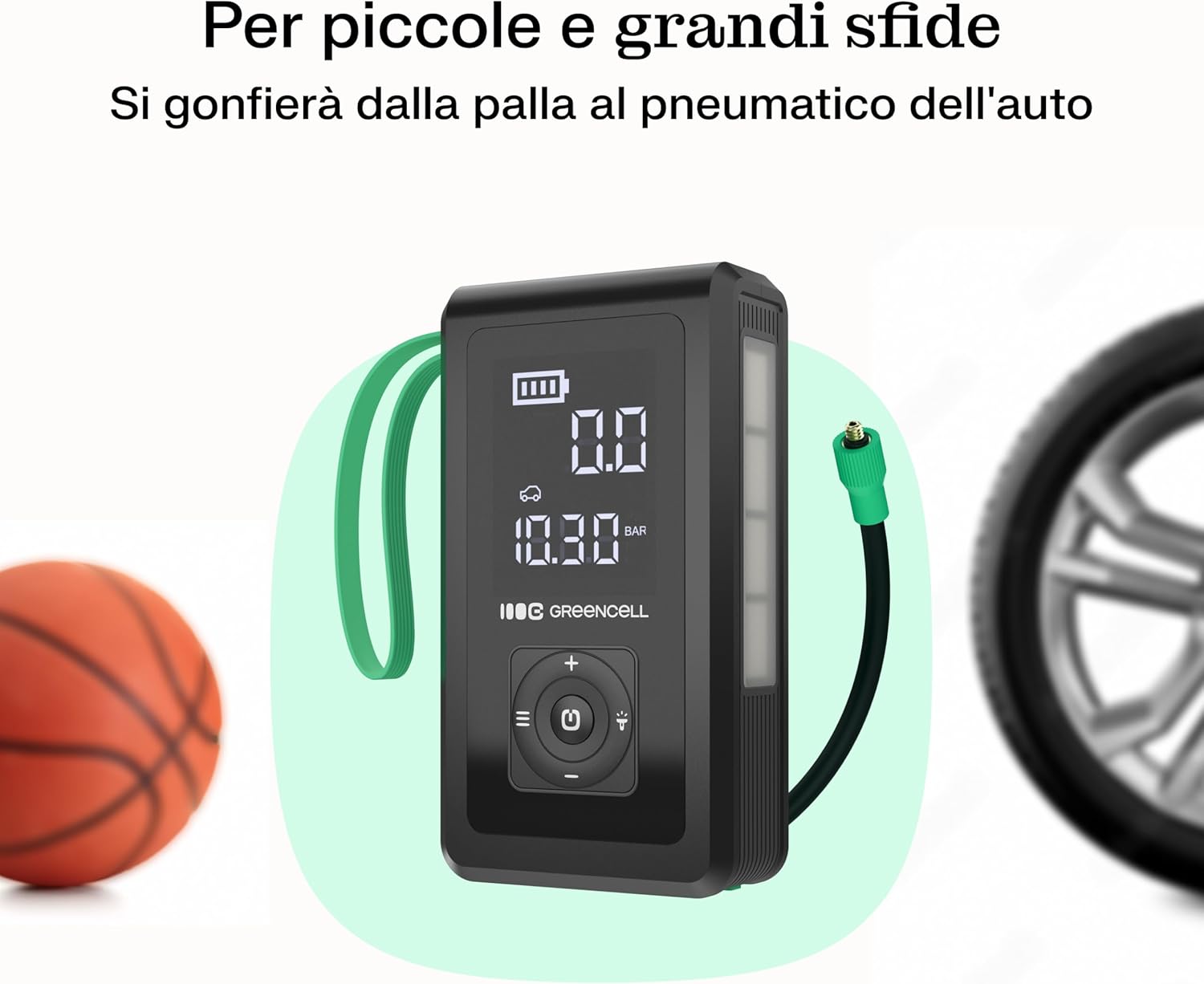
Image 6.3: Inflating a ball and car tire with the PowerBoost Air.

Image 6.4: The PowerBoost Air can inflate items from small balls to car tires.
6.3. Using as a Power Bank
The PowerBoost Air can charge smartphones, tablets, and other USB-powered devices.
- Connect your device's charging cable to either the USB-A or USB-C output port on the PowerBoost Air.
- The PowerBoost Air will automatically begin charging your device. The display may show charging status.
- Disconnect your device once charging is complete.
6.4. Using the Flashlight
The integrated LED flashlight provides illumination in dark conditions.
- Press and hold the flashlight button (usually indicated by a light bulb icon) to turn on the flashlight.
- Press the button again to cycle through different modes (e.g., steady light, SOS signal, strobe).
- Press and hold the button again to turn off the flashlight.
7. Charging the Device
To recharge the Green Cell PowerBoost Air:
- Connect the USB-C charging cable to the USB-C input port on the PowerBoost Air.
- Plug the other end of the USB-C cable into a compatible USB wall adapter (5V/2A or higher recommended) or a car charger.
- The display will show the charging progress. Charge until the battery indicator shows full.
8. Maintenance
8.1. Cleaning
Wipe the device with a soft, dry cloth. Do not use harsh chemicals or abrasive cleaners. Ensure all ports are free of dust and debris.
8.2. Storage
Store the PowerBoost Air in a cool, dry place, away from direct sunlight and extreme temperatures. For long-term storage, ensure the device is charged to approximately 50-75% and recharge it every 3-6 months to maintain battery health.

Image 8.1: The PowerBoost Air is designed to withstand a wide range of temperatures.
9. Troubleshooting
- Device not turning on: Ensure the device is charged. If not, connect it to a charger.
- Vehicle not starting: Check that the jump starter clamps are securely connected to the correct battery terminals. Ensure the PowerBoost Air has sufficient charge. The vehicle battery might be severely discharged or damaged, requiring professional assistance.
- Compressor not inflating: Check that the air hose and adapter are securely connected to both the PowerBoost Air and the item to be inflated. Verify that the target pressure is set correctly and is higher than the current pressure.
- External device not charging: Ensure the USB cable is properly connected to both the PowerBoost Air and the external device. Check if the PowerBoost Air has sufficient charge.
10. Specifications
| Feature | Specification |
|---|---|
| Brand | Green Cell |
| Model | CJSGC03 |
| Battery Capacity | 8000 mAh |
| Battery Cell Composition | Lithium Ion |
| Voltage | 12 Volt |
| Peak Amperage (Jump Start) | 1000 Ampere |
| Starting Amperage | 500 Ampere |
| Compressor Pressure Range | 0.2 to 10.3 bar |
| Operating Temperature | -10°C to +60°C |
| Item Weight | 700 g |
| Package Dimensions | 22.3 x 22.1 x 8.3 cm |
11. Warranty and Support
The Green Cell PowerBoost Air comes with a manufacturer's warranty. For detailed warranty information, please refer to the warranty card included with your product or visit the official Green Cell website. For technical support, troubleshooting assistance, or to inquire about replacement parts, please contact Green Cell customer service through their official channels.
You can find contact information on the Green Cell website or through your purchase platform.


