
1. Safety Information
Please read this manual carefully before using your appliance and retain it for future reference. Incorrect use may result in injury or damage. Always follow basic safety precautions, including the following:
- This appliance is intended for household use only.
- Do not allow children to play with the appliance. Close supervision is necessary when the appliance is used near children.
- Ensure the appliance is properly earthed.
- Do not install the appliance in an environment with high humidity or where it may be exposed to water.
- Always unplug the appliance before cleaning or performing maintenance.
- Do not dry unwashed items in the tumble dryer.
- Items that have been soiled with substances such as cooking oil, acetone, alcohol, petrol, kerosene, spot removers, turpentine, waxes, and wax removers should be washed in hot water with an extra amount of detergent before being dried in the tumble dryer.
- Remove all objects from pockets such as lighters and matches.
- Do not attempt to repair or replace any part of your dryer unless it is specifically recommended in this manual. All other servicing should be referred to a qualified technician.
2. Product Overview
The Midea MD20EH80WB-A3 is an 8 kg heat pump dryer designed for efficient and gentle laundry care. It features advanced technologies for optimal drying results and energy efficiency.

Key Features:
- Heat Pump Technology: Provides gentle drying at lower temperatures, protecting fabrics and consuming less energy.
- Auto Dry Function: Automatically detects the moisture level of the laundry and adjusts drying time, preventing over-drying.
- UV Hygiene: Utilizes UV light to remove 99.9% of bacteria and viruses from laundry, ensuring a hygienic result.
- Wrinkle Protection: The drum periodically rotates after the cycle ends to prevent wrinkles, reducing the need for ironing.
- Wool Care: Woolmark certified program for gentle drying of wool garments, preventing shrinkage and maintaining softness.
- Smart Control: Remote control and monitoring via a smartphone app, including program selection and energy monitoring.


3. Setup and Installation
3.1 Unpacking
Carefully remove the dryer from its packaging. Inspect the appliance for any damage during transit. Retain packaging materials for potential future transport or service.
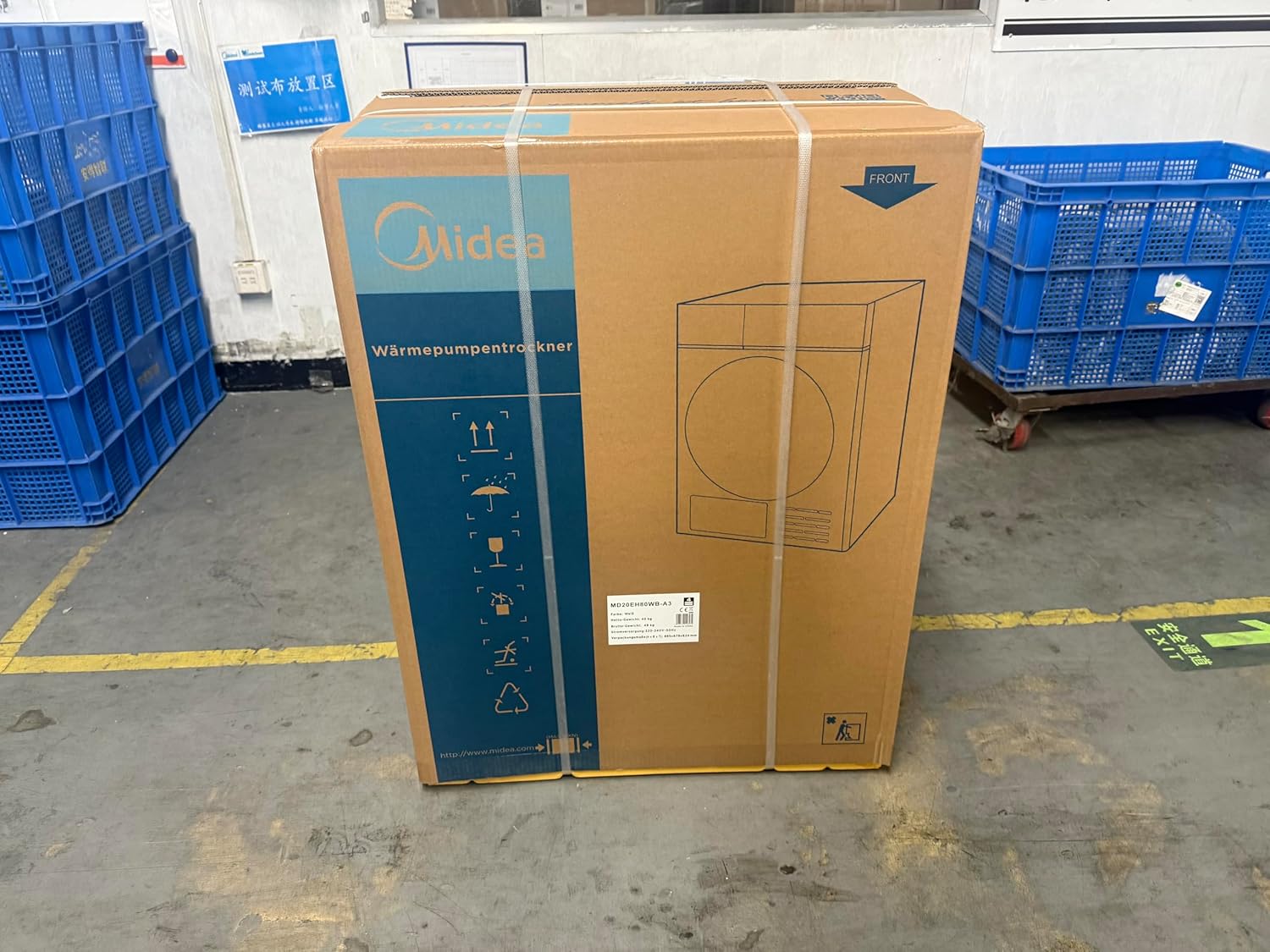

3.2 Placement
Place the dryer on a firm, level floor. Ensure there is adequate ventilation around the appliance. Do not install the dryer behind a lockable door, a sliding door, or a door with a hinge on the opposite side to that of the tumble dryer, in such a way that a full opening of the tumble dryer door is restricted.
3.3 Electrical Connection
Connect the dryer to a properly earthed power outlet. Refer to the rating plate for specific electrical requirements.


3.4 Drainage Connection
The dryer collects condensed water in a removable water tank. This tank must be emptied after each drying cycle. Alternatively, you can connect a drainage hose for direct water discharge, eliminating the need to manually empty the tank.
4. Operating Instructions
4.1 Control Panel
The dryer features an intuitive control panel, typically located on the front of the appliance, allowing for program selection and setting adjustments. Refer to the main product image for a visual guide to the control panel layout.
4.2 Loading Laundry
Open the dryer door and load laundry into the drum. Do not overload the dryer; ensure clothes have enough space to tumble freely for optimal drying performance. Close the door firmly.
4.3 Selecting a Program
Turn the program selector or use the touch controls to choose the desired drying program. Available programs include:
- Auto Dry: Automatically adjusts drying time based on moisture levels.
- Wool Care: Gentle program for wool items.
- Refreshing: For airing out clothes without full drying.
- Quick Dry: For smaller loads or items requiring faster drying.
- Other specific programs for different fabric types.

4.4 Special Functions
- UV Hygiene: Activate this function for enhanced sanitization, removing bacteria and viruses.
- Wrinkle Protection: Select this option to minimize creasing, especially useful if laundry cannot be removed immediately after the cycle.
- Delay Start: Set a timer for the drying cycle to begin at a later time.


4.5 Smart Control (Remote Control)
The Midea MD20EH80WB-A3 can be controlled remotely via a smartphone application. Download the Midea SmartHome app, connect your dryer to your home Wi-Fi network, and follow the in-app instructions for remote operation, program downloads, and energy monitoring.

5. Maintenance
Regular maintenance ensures the longevity and optimal performance of your dryer.
5.1 Cleaning the Lint Filter
The lint filter should be cleaned after every drying cycle. Open the dryer door, remove the filter, and clear any accumulated lint. Rinse under running water if necessary and ensure it is completely dry before reinserting.
5.2 Emptying the Water Tank
If not connected to a direct drain, the condensed water tank must be emptied after each cycle. Pull out the tank, pour out the water, and reinsert it securely.
5.3 Cleaning the Heat Exchanger
Periodically clean the heat exchanger. This model does not feature a self-cleaning heat exchanger, so manual cleaning is required. Refer to the detailed instructions in the full user manual for the correct procedure to access and clean the heat exchanger compartment.
5.4 General Cleaning
Wipe the exterior of the dryer with a soft, damp cloth. Do not use abrasive cleaners or solvents.
6. Troubleshooting
If you encounter issues with your dryer, consult the following common troubleshooting steps:
- Dryer not starting: Ensure the power cord is securely plugged in, the door is fully closed, and the start button has been pressed. Check if a fuse has blown or a circuit breaker has tripped.
- Clothes not drying properly: Check if the lint filter is clean and the water tank is empty. Ensure the load size is appropriate for the selected program and that the heat exchanger is not blocked.
- Unusual noise: Verify that the dryer is level and that no foreign objects are in the drum.
- Error codes: If an error code appears on the display, refer to the comprehensive troubleshooting section in the full user manual for specific code meanings and solutions.
If the problem persists after attempting these steps, contact customer support.
7. Specifications
| Specification | Value |
|---|---|
| Brand | Midea |
| Model Number | MD20EH80WB-A3 |
| Capacity | 8 Kilograms |
| Dimensions (D x W x H) | 62.4D x 67.9W x 88.5H centimetres |
| Energy Efficiency Class (New EU Standard) | C |
| Energy Efficiency Class (Old EU Standard) | A+++ |
| Noise Level | 66 dB |
| Refrigerant | R290 |
| Power Supply | 220-240V ~ 50Hz |
| Rated Power | 750W |
Energy Labels and Product Information Sheets:


8. Warranty and Support
For warranty information, please refer to the documentation provided at the time of purchase. The standard warranty period may vary by region. Keep your proof of purchase for warranty claims.
Customer Support:
For technical assistance, spare parts, or repair inquiries, please contact your local Midea service center or the retailer from whom you purchased the appliance.

You can find more information and support on the official Midea website: www.midea.com/de


