
1. Introduction
Thank you for choosing the LUTEC Rechargeable Work Light. This manual provides essential information for the safe and efficient operation, maintenance, and troubleshooting of your device. Please read this manual thoroughly before use and retain it for future reference.
The LUTEC Rechargeable Work Light is designed for various applications, including car repair, emergency situations, camping, and general work illumination. It features adjustable brightness, a magnetic base, a hanging hook, and a durable, portable design.
2. Safety Information
- Do not look directly into the LED light when it is on, as this may cause eye damage.
- Keep the device away from water and moisture, except for incidental splashes as per its design. Do not immerse in water.
- Do not attempt to disassemble or modify the work light. This will void the warranty and may cause damage or injury.
- Use only the provided Type-C charging cable or a certified equivalent.
- Store the work light in a cool, dry place when not in use.
- Keep out of reach of children.
3. Package Contents
The LUTEC Rechargeable Work Light package includes:
- LUTEC Rechargeable Work Light (2 units for 2-Pack)
- Type-C USB Charging Cable
- User Manual
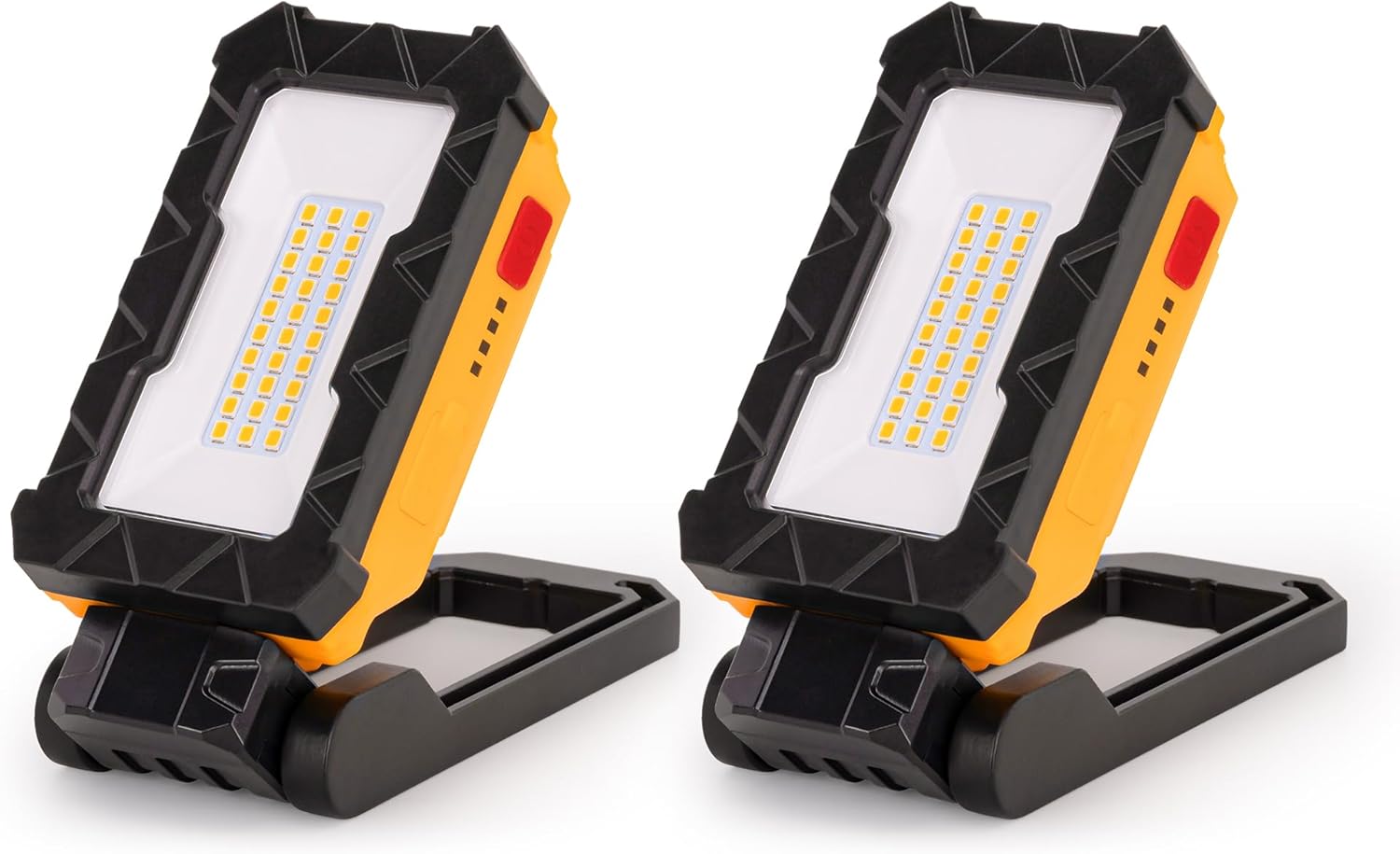
Image: Two LUTEC Rechargeable Work Lights included in the package.
4. Product Overview
Familiarize yourself with the components of your LUTEC Rechargeable Work Light:
- LED Beads: 30 high-brightness LED beads provide illumination.
- Switch: Power on/off and cycle through brightness modes.
- Battery Level Indicator: Displays remaining battery charge.
- Type-C Port: For charging the internal battery.
- Magnetic Base: Strong magnets for attachment to metallic surfaces.
- Hanging Hook: Telescopic hook for suspending the light.
- Adjustable Head: Rotates 360° and swivels 200° for multi-angle illumination.

Image: Detailed view of the work light highlighting its 30 LED beads, switch, battery level indicator, and Type-C charging port.
5. Setup
Before first use, it is recommended to fully charge the work light.
- Connect the Type-C charging cable to the work light's Type-C port.
- Connect the other end of the cable to a compatible USB power adapter (not included) or a USB port.
- The battery indicator lights will illuminate during charging. A full charge typically takes 2.5 hours.
- Once fully charged, disconnect the charging cable.

Image: The work light being charged via its Type-C port, with the battery indicator showing charge status.
6. Operating Instructions
6.1 Power On/Off and Brightness Adjustment
- Press the power switch once to turn on the light at its highest brightness (1000 lumens).
- Press the switch a second time for medium brightness (500 lumens).
- Press the switch a third time for low brightness (250 lumens).
- Press the switch a fourth time to turn off the light.
- To turn off the light directly from any brightness setting, press and hold the button for 2-3 seconds.

Image: Visual representation of the three brightness levels: High (1000 lumens), Mid (500 lumens), and Low (250 lumens).
6.2 Adjusting Light Angle
The work light features a flexible design for optimal illumination:
- 360° Rotation: The light head can rotate horizontally a full 360 degrees to direct light precisely where needed.
- 200° Swivel: The light head can also swivel vertically up to 200 degrees, allowing for versatile positioning.

Image: Illustrations demonstrating the 360-degree rotation and 200-degree tilt capabilities of the work light.
6.3 Magnetic Base Usage
The strong magnetic base allows for hands-free operation:
- Attach the magnetic base firmly to any ferrous metal surface.
- Ensure the surface is clean and stable to prevent the light from falling.

Image: Examples of the work light utilizing its magnetic base to attach to metal surfaces, providing hands-free illumination for tasks like car repair and electrical work.
6.4 Hanging Hook Usage
For non-magnetic surfaces, use the integrated hanging hook:
- Extend the telescopic hook from the base.
- Hang the work light from ropes, branches, tents, or other suitable fixtures.

Image: The work light demonstrating its versatility by being hung from a backpack and a clothesline using its clip-style hook.
7. Charging
The work light is equipped with a rechargeable Lithium-Ion battery. Monitor the battery level indicator to know when charging is required.
- Charging Time: Approximately 2.5 hours for a full charge.
- Battery Indicator: Four LED lights indicate the charge level (e.g., 4 lights = 100%, 1 light = <25%).
- Always use a Type-C cable and a compatible power source.
Image: The work light being charged, with the battery indicator showing the charging progress from less than 24% to 100% charged.
8. Maintenance
8.1 Cleaning
- Wipe the exterior of the work light with a soft, damp cloth.
- Do not use abrasive cleaners or solvents, as these may damage the finish.
- Ensure the Type-C port is free from dust and debris.
8.2 Storage
- Store the work light in a cool, dry environment.
- If storing for an extended period, charge the battery to approximately 50% every 3-6 months to maintain battery health.
8.3 Durability
The work light is constructed from durable ADC12 material, designed to withstand daily impacts and water splashes. While robust, avoid unnecessary drops or exposure to extreme conditions.
9. Troubleshooting
| Problem | Possible Cause | Solution |
|---|---|---|
| Light does not turn on. | Battery is depleted. | Charge the work light fully. |
| Light is dim or flickers. | Low battery charge. | Recharge the battery. |
| Light does not charge. | Faulty cable or power adapter. | Try a different Type-C cable and/or power adapter. Ensure connections are secure. |
| Magnetic base does not hold. | Surface is not ferrous metal or is too thin/uneven. | Ensure attachment to a suitable, clean, flat metal surface. |
10. Specifications
| Feature | Detail |
|---|---|
| Brand | LUTEC |
| Model Number | 7902202426 |
| Light Source Type | LED (30 beads) |
| Brightness Levels | 1000 lumens (High), 500 lumens (Mid), 250 lumens (Low) |
| Color Temperature | 4000 Kelvin |
| Rotation | 360° |
| Swivel/Tilt | 200° |
| Power Source | Battery Powered (1 Lithium Ion battery included) |
| Charging Port | Type-C |
| Charging Time | Approx. 2.5 hours |
| Material | ADC12 Aluminum |
| Product Dimensions | 2.28"L x 4.57"W x 4.72"H |
| Item Weight | 0.73 Pounds (approx. 11.7 ounces) |
| Special Features | Magnetic Base, Telescopic Hook, Battery Indicator Light |
11. Warranty and Support
11.1 Warranty Information
The product comes with a limited warranty. For specific details regarding warranty coverage, duration, and terms, please refer to the warranty card included with your purchase or visit the official LUTEC website. Please retain your proof of purchase for warranty claims.
11.2 Customer Support
If you encounter any issues or have questions not covered in this manual, please contact LUTEC customer support. Contact information can typically be found on the product packaging or the official LUTEC website.
