
Introduction
This manual provides detailed instructions for the setup, operation, and maintenance of your GOBOULT Rover Pro Smartwatch. Please read this manual thoroughly before using your device to ensure proper functionality and to maximize your user experience.

Image: GOBOULT Rover Pro Smartwatch, showcasing its sleek design and digital time display.
Package Contents
Upon opening your GOBOULT Rover Pro Smartwatch package, verify that all items listed below are present:
- GOBOULT Rover Pro Smartwatch
- Charging Cable
- User Manual (this document)
Setup
1. Charging the Smartwatch
Before initial use, fully charge your GOBOULT Rover Pro Smartwatch. Connect the provided charging cable to the charging port on the back of the smartwatch and to a standard USB power adapter (not included). A full charge typically takes approximately 150 minutes (2.5 hours).

Image: Illustration of the smartwatch charging, highlighting battery life and charging duration.
2. Powering On/Off
- Power On: Press and hold the side button until the screen illuminates.
- Power Off: Press and hold the side button, then select "Power Off" on the screen.
3. App Installation and Pairing
To unlock the full potential of your smartwatch, download and install the companion application on your smartphone. The application can typically be found by scanning a QR code in the watch's settings or by searching for "GloryFit" in your smartphone's app store. Once installed:
- Enable Bluetooth on your smartphone.
- Open the companion app and follow the on-screen instructions to add your device.
- Select "GOBOULT Rover Pro" from the list of available devices to pair.
- Confirm the pairing request on both your smartphone and smartwatch.
For app download, visit: GloryFit App Download
Operating the Smartwatch
Display and Navigation
The GOBOULT Rover Pro features a 1.43-inch AMOLED display with 1000 nits brightness, ensuring clear visibility even in direct sunlight. The display supports an Always-on mode for continuous time display.

Image: Detailed view of the smartwatch's 1.43-inch round AMOLED curved display.

Image: Visual comparison highlighting the superior brightness and clarity of the Rover Pro's AMOLED display.
- Swipe Up/Down/Left/Right: Navigate through menus, notifications, and quick settings.
- Tap: Select an item or open an application.
- Side Button: Press to return to the home screen or access the app list.
Health Monitoring
The GOBOULT Rover Pro Smartwatch offers comprehensive health tracking features to help you monitor your well-being:
- 24/7 Heart Rate Monitoring: Continuously tracks your heart rate throughout the day.
- SpO2 Blood Oxygen Saturation: Measures the oxygen level in your blood.
- Sleep Monitoring: Analyzes your sleep patterns, including deep sleep, light sleep, and wake times.
- Female Menstrual Cycle Tracking: Provides insights and predictions for menstrual cycles.
- Activity Tracker: Records steps, distance, and calories burned.
- Reminders: Includes reminders to drink water and stay active.
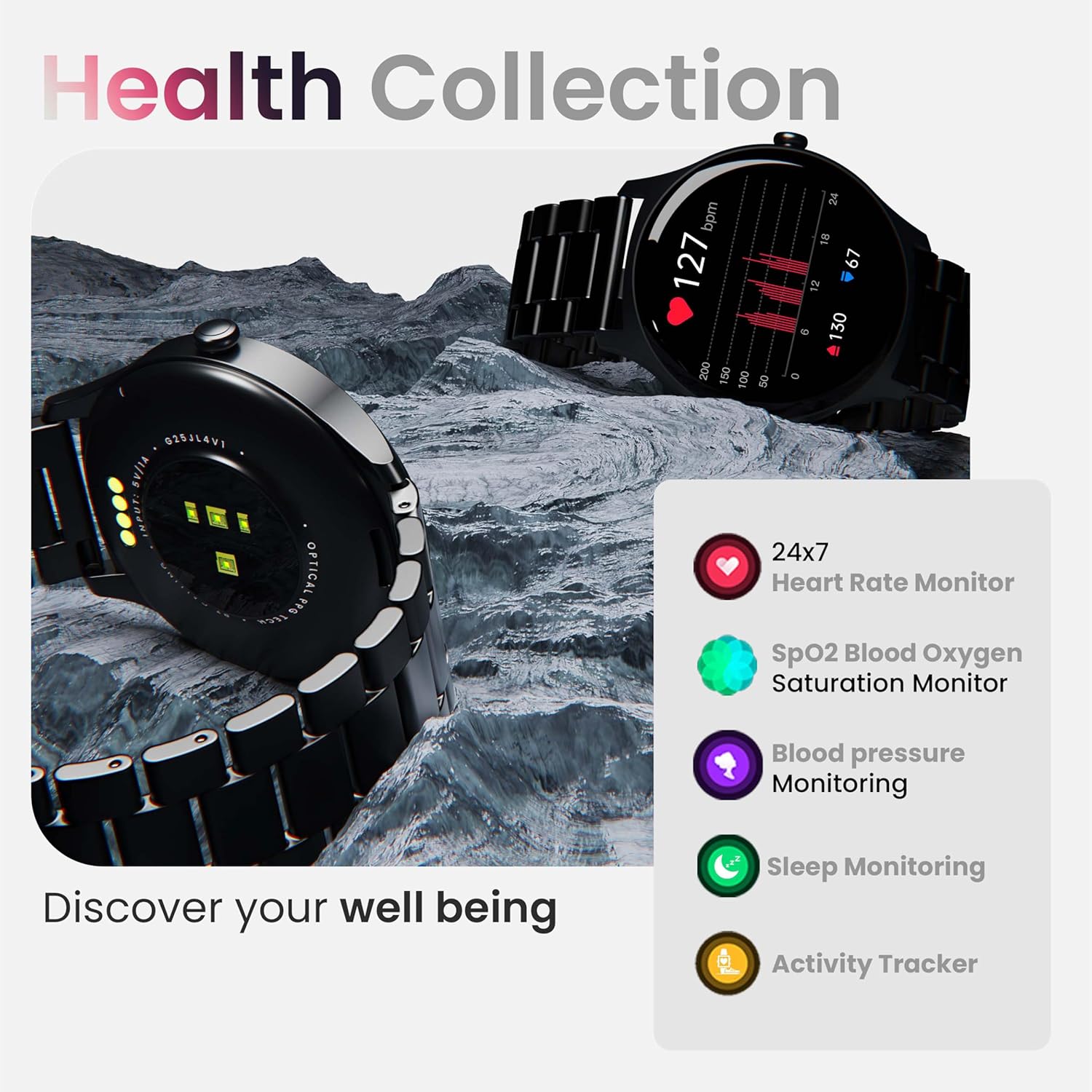
Image: Overview of the smartwatch's health monitoring capabilities.
Note: This device is not a medical instrument. Health data is for reference only and should not be used for medical diagnosis or treatment.
Sports Modes
With over 120 sports modes, the GOBOULT Rover Pro Smartwatch is designed to track a wide range of physical activities. Select your desired sport from the watch's menu to record specific metrics such as duration, calories burned, and heart rate during your workout.

Image: Display of various sports modes available on the smartwatch.
Customization
Watch Faces
Personalize your smartwatch with over 150 cloud-based watch faces available through the companion app. You can also create custom watch faces using your own photos.

Image: Examples of various watch faces and customization options.
Bluetooth Calling
The GOBOULT Rover Pro Smartwatch features Bluetooth 5.2 single-chip technology, enabling direct calls from your wrist. It includes a dedicated speaker and microphone for clear communication.
- Making Calls: Access the dial pad or contact list on your watch to initiate calls.
- Answering/Rejecting Calls: Swipe on the screen to answer or reject incoming calls.
- Contact Sync: Sync your phone's contacts to the smartwatch via the companion app.

Image: Visual representation of the smartwatch's Bluetooth calling interface and features.
AI Voice Assistant
Interact with your smartwatch hands-free using the built-in AI voice assistant. Simply activate the assistant and speak your commands to perform various functions, such as setting alarms, checking weather, or initiating calls. Supports popular voice assistants like Siri and Google Assistant when connected to a compatible smartphone.
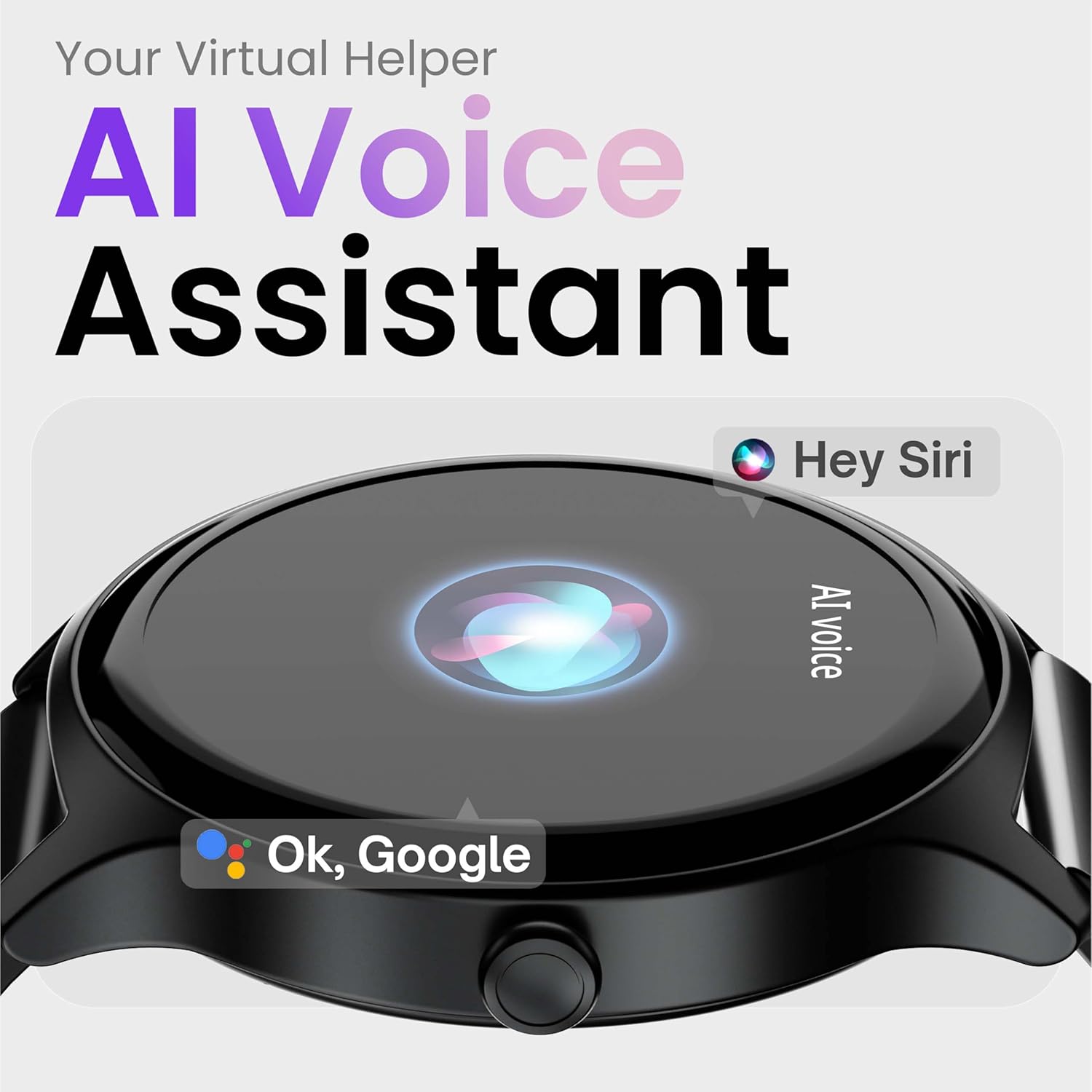
Image: Depiction of the AI Voice Assistant functionality on the smartwatch.
Smart Notifications & Safety Features
Smart Notifications
Receive SMS, call, and app notifications directly on your wrist. Manage which notifications appear through the companion app settings.

Image: Smartwatch screen showing notification alerts and the 'Find my phone' function.
Safety Features
- 4-Digit PIN: Secure your smartwatch with a PIN for enhanced privacy.
- One-Tap SOS Alert: In an emergency, activate the SOS feature to notify pre-set emergency contacts.
- Secure Sign-in Methods: Utilize easy and secure methods for accessing your device.
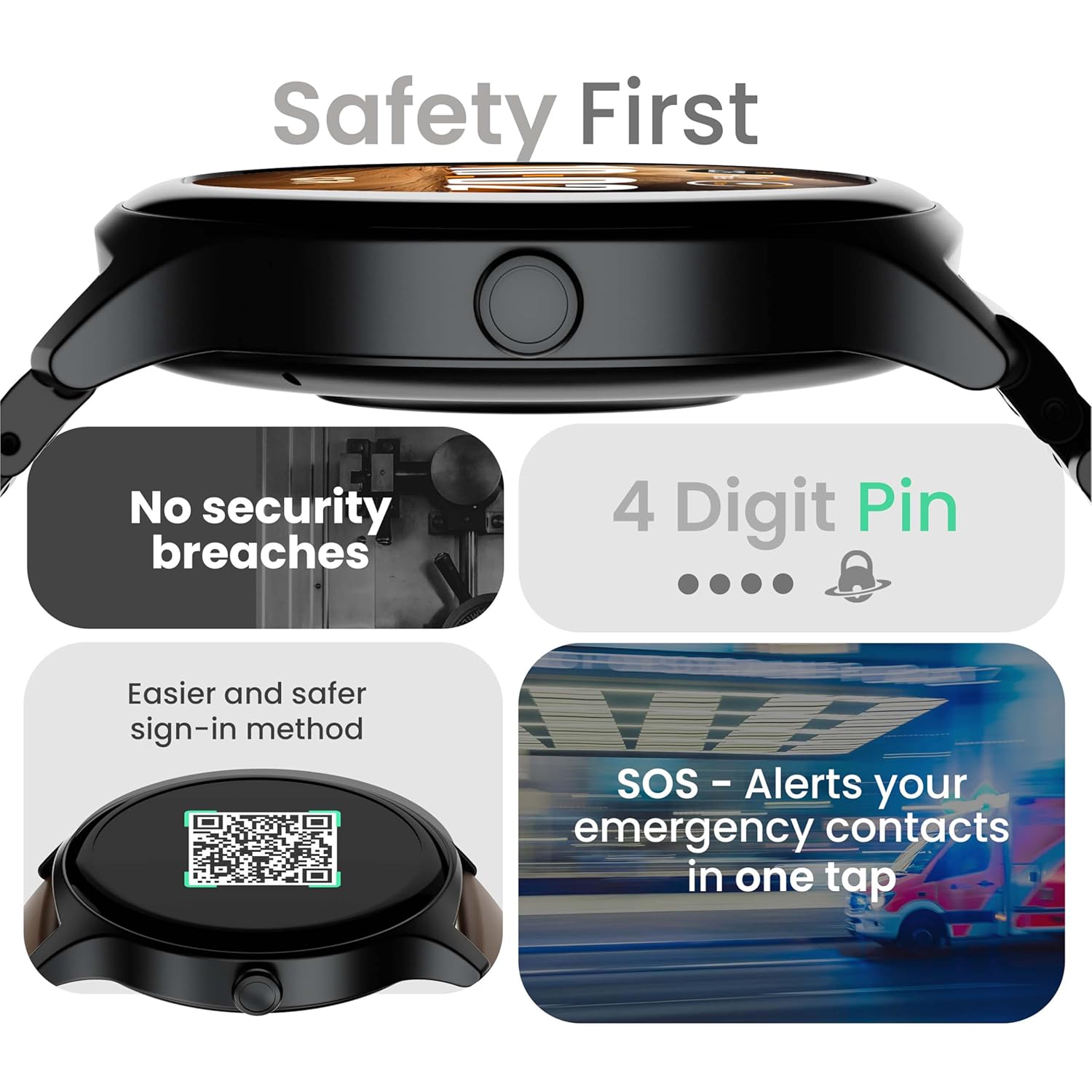
Image: Visuals illustrating the smartwatch's security and emergency features.
Battery Life & Charging
The GOBOULT Rover Pro Smartwatch is equipped with a battery designed for extended use:
- Typical Usage: Up to 7 days of battery life.
- Standby Time: Up to 20 days.
- Fast Charging: Approximately 10 minutes of charging provides up to 2 days of battery life.
- Full Charge Time: Approximately 90 minutes for a complete charge.
Use only the provided charging cable to ensure optimal charging performance and to prevent damage to the device.
Water Resistance (IP68)
The GOBOULT Rover Pro Smartwatch has an IP68 rating, meaning it is dustproof and water-resistant. It can withstand immersion in water up to 1.5 meters deep for up to 30 minutes. This makes it suitable for daily use and various outdoor activities, but it is not recommended for diving or high-pressure water activities.

Image: Illustration of the smartwatch's IP68 water and dust resistance.
Maintenance
To ensure the longevity and optimal performance of your smartwatch, follow these maintenance guidelines:
- Cleaning: Regularly wipe the watch screen and strap with a soft, dry cloth. If necessary, use a slightly damp cloth for the strap, then dry thoroughly.
- Avoid Chemicals: Do not use harsh chemicals, cleaning solvents, or strong detergents, as these can damage the watch's finish and seals.
- Charging Port: Keep the charging contacts clean and dry.
- Storage: Store the smartwatch in a cool, dry place when not in use.
- Avoid Extreme Temperatures: Do not expose the watch to extreme hot or cold temperatures for prolonged periods.
Troubleshooting
If you encounter issues with your GOBOULT Rover Pro Smartwatch, refer to the following common solutions:
| Problem | Solution |
|---|---|
| Smartwatch won't turn on. | Ensure the watch is fully charged. Connect it to the charger for at least 30 minutes. |
| Cannot pair with smartphone. |
|
| Inaccurate health data. |
|
| Notifications are not received. |
|
| Short battery life. |
|
Specifications
| Feature | Detail |
|---|---|
| Brand | GOBOULT |
| Model Series | Rover Pro |
| Display Size | 1.43 Inches |
| Display Type | AMOLED |
| Brightness | 1000 Nits |
| Connectivity | Bluetooth 5.2 |
| Operating System | Android (compatible) |
| Water Resistance | IP68 |
| Battery Life (Typical) | Up to 7 Days |
| Battery Charge Time | Approx. 150 Minutes (Full Charge) |
| Item Weight | 43 g |
| Included Components | Charging Cable, User Manual |
Warranty and Support
Warranty Information
Your GOBOULT Rover Pro Smartwatch comes with a 1-Year Warranty from the date of purchase. This warranty covers manufacturing defects and malfunctions under normal use. It does not cover damage caused by misuse, accidents, unauthorized modifications, or normal wear and tear.
Customer Support
For technical assistance, warranty claims, or any other inquiries, please contact GOBOULT customer support through their official website or the contact information provided with your purchase documentation. Please have your product model and purchase details ready when contacting support.

