
Naztech 15880
Naztech Xpods Pro ANC True Wireless Earbuds User Manual
Model: 15880
Introduction
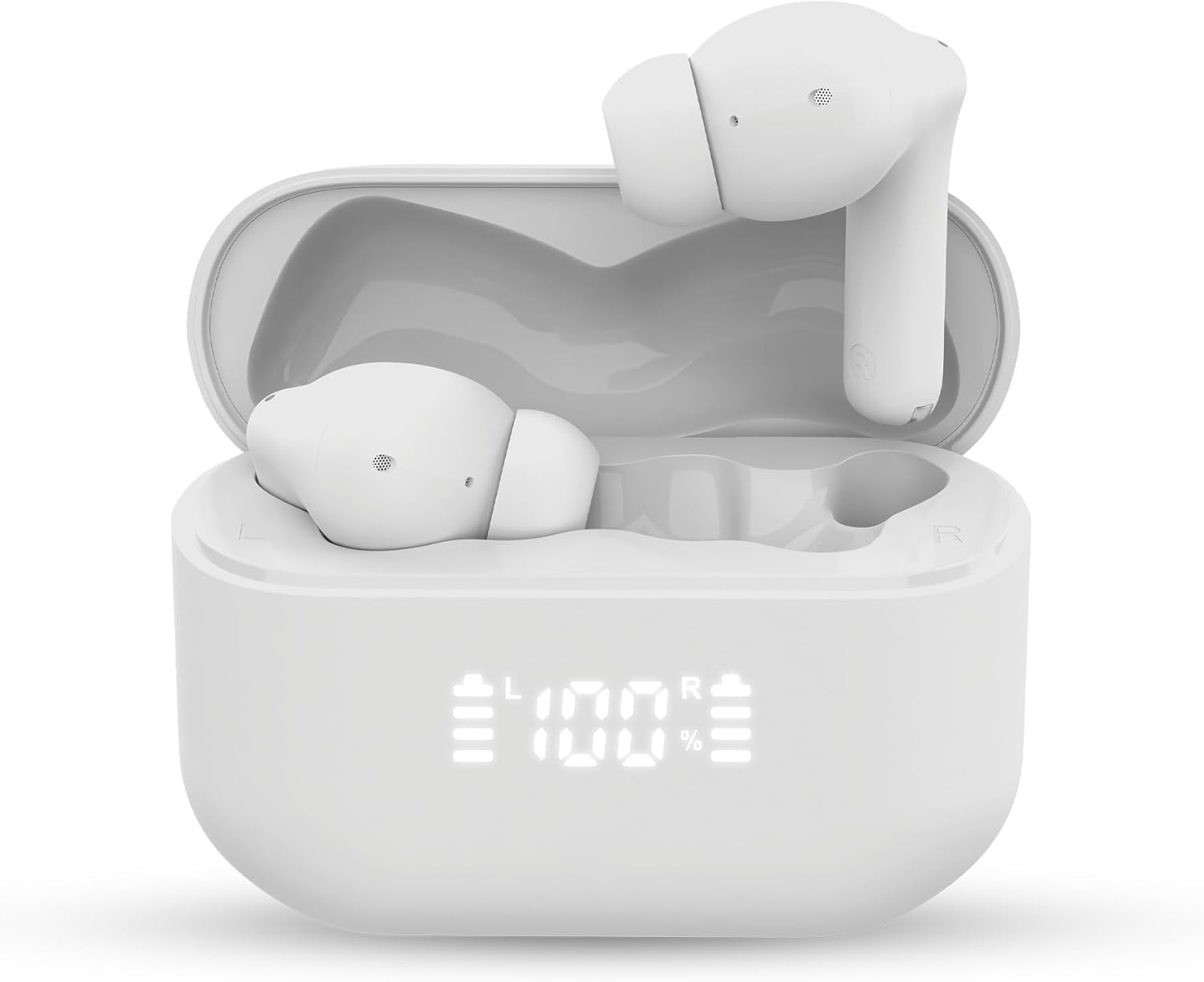
Welcome to the Naztech Xpods Pro ANC True Wireless Earbuds user manual. These high-performance earbuds are designed to deliver impressive sound quality for music and calls, featuring Active Noise Cancelling (ANC) and 4 voice-isolating microphones. With Bluetooth 5.4, IPX5 water resistance, an LED display, and a wireless charging case, the Xpods Pro offer a premium and convenient audio experience.
Included Components:
- Naztech Xpods Pro ANC True Wireless Earbuds
- Wireless Charging Case
- USB-C Charging Cable
- Memory Foam Ear Tips
Setup
1. Initial Charge
Before first use, fully charge your Xpods Pro. Place the earbuds into the charging case. Connect the USB-C charging cable to the case and a power source. The LED display on the case will indicate the charging status. A full charge provides up to 5 hours of playtime for the earbuds, with the case extending total playtime to 25 hours. A quick 10-minute charge can provide up to 2 hours of playtime.
2. Pairing with Your Device
- Ensure the earbuds are in the charging case and the case has power.
- Open the charging case lid. The earbuds will automatically enter pairing mode.
- On your device (smartphone, tablet, computer), go to Bluetooth settings.
- Select "Xpods ANC" from the list of available devices.
- Once connected, the earbuds will indicate successful pairing.
The Xpods Pro support Bluetooth 5.4 for faster and more reliable connections, and they can automatically reconnect to previously paired devices. They also support multipoint connection with up to 2 devices simultaneously.

3. Choosing the Right Ear Tips
The Xpods Pro come with memory foam ear tips designed for enhanced immersion and a secure, comfortable fit. Experiment with the different sizes provided to find the best seal for optimal sound quality and noise isolation. A proper fit is crucial for effective Active Noise Cancellation.
Operating Instructions
Touch Controls
The Xpods Pro feature intuitive touch controls on each earbud. Specific functions may vary slightly depending on your device and application.
| Action | Function |
|---|---|
| Single Tap (Left/Right Earbud) | Play/Pause Music, Answer/End Call |
| Double Tap (Right Earbud) | Next Track |
| Double Tap (Left Earbud) | Previous Track |
| Triple Tap (Right Earbud) | Volume Up |
| Triple Tap (Left Earbud) | Volume Down |
| Long Press (Left/Right Earbud) | Toggle ANC/Transparency Mode |
| Long Press (2 seconds during call) | Reject Call |
| Voice Assistant (if supported by device) | Specific tap/press (refer to device manual) |
Active Noise Cancellation (ANC) and Transparency Mode
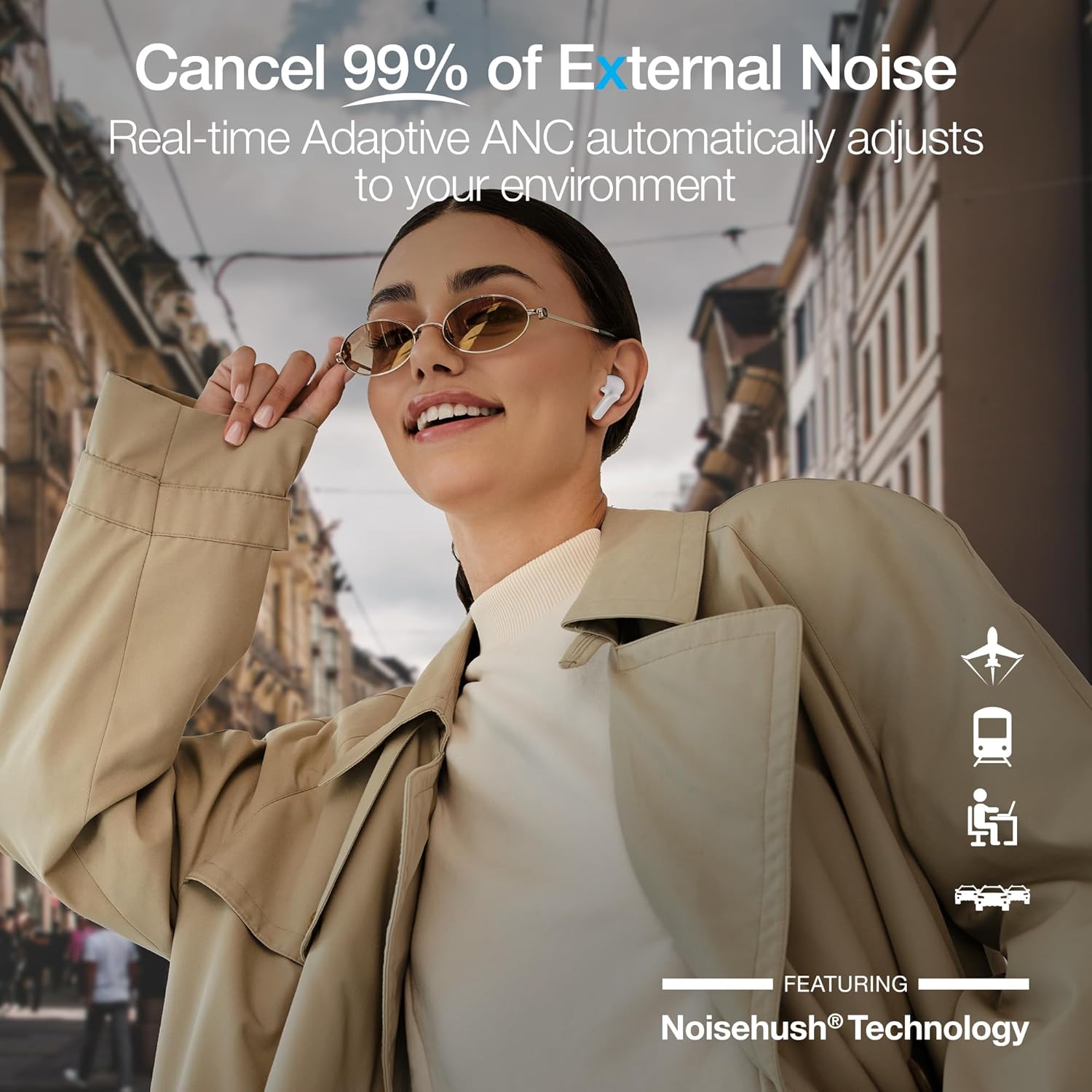
The Xpods Pro feature Active Noise Cancellation to reduce external noise and Transparency Mode to allow ambient sounds to pass through.
- To activate ANC, long press either earbud.
- To switch to Transparency Mode, long press again.
- Repeat to cycle between modes.

Making Calls
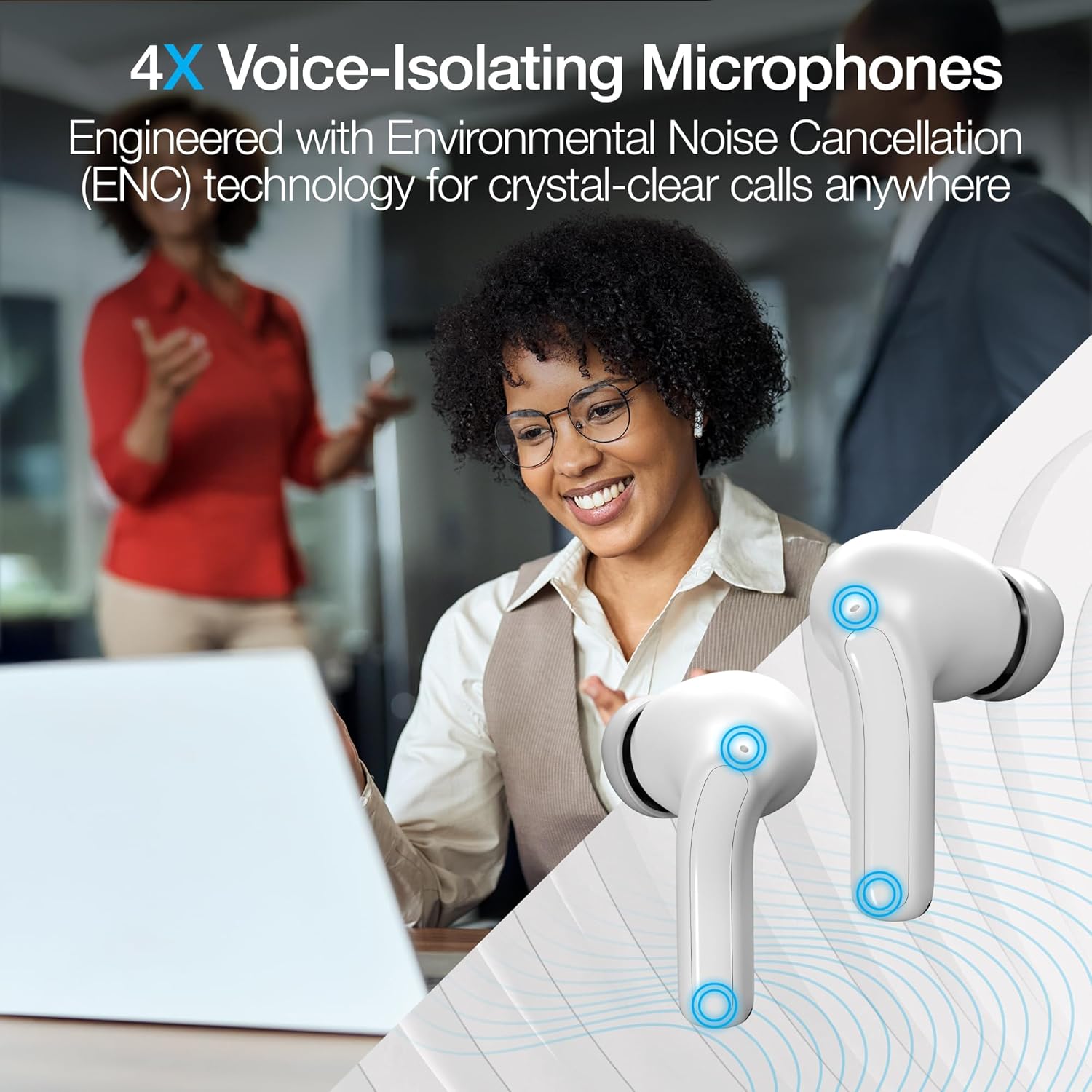
The Xpods Pro are equipped with 4 voice-isolating microphones and Environmental Noise Cancellation (ENC) technology for crystal-clear calls.
- To answer an incoming call, single tap either earbud.
- To end an active call, single tap either earbud.
- To reject an incoming call, long press either earbud for 2 seconds.

Maintenance
Cleaning Your Earbuds and Case
- Use a soft, dry, lint-free cloth to clean the earbuds and charging case.
- Do not use abrasive cleaners, solvents, or aerosol sprays.
- Gently clean the ear tips and mesh grilles to prevent wax buildup, which can affect sound quality.
Charging the Case
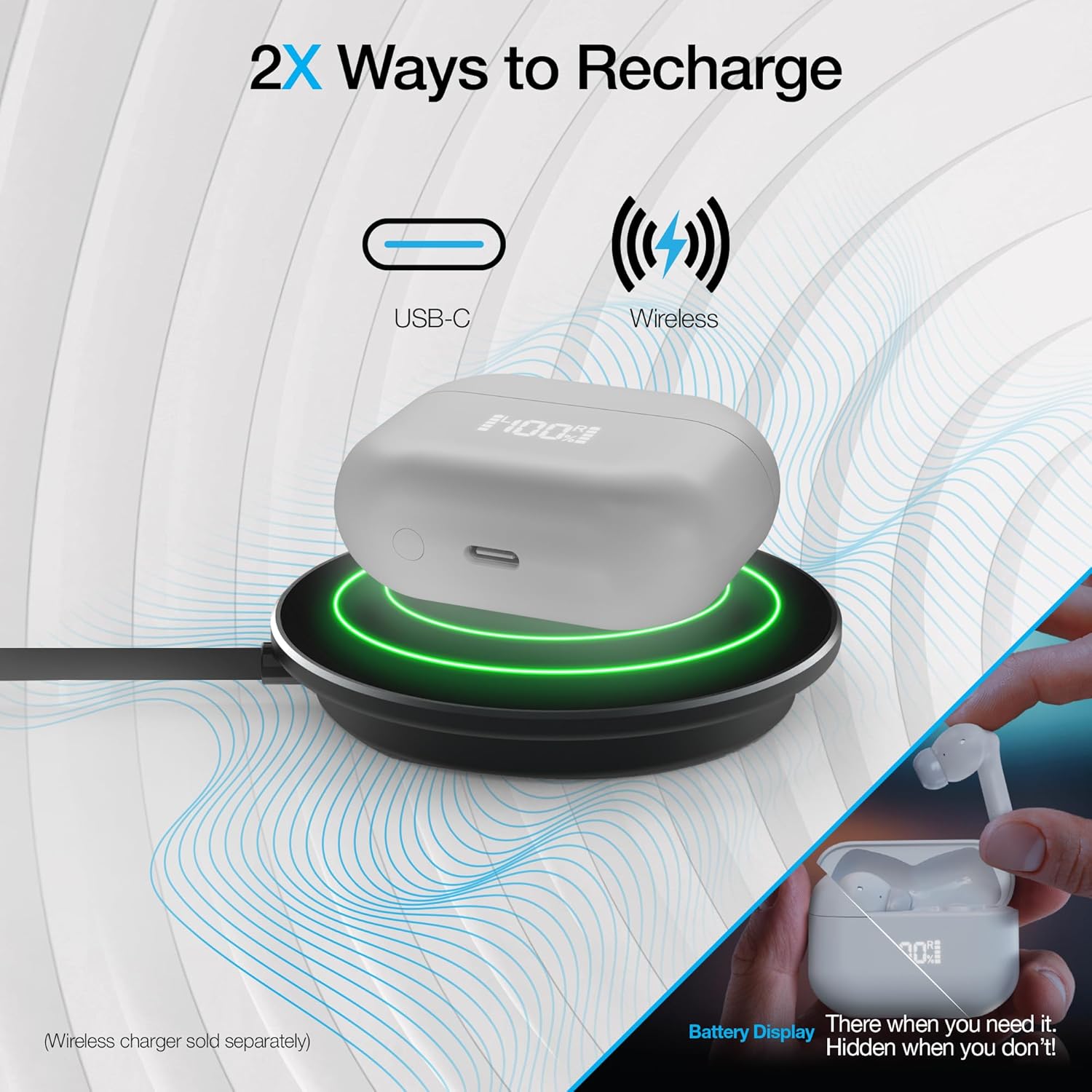
The charging case can be recharged using the included USB-C cable or wirelessly with a compatible Qi-certified wireless charger (sold separately).
Water Resistance
The Xpods Pro are IPX5 waterproof, meaning they are resistant to a sustained, low-pressure water jet spray. They are suitable for workouts and light rain but should not be submerged in water. Ensure earbuds are dry before placing them back in the charging case to prevent damage.
Troubleshooting
| Problem | Possible Solution |
|---|---|
| Earbuds not pairing |
|
| No sound or low volume |
|
| ANC not working effectively |
|
| Charging case not charging |
|
Specifications
| Feature | Detail |
|---|---|
| Model Name | Pro ANC + ENC |
| Model Number | 15880 |
| Connectivity | Bluetooth 5.4 |
| Noise Cancellation | Active Noise Cancellation (ANC) |
| Microphones | 4X Voice-Isolating with Environmental Noise Cancellation (ENC) |
| Water Resistance | IPX5 |
| Playtime (Earbuds) | Up to 5 hours per charge |
| Total Playtime (with Case) | Up to 25 hours |
| Quick Charge | 10-min charge = 2-hour play |
| Charging Case | Wireless Charging Compatible, USB-C |
| Display | LED Battery Display on Case |
| Dimensions | 3.94 x 6.5 x 1.15 inches |
| Weight | 5.4 ounces |
| Color | White |
Warranty and Support
For warranty information and customer support, please refer to the official Naztech website or contact their customer service directly. Keep your proof of purchase for any warranty claims.
Manufacturer: NAZTECH
UPC: 633755158810
Ask a question about this manual
Ask about setup, troubleshooting, compatibility, parts, safety, or missing instructions. Manuals+ will review the question and use this page’s manual context to help answer it.