
Introduction
This manual provides detailed instructions for the setup, operation, and maintenance of your TISHLED H104 Tri-Mode Typewriter Style Mechanical Gaming Keyboard. This keyboard features a unique typewriter aesthetic with round keycaps, linear red mechanical switches, and versatile tri-mode connectivity (Bluetooth 5.0, 2.4G Wireless, and Wired USB-C). It also includes true RGB LED backlighting and a durable, ergonomic design.

Image: The TISHLED H104 keyboard showcasing its typewriter-style design and vibrant RGB backlighting on a desk setup.
Setup Instructions
Package Contents
- TISHLED H104 Mechanical Keyboard
- USB-C Cable
- 2.4G USB Receiver (may be stored in the keyboard's battery compartment)
- User Manual
Connecting the Keyboard
The keyboard supports three connection modes: Wired USB-C, 2.4G Wireless, and Bluetooth 5.0. You can connect up to 3 Bluetooth devices, 1 wireless 2.4G device, and 1 wired device simultaneously.

Image: A visual representation of the keyboard's tri-mode connectivity, highlighting Wireless 2.4G, Bluetooth 5.0, and Wired USB-C options.
1. Wired USB-C Connection
- Connect the provided USB-C cable to the keyboard's USB-C port.
- Connect the other end of the cable to an available USB port on your computer.
- The keyboard will be automatically recognized and ready for use.
- To switch to wired mode, press FN + 5.
2. 2.4G Wireless Connection
- Locate the 2.4G USB receiver. It may be stored in a compartment on the keyboard.
- Plug the 2.4G USB receiver into an available USB port on your computer.
- Turn on the keyboard.
- Press FN + 4 to select 2.4G wireless mode. The indicator light will confirm the connection.
3. Bluetooth 5.0 Connection
The keyboard supports connecting to up to three Bluetooth devices.
- Turn on the keyboard.
- Press and hold FN + 1 (for BT1), FN + 2 (for BT2), or FN + 3 (for BT3) for 3-5 seconds until the corresponding indicator light flashes rapidly. This indicates pairing mode.
- On your device (computer, smartphone, tablet), enable Bluetooth and search for new devices.
- Select "TISHLED Keyboard" (or similar name) from the list of available devices to pair.
- Once paired, the indicator light will stop flashing and remain solid for a few seconds before turning off.
- To switch between paired Bluetooth devices, press FN + 1, FN + 2, or FN + 3 briefly.
Operating Instructions
RGB LED Backlight Control
The keyboard features true RGB LED backlighting with multiple modes and colors.
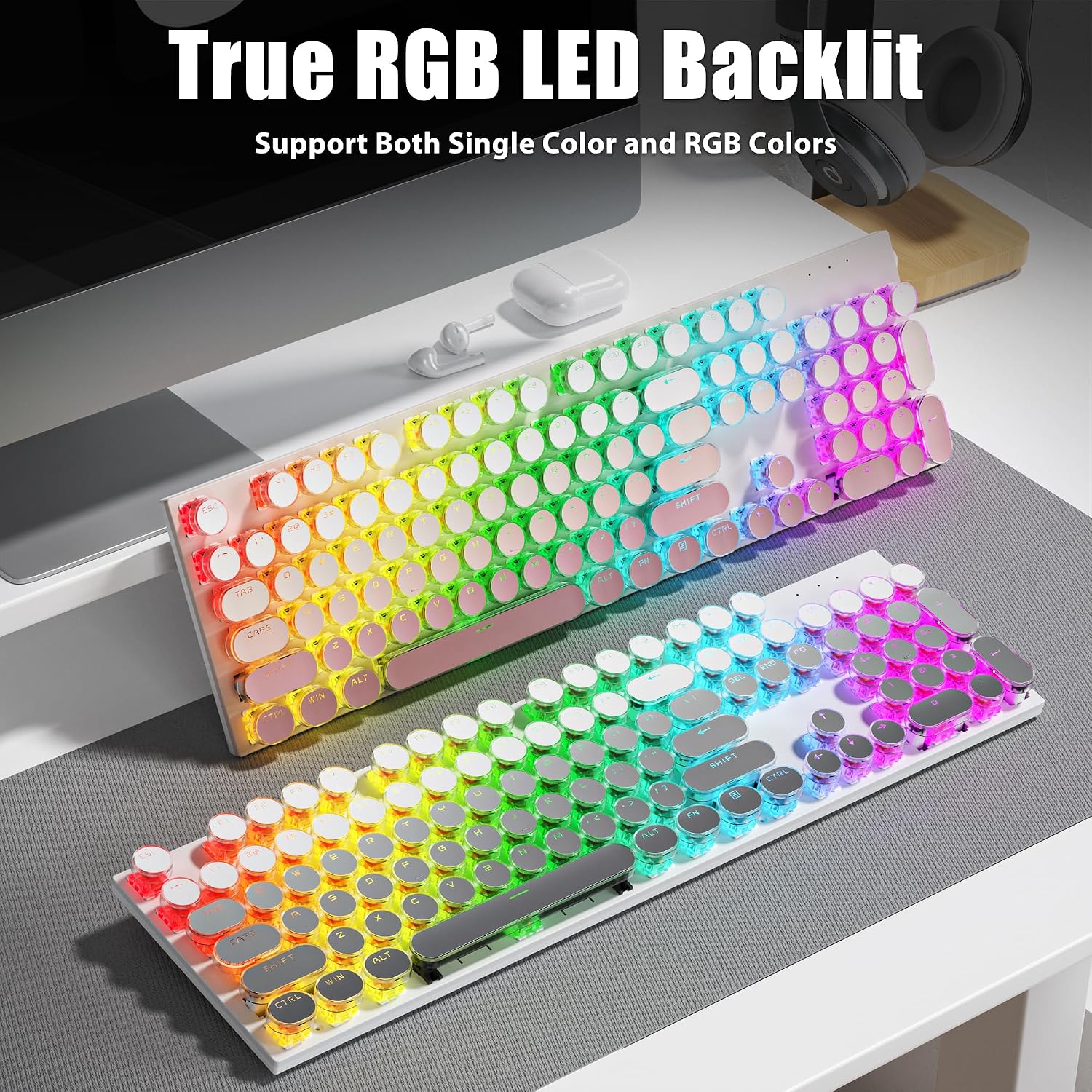
Image: The TISHLED H104 keyboard illuminated with vibrant RGB LED backlighting, showcasing its aesthetic appeal.
- Change Backlight Color: Press FN + Tab to cycle through single colors and RGB color modes.
- Change Backlight Mode: Press FN + \| to cycle through the 20 available LED backlight modes.
- Adjust Brightness: Press FN + ↑ (Up Arrow) to increase brightness and FN + ↓ (Down Arrow) to decrease brightness.
- Adjust Speed: Press FN + ← (Left Arrow) to decrease the speed of dynamic lighting effects and FN + → (Right Arrow) to increase the speed.
Power Management and Charging
The keyboard is equipped with a 2000mAh lithium battery and energy-saving features.
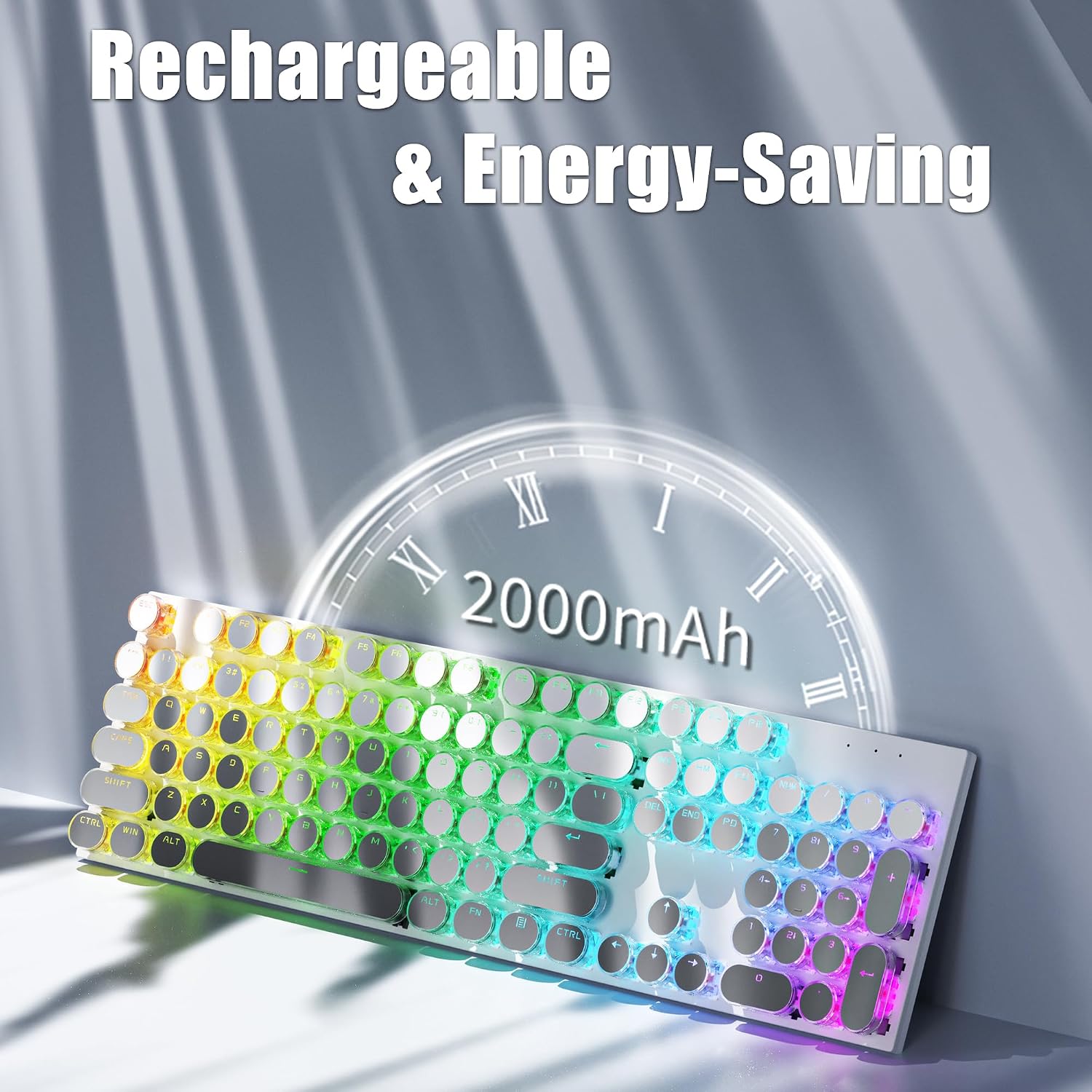
Image: The TISHLED H104 keyboard highlighting its 2000mAh rechargeable battery for extended use.
- Charging: Connect the keyboard to a USB power source using the provided USB-C cable. The indicator light will show charging status.
- Battery Life: The battery can last between 15-30 days with the backlight off, depending on usage.
- Shallow Sleep Mode: The keyboard enters shallow sleep mode after 2 minutes of inactivity to conserve battery. Press any key to wake it up.
- Deep Sleep Mode: After 15 minutes of inactivity, the keyboard enters deep sleep mode. Press any key to wake it up.
Anti-Ghosting Feature
The H104 keyboard features full 104-key anti-ghosting, ensuring every keystroke is registered accurately, even during rapid typing or intense gaming sessions. This keyboard does not support hot-swapping of switches.

Image: A close-up view of the TISHLED H104 keyboard keys, emphasizing the anti-ghosting capability.
Linear Red Switches
The keyboard is equipped with linear red mechanical switches, known for their fast action and minimal resistance. These switches provide a smooth, quiet typing experience without a tactile bump.

Image: A detailed view of the TISHLED H104 keyboard's linear red switches and innovative clear PC round keycaps.
Maintenance
Cleaning
- Disconnect the keyboard from all devices before cleaning.
- Use a soft, dry cloth to wipe the surface of the keyboard.
- For stubborn dirt, slightly dampen the cloth with water or a mild cleaning solution. Avoid excessive moisture.
- Use compressed air to remove dust and debris from between the keycaps.
- Do not immerse the keyboard in water or any cleaning liquid.
Storage
Store the keyboard in a cool, dry place away from direct sunlight and extreme temperatures when not in use for extended periods.
Troubleshooting
Keyboard Not Responding
- Wired Mode: Ensure the USB-C cable is securely connected to both the keyboard and the computer. Try a different USB port or cable.
- 2.4G Wireless Mode: Ensure the 2.4G USB receiver is properly plugged into a USB port. Verify the keyboard is in 2.4G mode (FN + 4). Check battery level.
- Bluetooth Mode: Ensure Bluetooth is enabled on your device and the keyboard is in the correct Bluetooth channel (FN + 1/2/3). Re-pair the device if necessary. Check battery level.
- Battery: If using wireless modes, ensure the keyboard is charged. Connect it via USB-C to charge.
RGB Backlight Not Working/Incorrect
- Ensure the backlight is turned on and brightness is not set to minimum (FN + ↑).
- Cycle through backlight modes (FN + \|) and colors (FN + Tab) to see if it responds.
Keys Not Registering (Ghosting)
- The H104 features full anti-ghosting. If specific keys are not registering, ensure the keyboard is clean and free of debris.
- If the issue persists, contact customer support.
Specifications
| Feature | Detail |
|---|---|
| Brand | TISHLED |
| Model Number | H104 |
| Connectivity Technology | Bluetooth 5.0, Wired USB-C, Wireless 2.4G |
| Keyboard Description | Mechanical |
| Switch Type | Linear Red Switches |
| Number of Keys | 104 |
| Keyboard Layout | QWERTY |
| Backlighting | True RGB LED Backlit |
| Anti-Ghosting | All 104 Keys |
| Battery Capacity | 2000mAh Lithium Battery |
| Compatible Devices | Laptop, PC, Smart TV, Smartphone, Tablet (Windows, Mac OS, iOS, Android, Linux) |
| Product Dimensions | 16.7"L x 4.7"W x 1.4"H |
| Material | Acrylonitrile Butadiene Styrene, Metal, Polycarbonate |
Warranty Information
This TISHLED keyboard comes with a 30-day unconditional refund policy and a 12-month worry-free warranty from the date of purchase. Please retain your proof of purchase for warranty claims.
Support
For technical assistance, warranty claims, or any questions regarding your TISHLED H104 keyboard, please contact TISHLED customer support through the retailer's platform or the official TISHLED website. Please have your model number (H104) and purchase details ready when contacting support.