
Introduction
Thank you for choosing the Mighty Mount Mag Switch Qi2 Wireless Car Charger Air Vent Mount. This device provides a secure magnetic hold and fast wireless charging for compatible smartphones, designed for convenient use in your vehicle. This manual will guide you through the installation, operation, and maintenance of your new charger.
Package Contents
Please verify that all items listed below are included in your package:
- 1x Mag Switch Qi2 Wireless Charger
- 1x Air Vent Mount Base
- 1x USB-C Charging Cable
- 1x Cleaning Wipe/Alcohol Pad
- 1x User Manual

Figure 1: Included components in the package.
Key Features
- Built-in On/Off Switch: Allows you to control charging as needed, helping to protect your device's battery and conserve energy.
- Ventilation System & LED Indicators: Designed with optimal airflow to prevent overheating. LED indicators provide visual feedback on charging and connection status.
- Qi2-Powered Ultra Fast Charging: Qi2-certified for true 15W power, offering faster charging for compatible devices.
- Strong Magnetic Grip: Features N52 magnets for a secure hold, ensuring stability during vehicle movement.
- Optimal Viewing: Provides 360° rotation and tilt capabilities for adjustable portrait and landscape viewing angles.
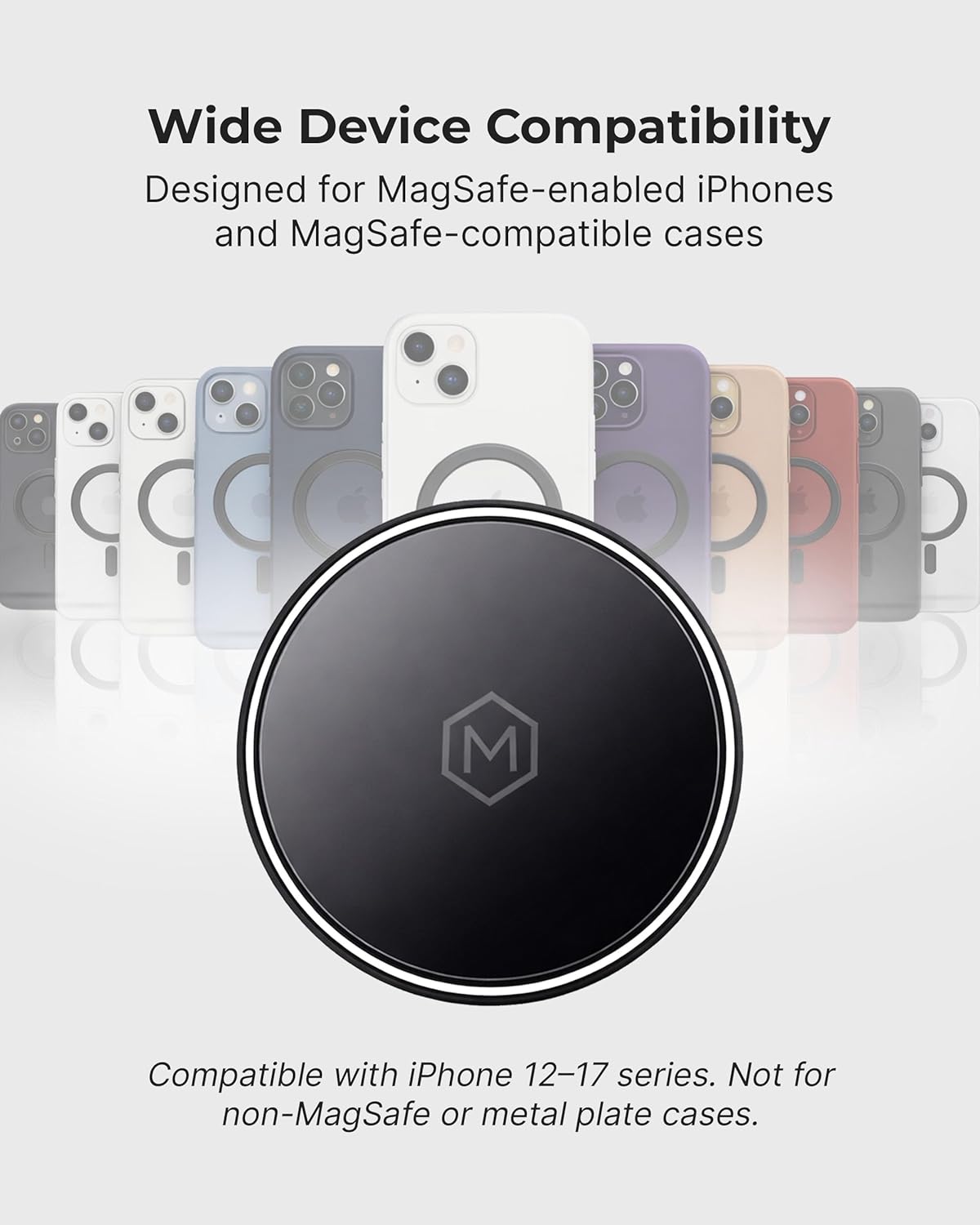
Figure 2: Wide device compatibility with MagSafe-enabled iPhones and cases.
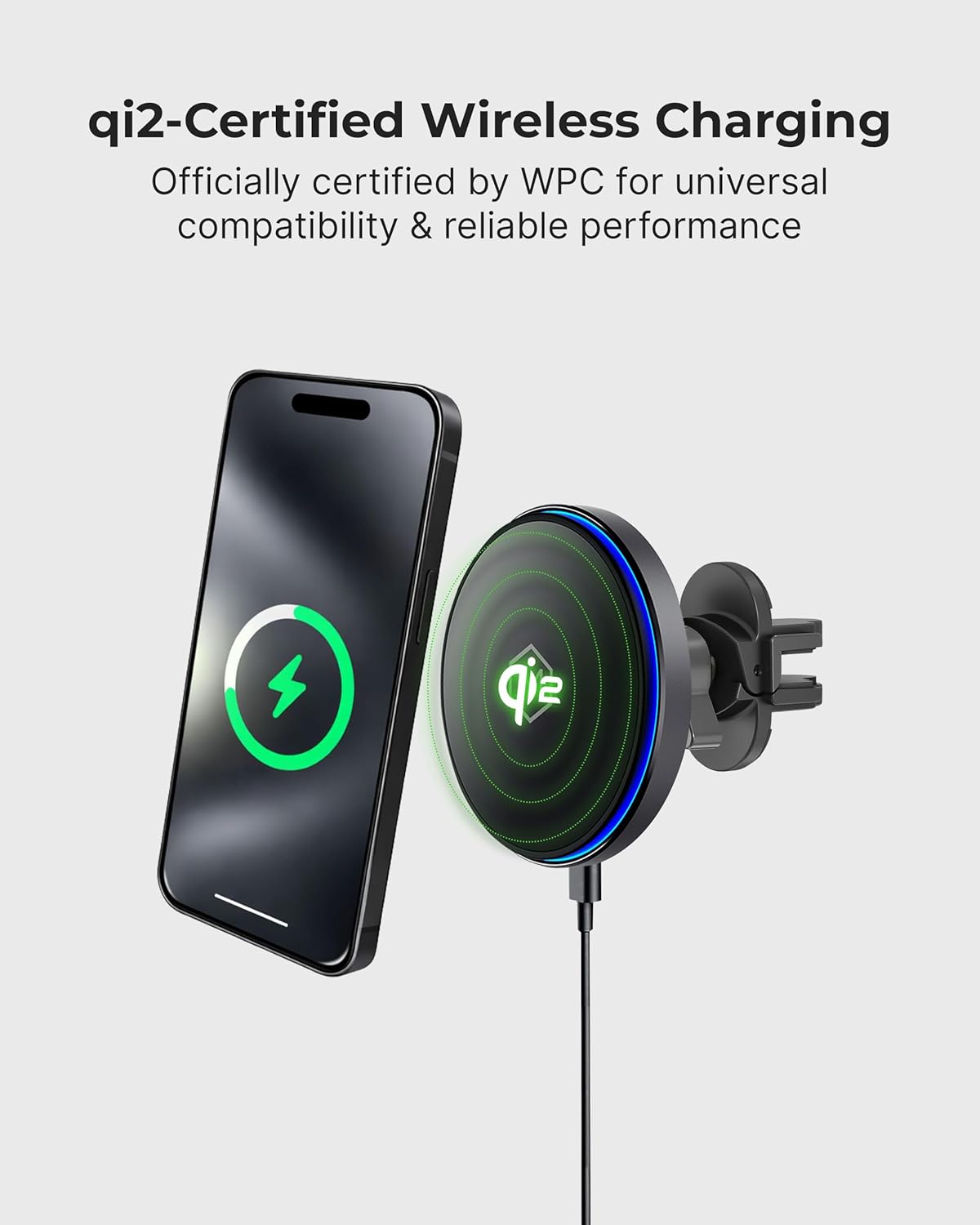
Figure 3: Qi2-certified wireless charging in action.
Setup and Installation
Follow these steps for quick and tool-free installation:
- Choose a stable vent location: Ensure the vent blades are clean and dry for maximum grip.
- Attach the vent clip: Insert the vent clip into the chosen air vent. Tighten until it fits snugly and securely between the vent blades.
- Mount and connect: Attach the charger head to the vent mount base. Connect the USB-C cable to the charger and a compatible car power adapter. Check the LED indicator for Qi2 charging status.

Figure 4: Quick, tool-free air vent installation steps.

Figure 5: Secure Vent Clip System components.
Operation
Once installed and connected, the Mighty Mount Mag Switch is ready for use:
- Attaching your device: Simply place your MagSafe-compatible iPhone (iPhone 12-17 series) or Android phone with a MagSafe-compatible case onto the magnetic charging surface. The strong N52 magnets will securely hold your device in place.
- Wireless Charging: The charger will automatically begin wireless charging when a compatible device is attached and the charger is powered on. The LED indicator will provide feedback on the charging status.
- On/Off Switch: Use the built-in on/off switch located on the back of the charger to manually start or stop charging. This feature allows you to control when your device charges, which can help optimize battery health.
- Adjusting Viewing Angle: The mount offers 360° rotation and tilt. Adjust your phone's position for optimal visibility and convenience while driving.

Figure 6: Power Control Button for managing charging.
Video 1: Demonstration of the Mag Switch Qi2 Wireless Charger's features and operation.
Specifications
| Brand | Mighty Mount |
| Model Number | B0DT761F5V |
| Item Weight | 8 ounces |
| Package Dimensions | 6 x 4 x 1 inches |
| Material | Plastic |
| Connector Type | USB Type C |
| Wattage | 15 watts |
| Output Voltage | 5 Volts |
| Special Feature | Wireless Charging, Built-in On/Off Switch, N52 Magnets |
| Compatible Devices | iPhone 12-17 series, iPhone Air, and MagSafe-compatible cases. For Android, use a MagSafe compatible case or included MagSafe ring. |

Figure 7: Product dimensions of the charger and vent clip.
Maintenance
To ensure the longevity and optimal performance of your Mighty Mount Mag Switch:
- Keep the charging surface clean and free of dust or debris. Use a soft, dry cloth for cleaning.
- Avoid exposing the device to extreme temperatures, direct sunlight for prolonged periods, or excessive moisture.
- Ensure the vent clip remains securely fastened to prevent movement during driving.
Troubleshooting
If you encounter issues with your charger, please refer to the following common solutions:
- Device not charging: Ensure the USB-C cable is securely connected to both the charger and the car power adapter. Verify that the car power adapter is functioning correctly. Check if the on/off switch on the charger is in the 'on' position.
- Slow charging: Confirm that your car power adapter provides sufficient power output (e.g., 15W or higher for fast charging). Ensure your phone is properly aligned on the charging surface.
- Phone not holding securely: Ensure your phone or phone case is MagSafe-compatible. Clean the magnetic surface of the charger and the back of your phone/case to remove any obstructions.
- Overheating: Ensure the car's air vent is not blocked, allowing for proper ventilation around the charger. Avoid charging in direct sunlight for extended periods.
Warranty and Support
For warranty information, technical support, or further assistance, please visit the official Mighty Mount website or contact their customer service. Keep your purchase receipt for warranty claims.
Official Mighty Mount Store: Mighty Mount Store

