
Mibro DE-P6-Kidwatch-Blue
Mibro Kids Watch Phone P6 Instruction Manual
Model: DE-P6-Kidwatch-Blue | Brand: Mibro
Introduction
The Mibro Kids Watch Phone P6 is a children's smartwatch designed for communication, safety, and activity tracking. It features 4G connectivity, a 2MP camera, 7-in-1 GPS location tracking, SOS alert capabilities, and a durable, waterproof design. This manual provides essential information for setting up, operating, and maintaining your Mibro P6 smartwatch.
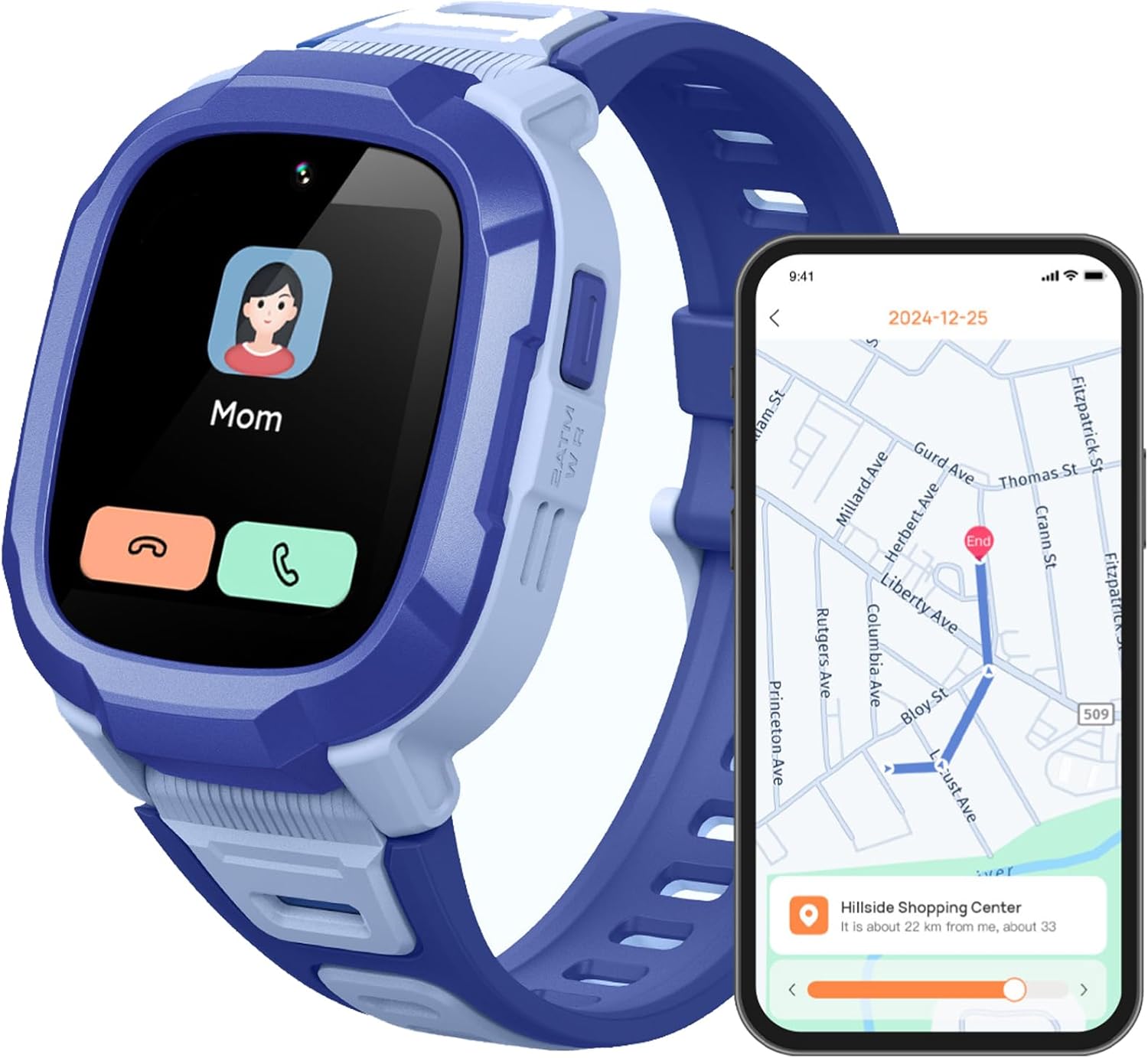
Image: The Mibro Kids Watch Phone P6, highlighting its communication and location tracking features.
What's in the Box
Upon opening the package, verify that all the following items are included:
- Mibro Kids Watch Phone P6 (Blue)
- Watch Band (pre-attached)
- Charging Cable (USB)
- User Manual
- 1 C battery (pre-installed)

Image: Overview of the Mibro P6 packaging and its included accessories.
Setup
1. Charging the Watch
Before first use, fully charge the watch. Connect the provided USB charging cable to the watch's charging port and a compatible USB power adapter (not included). A full charge takes approximately 2.5 hours. The watch has a 900 mAh battery capacity, offering up to 5 days of daily use and 8 days of standby time.

Image: Visual representation of the watch's long battery life and 900 mAh capacity.
2. SIM Card Installation
The Mibro P6 requires a 4G LTE SIM card for communication features (SIM card not included). Carefully open the SIM card slot cover on the side of the watch and insert the SIM card as indicated by the diagram on the device. Ensure it is securely seated before closing the cover.
3. Initial Power On and App Pairing
Press and hold the power button to turn on the watch. Follow the on-screen instructions to complete the initial setup. To manage the watch's features, including contacts, safety zones, and tracking, download the dedicated parent application on your smartphone. Scan the QR code displayed on the watch or found in the manual to download the app and pair your device.
Operating Instructions

Image: Overview of the Mibro P6's main smart features for kids.
Communication Features
- Two-Way Video and Phone Calls: The watch supports 4G LTE for stable calls and high-quality video communication with pre-approved contacts. Use the touch screen to navigate to the call interface and select a contact.
- Voice Chat: Engage in voice messages with designated contacts through the watch.
- Rejecting Calls from Strangers: Parents can configure the watch through the app to only accept calls from pre-set contacts, enhancing child safety.
- Message Reminders: The watch can display message notifications.
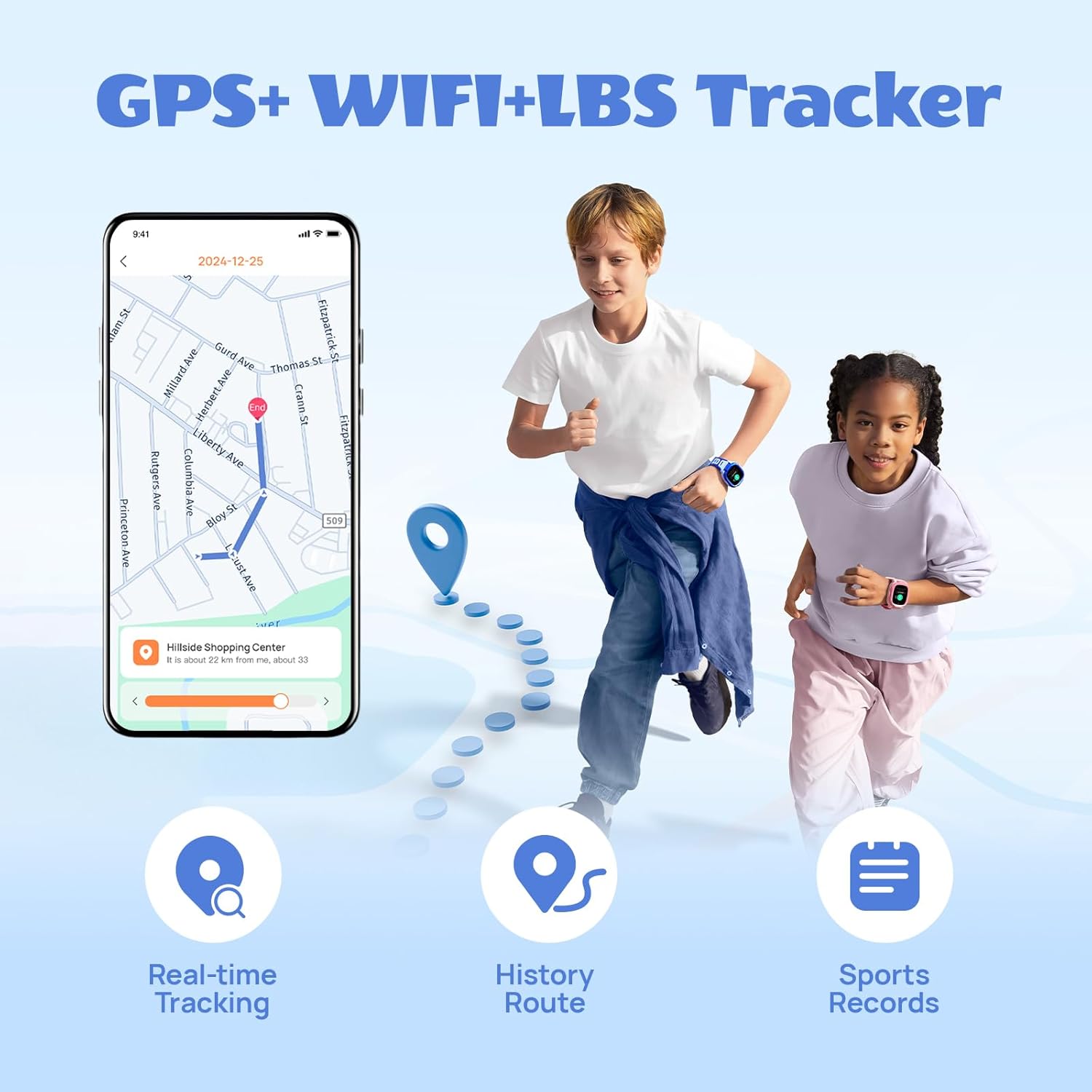
Image: Demonstrates the two-way video call feature and 4G connectivity of the watch.

Image: Illustrates the feature to reject calls from unknown numbers, managed via the parent app.
Safety and Location Tracking
- 7 Location Modes: The watch utilizes GPS, GLONASS, LBS, Wi-Fi, G-Sensor, AI, and photo tracking for accurate real-time location monitoring. Parents can view the child's current position and historical routes via the app.
- SOS Emergency Button: In an emergency, the child can press and hold the SOS button for 3 seconds. The watch will automatically send their current location to designated contacts and initiate a 7-second recording.
- Safety Zones: Set up virtual safe zones (e.g., home, school) in the parent app. You will receive notifications when your child enters or leaves these predefined areas.
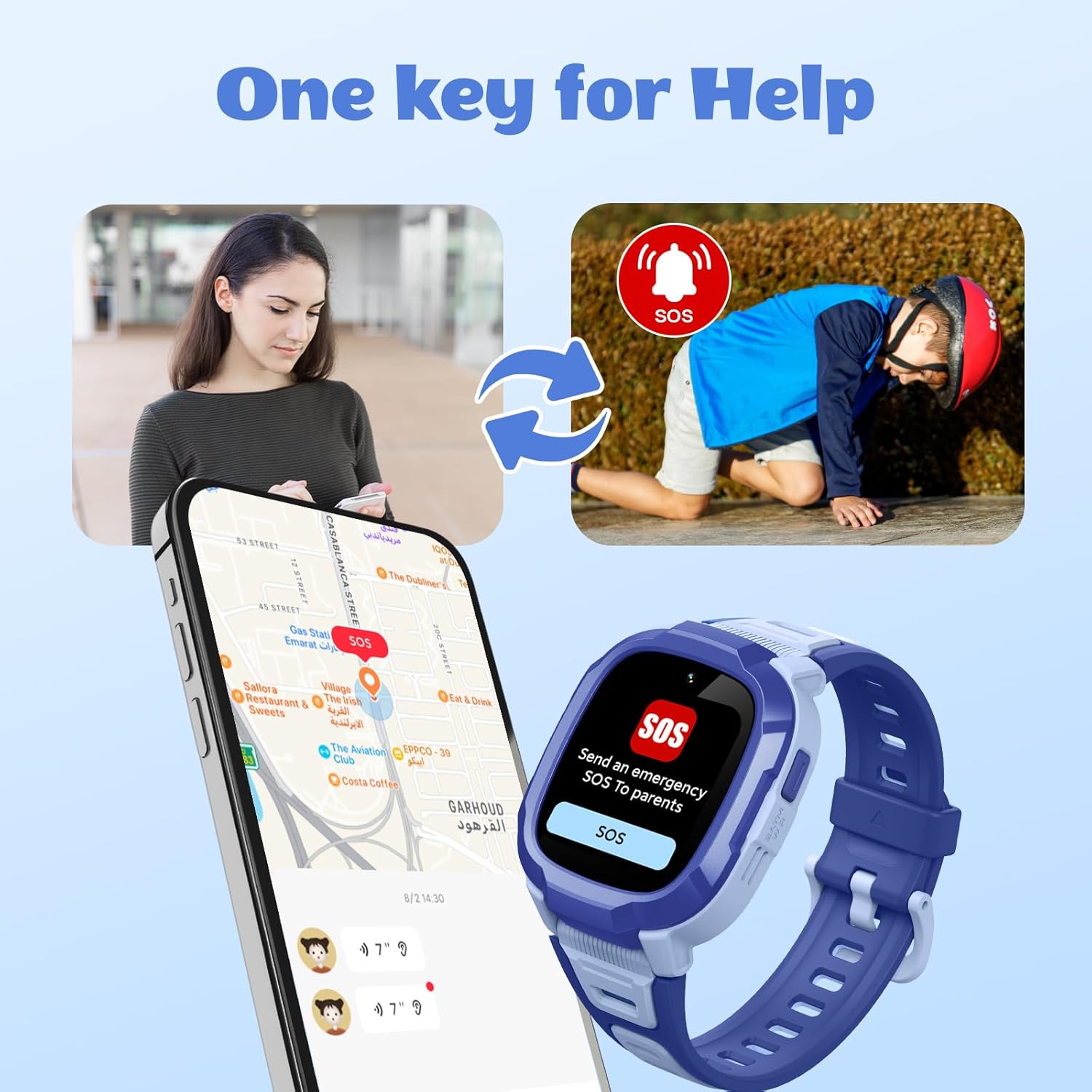
Image: Depicts the multi-mode GPS tracking capabilities, including real-time tracking and route history.

Image: Illustrates the one-key SOS emergency call function and how it alerts parents.

Image: Shows the interface for setting up safety zones and receiving location-based reminders.
Additional Features
- Class Mode (Anti-disturbing): Parents can set specific time periods during which the watch will limit functions to only contact parents and send SOS/positioning, ensuring the child focuses on school.
- Camera & Video: The 2MP wide-angle camera allows for taking photos and recording videos.
- Sports Tracking: The watch includes five different sports modes to track physical activity.
- Personalize Watch Dials: Kids can choose from various watch faces or use their own pictures for customization.
- Bump-to-Friend: A feature allowing children to add friends by "bumping" watches together.
- Torch/Flashlight: The watch includes a built-in flashlight function.
- Alarm Clock: Set alarms for reminders or daily routines.
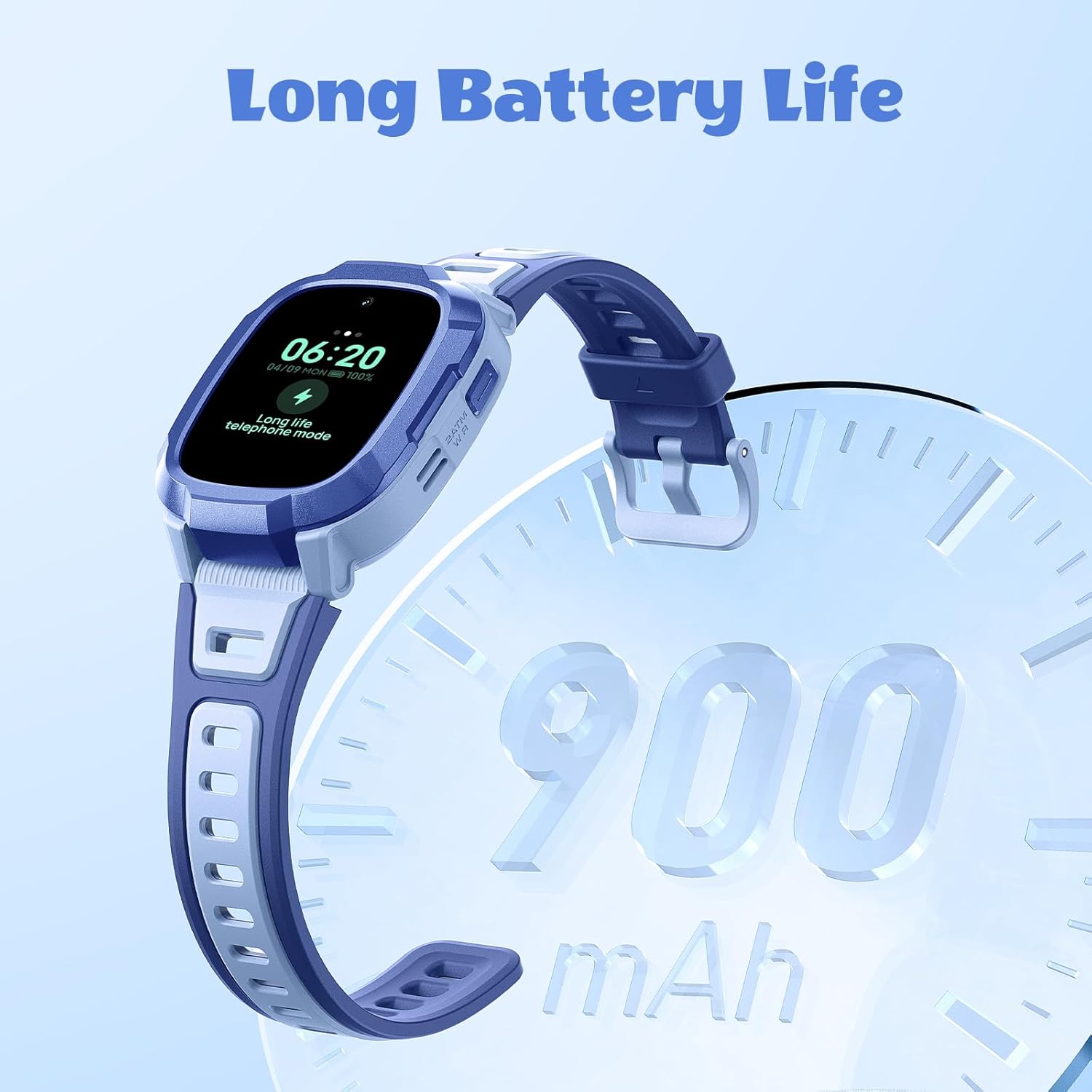
Image: Demonstrates the Class Mode (Anti-disturbing) feature, which helps children focus during school hours.
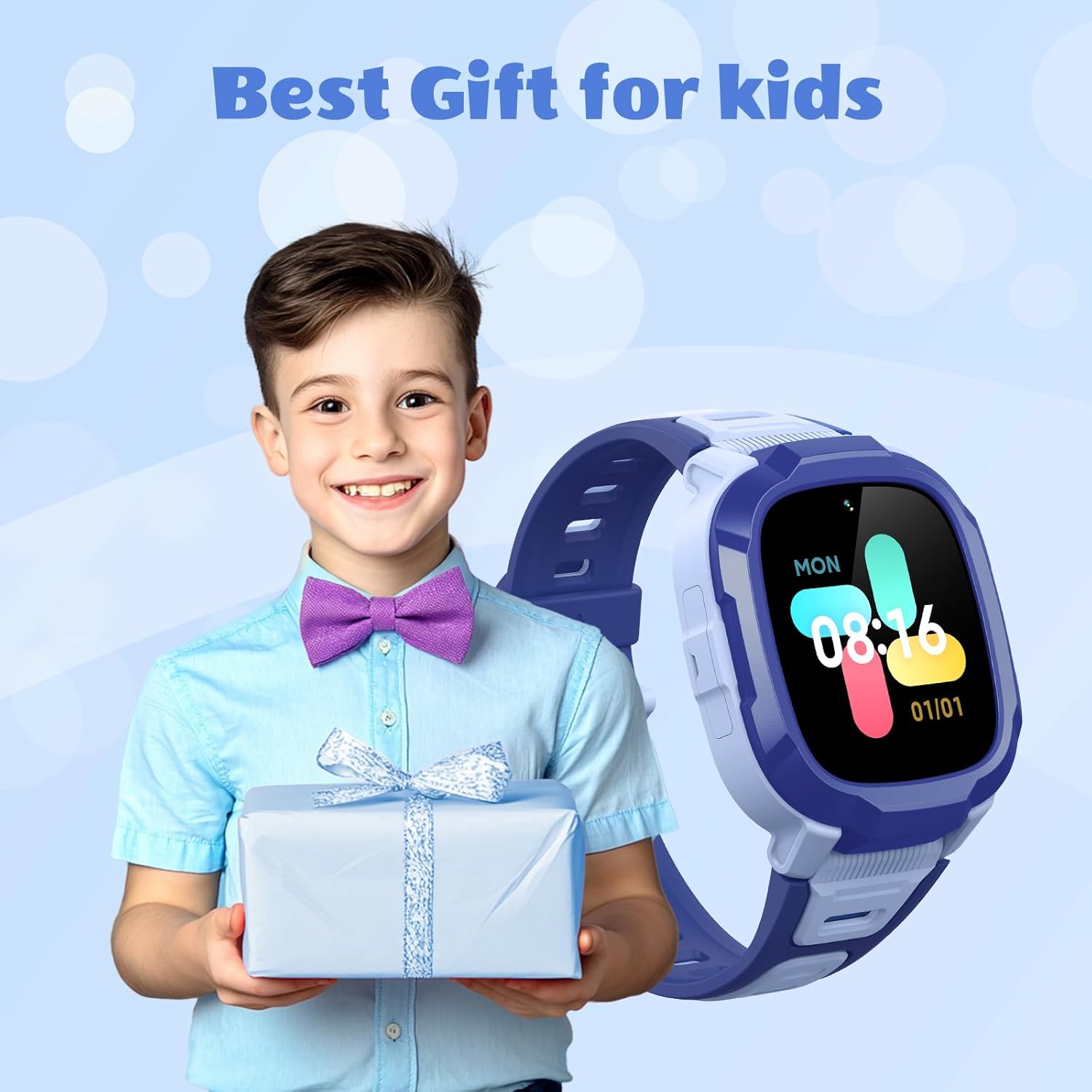
Image: Highlights the camera and video recording capabilities of the watch.

Image: Shows the variety of customizable watch dials available for the Mibro P6.

Image: Depicts the message reminder and camera functions of the watch.
Maintenance
Water Resistance
The Mibro P6 has a 2ATM waterproof certification, meaning it is water resistant up to 20 meters. It can withstand splashes, rain, and daily moisture like hand washing. However, avoid prolonged immersion in water, hot water, or steam, as this may damage the device. Ensure the SIM card slot cover is securely closed to maintain water resistance.

Image: Visual representation of the watch's 2ATM waterproof rating.
Cleaning
Wipe the watch and strap regularly with a soft, damp cloth. Avoid using harsh chemicals or abrasive materials that could damage the finish.
Battery Care
To prolong battery life, avoid exposing the watch to extreme temperatures. Charge the watch using only the provided cable. If the watch will not be used for an extended period, charge it to about 50% before storing.
Troubleshooting
| Problem | Possible Cause | Solution |
|---|---|---|
| Watch not turning on | Low battery; Power button not pressed long enough | Charge the watch for at least 30 minutes. Press and hold the power button for 5-10 seconds. |
| Cannot make/receive calls | No SIM card; SIM card not properly installed; No network signal; Contacts not set in app; "Reject unknown calls" enabled | Ensure a 4G SIM card is installed correctly. Check network signal strength. Add contacts via the parent app. Disable "Reject unknown calls" if necessary. |
| Inaccurate location tracking | Poor GPS signal (indoors/dense areas); Limited Wi-Fi/LBS coverage | Move to an open area for better GPS signal. Ensure Wi-Fi is enabled if available. Location accuracy varies by environment. |
| Watch not connecting to app | Bluetooth/network issues; Incorrect pairing process | Ensure both watch and phone have network connectivity. Restart both devices. Re-attempt pairing process as per setup instructions. |
| Short battery life | Frequent calls/video calls; High brightness; Constant GPS tracking | Reduce call frequency. Adjust screen brightness. Optimize GPS tracking frequency in the app. |
Specifications
| Feature | Detail |
|---|---|
| Model Name | Mibro P6 |
| Item Model Number | DE-P6-Kidwatch-Blue |
| Brand | Mibro |
| Operating System | Android Wear 2.9 |
| Connectivity Technology | Bluetooth, 4G LTE |
| Special Features | Video Call, GPS, SOS Alert, 2ATM Waterproof, Camera |
| Camera | 2 Megapixel |
| GPS | Built-in GPS (7 Location Modes) |
| Water Resistance | 2ATM (up to 20m) |
| Battery Capacity | 900 Milliamp Hours (mAh) |
| Battery Type | Lithium Ion (1 C battery included) |
| Memory Storage Capacity | 128 MB |
| Shape | Rectangular |
| Package Dimensions | 11.3 x 11.1 x 6.9 cm |
| Item Weight | 56.6 g |
Image: Technical drawing illustrating the dimensions of the Mibro P6 smartwatch.
Warranty and Support
For warranty information and technical support, please refer to the official Mibro website or contact Mibro customer service directly. Keep your purchase receipt as proof of purchase for warranty claims.
Manufacturer: Mibro
For further assistance, visit the Mibro Store on Amazon.
Ask a question about this manual
Ask about setup, troubleshooting, compatibility, parts, safety, or missing instructions. Manuals+ will review the question and use this page’s manual context to help answer it.