
Soundcore A3957
Contents
Soundcore Liberty 5 Wireless Earbuds User Manual
Model: A3957 | Brand: Soundcore
Introduction
Welcome to the Soundcore Liberty 5 user manual. These advanced wireless earbuds are designed to provide an exceptional audio experience with cutting-edge noise cancellation, immersive sound, and crystal-clear call quality. Please read this manual carefully to ensure proper use and to maximize the performance of your earbuds.
What's in the Box
- Soundcore Liberty 5 Earbuds
- Charging Case
- XXS/XS/S/M/L/XL Ear Tips (Size M Pre-Installed)
- USB-C Cable

Image: Soundcore Liberty 5 earbuds and their charging case.

Image: A visual representation of all items included in the Soundcore Liberty 5 packaging.
Setup
1. Charging the Earbuds and Case
Before first use, fully charge the earbuds and the charging case. The charging case has a battery life of 36 hours and takes approximately 4 hours to fully charge. The earbuds themselves offer up to 12 hours of playback on a single charge (ANC off).
- Place the earbuds into the charging case.
- Connect the USB-C cable to the charging port on the case and to a power source.
- The LED indicators on the case will show charging status.
- The case also supports wireless charging.

Image: The Soundcore Liberty 5 charging case with earbuds, highlighting its long battery life and wireless charging capability.

Image: A detailed graphic illustrating the ultra-long battery life of the earbuds and case under different ANC modes, including ultra-fast charging.
2. Pairing with Your Device
- Open the charging case. The earbuds will automatically enter Bluetooth pairing mode.
- On your device, enable Bluetooth and search for "Soundcore Liberty 5".
- Select the earbuds from the list to connect.
- For optimal experience, download the Soundcore app from your device's app store.
Operating Your Soundcore Liberty 5
Controls
The Liberty 5 earbuds feature intuitive touch controls on their stems. You can customize these controls via the Soundcore app.

Image: A visual guide to the touch control functions on the earbud stems, including single, double, and triple squeeze actions.
Noise Cancellation & Transparency
Experience unparalleled quiet with Adaptive ANC 3.0, which adjusts every 0.3 seconds to your environment. The earbuds offer 2x stronger voice reduction, effectively dampening human voices.
- Active Noise Cancellation (ANC): Blocks out ambient noise for an immersive listening experience.
- Transparency Mode: Allows you to hear your surroundings without removing your earbuds, ideal for conversations or awareness.

Image: A man wearing the earbuds in a busy environment, demonstrating the effectiveness of 2x stronger voice reduction.
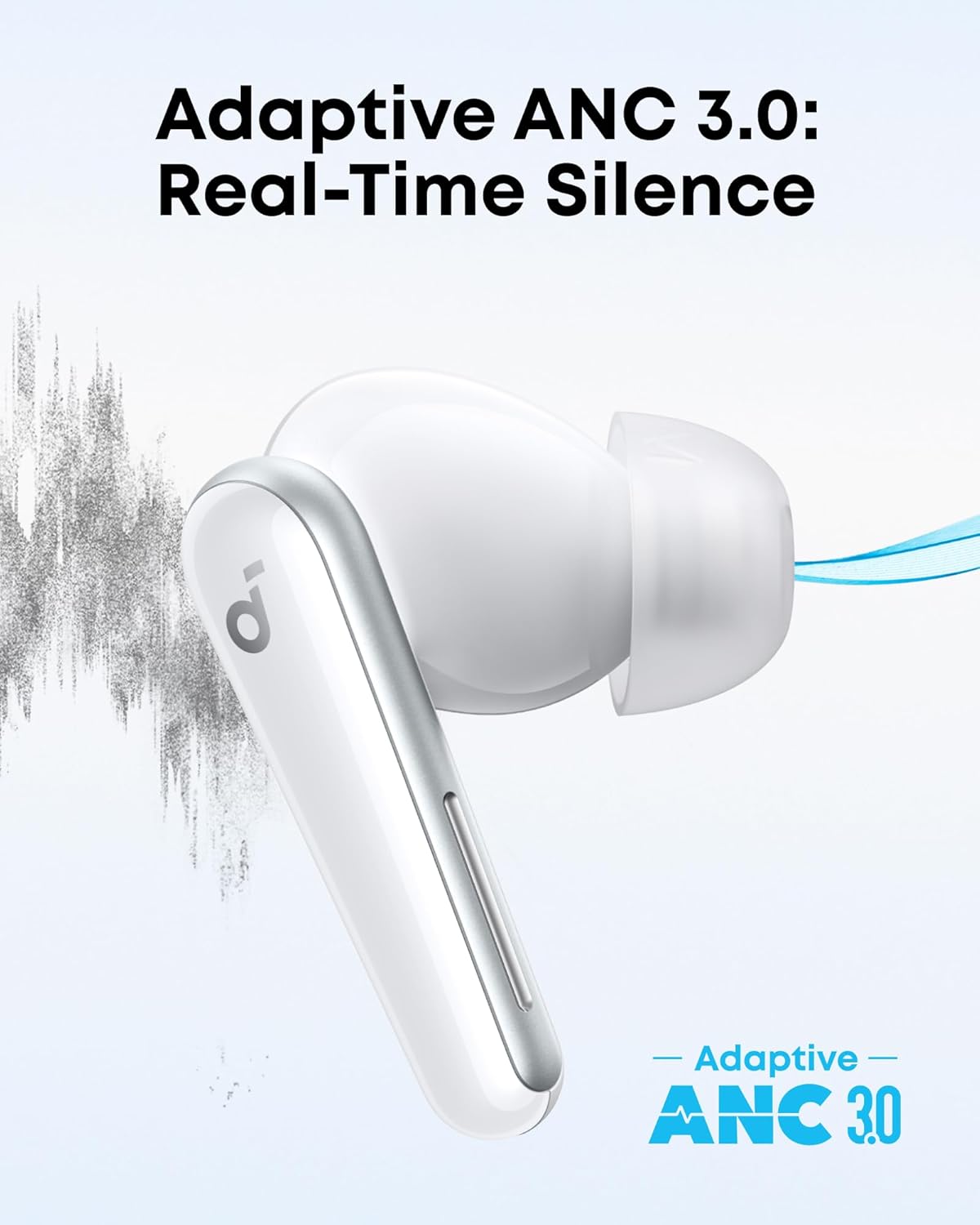
Image: A close-up of an earbud with a graphic illustrating the Adaptive ANC 3.0 technology for real-time silence.

Image: Two individuals engaged in conversation, with one wearing the earbuds, illustrating the 'True Awareness' transparency mode.
Audio Quality
Enjoy balanced, detail-rich listening powered by wool paper diaphragms, bass-enhancing tubes, LDAC, and Hi-Res Audio. The earbuds also feature immersive Dolby Audio with custom modes for music, movies, and podcasts.

Image: A man listening to music with the earbuds, emphasizing the immersive Dolby Audio experience.
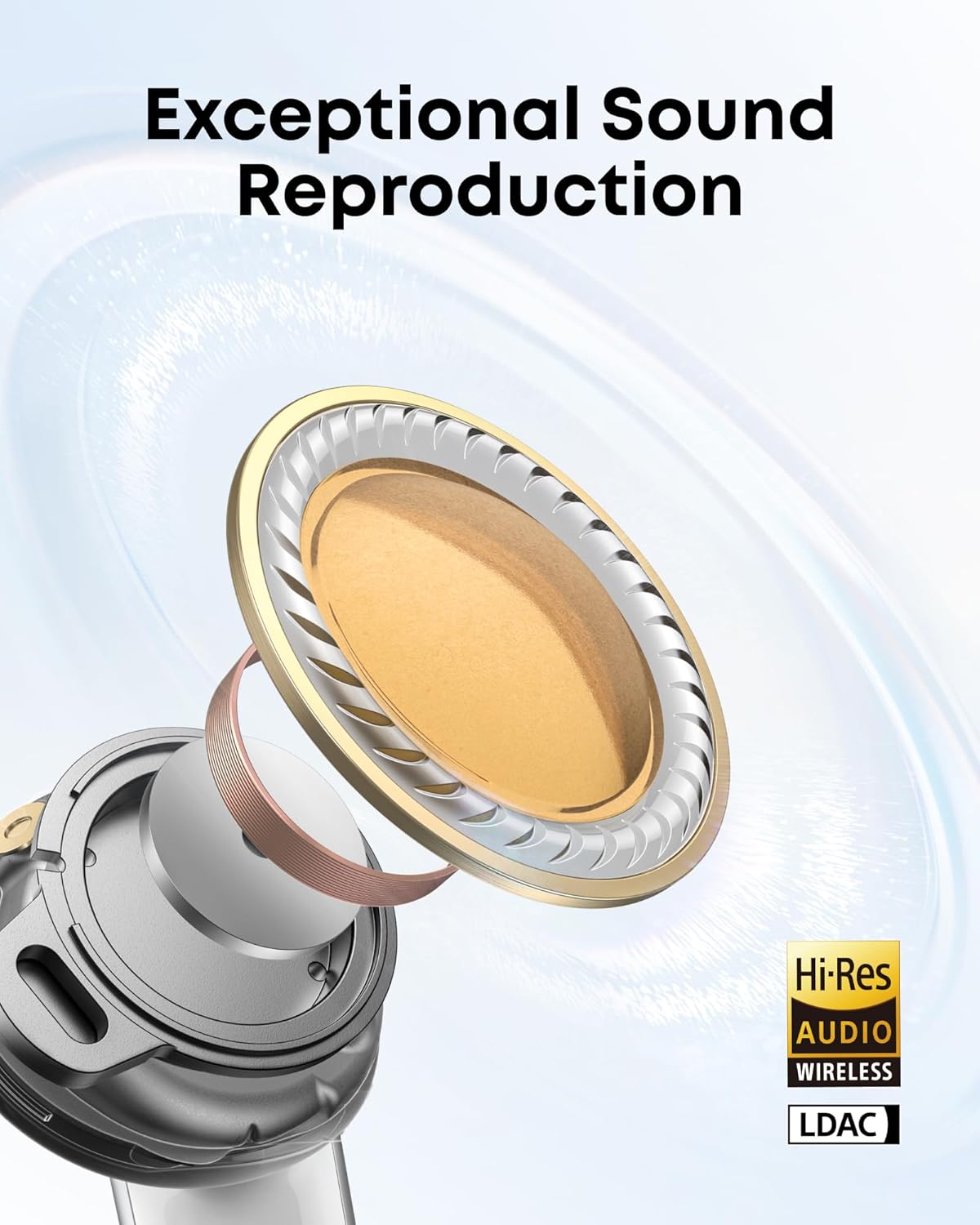
Image: An exploded view of the earbud's internal components, showcasing the technology behind its exceptional sound reproduction, including Hi-Res Audio and LDAC.
Call Features
Equipped with six microphones, AI noise cancellation, and a wind-resistant algorithm, these wireless earbuds ensure natural, clear calls as if you're talking face to face.

Image: An X-ray view of the earbuds highlighting the six microphones and AI-driven algorithm for crystal-clear calls.
App Features & Customization
The Soundcore app allows you to tailor the sound to your ears using HearID 4.0, which assesses your hearing and creates a personalized listening profile. You can also customize controls and ambient sound settings.
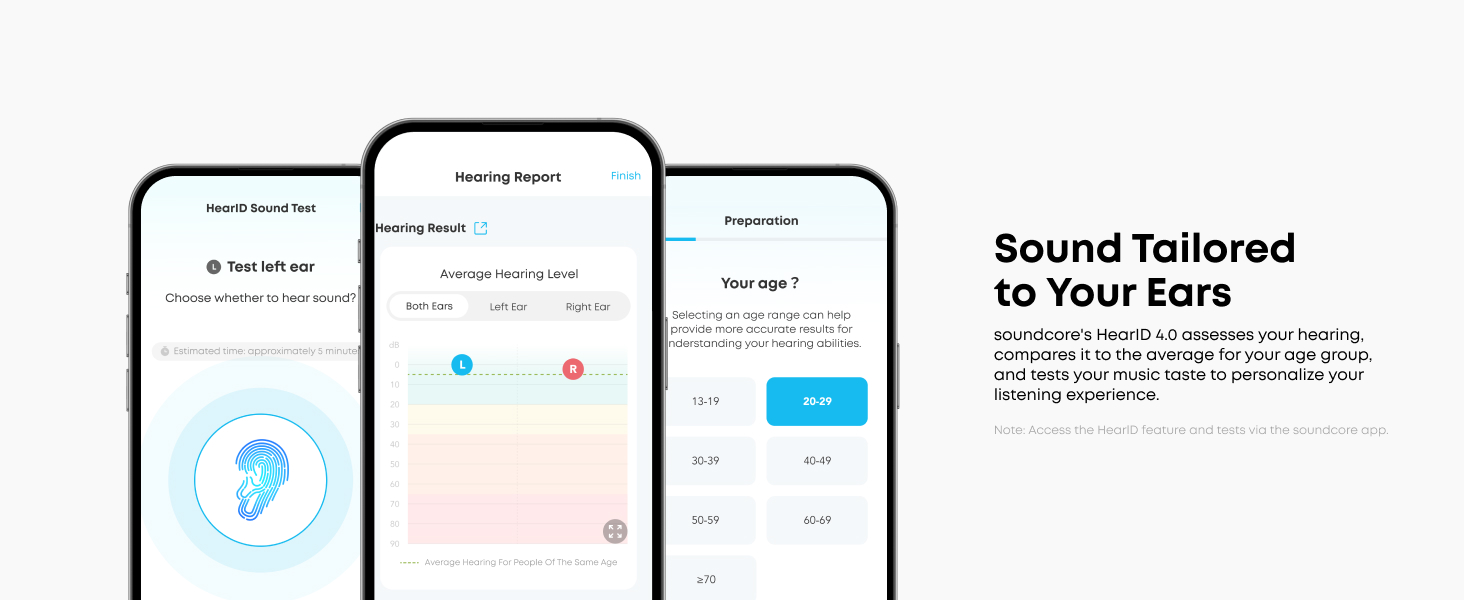
Image: Screenshots from the Soundcore app demonstrating the HearID feature for personalized sound profiles.
Dual Connections
Connect and juggle between two devices smoothly, even with LDAC enabled. Google Fast Pair adds convenience with auto-reconnection.

Image: A visual representation of the earbuds' ability to maintain dual connections with multiple devices simultaneously.
Maintenance
Water and Dust Resistance
The Soundcore Liberty 5 earbuds are IP55 water and dust-resistant, making them suitable for workouts and outdoor activities. While they can withstand splashes and sweat, they are not designed for submersion.

Image: Earbuds shown on a surface with water droplets, indicating their IP55 water and dust-resistant rating.
Ear Tip Selection and Fit
Choosing the correct ear tip size is crucial for optimal sound quality and noise cancellation. The Liberty 5 comes with six sizes of ear tips to ensure a snug seal and bespoke fit for your ears.
- Try different sizes to find the most comfortable and secure fit.
- A good seal enhances bass response and noise isolation.

Image: An earbud displayed alongside a range of ear tip sizes, emphasizing the importance of finding the right fit.
Troubleshooting
If you encounter any issues with your Soundcore Liberty 5 earbuds, please refer to the following common solutions:
- No Sound: Ensure earbuds are charged, connected to your device, and volume is up.
- Connection Issues: Try re-pairing the earbuds. Ensure no other Bluetooth devices are interfering.
- ANC Not Working: Check ear tip fit. Ensure ANC mode is activated in the Soundcore app.
- Poor Call Quality: Ensure microphones are clean. Check for strong signal.
- Earbuds Not Charging: Clean charging contacts on both earbuds and case. Ensure USB-C cable is properly connected.
For more detailed troubleshooting, please consult the official troubleshooting guide available on the Soundcore support website.
Specifications
| Feature | Specification |
|---|---|
| Model Name | Liberty 5 |
| Connectivity Technology | Wireless (Bluetooth 5.4) |
| Noise Control | Adaptive Noise Cancellation |
| Audio Driver Type | Dynamic Driver |
| Audio Driver Size | 9.2 Millimeters |
| Frequency Response | 20-40000 Hz |
| Battery Life (Earbuds) | Up to 12 hours (ANC off) |
| Battery Life (with Case) | Up to 48 hours (ANC off) |
| Charging Time | 3 Hours (Earbuds), 4 Hours (Case) |
| Water Resistance Level | IP55 Water Resistant |
| Control Type | Touch Control |
| Item Weight | 57.1 Grams |
| Product Dimensions | 2.33 x 2.33 x 1.13 inches |
Warranty and Support
Soundcore products come with a limited warranty. For detailed warranty information and to register your product, please visit the official Soundcore website.
For additional support, including the full User Guide and Troubleshooting Guide, please refer to the following resources:
Documents and downloads
Ask a question about this manual
Ask about setup, troubleshooting, compatibility, parts, safety, or missing instructions. Manuals+ will review the question and use this page’s manual context to help answer it.