
BaldrTherm Floating Pool Thermometer
BaldrTherm Floating Digital Solar Pool Thermometer Instruction Manual
Model: Floating Pool Thermometer
1. Product Overview
The BaldrTherm Floating Digital Solar Pool Thermometer is designed for accurate and convenient water temperature monitoring in various environments. Featuring a self-sustaining solar power design, high precision sensors, and a clear dual-sided display, this thermometer provides real-time temperature updates without the need for frequent battery changes. Its robust, waterproof, and fog-resistant construction ensures durability and reliable performance.
2. Key Features
- Self-Sustaining Solar Design: Equipped with a built-in solar panel for continuous power, minimizing the need for battery replacements.
- Accurate & Real-Time Updates: Advanced sensor technology provides precise temperature measurements, updated every 5 seconds.
- Fog-Resistant & Waterproof: IPX7-rated with ultrasonic sealing to prevent fogging and ensure durability in water.
- Clear Dual Display: Two large, high-contrast screens allow for easy readability from multiple angles.
- One-Touch °F/°C Conversion: Easily switch between Fahrenheit and Celsius temperature scales with a single button press.
- Multi-Scene Monitoring: Ideal for swimming pools, jacuzzis, fish tanks, infant baths, spa facilities, and ponds.
3. Setup
- Unpack: Carefully remove the BaldrTherm Floating Digital Solar Pool Thermometer from its packaging.
- Initial Power: The device is primarily solar-powered. For initial use or if the device has been stored in darkness, expose the solar panel to direct sunlight for a few hours to ensure it is sufficiently charged. The device also includes 3 AAA batteries for backup power.
- Placement: Gently place the thermometer into the water body you wish to monitor (e.g., pool, spa, pond). Ensure the sensor probe is fully submerged and the display is facing upwards for optimal solar charging and visibility.

Figure 1: High-efficiency solar panel on the thermometer for continuous power.
4. Operation
- Power On/Off: Locate the power button on the underside of the thermometer. Press and hold the button for approximately 3 seconds to turn the device on or off.
- Temperature Reading: Once powered on and placed in water, the thermometer will automatically display the current water temperature on its dual screens. Readings are updated every 5 seconds.
- Unit Conversion (°F/°C): To switch between Fahrenheit (°F) and Celsius (°C), briefly press the power button. The display will toggle between the two units.
- Viewing: The dual-sided display allows for easy temperature reading from various positions around the water body.

Figure 2: One-touch button for switching between Celsius and Fahrenheit.

Figure 3: The thermometer is suitable for use in multiple water environments.
5. Maintenance
- Cleaning: Periodically clean the solar panel and display screens with a soft, damp cloth to ensure optimal solar charging and clear visibility. Avoid abrasive cleaners.
- Waterproof Integrity: The thermometer is designed with IPX7 waterproofing and ultrasonic sealing. Avoid disassembling the device, as this may compromise its waterproof integrity.
- Storage: When not in use for extended periods, store the thermometer in a cool, dry place away from direct sunlight to prolong its lifespan.
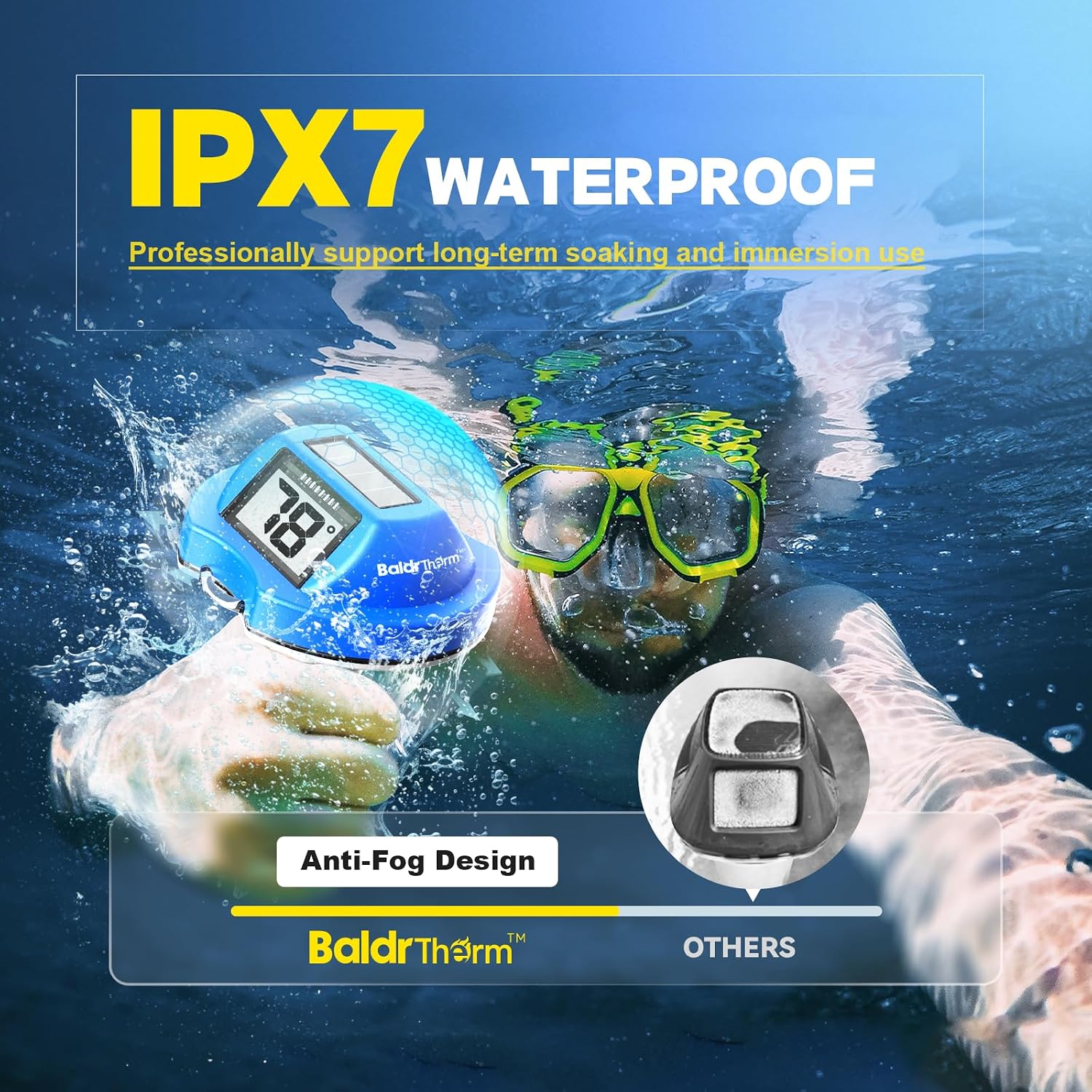
Figure 4: The thermometer features IPX7 waterproofing and an anti-fog design for durability.
6. Troubleshooting
- Display is blank or dim: Ensure the solar panel is exposed to sufficient sunlight for charging. If the device has been in darkness, it may take some time to charge and display.
- Inaccurate readings: Verify that the sensor probe is fully submerged in the water and not obstructed by debris. Ensure the thermometer has been in the water for a few minutes to stabilize its reading.
- Fogging on display: The thermometer features an anti-fog design. If fogging occurs, remove the device from water and allow it to dry completely in a well-ventilated area. If the issue persists, contact customer support.
7. Specifications
| Attribute | Detail |
|---|---|
| Brand | BaldrTherm |
| Model Name | Floating Pool Thermometer |
| Color | Blue |
| Display Type | Digital |
| Power Source | Solar Powered (3 AAA batteries included for backup) |
| Special Feature | Fast Refresh |
| Waterproof Rating | IPX7 |
| Response Time | 5 seconds |
| Upper Temperature Rating | 104 Degrees Fahrenheit |
| Item Length | 7.17 Inches |
| Item Weight | 8.1 ounces |

Figure 5: The thermometer features an ultra-accurate, high-sensitivity probe.
8. Warranty and Support
The BaldrTherm Floating Digital Solar Pool Thermometer comes with a standard 1-year warranty. An option to extend coverage to 3 years is available; please contact the BaldrTherm service team for details on warranty extension and support.
9. Product Videos
Note: Specific video URLs were not provided in the product data. Therefore, no videos could be embedded in this manual.
Ask a question about this manual
Ask about setup, troubleshooting, compatibility, parts, safety, or missing instructions. Manuals+ will review the question and use this page’s manual context to help answer it.