
Introduction
Thank you for choosing the Strex Wireless Earbuds, Model SP316. These earbuds are designed to provide a superior audio experience with advanced features such as Active Noise Cancellation (ANC), Environmental Noise Cancellation (ENC), Bluetooth 5.3 connectivity, and a comfortable, water-resistant design. This manual will guide you through the setup, operation, and maintenance of your new earbuds to ensure optimal performance and longevity.
Important Safety Information
- Do not expose the earbuds or charging case to extreme temperatures, direct sunlight, or fire.
- Avoid dropping or applying excessive force to the device.
- Keep the device away from water and liquids, except for the IPX5 water resistance which protects against splashes and sweat. Do not submerge.
- Do not attempt to disassemble or modify the earbuds or charging case. This may void the warranty and cause damage.
- Use only the provided USB-C charging cable or a certified equivalent.
- Prolonged listening at high volume levels may cause hearing damage. Adjust volume to a safe level.
Package Contents
Please check the box for the following items:
- 1 Pair of Strex Wireless Earbuds
- 1 Charging Case
- 1 USB-C Charging Cable
- 1 Set of Silicone Eartips (various sizes)
- 1 User Manual

Image: Contents of the Strex Wireless Earbuds package.
Product Overview
The Strex Wireless Earbuds feature an ergonomic design for comfortable wear and intuitive touch controls. The charging case includes an LED display to show battery status for both the case and individual earbuds.
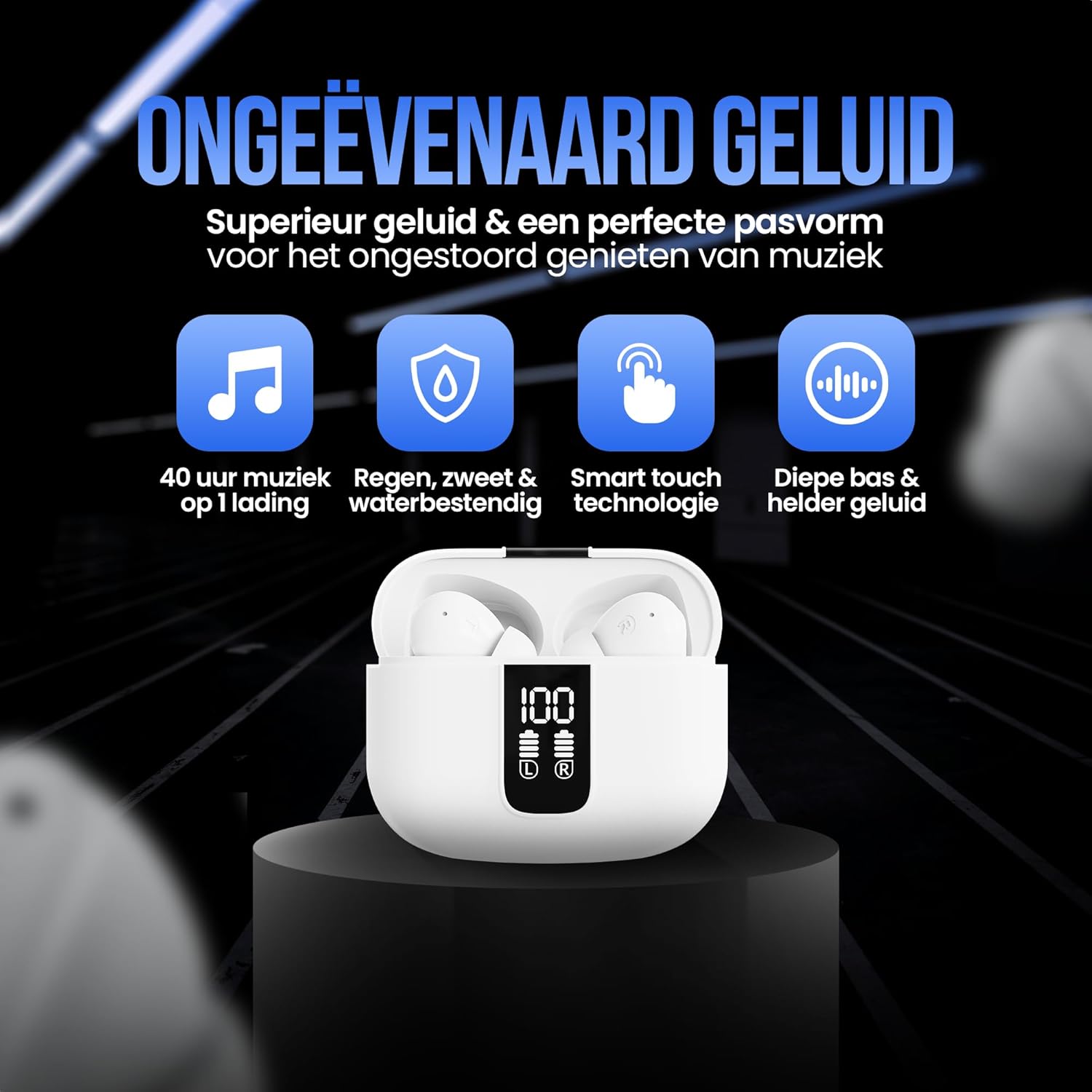
Image: Strex Wireless Earbuds and charging case.
Key Features:
- Active Noise Cancellation (ANC) & Environmental Noise Cancellation (ENC): For clear audio and calls.
- Bluetooth 5.3: Stable and fast wireless connection.
- Long Battery Life: Up to 6 hours per charge, 40 hours with charging case.
- LED Display: Shows battery status of earbuds and case.
- IPX5 Water Resistance: Protection against sweat and splashes.
- Ergonomic Design: Comfortable fit with soft silicone eartips.
Setup
1. Charging the Earbuds and Case
Before first use, fully charge the earbuds and the charging case.
- Place the earbuds into the charging case. Ensure they are correctly seated.
- Connect the USB-C charging cable to the charging port on the case and the other end to a USB power adapter (not included) or a computer's USB port.
- The LED display on the charging case will show the battery level. A full charge is indicated by '100' on the display.

Image: Charging case LED display showing battery status.
The earbuds provide up to 6 hours of playback on a single charge, and the charging case extends this to a total of 40 hours.
2. Pairing with a Device (Bluetooth 5.3)
- Open the charging case. The earbuds will automatically enter pairing mode.
- On your device (smartphone, tablet, laptop), enable Bluetooth.
- Search for available Bluetooth devices and select "Strex Earbuds" from the list.
- Once connected, you will hear a confirmation tone, and the earbuds will be ready for use.
- The earbuds will automatically reconnect to the last paired device when taken out of the case, if Bluetooth is enabled on the device.

Image: Stable Bluetooth 5.3 connection and touch controls.
Operating Instructions
1. Power On/Off
- Power On: Open the charging case, and the earbuds will automatically power on.
- Power Off: Place the earbuds back into the charging case and close the lid. They will automatically power off and begin charging.
2. Touch Controls
The Strex Wireless Earbuds feature intuitive touch controls on each earbud. The specific functions may vary slightly depending on your device and application.
| Action | Function |
|---|---|
| Single Tap (Left/Right) | Play/Pause music, Answer/End call |
| Double Tap (Right Earbud) | Next Track |
| Double Tap (Left Earbud) | Previous Track |
| Triple Tap (Left/Right) | Activate Voice Assistant |
| Long Press (Right Earbud) | Increase Volume |
| Long Press (Left Earbud) | Decrease Volume |
| Long Press (Left/Right during call) | Reject Call |
| Long Press (Left/Right, 2 seconds) | Toggle ANC/Transparency Mode (if applicable) |
3. Active Noise Cancellation (ANC) and Environmental Noise Cancellation (ENC)
The earbuds feature both ANC and ENC technologies to enhance your listening and call experience.
- ANC: Reduces ambient noise, ideal for quiet listening in noisy environments.
- ENC: Filters background noise during calls, ensuring your voice is clear to the recipient.
- To activate or deactivate ANC, perform a long press on either earbud (refer to touch controls).

Image: Earbuds with emphasis on noise cancellation and sound quality.
Maintenance
1. Cleaning
- Gently wipe the earbuds and charging case with a soft, dry, lint-free cloth.
- Remove eartips and clean them with mild soap and water, then rinse and dry thoroughly before reattaching.
- Do not use abrasive cleaners, alcohol, or chemical solvents.
2. Storage
- When not in use, always store the earbuds in their charging case to protect them and keep them charged.
- Store the device in a cool, dry place, away from direct sunlight and extreme temperatures.
3. Water Resistance (IPX5)
The Strex Wireless Earbuds are rated IPX5, meaning they are resistant to sweat and splashes of water. This makes them suitable for workouts and outdoor activities.
- Do not submerge the earbuds in water.
- Do not expose them to running water or high-pressure water jets.
- Ensure the earbuds are dry before placing them back into the charging case to prevent damage.

Image: Earbuds designed for active use with IPX5 protection.
Troubleshooting
If you encounter any issues with your Strex Wireless Earbuds, please refer to the following common problems and solutions:
1. Earbuds not pairing or connecting
- Ensure both earbuds are charged and taken out of the charging case.
- Turn off and then turn on Bluetooth on your device.
- Delete "Strex Earbuds" from your device's Bluetooth list and attempt to pair again.
- Ensure the earbuds are within the 10-meter Bluetooth range of your device.
2. No sound or low volume
- Check the volume level on both your device and the earbuds.
- Ensure the earbuds are properly connected to your device.
- Clean any debris from the earbud speakers and eartips.
3. Charging issues
- Verify that the USB-C cable is securely connected to both the charging case and the power source.
- Try using a different USB-C cable or power adapter.
- Ensure the charging contacts on the earbuds and inside the case are clean and free of obstructions.
4. ANC not working effectively
- Ensure ANC is activated via the touch controls.
- Check that the eartips provide a good seal in your ear canal. Try different sizes for a better fit.
Specifications
| Feature | Detail |
|---|---|
| Model Number | SP316 |
| Color | White |
| Bluetooth Version | 5.3 |
| Battery Life (Earbuds) | Up to 6 hours |
| Total Battery Life (with Case) | Up to 40 hours |
| Noise Reduction | Active Noise Cancellation (ANC) + Environmental Noise Cancellation (ENC) |
| Water Resistance Rating | IPX5 |
| Material | ABS + PC (Plastic) |
| Microphone | Yes |
| Weight | 45 Grams (total, likely for case + earbuds) |
| Ear Placement | In-Ear |
| Compatible Devices | Smartphones, Laptops, Tablets, Desktop Computers |

Image: Compact design and dimensions of the earbuds and charging case.
Warranty and Support
Information regarding specific warranty details and software update guarantees is not available in the provided product data. For support or warranty claims, please refer to the contact information provided with your purchase or visit the official Strex website.
The product is generally covered by a 30-day return policy as per the seller's terms.