
1. Product Overview
The GEPRC W63 is a versatile 6-port 1S battery charger designed for FPV drones and other RC applications. It features independent charging, discharging, and storage modes for each port, supporting LiPo, LiHV, and LiFe battery types. With its 3A fast charging capability per channel, IPS display, and multiple safety protections, the W63 offers efficient and secure battery management.

2. Important Safety Instructions
Please read and follow these safety guidelines carefully to prevent damage to the charger, batteries, or personal injury.
- Never leave the charger unattended during operation. Discontinue use immediately if any issues arise and consult this manual.
- Keep the charger away from dust, sand, moisture, rain, high temperatures, direct sunlight, and heavy vibrations.
- Ensure the power supply voltage is within the 7-26V range. Do not connect both XT60 and Type-C input connectors simultaneously.
- Avoid using BT2.0 and PH2.0 connectors on the same port for charging or discharging at the same time.
- Remove all batteries from the charger before restarting the device.
- If reinserting the Type-C connector, wait approximately 8 seconds before plugging it back in to ensure proper startup.
- Place the charger on a heat-resistant, non-flammable, and insulated surface. Do not use it on car seats, carpets, cardboard boxes, or similar surfaces.
- Keep liquids and metal particles away from the input ports and ventilation openings. Ensure no flammable or explosive materials are nearby.
- Do not use the charger in high-temperature environments. Maintain clear bottom ventilation for proper airflow.
- Understand your battery's specifications and set charger parameters correctly to avoid damage or dangerous situations such as fires or explosions.
- Remove the battery promptly after charging or discharging is complete.
- For any questions or concerns, contact our support team immediately to prevent potential damage.
3. Key Features
- Six-Channel Independence: Six fully independent ports allow simultaneous charging, discharging, and storage with zero interference. Use only one connector type (PH2.0 or BT2.0) per port during operation.
- High-Speed Charging: Engineered with rapid 3.0A charging per channel for quick battery preparation. Supports LiPo, LiHV, and LiFe batteries.
- Universal Compatibility: Works with PH2.0, BT2.0, and XT60 connectors (including A30 models). Integrated Type-C PD3.0 support for power banks.
- Ultra-Compact Design: Weighs just 160g, making it highly portable.
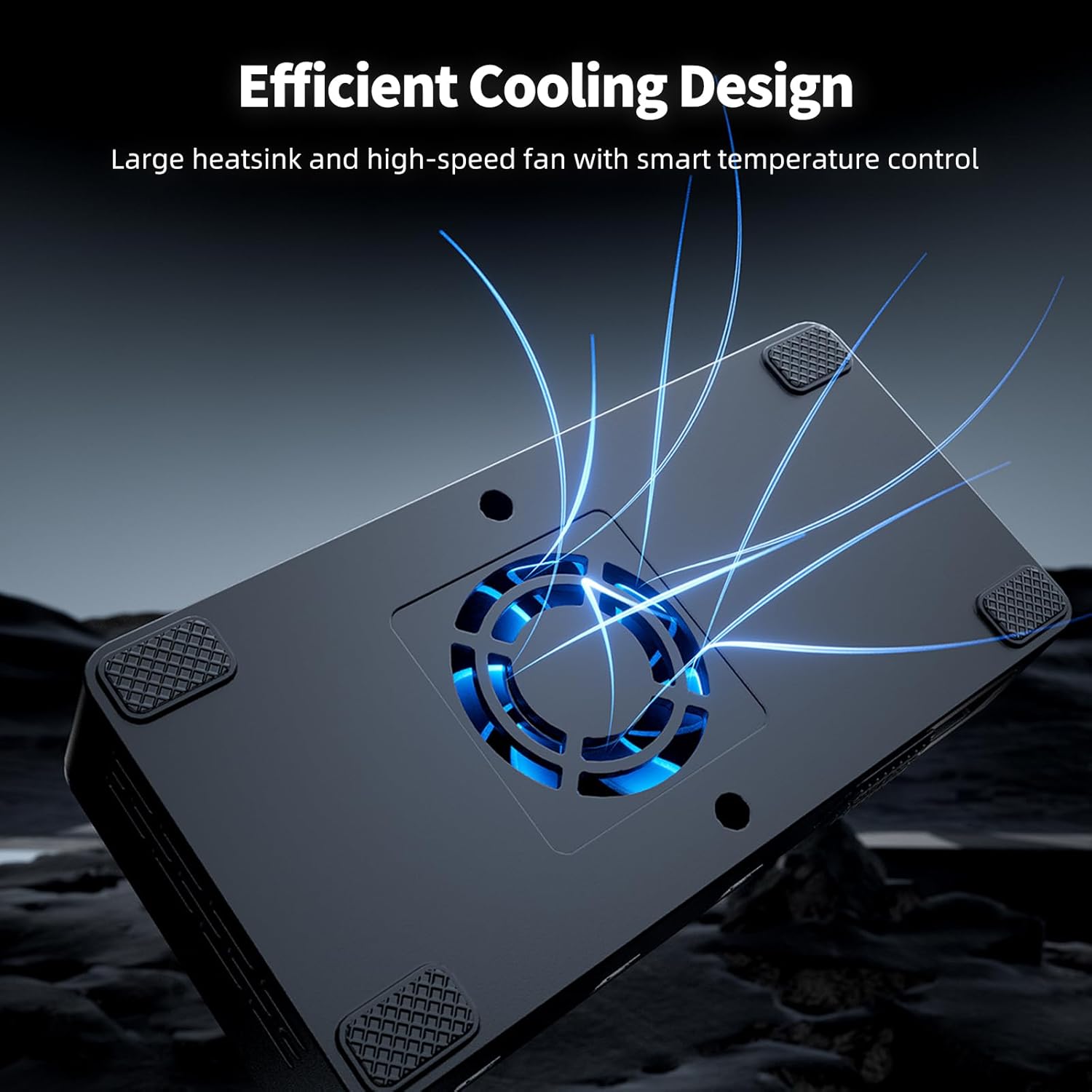
- Advanced Cooling: Features a large heat sink and cooling fan for optimal performance during prolonged use.
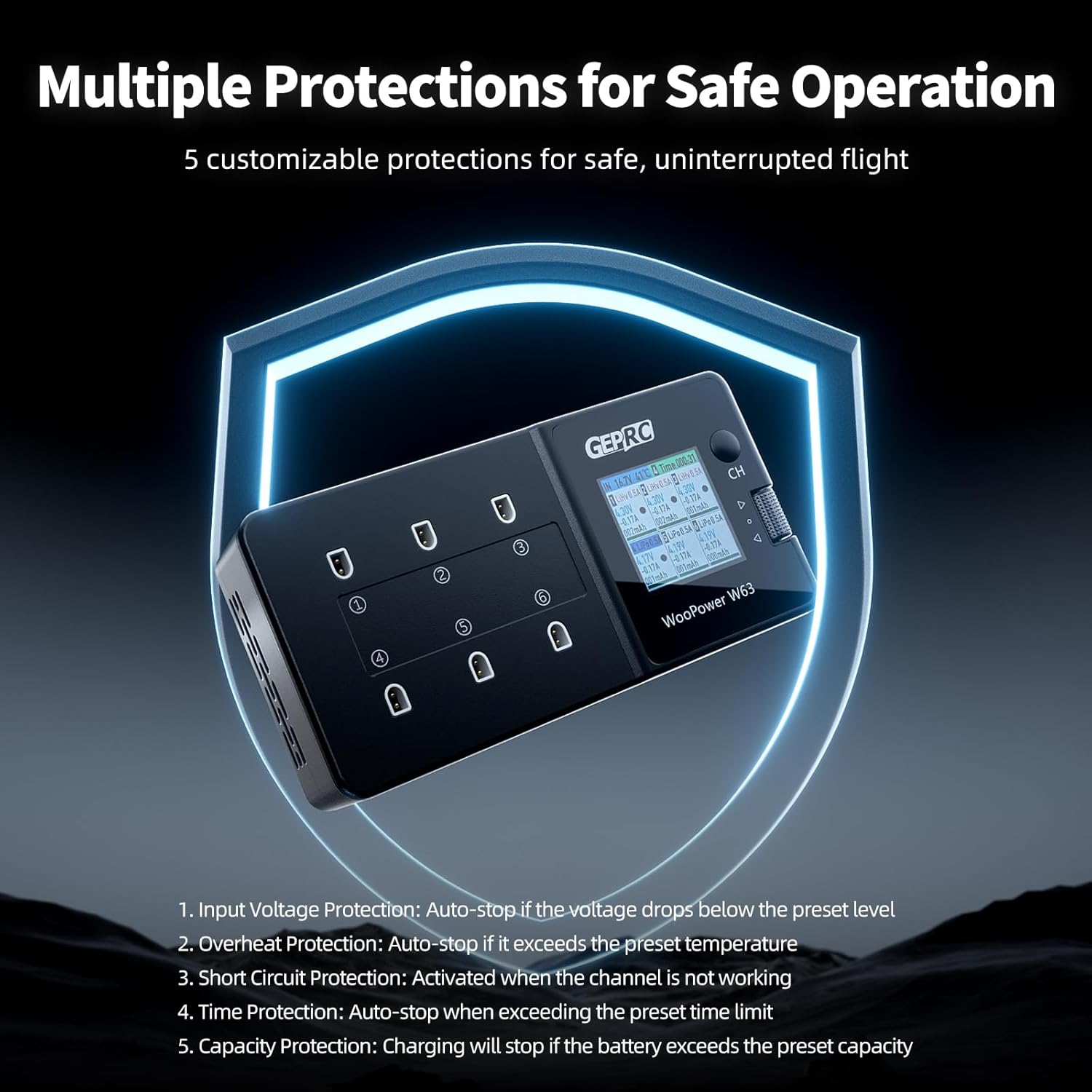
- Five-Layer Safety: Includes temperature, time, capacity, and short-circuit protections for peace of mind.
- Intuitive Control: Vibrant 1.54-inch IPS display and one-touch controls simplify monitoring and operation.

4. Setup Guide
4.1 Package Contents
Verify that all items are present in your package:

4.2 Powering the Charger
The GEPRC W63 charger supports two input methods:
- XT60 Input: Connect a 7-26V (2-6S) power supply to the XT60 port.
- Type-C Input: Connect a Type-C PD3.0 or higher fast-charging protocol power source (e.g., a compatible power bank or wall adapter) to the Type-C port.
Important: Do not connect both XT60 and Type-C power inputs simultaneously.

5. Operating Instructions
5.1 User Interface Overview
The charger features a 1.54-inch IPS HD display and a scroll button for navigation and selection.

5.2 Charging Batteries
Each of the six ports operates independently. Follow these steps to charge your batteries:
- Connect the charger to a suitable power source using either the XT60 or Type-C input.
- Insert your 1S LiPo, LiHV, or LiFe battery into one of the PH2.0 or BT2.0 output ports. Ensure only one connector type is used per port.
- The IPS display will show the status of each connected battery. Use the scroll button to navigate and select the desired port.
- Adjust charging parameters (e.g., current, battery type) as needed for each individual port. The charging current is adjustable from 0.1A to 3.0A.
- Confirm your settings to begin charging. The charger will automatically stop when the battery is fully charged or when safety limits are reached.
- Remove batteries promptly after charging is complete.
Official GEPRC W63 LiPo battery Charger demonstration video, showing basic charging functionality.
GEPRC W63 Charger Operation Video, providing a visual guide to the charger's functions and settings.
5.3 Discharge and Storage Modes
The GEPRC W63 also supports discharge and storage modes for optimal battery health and longevity.
- Discharge Mode: Reduces battery voltage to a safe level for storage or before disposal. Maximum 0.5A discharge current, automatically adjusted based on battery voltage.
- Storage Mode: Charges or discharges the battery to an ideal voltage level (typically 3.80V-3.85V for LiPo/LiHV) for long-term storage, preserving battery life.
To activate these modes, select the desired port using the scroll button and choose 'Discharge' or 'Storage' from the menu options. Adjust parameters as necessary and confirm to start the process.
6. Care and Maintenance
Proper care ensures the longevity and reliable performance of your GEPRC W63 charger.
- Cleaning: Use a soft, dry cloth to clean the charger's exterior. Avoid using solvents or abrasive cleaners.
- Storage: Store the charger in a cool, dry place away from direct sunlight and extreme temperatures when not in use.
- Ventilation: Ensure the cooling fan and ventilation openings are free from dust and debris to maintain efficient heat dissipation.
- Cable Inspection: Regularly inspect all cables and connectors for any signs of wear or damage. Replace damaged components immediately.
7. Troubleshooting
If you encounter issues with your GEPRC W63 charger, refer to the table below for common problems and solutions.
| Problem | Possible Cause | Solution |
|---|---|---|
| Charger does not power on. | Incorrect input voltage; loose power connection; Type-C reinsertion too soon. | Ensure input voltage is 7-26V. Check power cable connections. If using Type-C, wait 8 seconds before re-plugging. |
| Battery not charging/discharging. | Incorrect battery type selected; faulty battery; wrong connector type per port; safety limit reached. | Verify battery type and parameters on display. Ensure only one connector type (PH2.0 or BT2.0) is used per port. Check battery health. Review safety settings (temperature, capacity, time). |
| Display shows error message. | Short circuit; overheat; input voltage too low/high. | Disconnect all batteries and power. Check for short circuits on connectors. Allow charger to cool down. Verify input voltage. |
| Inaccurate voltage readings. | Calibration needed; firmware issue. | Refer to the manual for voltage calibration procedures. Check GEPRC website for firmware updates. |
If the problem persists after trying these solutions, please contact GEPRC customer support for further assistance.
8. Technical Specifications
| Specification | Value |
|---|---|
| Brand | GEPRC |
| Model | W63 |
| Product Dimensions | 4.92"D x 2.4"W x 1.1"H |
| Input Voltage | 7-26 Volts (XT60), Type-C PD3.0 |
| Output Voltage | 3.7 Volts (Nominal for 1S batteries) |
| Current Rating | 3 Amps per channel (Max) |
| Supported Battery Types | LiPo, LiHV, LiFe |
| Output Connectors | PH2.0, BT2.0, XT60 (A30 compatible) |
| Display | 1.54-inch IPS HD |
| Certification | CE |
9. Warranty and Customer Support
GEPRC products are manufactured to high-quality standards. This product comes with a standard manufacturer's warranty. For specific warranty details, please refer to the documentation included with your purchase or visit the official GEPRC website.
If you have any questions, require technical assistance, or need to report an issue, please contact GEPRC customer support. Our team is available to provide guidance and resolve any concerns you may have.
Contact Information: Please refer to the GEPRC official website or your purchase platform for the most up-to-date customer support contact details.

