
1. Product Overview
The Bruni Screen Protector is a crystal clear protective film specifically designed for the MaxCom FW111 Titan. Manufactured from scratch-resistant, highly transparent PET material, it offers reliable protection for your device's display while maintaining optimal touch sensitivity and visual clarity. This package includes two protective films.

This image displays the complete contents of the Bruni Screen Protector package. It includes the screen protective film, a mounting tool for precise application, a microfiber cleaning cloth, and a printed instruction manual.
2. Important Note on Display Design
Please note: The MaxCom FW111 Titan features a curved display, not a flat one. Consequently, the Bruni Protector Film is intentionally designed to be slightly smaller than the display area. This design ensures proper adhesion and prevents lifting at the curved edges, providing optimal protection without compromising fit.
3. Installation Guide
Follow these steps for a bubble-free and secure application of your Bruni Screen Protector.
- Preparation: Ensure your device is powered off. Clean the screen thoroughly using the provided microfiber cloth to remove all dust, fingerprints, and smudges. A clean screen is crucial for a successful application.
- Positioning: Carefully peel back a small portion of the protective layer (usually marked '1') from one end of the screen protector. Align the exposed edge of the screen protector with the corresponding edge of your device's screen.
- Application: Slowly and steadily peel off the remaining protective layer '1' while simultaneously applying the screen protector to the display. Use the included mounting tool (squeegee) to gently push out any air bubbles towards the edges as you apply.
- Final Touches: Once the screen protector is fully applied, remove the top protective layer (usually marked '2'). Use the microfiber cloth to gently wipe down the screen and press out any remaining small bubbles. The film is designed for easy application and can be repositioned if necessary during this stage.
This image illustrates the process of applying the screen protector. It shows hands carefully positioning and smoothing the film onto a device screen, highlighting the ease of installation.
4. Features
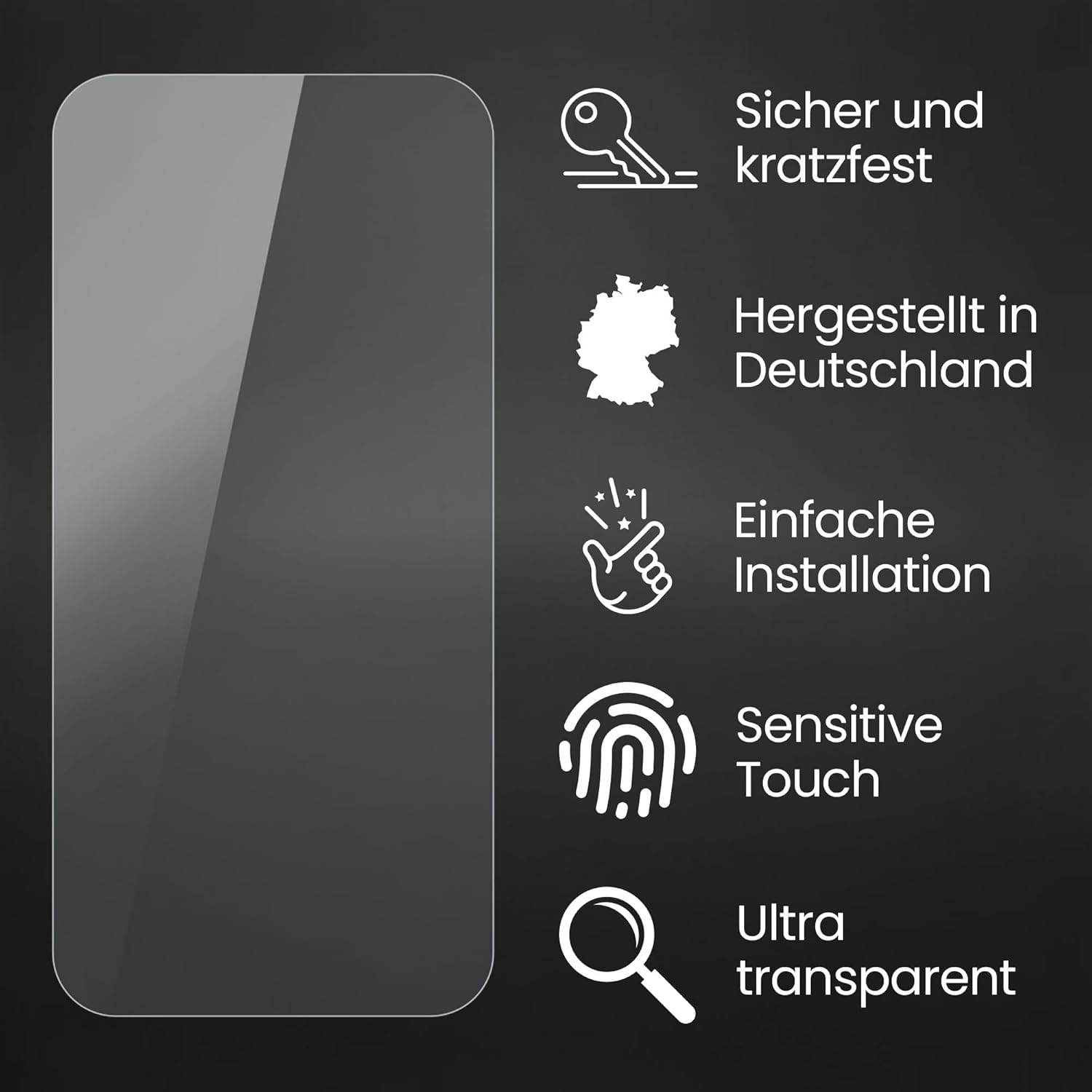
- Scratch Resistance: Made from durable PET material, the film provides robust protection against scratches from keys, coins, and other daily abrasions.
- High Transparency: The crystal clear film ensures an unadulterated display of screen contents, preserving the original visual quality and color vibrancy.
- Sensitive Touch: Optimized for touch displays, the film ensures no impairment of usability, allowing for lightning-fast, highly sensitive, and precise touch interactions.
- Bubble-Free Application: Designed for easy, bubble-free application and residue-free removal.
- Optimal Adhesion: Once attached, the glue-free protective film remains securely in place with optimal edge adhesion.
- Made in Germany: Manufactured with precision and quality standards in Germany.

This image demonstrates the scratch resistance of the Bruni screen protector. A metal key is shown in contact with the film, indicating its ability to protect the device screen from everyday abrasions.

This image highlights the crystal clear transparency of the Bruni screen protector. Vibrant colors and sharp details are visible on the protected screen, demonstrating that the film does not diminish display quality.

This image illustrates the maintained touch sensitivity of the device screen with the Bruni protector applied. A finger is shown interacting with the display, emphasizing that the film does not impair touch functionality.
5. Maintenance
To ensure the longevity and clarity of your Bruni Screen Protector, follow these simple maintenance guidelines:
- Cleaning: Use a soft, lint-free cloth, such as the microfiber cloth provided, to gently wipe the screen protector. For stubborn smudges, slightly dampen the cloth with water or a screen-safe cleaning solution. Avoid harsh chemicals or abrasive materials.
- Avoid Sharp Objects: While the film is scratch-resistant, excessive force or contact with extremely sharp objects can still cause damage.
- Replacement: If the screen protector becomes heavily scratched or damaged, it is recommended to replace it to maintain optimal screen protection and visual quality. The package includes two films for convenience.
6. Troubleshooting
- Bubbles After Installation: Small bubbles can often be pushed out to the edges using the mounting tool or a credit card wrapped in a soft cloth. For larger bubbles, gently lift the nearest edge of the film and reapply slowly, pushing the air out as you go. Ensure the screen is free of dust particles, as these are a common cause of persistent bubbles.
- Dust Under the Film: If dust particles are trapped under the film, carefully lift the nearest edge of the screen protector. Use a piece of adhesive tape to gently dab and lift the dust particle from both the screen and the underside of the film. Then, reapply the film.
- Edges Not Sticking: Ensure the screen is perfectly clean and dry before application. If edges are lifting, it might be due to improper alignment or dust. Given the curved display of the MaxCom FW111 Titan, ensure the film is centered and not attempting to adhere to the curved portion of the screen.
7. Specifications
| Attribute | Detail |
|---|---|
| Brand | Bruni |
| Compatible Device | MaxCom FW111 Titan |
| Material | Polyethylenterephthalat (PET) |
| Film Type | Crystal Clear Protective Film |
| Item Hardness | 4H |
| Special Features | Scratch-resistant, Highly transparent, Easy to apply, Residue-free removable, Optimized for touch displays, Made in Germany |
| Manufacturer | atFoliX GmbH |
8. Warranty and Support
For any questions regarding your Bruni Screen Protector or for support with installation and troubleshooting, please refer to the contact information provided with your purchase or visit the official Bruni website. Specific warranty details may vary by region and retailer.