
1. Introduction
Welcome to the STF Kronos Speed GPS Smartwatch user manual. This guide provides essential information to help you set up, operate, and maintain your new smartwatch. The Kronos Speed GPS Smartwatch is designed to enhance your daily life with its advanced features, including a vibrant AMOLED display, integrated GPS, call management, voice assistant, and comprehensive health tracking.
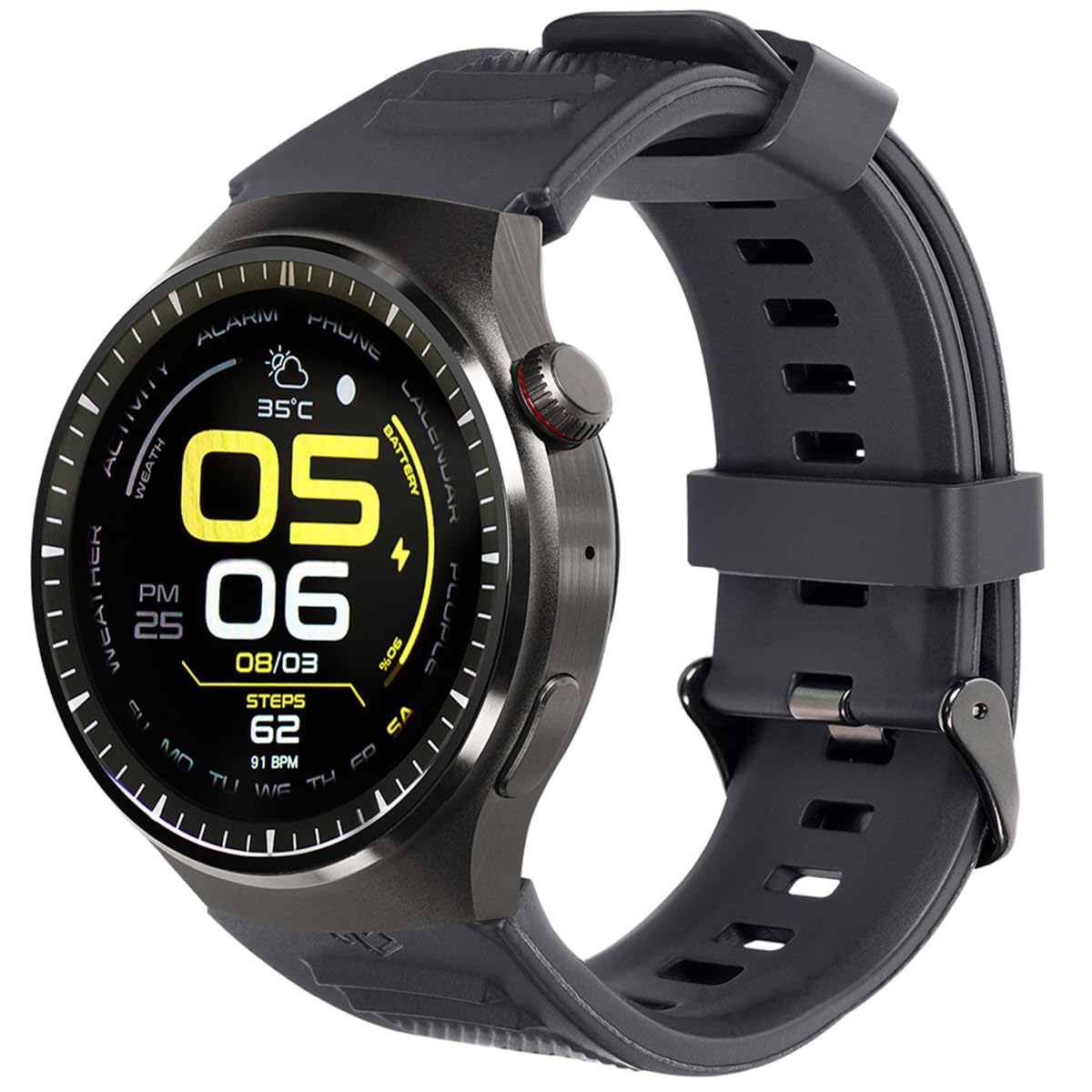
Image: Front view of the STF Kronos Speed GPS Smartwatch, showcasing its round display and black strap.
2. What's in the Box
Please check the contents of your package to ensure all items are present:
- STF Kronos Speed GPS Smartwatch
- Charging Cable
- User Manual (this document)
3. Setup Guide
3.1 Charging the Smartwatch
Before first use, fully charge your smartwatch. Connect the provided charging cable to the charging port on the back of the smartwatch and plug the other end into a USB power adapter (not included) or a computer's USB port.

Image: Side view of the STF Kronos Speed GPS Smartwatch, showing the charging contacts and a button on the side.
3.2 Pairing with Your Smartphone
- Download the official STF companion app from your smartphone's app store.
- Ensure Bluetooth is enabled on your smartphone.
- Open the STF app and follow the on-screen instructions to add your Kronos Speed GPS Smartwatch.
- Confirm the pairing request on both your smartphone and smartwatch.
4. Operating Instructions
4.1 Basic Navigation
- Touchscreen: Swipe left, right, up, or down to navigate through menus and features. Tap to select.
- Side Button(s): Typically used for power on/off, returning to the home screen, or accessing specific functions. Refer to the app for customizable button actions.
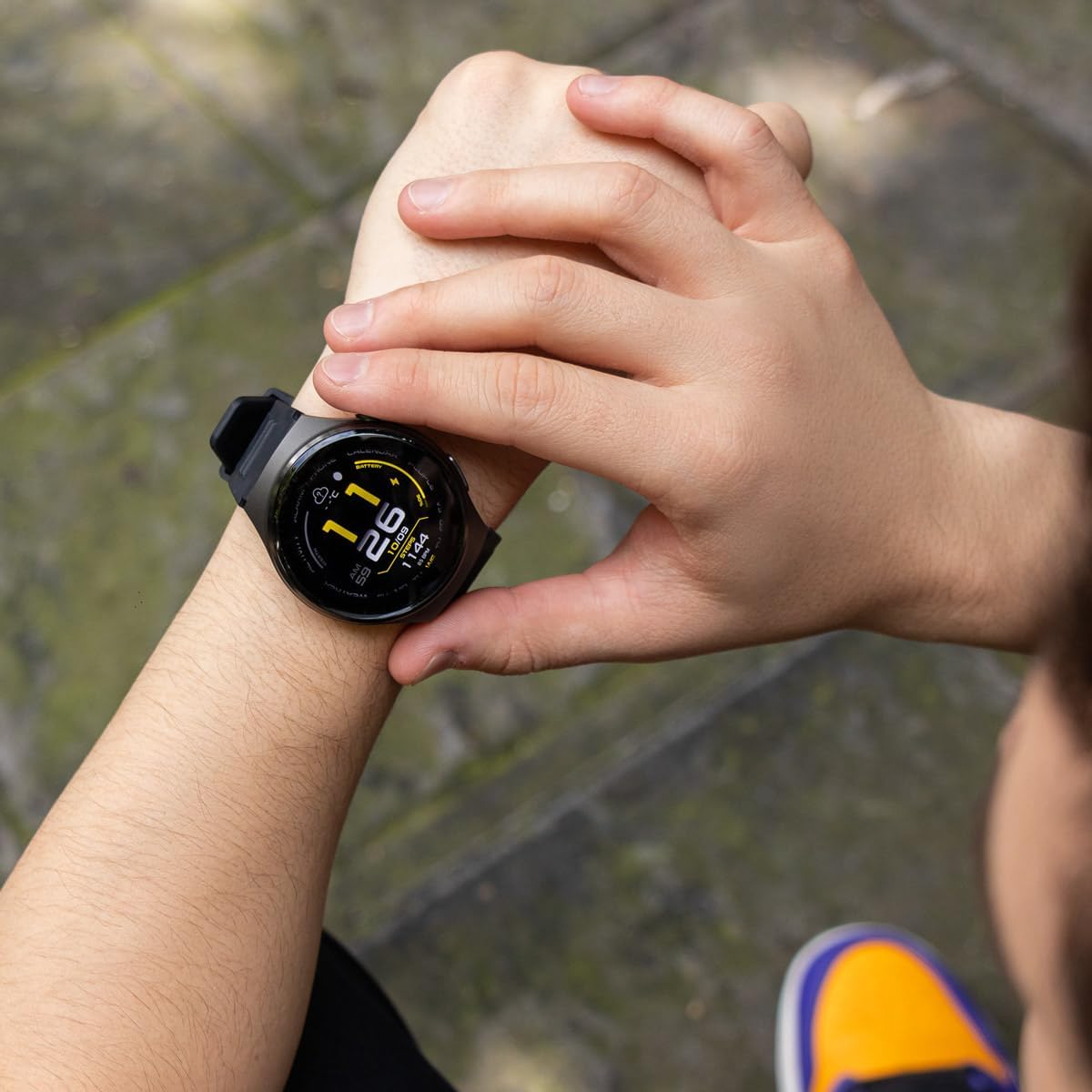
Image: A person's hand interacting with the touchscreen of the STF Kronos Speed GPS Smartwatch, showing a digital watch face with time and date.
4.2 Call Answering and Voice Assistant
Once paired with your smartphone, you can answer incoming calls directly from your smartwatch. The integrated voice assistant allows for hands-free control and quick access to information. Activate the voice assistant by pressing and holding the designated button or through a specific gesture, as configured in the app.
4.3 Notifications
Receive notifications from your smartphone directly on your smartwatch. Ensure notification permissions are granted in both your phone's settings and the STF companion app.
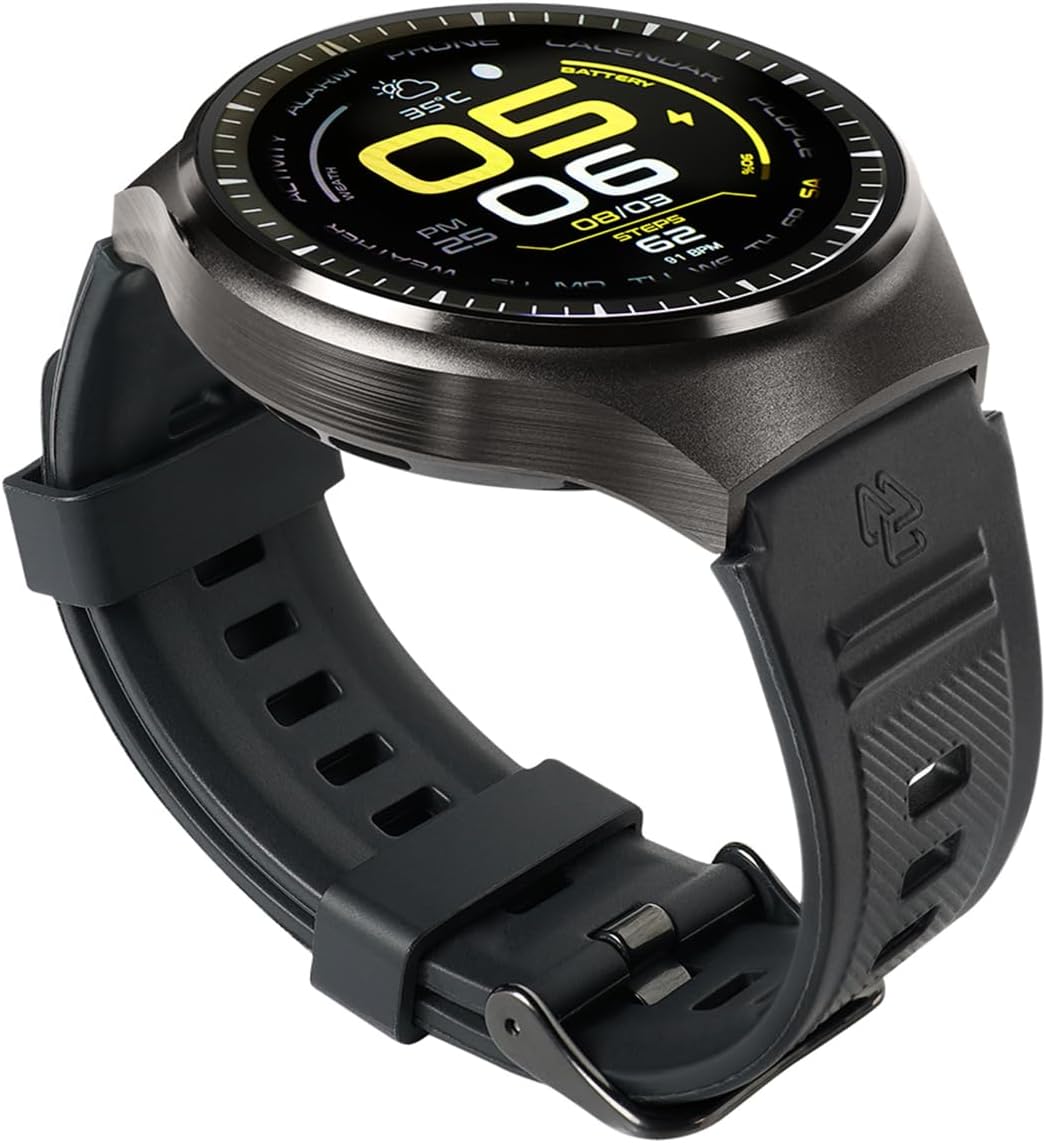
Image: The STF Kronos Speed GPS Smartwatch displaying an incoming message notification on its screen.
5. Features Overview
5.1 1.43-inch AMOLED 3D Spherical Display
Experience vivid colors and deep blacks on the 1.43-inch AMOLED display. The 3D spherical design offers enhanced durability and a wider viewing angle.

Image: A graphic highlighting the 3D Spherical Display of the Kronos Speed GPS Smartwatch, emphasizing its design and visual quality.
5.2 Integrated GPS
Track your outdoor activities with precision using the built-in GPS. Monitor your routes, distance, and pace without needing your phone.

Image: A graphic highlighting the integrated GPS feature of the Kronos Speed GPS Smartwatch, with a smartwatch overlayed on a running track.
5.3 IP68 Water Resistance
The smartwatch is IP68 rated, meaning it is resistant to dust and can be submerged in water up to 1 meter for 30 minutes. This makes it suitable for daily use and light water activities, but not for swimming or diving.

Image: A person wearing the STF Kronos Speed GPS Smartwatch while exercising outdoors, demonstrating its suitability for active lifestyles.
6. Maintenance
6.1 Cleaning Your Smartwatch
Regularly clean your smartwatch to ensure optimal performance and hygiene. Use a soft, lint-free cloth to wipe the screen and body. For stubborn dirt, slightly dampen the cloth with water. Avoid using harsh chemicals or abrasive materials.
6.2 Water Resistance Care
While your smartwatch is IP68 water-resistant, it is important to dry it thoroughly after exposure to water. Avoid exposing it to hot water, steam, or high-pressure water jets, as this can compromise the seals.
7. Troubleshooting
| Issue | Possible Solution |
|---|---|
| Smartwatch not turning on | Ensure the device is fully charged. Press and hold the power button for at least 10 seconds. |
| Cannot pair with smartphone | Make sure Bluetooth is on for both devices. Restart both the smartwatch and smartphone. Ensure the STF app is updated. |
| Notifications not appearing | Check notification permissions in your phone's settings and within the STF companion app. Ensure the smartwatch is connected via Bluetooth. |
| Inaccurate GPS tracking | Ensure you are in an open area with a clear view of the sky. Allow the smartwatch sufficient time to acquire a GPS signal. |
| Short battery life | Reduce screen brightness, disable unnecessary features like always-on display, and limit frequent GPS usage. |
8. Specifications
| Feature | Detail |
|---|---|
| Model | Kronos Speed GPS |
| Display Type | AMOLED |
| Display Size | 1.43 Inches |
| Display Feature | 3D Spherical |
| Connectivity | Bluetooth |
| GPS | Integrated GPS |
| Water Resistance | IP68 (Submersible 1m for 30 minutes) |
| Compatible Devices | Smartphone |
| Special Features | Notifications, Call Answering, Voice Assistant |
| Accessories | Charging Cable |
| Product Dimensions | 25 x 3 x 2 cm; 250 g |
9. Warranty and Support
Your STF Kronos Speed GPS Smartwatch comes with a one-year warranty from the date of purchase, covering manufacturing defects. For warranty claims, technical support, or further assistance, please refer to the contact information provided on the STF official website or your purchase documentation.
For additional resources and product information, visit the official STF brand store: STF Brand Store